

 Forge
O modpacku Jafar's Pack
About
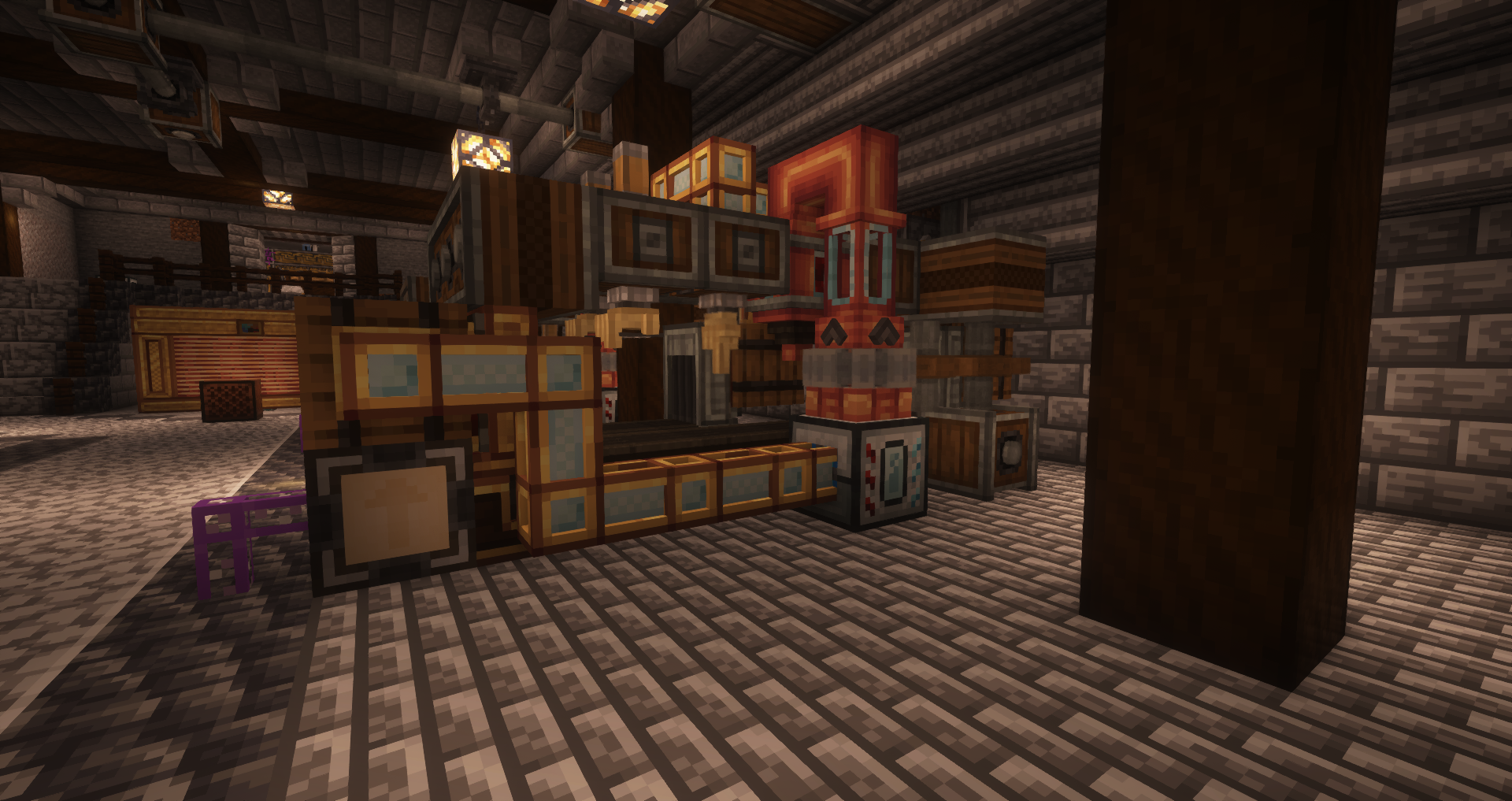
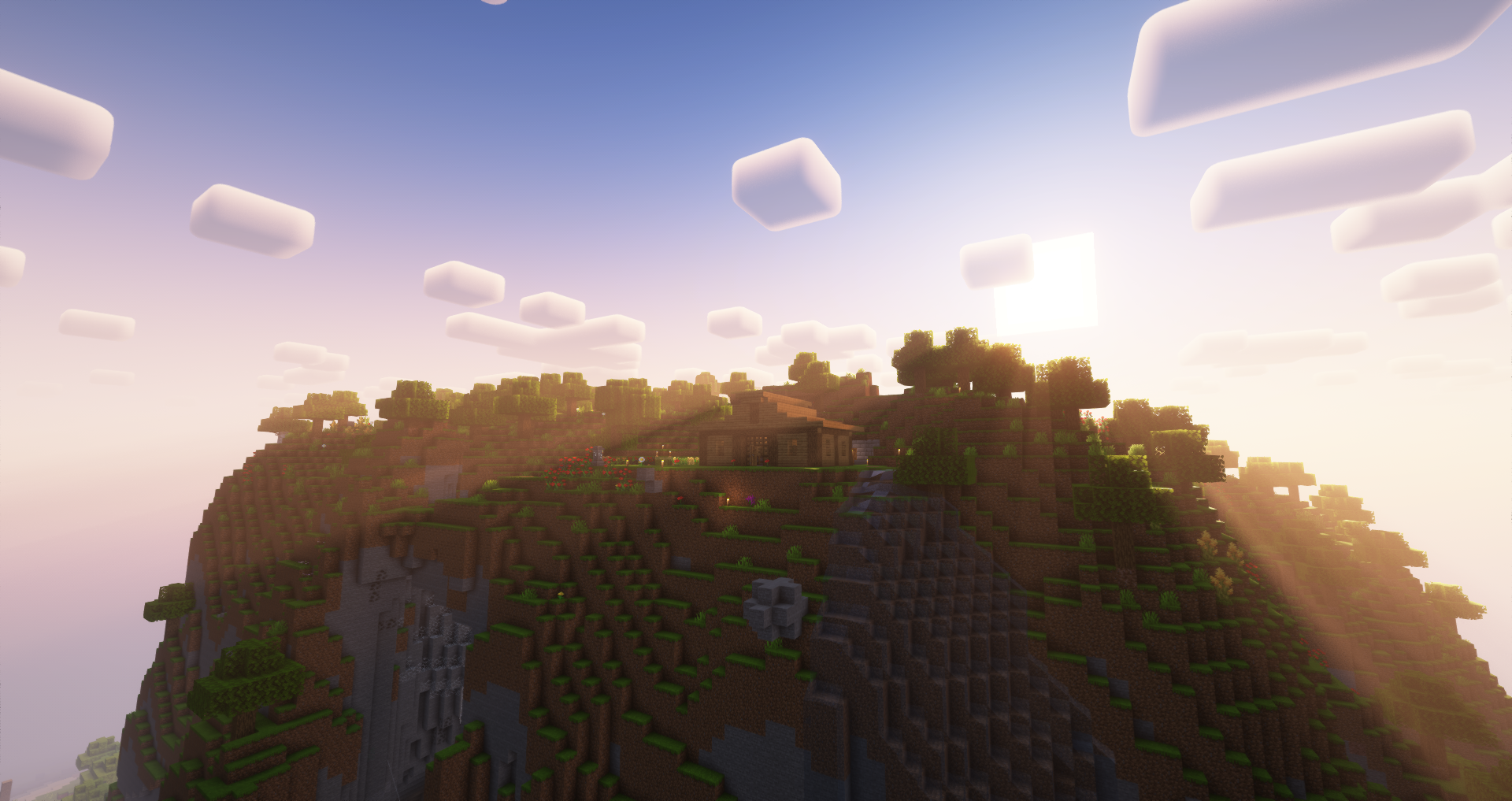
Jafar's Pack(Also known as Jafar's MC) is a 300+ mods modpack based around Create. This pack is compatible with shaders, I recommend playing with Complementary Reimagined
Ram
- Minimum: 7-8 Gb
- Recommended: 10-12 Gb
Features Overview
- Tech mods such as Create (with 8 addons), Thermal Expansion, Applied Energistics 2
- Overhauled World Generation (New biomes, structures, etc)
- New dimensions (Twilight Forest, Undergarden, Blue Skies, Tropicraft)
- New Bosses (L_Ender 's Cataclysm)
- Shader Support (Rubidium, Oculus)
- Tons of building blocks (Chipped, Supplementaries, Architect's Palette, ...)
- QoL mods such as Waystones, Xaero's World Map, Sophisticated Backpacks
- and much more !
Objective
Your goal in this pack is to achieve creative items by crafting the Ultimate Ingot !
Special Thanks
.severus. : pack logo
Aerosky82, lesmiwingss, fcminc, Aloucatchiquitaz and Snow_th : Testers
Ako nainštalovať Jafar's Pack
With Millida Launcher
Install Millida Launcher
The launcher is free: download it at millida.net/launcher and sign in with any nickname.
Click “Install” on this page
The launcher opens and installs the modpack for Minecraft 1.18.2 on Forge automatically.
Launch the game
A profile with it appears in the launcher: click “Play”.
Manually
Download the modpack archive
In the version list above, pick the file Jafar's MC-1.0.0.zip (15 MB).
Import it into a launcher
A launcher that supports modpacks (Millida Launcher, Prism) takes the archive via “Add modpack”, then “From file”. No need to unpack it yourself.
Allocate memory
Modpacks need more memory than the plain game: set 4–6 GB in the profile settings.
On a server
Use the “To server” button
On Millida Hosting, the button at the top of the page uploads the file to your server and restarts it for you.
Invite friends: they install the same modpack
To join the server, every player needs the same modpack version.
Minecraft 1.18.2 runs on Java 17: with a different Java version the game may close right after launch.
Verzie
So závislosťami
| Minecraft | Loader | Súbor | Dátum | Akcie |
|---|---|---|---|---|
| 1.18.2 | Forge | Jafar's MC-1.0.0.zip14.8 MB 1 | ||
| 1.18.2 | Forge | Jafar's MC-0.2.1.zip14.8 MB |
FAQ
Which Minecraft versions does Jafar's Pack work on?
Only Minecraft 1.18.2: there are no files for other versions.
Is Jafar's Pack for Forge or Fabric?
Only for Forge: 1.18.2.
Which Java does Jafar's Pack need?
Minecraft 1.18.2 runs on Java 17. If the game closes right after launch, the usual cause is the wrong Java version in the profile settings.
Where can I download Jafar's Pack safely?
On this page: the file Jafar's MC-1.0.0.zip (15 MB) is stored on Millida’s server, with no link shorteners. SHA-1 checksum: a48caa666e771b66bdf90a34233928e2b635b2e5.
Recenzie
Buď prvý, kto ohodnotí Jafar's Pack


