
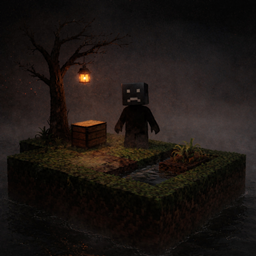
HorrorSkyBlock Mapa pre Minecraft 26.20
SkyBlock is a map that almost everyone knows and has played at least once. There are countless copies, remakes, and updated versions of it. But what if you take the classic SkyBlock experience and add horror elements to it?
O mape HorrorSkyBlock
This is a classic SkyBlock map, but with a dark twist. The world has been enhanced with custom horror add-ons, completely changing the atmosphere of survival.
In this map, you will face:
- 21 unique islands
- A variety of dangerous monsters
- Some islands hidden in render fog, making them invisible from a distance
- A tense and unsettling atmosphere throughout the entire gameplay
Be careful - not every island can be seen immediately, and some encounters may happen when you least expect them.
The map is considered completed after defeating the Ender Dragon, just like in vanilla Minecraft. However, reaching this goal will be far more challenging and terrifying than usual.
Below you can see some of the islands and monsters that await you in this world.
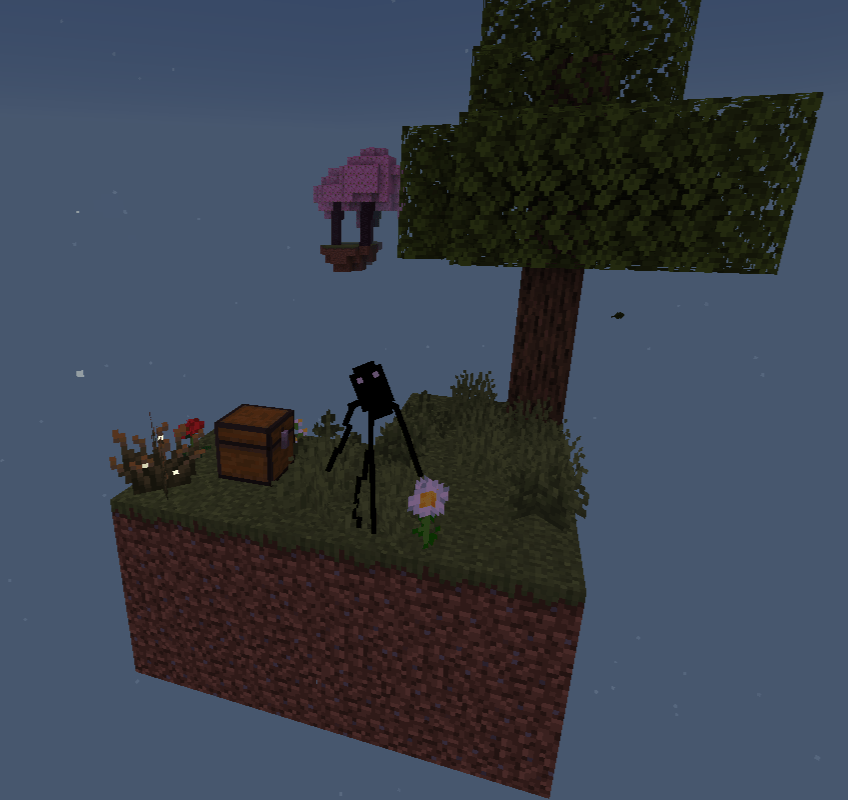
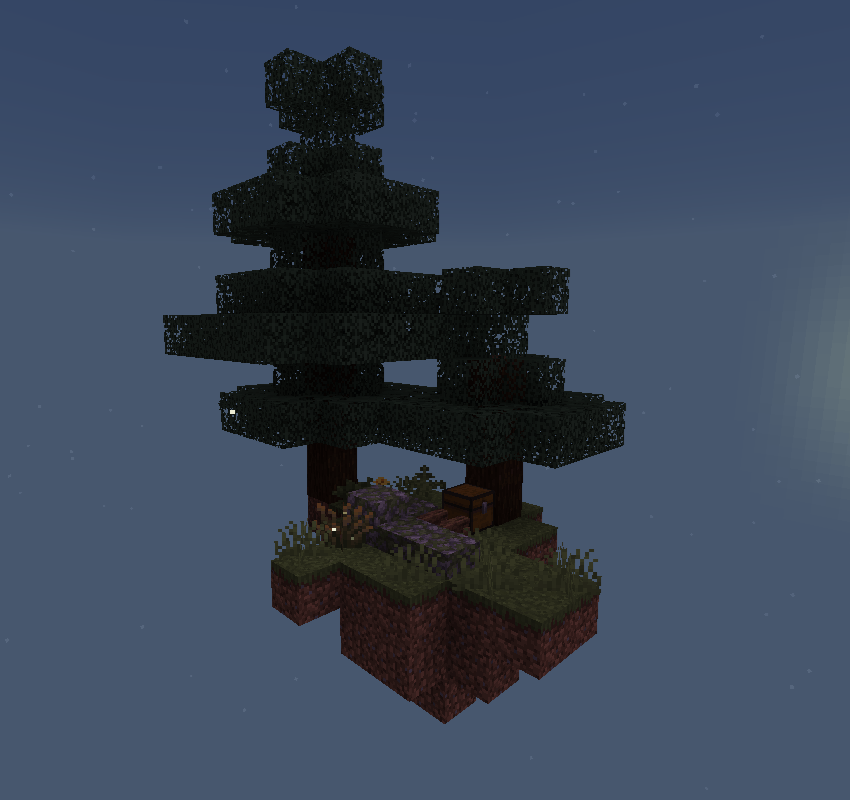
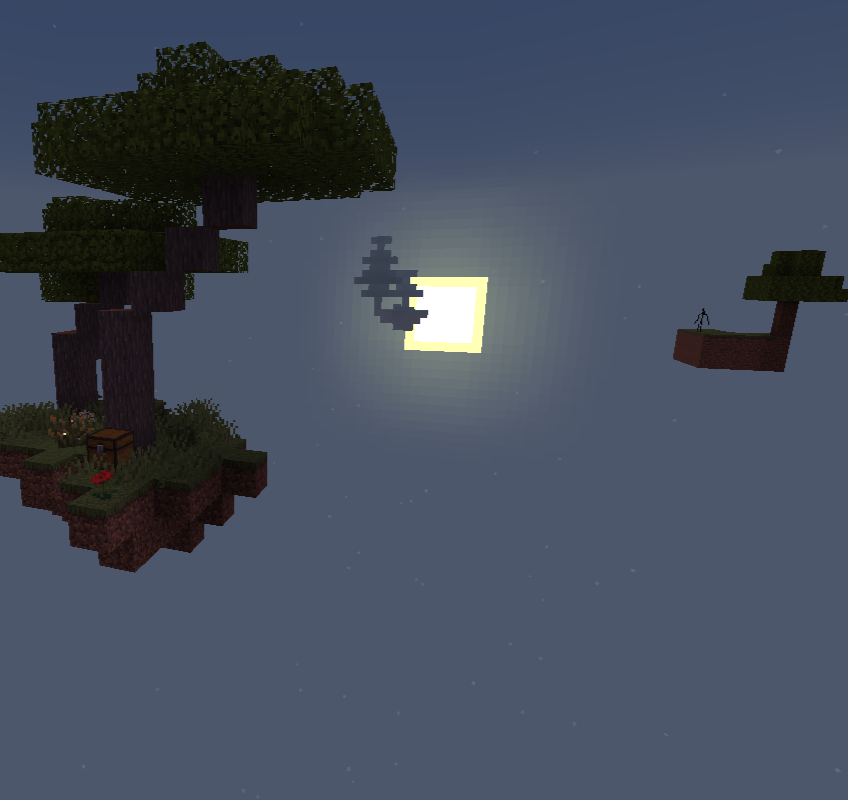
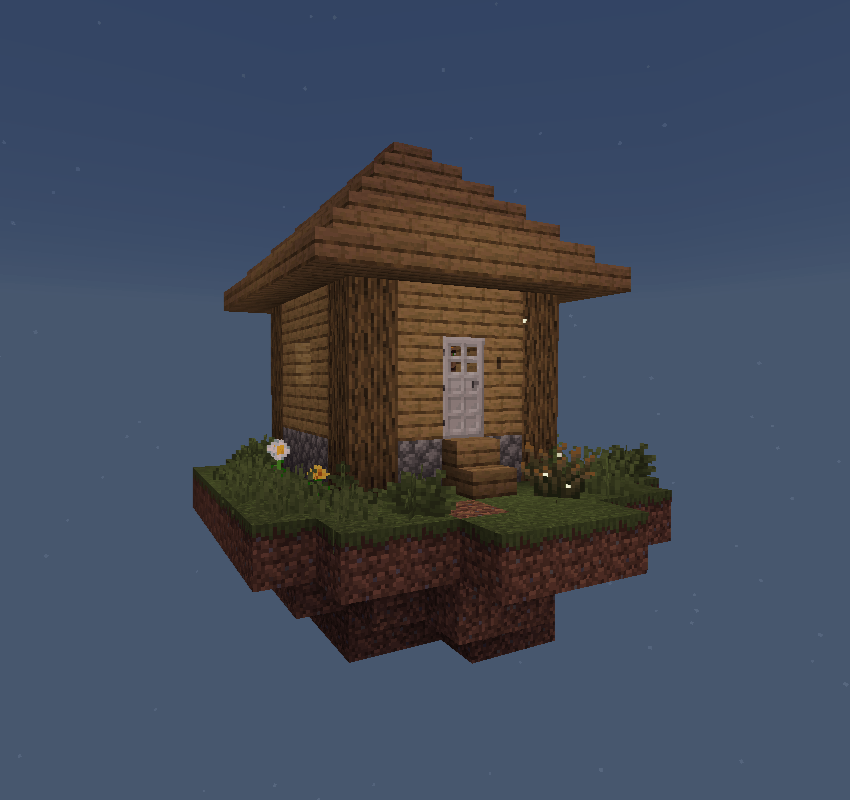
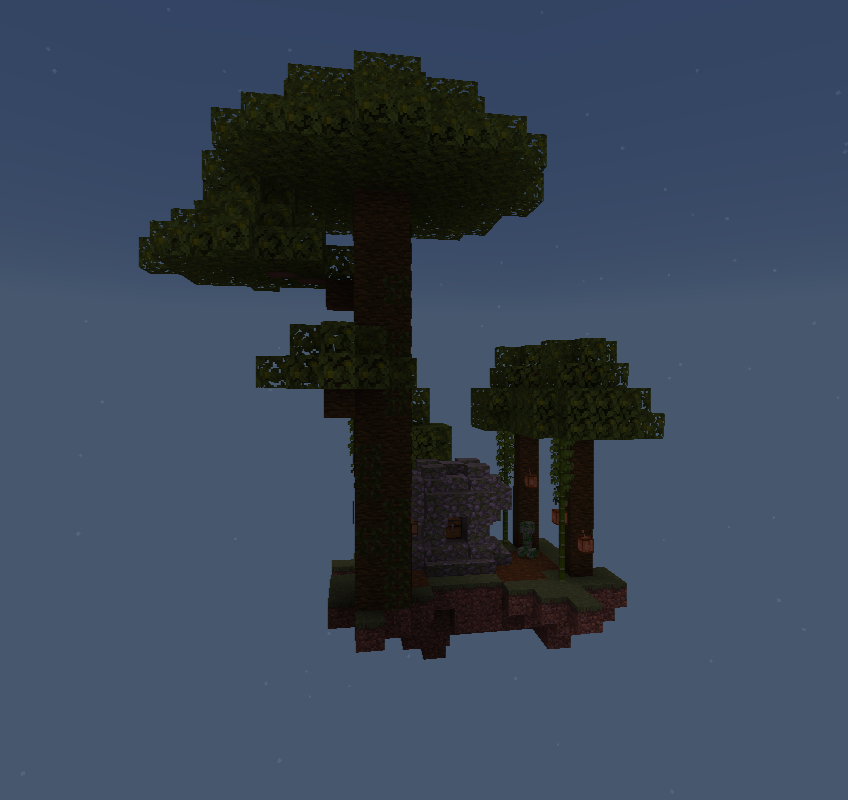
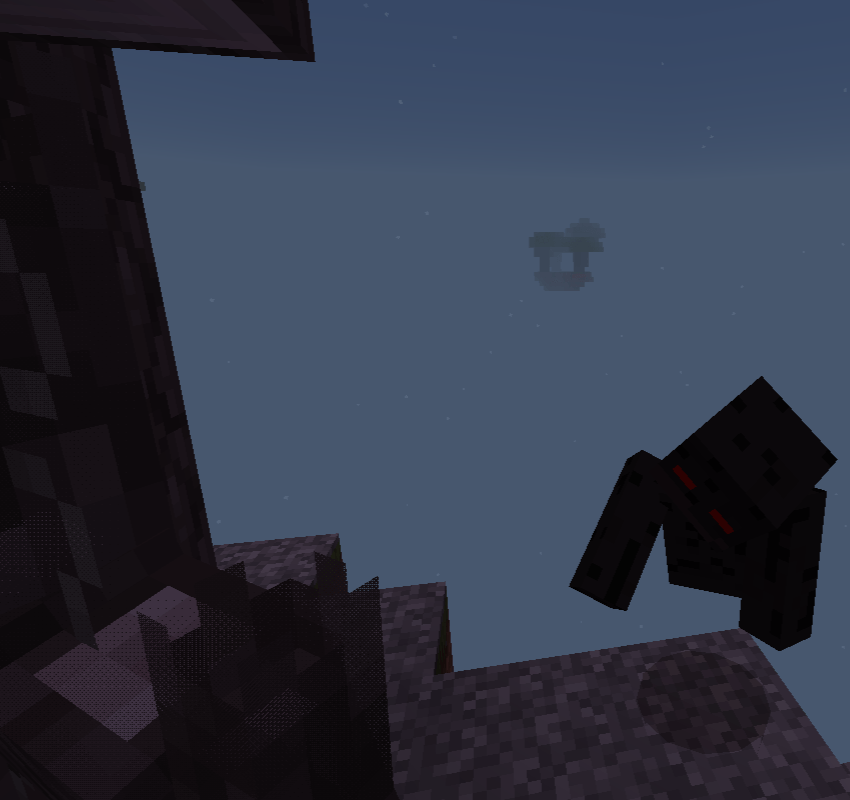
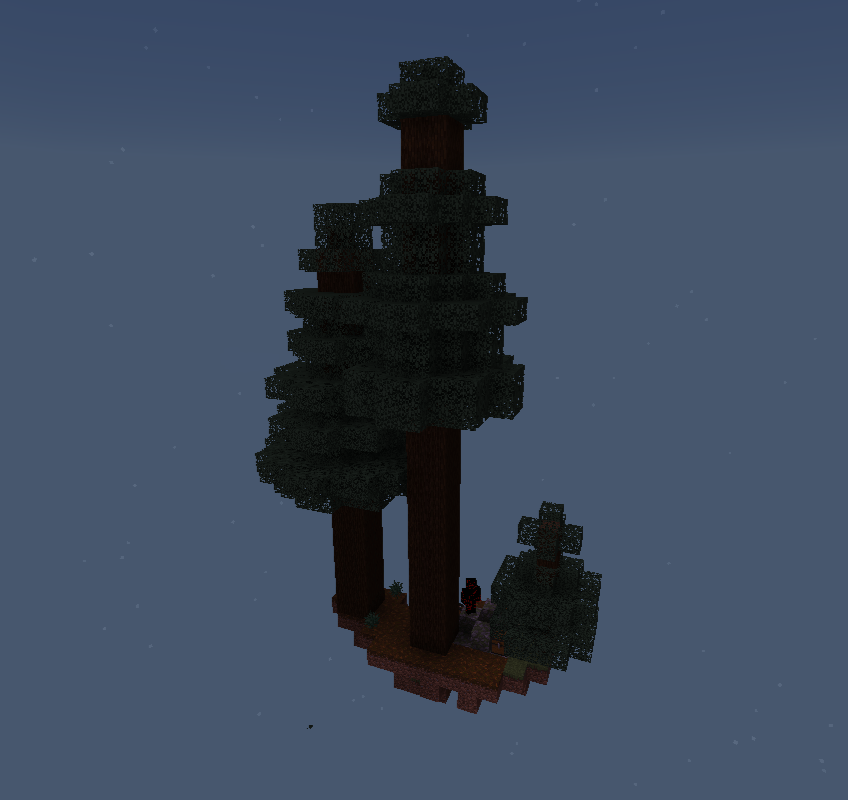
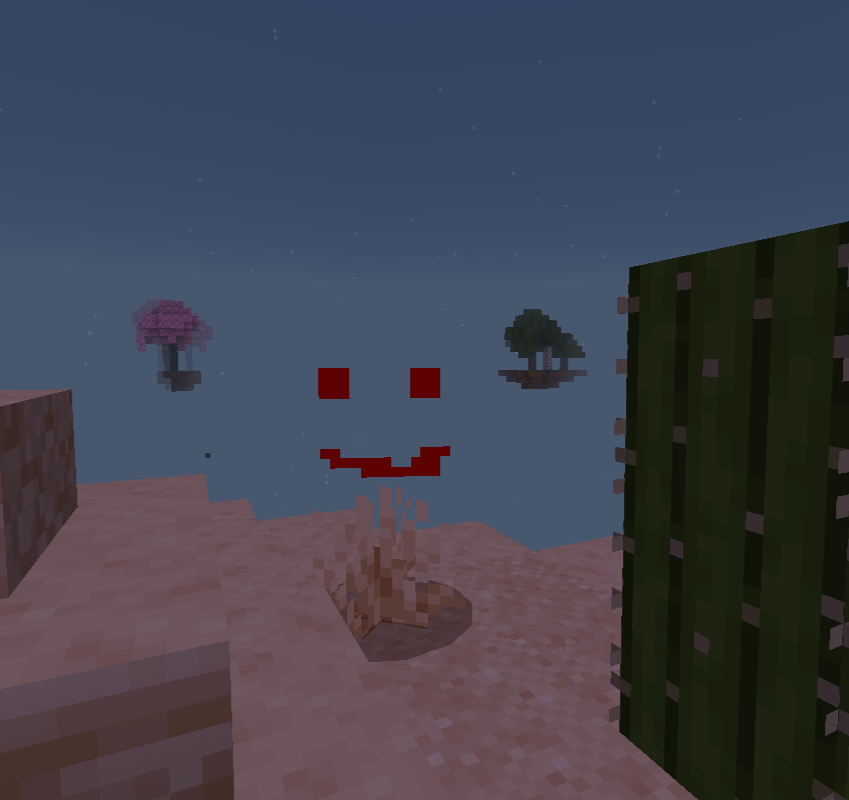
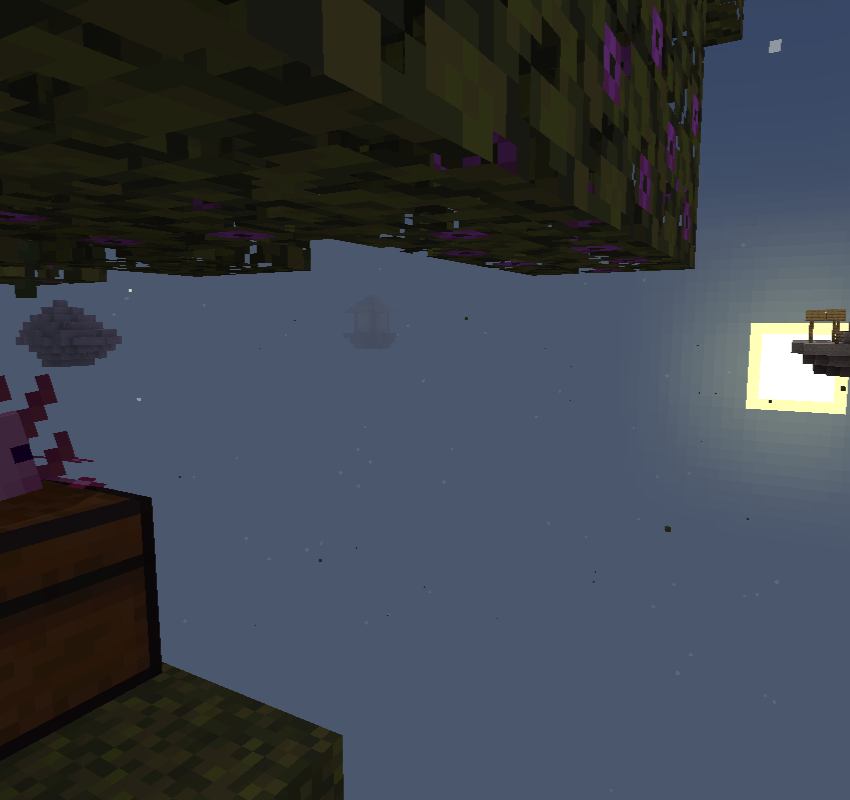
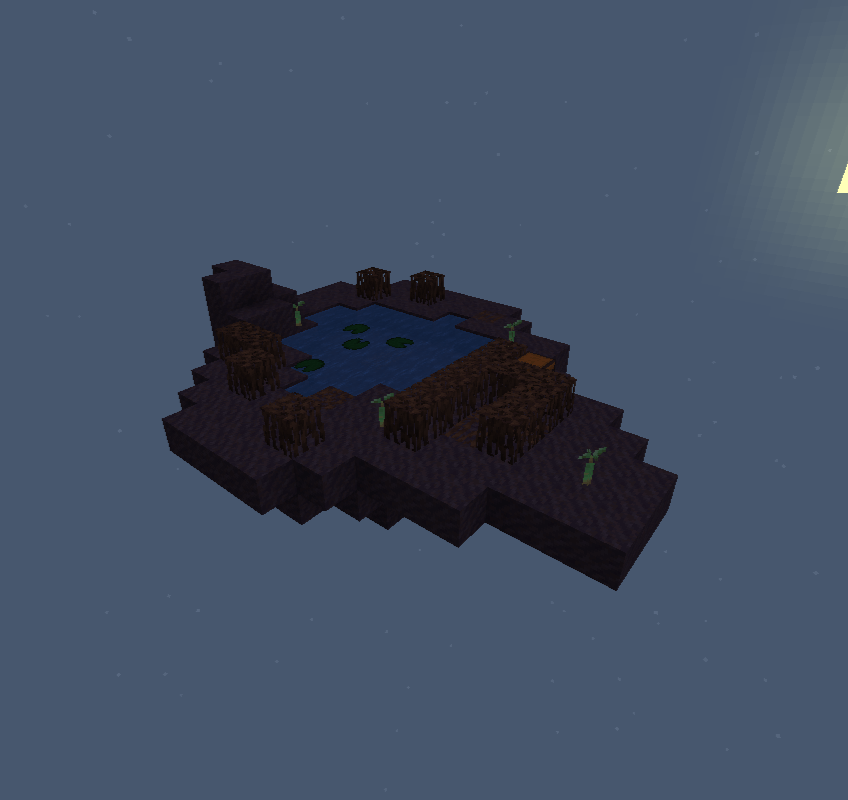
Good luck surviving - and remember: you are not alone here.
Ako nainštalovať HorrorSkyBlock
With Millida Launcher
Install Millida Launcher
The launcher is free: download it at millida.net/launcher and sign in with any nickname.
Click “Install” on this page
The launcher opens and installs the map for Minecraft 26.20 automatically.
Launch the game
A profile with it appears in the launcher: click “Play”.
Manually
Download the map archive
Pick the file Horror SkyBlockUpdate.mcworld (9.3 MB).
Unpack it into the saves folder
The world folder (with level.dat inside) must sit directly in .minecraft/saves.
Open the world
“Singleplayer”: the map will be in your world list.
On a server
Replace the world folder
Stop the server and put the map folder in place of world (or set its name in level-name).
Use the “To server” button
On Millida Hosting, the button at the top of the page uploads the file to your server and restarts it for you.
Verzie
So závislosťami
| Minecraft | Loader | Súbor | Dátum | Akcie |
|---|---|---|---|---|
| 26.20 | — | Horror SkyBlockUpdate.mcworld9.3 MB 1 |
FAQ
Which Minecraft versions does HorrorSkyBlock work on?
Only Minecraft 26.20: there are no files for other versions.
Where can I download HorrorSkyBlock safely?
On this page: the file Horror SkyBlockUpdate.mcworld (9.3 MB) is stored on Millida’s server, with no link shorteners. SHA-1 checksum: e45b6c8cabf6cfb84befdf6eba782181a92f9422.
Recenzie
Buď prvý, kto ohodnotí HorrorSkyBlock



