
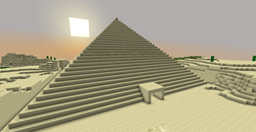
O mape A Minecraft Quest
News: I'm an sad to say (and I regret this), I'm finished working on this project. I was a good run, but sadly enough the very few latest times I've had test players come in and help me work on this, they all quickly bailed. I'm no longer working on this project and due to the lack of tolerence for working on such a huge map I cannot keep going like this. Trying it out solo is near-impossible because you CANNOT complete due to the high end game difficulty. All in all, its over, and I will no longer be working on the project. Farewell everyone.
Update 1.0.3: Redstone Fixes Item Fixes (Hopefully everything should be fixed. Let me know if something is still broken.)
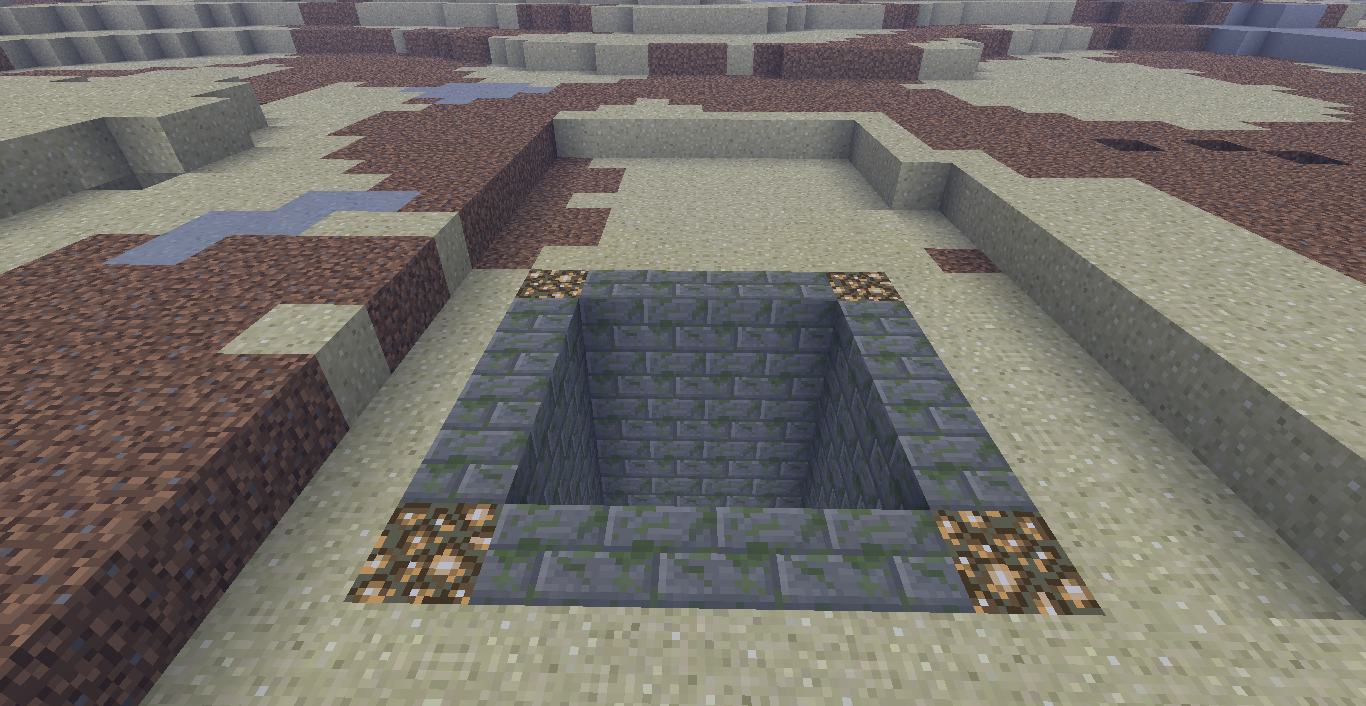
Update 1.0.2: Fixed bosses from not being around. Added a few missing features.
Update 1.0.1: Contains Rules File. (Oops...)
An adventure map created by ry0408 and friends.
Using 2-player co-op, your mission is to conquer dungeons, defeat bosses, and slay the ultimate enemy of Minecraft!
This map features several things. Such things are themes and references to other games. Mainly this map circles around the genre of Legend of Zelda and Final Fantasy with a RPG-Adventure theme. As you progress, fights become tougher, and require you to do some side stuff to progress. (You don't have to.)
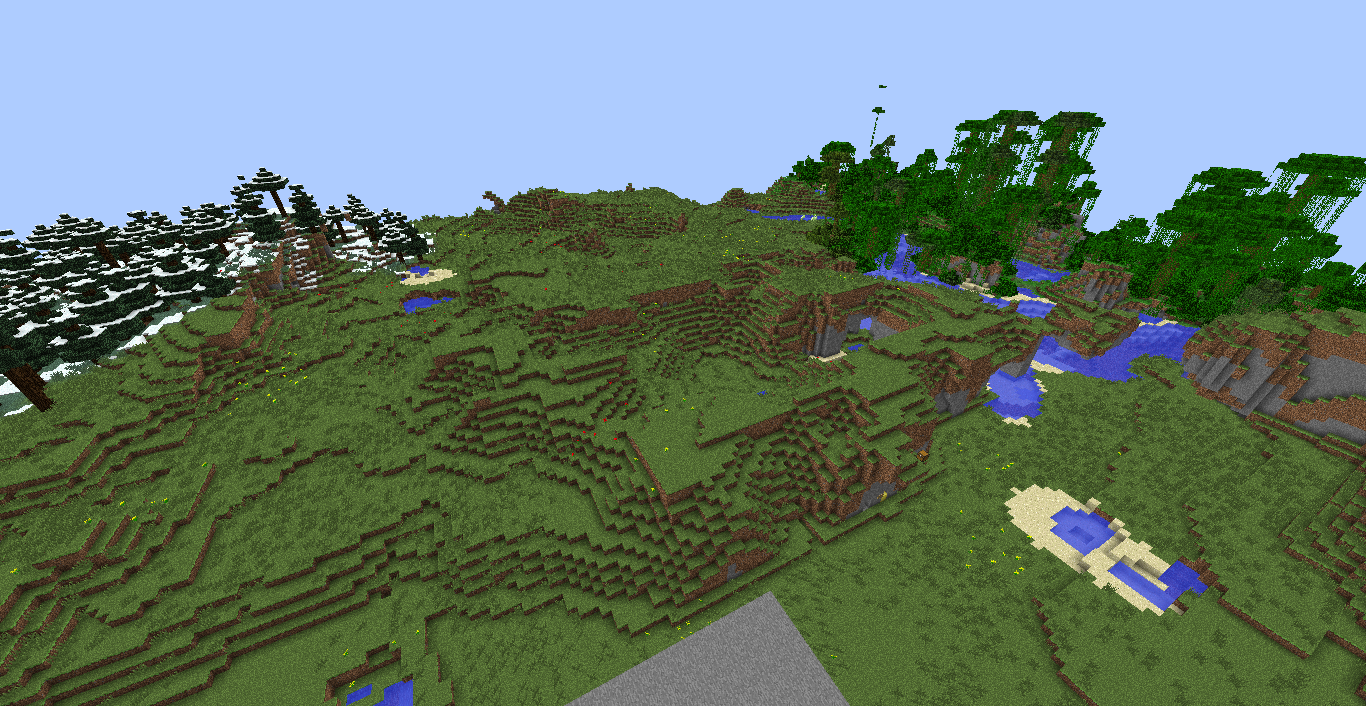
Another feature is Open-World. Really what this means is your able to freely roam the world at your own leisure. Careful though, going into a new area that LOOKS dangerous can be quite dangerous.
A neat feature is that this is a "Vanilla Minecraft" map. So no mods are required to play! :D But that does mean that the boss variety is limited.
And finally, a minor story. Like in some games, there's little story. Same goes for this. So your mainly on an adventure to kill things... YAY!
No texture pack is required. You may use any that you wish. Even if it is the default textures. (Thats what I used to make the map.)
Good luck, have fun, and enjoy killing things!
1.1 Spoilers: (Read if you want to know what will be updated._
- Flying Fortress Finished
- New side-dungeon
- A new X-Potion
- More Side Quests
- HORSES! (Nameable too!)
- And much more!
Ako nainštalovať A Minecraft Quest
With Millida Launcher
Install Millida Launcher
The launcher is free: download it at millida.net/launcher and sign in with any nickname.
Click “Install” on this page
The launcher opens and installs the map for Minecraft 1.6.4 automatically.
Launch the game
A profile with it appears in the launcher: click “Play”.
Manually
Download the map archive
Pick the file A_Minecraft_Quest_1.0.4.zip (32 MB).
Unpack it into the saves folder
The world folder (with level.dat inside) must sit directly in .minecraft/saves.
Open the world
“Singleplayer”: the map will be in your world list.
On a server
Replace the world folder
Stop the server and put the map folder in place of world (or set its name in level-name).
Use the “To server” button
On Millida Hosting, the button at the top of the page uploads the file to your server and restarts it for you.
Verzie
So závislosťami
| Minecraft | Loader | Súbor | Dátum | Akcie |
|---|---|---|---|---|
| 1.6.4 | — | A_Minecraft_Quest_1.0.4.zip32.4 MB |
FAQ
Which Minecraft versions does A Minecraft Quest work on?
Only Minecraft 1.6.4: there are no files for other versions.
Where can I download A Minecraft Quest safely?
On this page: the file A_Minecraft_Quest_1.0.4.zip (32 MB) is stored on Millida’s server, with no link shorteners. SHA-1 checksum: 07228753ac0f6e702954dee57f4a85b993f86672.
Recenzie
Buď prvý, kto ohodnotí A Minecraft Quest



