
 Quilt
Quilt NeoForge
 Forge
Forge Fabric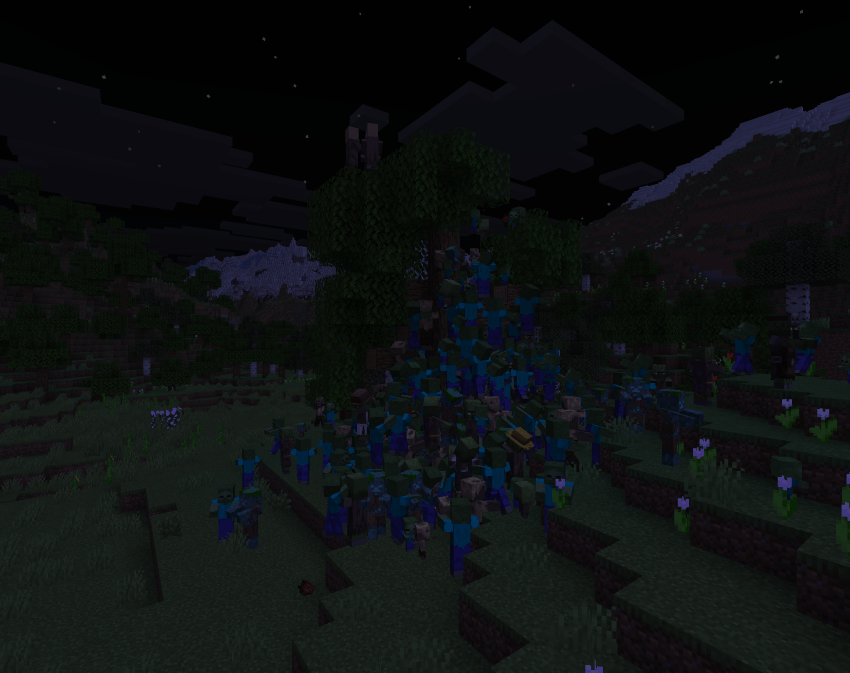
✨ Features ✨
Zombies dig up reinforcements - aggro’d zombies, husks, and drowned standing on grass, dirt, sand, mud, or gravel will start a 10-second dig animation and spawn a fresh zombie out of the ground
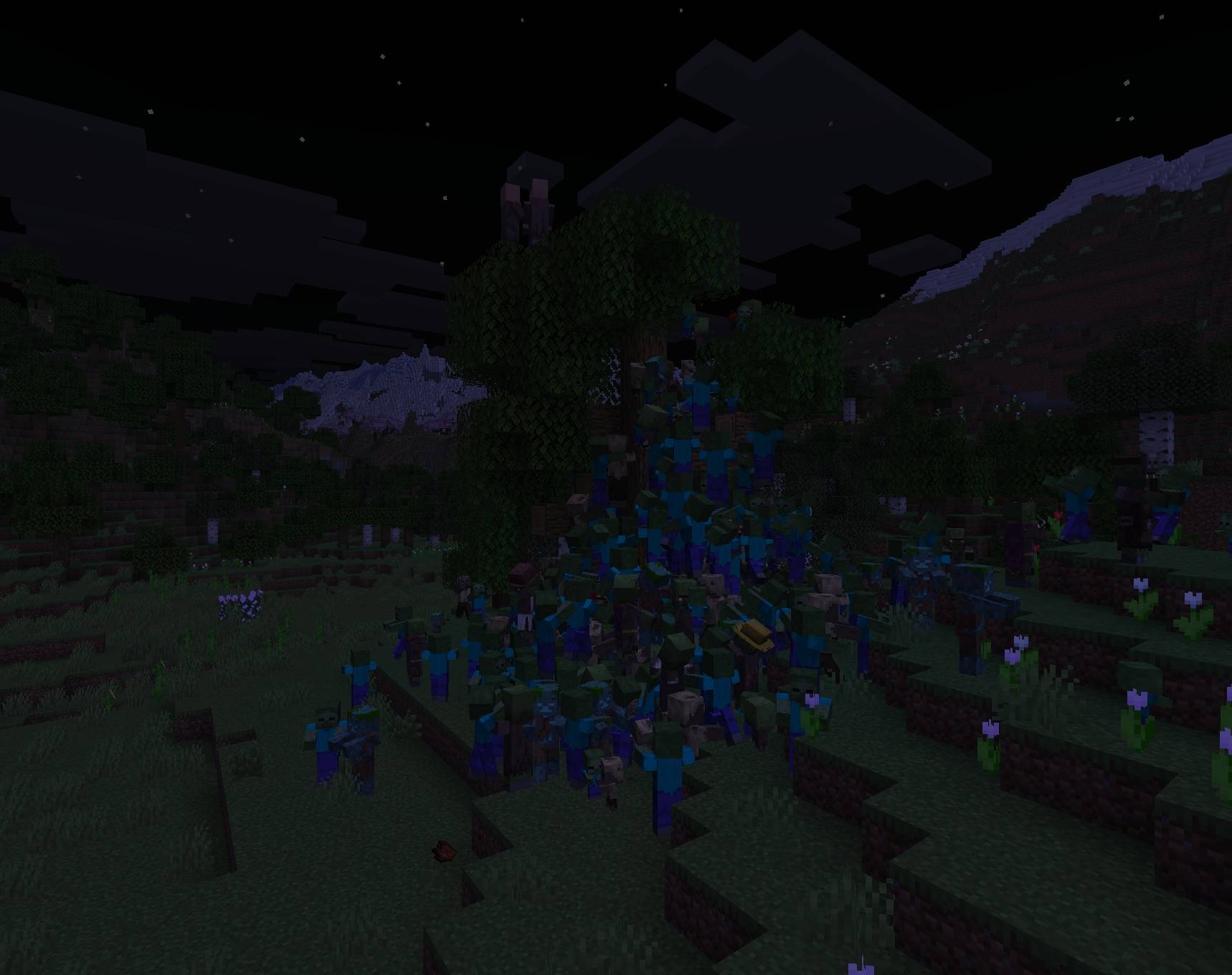
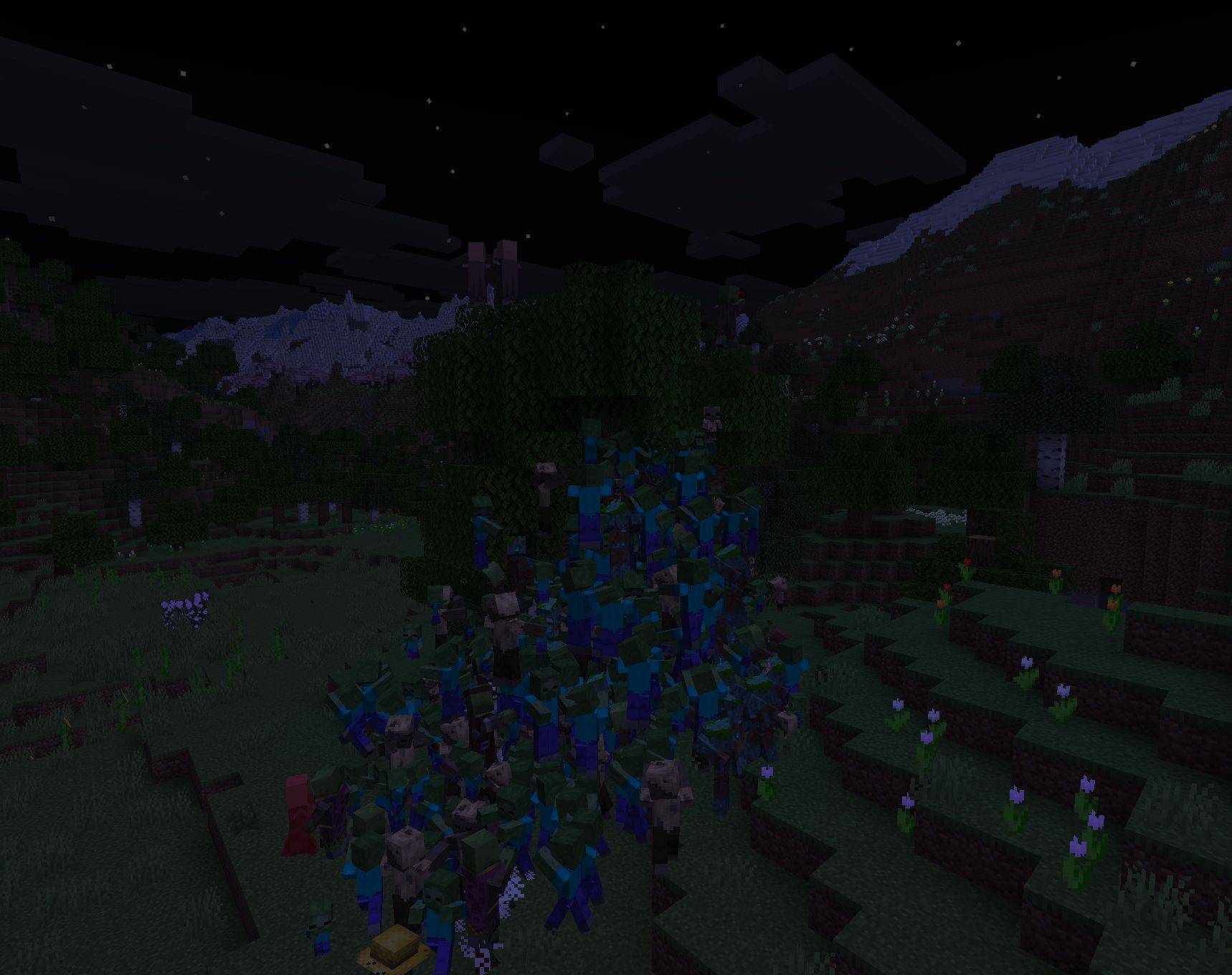
Hordes physically stack - mobs of the same kind climb on top of each other instead of jamming the same tile, letting them pour over walls
Hordes break weak blocks - leaves, crops, ice, dripstone, moss carpet, melon stems, and bamboo all get torn through (mobgriefing-respecting)
Skeletons swap weapons mid-combat - bow ↔ empty hand to back away, crossbow ↔ golden sword based on whether allies are nearby, with a brief “thinking” cooldown between swaps
Zombified piglins fire flaming arrows - when they swap to a crossbow, the shot ignites the target for five seconds
Skeletons and spiders leap - if their target is more than two blocks above them, they jump-boost toward it instead of pathfinding around
No more skeleton friendly-fire - skeletons, strays, and wither skeletons stop killing each other with crossfire
Iron golems regenerate - when no enemy is in their sight, they passively heal at a configurable level (0-255 via /gamerule)
Iron golems deflect arrows - 60% chance to ignore arrow and spectral-arrow damage outright
Iron golems shockwave - when a golem hits anything that’s targeting a villager or another golem, all nearby attackers take 5 damage and get launched up
Iron golems are immune to wither, poison, and levitation - and self-extinguish out of lava
Midnight horde spawner - on a configurable nightly chance (1-in-N), 100 mobs ambush the player from a random direction in the dark
Manual horde commands
/horde [count] for a 30-80 block ring
/horde clump [count] for a tight pile in front of you,
/horde clump at <player> [count] to gift the cluster to someone else
Tune everything via gamerule: horde_multiplying, horde_stacking, iron_golem_regen_power, horde_spawner_chance
Server-side only - no client install needed, works on any vanilla 26.1.2 client
❓ FAQ ❓
Why isn’t the dig animation triggering for me? Three things have to be true: the zombie has to be aggro’d (got a target), it has to be standing on grass / dirt / sand / mud / gravel, and the horde_multiplying gamerule has to be on (it is by default). Babies don’t dig. The chance is rare per zombie per tick, so a small group might wait a while - try /horde to spawn 100 at once.
Will the midnight horde spawn on day 1? Only if you’re standing in the overworld when day-time hits 18000 and the chance roll succeeds. Default is 1-in-20 nights. Set /gamerule horde_spawner_chance 1 to make it every night, or 0 to disable entirely.
Can I disable individual behaviors? Yes - every major mechanic is gated by a gamerule. Set horde_stacking false to stop the climbing pile-up, horde_multiplying false to stop dig reinforcements, iron_golem_regen_power 0 to stop golem regen, horde_spawner_chance 0 to disable the midnight ambush.
Does it run on servers without clients having the mod? Yes. All behavior is server-side AI / event logic. No client-side rendering, mixins-into-input, or HUD elements - vanilla clients can connect normally.
Does it work with other mob mods? The horde behavior triggers off horde_hoard:hordes and horde_hoard:horde_grave_robbers entity tags. Modded zombie-equivalents won’t dig unless they’re added to those tags via your own datapack - which is a one-line entity-tag JSON.
Can I add this to my modpack? Yes. MIT licensed.
📜 Credits 📜
Original Horde Hoard mod (Forge 1.20.1) by nojustgavin - this is a multi-loader port to Minecraft 26.1.2 (Fabric + NeoForge) with new midnight-spawner mechanics and command tooling on top.
🐛 Bugs & Support 🐛
Report issues on the GitHub issue tracker. Please include your loader (Fabric / NeoForge), loader version, and a latest.log.
Jak zainstalować Zombie Hordes
With Millida Launcher
Install Millida Launcher
The launcher is free: download it at millida.net/launcher and sign in with any nickname.
Click “Install” on this page
The launcher opens and installs the mod for Minecraft 1.21.11 on Fabric, Forge, NeoForge or Quilt automatically.
Launch the game
A profile with it appears in the launcher: click “Play”.
Manually
Install Fabric, Forge, NeoForge or Quilt
The loader must match the game version of the mod file, for example Minecraft 1.21.11. After installing it, a separate profile appears in your launcher.
Download the file for your version
In the version list above, pick the file horde_hoard-quilt-1.21.11-1.1.0.jar (60 KB) for your game version and loader.
Put it in the mods folder
The folder is inside .minecraft (Windows: %appdata%\.minecraft\mods). If it does not exist, create it.
Launch the loader profile
Open “Mods” in the main menu: Zombie Hordes should be in the list.
Minecraft 1.21.11 runs on Java 21: with a different Java version the game may close right after launch.
Wersje
Z zależnościami
| Minecraft | Loader | Plik | Data | Akcje |
|---|---|---|---|---|
| 1.21.11 | Quilt | horde_hoard-quilt-1.21.11-1.1.0.jar60.1 KB | ||
| 1.21.11 | NeoForge | horde_hoard-neoforge-1.21.11-1.1.0.jar58.7 KB | ||
| 1.21.11 | Forge | horde_hoard-forge-1.21.11-1.1.0.jar59.7 KB 1 | ||
| 1.21.11 | Fabric | horde_hoard-fabric-1.21.11-1.1.0.jar60 KB 8 |
FAQ
Is Zombie Hordes for Forge or Fabric?
There are files for Fabric: 1.21.11, for Forge: 1.21.11, for NeoForge: 1.21.11 and for Quilt: 1.21.11.
Where can I download Zombie Hordes safely?
On this page: the file horde_hoard-quilt-1.21.11-1.1.0.jar (60 KB) is stored on Millida’s server, with no link shorteners. SHA-1 checksum: 37da6958b001241afb3a0da11456c7e250ef39d8.
Opinie
Oceń Zombie Hordes jako pierwszy


