
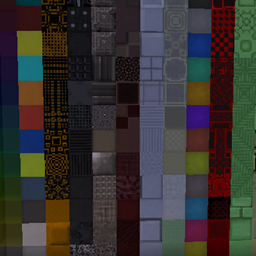
Xtones Reworked Mod do Minecraft 1.20.1, 1.19.2
Port moda Xtones, który dodaje różne nowoczesne, futurystyczne i fantasy bloki dekoracyjne do budowania
 NeoForge
 Forge
O modzie Xtones Reworked
Aktualizacja moda została wstrzymana. Użyj moda BetterBlockZ autorstwa riciJak:
https:/www.curseforge.com/minecraft/mc-mods/betterblockz

Xtones Reworked
Xtones Reworked to mod do Minecrafta 1.19.2 i nowszych, który dodaje różne nowoczesne, futurystyczne i fantasy dekoracyjne bloki budowlane oraz lampę!
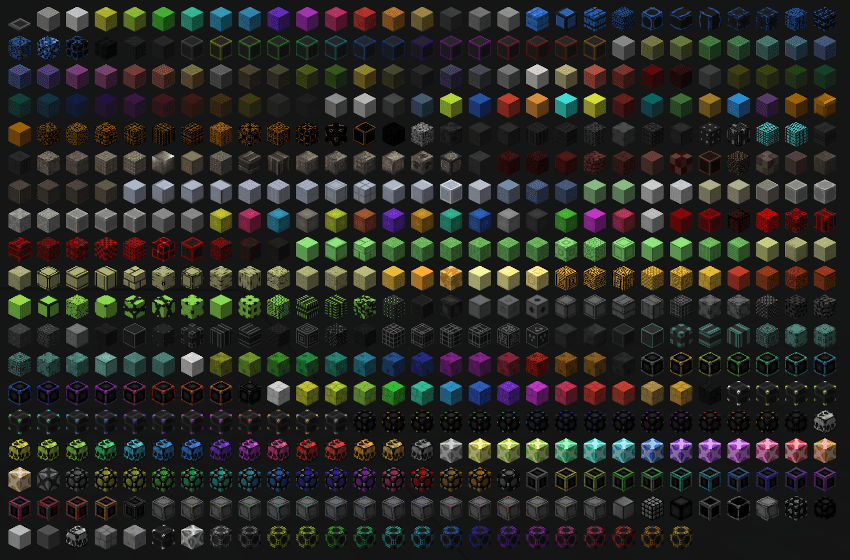
Ten mod dodaje 512 różnych bloków budowlanych, które można wykorzystać do budowania i dekoracji. Znajdziesz tu wszystkie 34 oryginalne odmiany bloków wraz z ich 15 pododmianami, które występują również w oryginalnym modzie Xtones.
Bloki bazowe, takie jak Agon czy Kryp, możesz wytworzyć za pomocą podstawowego przepisu, a następnie zmienić je w różne warianty za pomocą przepisów z barwnikami lub kamieniarza.
To port moda Xtones od TehNut. Kod został napisany od zera, a istniejące tekstury zostały zachowane.
Uwaga
Nie będę kontynuować wsparcia dla Forge i skupię się na Neoforged, ale zacznę wspierać projekt fabric dla tego moda.
Jak zainstalować Xtones Reworked
With Millida Launcher
Install Millida Launcher
The launcher is free: download it at millida.net/launcher and sign in with any nickname.
Click “Install” on this page
The launcher opens and installs the mod for Minecraft 1.19.2–1.21.10 on Forge or NeoForge automatically.
Launch the game
A profile with it appears in the launcher: click “Play”.
Manually
Install Forge or NeoForge
The loader must match the game version of the mod file, for example Minecraft 1.21.10. After installing it, a separate profile appears in your launcher.
Download the file for your version
In the version list above, pick the file xtonesreworked-1.0.0-1.21.9.jar (1.3 MB) for your game version and loader.
Put it in the mods folder
The folder is inside .minecraft (Windows: %appdata%\.minecraft\mods). If it does not exist, create it.
Launch the loader profile
Open “Mods” in the main menu: Xtones Reworked should be in the list.
Minecraft 1.21.10 runs on Java 21: with a different Java version the game may close right after launch.
Wersje
Z zależnościami
| Minecraft | Loader | Plik | Data | Akcje |
|---|---|---|---|---|
| 1.21.9 | NeoForge | xtonesreworked-1.0.0-1.21.9-1.21.x.jar1.3 MB | ||
| 1.20.1 | Forge | xtonesreworked-1.0.4-F_1.20.1-47.2.0.jar1.3 MB | ||
| 1.19.2 | — | xtonesreworked-1.0.1-1.19.2.jar1.3 MB |
Opinie
Oceń Xtones Reworked jako pierwszy


