

The Aurorian Mod do Minecraft 1.12.2
Wymiar z progresją bossów, narzędziami oraz różnorodnością przedmiotów i lochów do eksploracji
- pobrań
- 2 pobrań
- wyświetleń
- 13 wyświetleń
- Zaktualizowano
- Zaktualizowano 18.10.2026
- 1.12.2
 Forge
Forge
O modzie The Aurorian
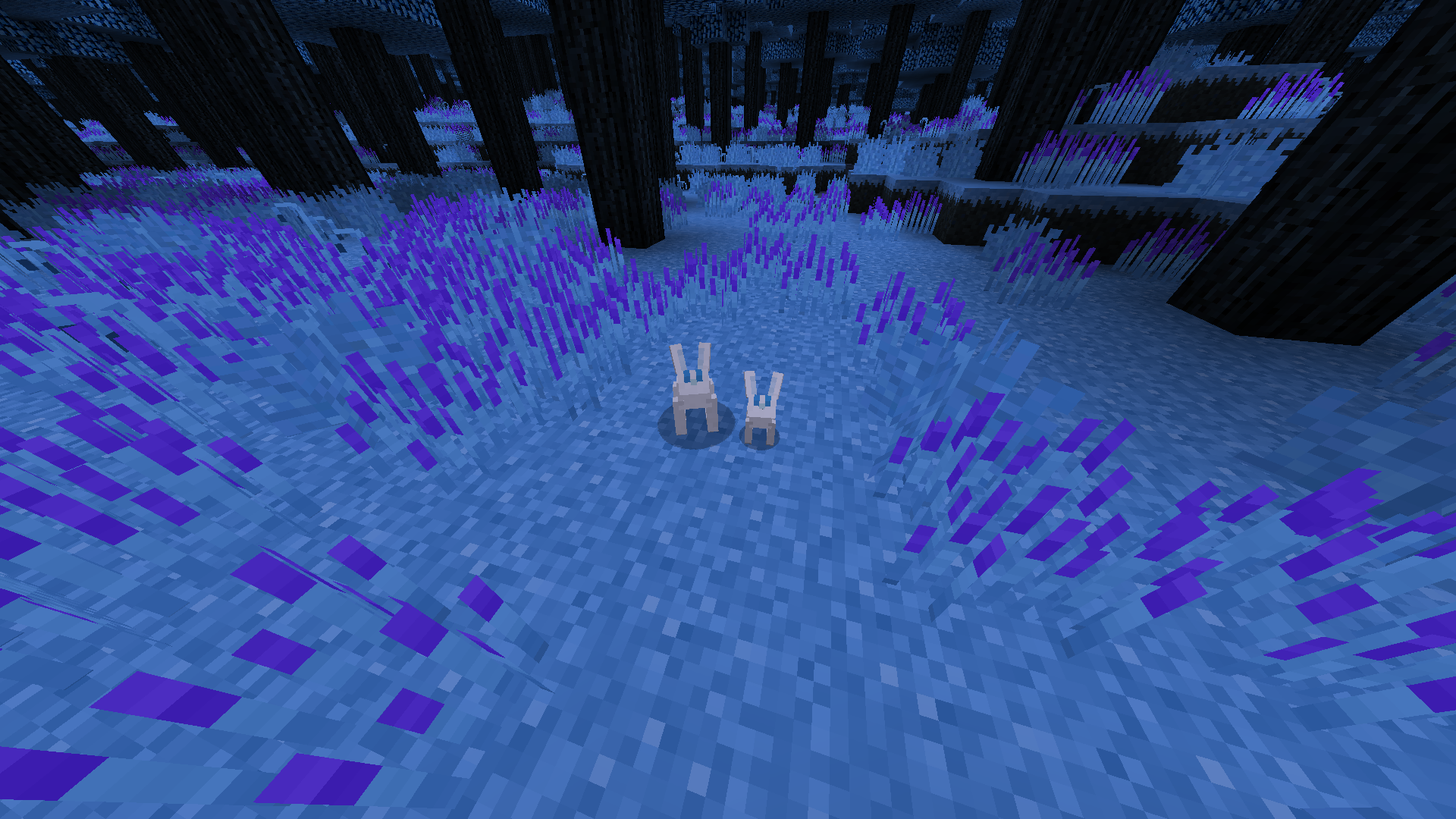
This mod adds a new dimension called The Aurorian, an eternal night forest, filled with magical plants and forgotten ruins. It has a few dungeons to explore and mobs/bosses to fight. I recommend also installing Patchouli as this mod adds a book that has information about how to get started!
Check out the Aurora's Adventurer modpack!
FAQ:
- "Can you port to x.x.x?": 1.19.2 eventually, there are others currently working on a 1.20 version and a bedrock but I'm not personally leading those ports.
- "How to do x?": If you need help progressing, please use The Aurorian Guide in the Patchouli mod. Otherwise check advancements + tooltips.
- If you're playing MC ETERNAL, go to them for issues. They possibly use an old version and tweak it a ton.
- "My game crashes with DivineRPG or other dimension mods.": Make sure they aren't using dimension id 424, you can change this in The Aurorian config file.
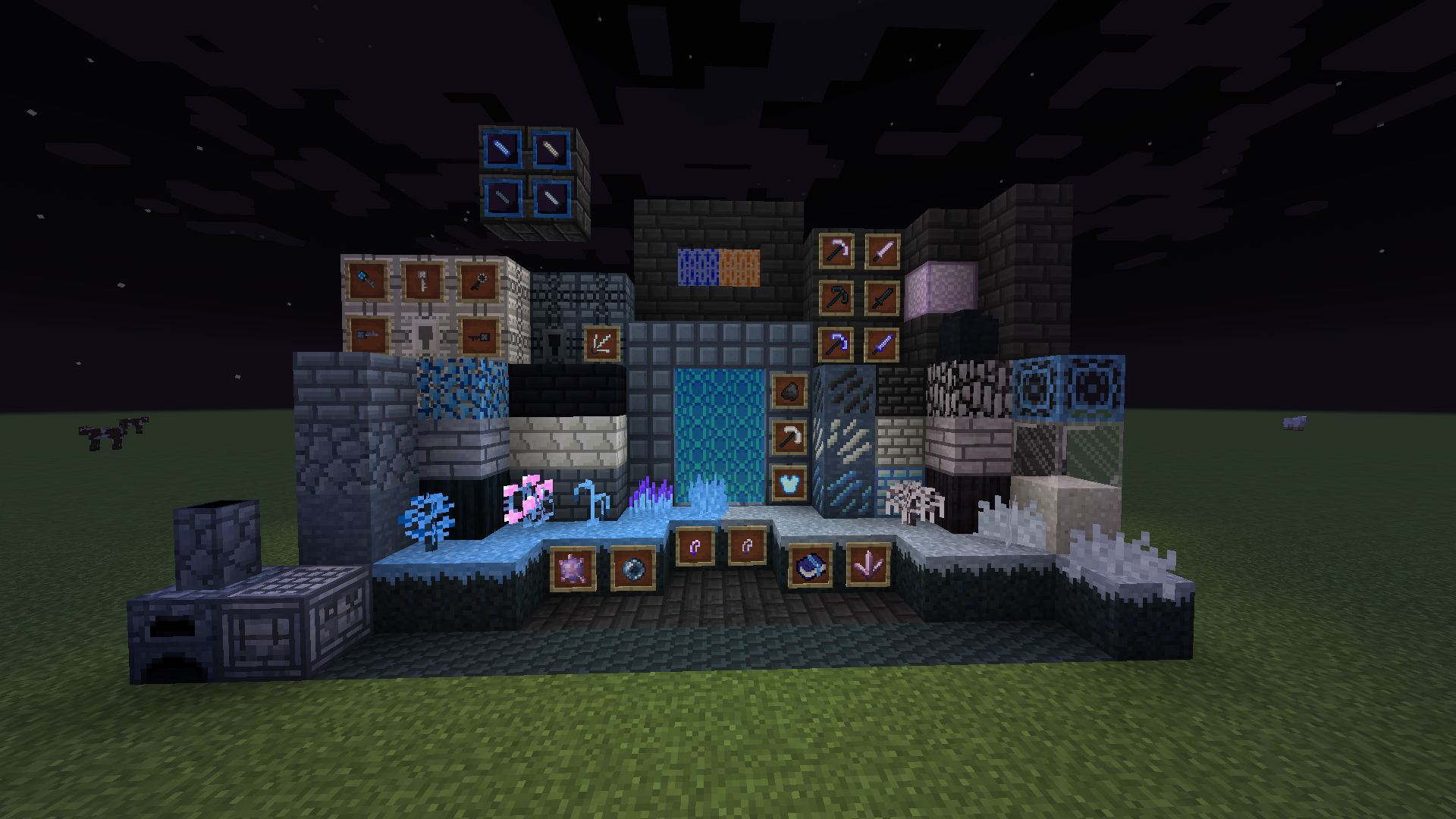
This mod adds:
- A new dimension!
- 3 new bosses with their own dungeons
- 11 new mobs
- New ores and many new unique toolsets
- Unique loot!
- Five new music tracks by Reexy!
Links:
- My Dev Server (Updates, help, and general chat)
- Fandom Wiki
- Github Wiki
- Source
Mod integrations:
- Patchouli (Highly recommended)
- Tinkers construct materials
- Constructs armory materials
- CraftTweaker
Jak zainstalować The Aurorian
With Millida Launcher
Install Millida Launcher
The launcher is free: download it at millida.net/launcher and sign in with any nickname.
Click “Install” on this page
The launcher opens and installs the mod for Minecraft 1.12.2 on Forge automatically.
Launch the game
A profile with it appears in the launcher: click “Play”.
Manually
Install Forge
The loader must match the game version of the mod file, for example Minecraft 1.12.2. After installing it, a separate profile appears in your launcher.
Download the file for your version
In the version list above, pick the file theaurorian-1.12.2-1.2.jar (18 MB) for your game version.
Put it in the mods folder
The folder is inside .minecraft (Windows: %appdata%\.minecraft\mods). If it does not exist, create it.
Launch the loader profile
Open “Mods” in the main menu: The Aurorian should be in the list.
Minecraft 1.12.2 runs on Java 8: with a different Java version the game may close right after launch.
Wersje
Z zależnościami
| Minecraft | Loader | Plik | Data | Akcje |
|---|---|---|---|---|
| 1.12.2 | Forge | theaurorian-1.12.2-1.2.jar17.8 MB 2 | ||
| 1.12.2 | Forge | theaurorian-1.12.2-beta-aug0220.jar17.6 MB |
FAQ
Which Minecraft versions does The Aurorian work on?
Only Minecraft 1.12.2: there are no files for other versions.
Is The Aurorian for Forge or Fabric?
Only for Forge: 1.12.2. There are no files for Fabric or NeoForge: a mod for another loader will not start.
Which Java does The Aurorian need?
Minecraft 1.12.2 runs on Java 8. If the game closes right after launch, the usual cause is the wrong Java version in the profile settings.
Where can I download The Aurorian safely?
On this page: the file theaurorian-1.12.2-1.2.jar (18 MB) is stored on Millida’s server, with no link shorteners. SHA-1 checksum: 65da335f135558e3ee3a582169258654cda6a496.
Opinie
Oceń The Aurorian jako pierwszy


