

TerraForged Mod do Minecraft 1.16.5, 1.18.2
Mod gruntownie zmieniający generowanie świata
- pobrań
- 7 pobrań
- wyświetleń
- 17 wyświetleń
- polubień
- 1 polubień
- Zaktualizowano
- Zaktualizowano 22.10.2026
- 1.15.2 — 1.18.2
 Forge
Forge
About:
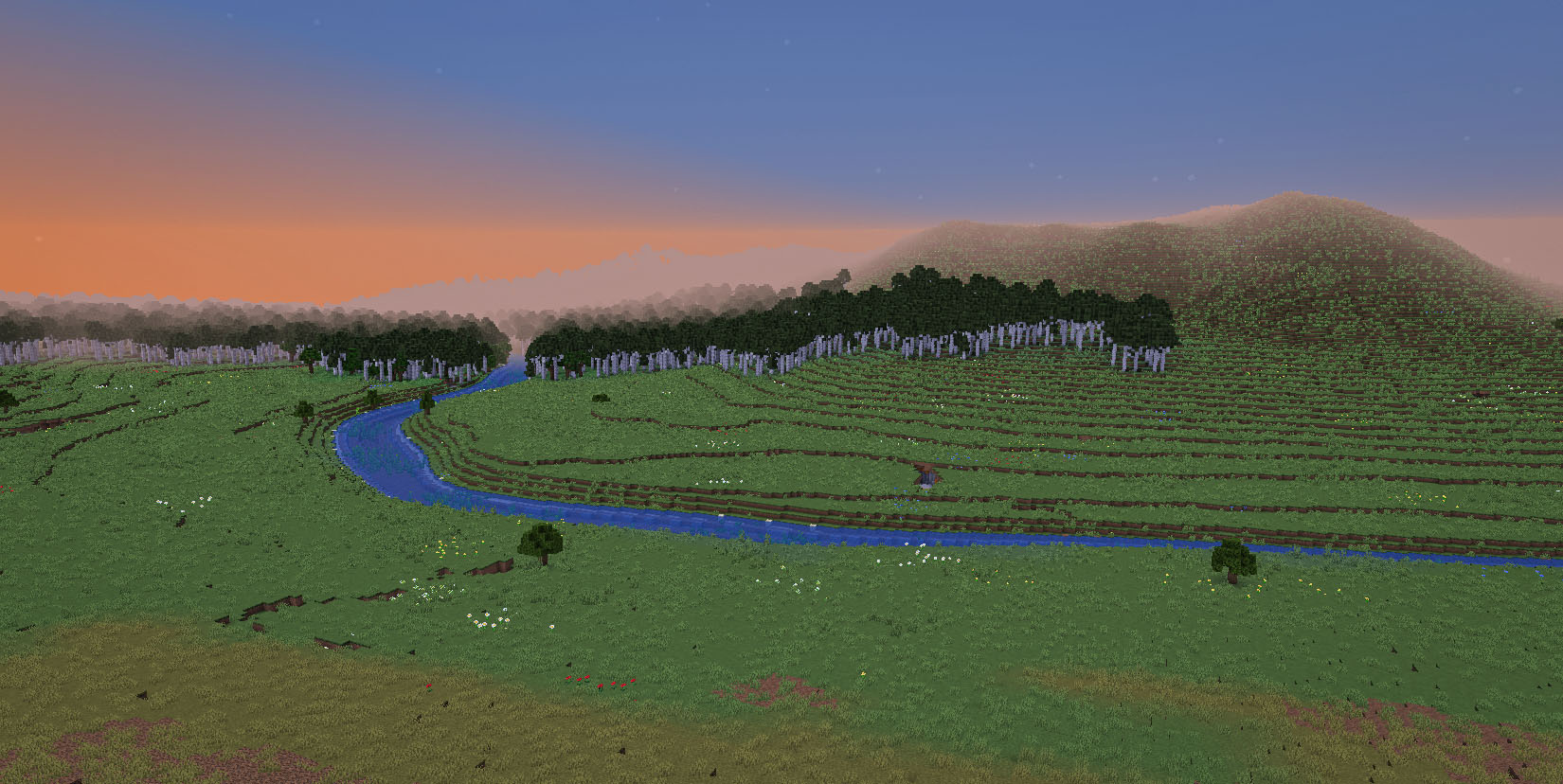
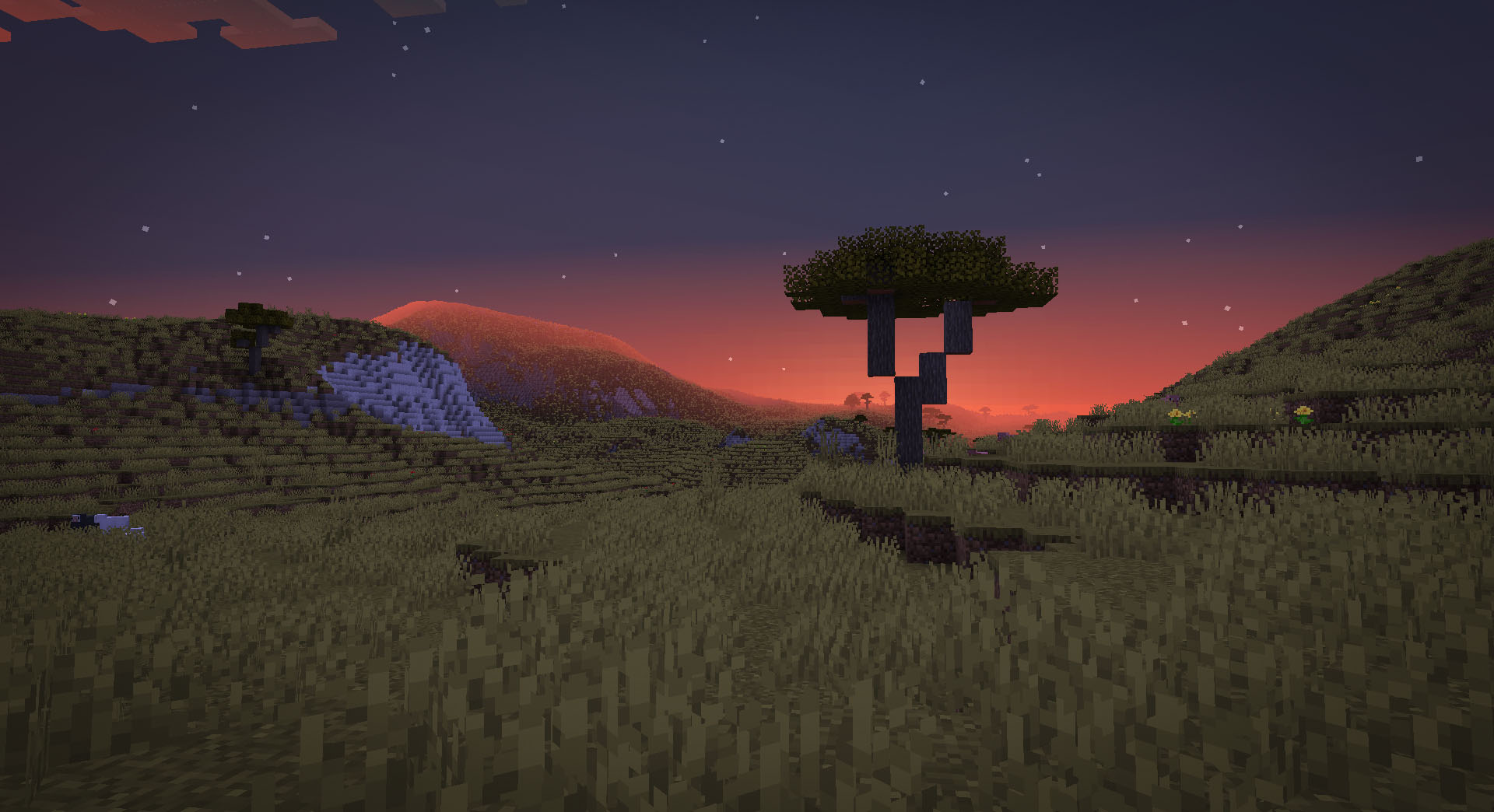
TerraForged is a world generation mod for Minecraft (Java Edition) that creates more immersive, inspiring worlds to explore. It overhauls the vanilla generation system with all new terrain, better rivers, custom biome features and tonnes of configuration options to boot!
Discord:
https://discord.gg/petc6SF6P2
Installation:
- Install forge for the target version of Minecraft (ie 1.15.2)
- Add the TerraForged mod jar to your profile's mods folder
- Select the 'TerraForged' world-type when creating a new world
FAQ:
- "Will this work with other mods' biomes?"
Yes, it should do. When you select 'TerraForged' as the world type, it will look for all available overworld biomes (vanilla & modded) and incorporate them into world-gen as best as possible.
- "How can I use this on my server?"
You need to be running a Forge server. Simply add the TerraForged mod jar to your server's mods folder and set level-type=terraforged in your server.properties file (do this before starting the server)
- "Will this be ported to Fabric/Bukkit/Spigot/Sponge or old Minecraft versions?"
No. Other modders are welcome to do so though
Info For Mod Authors
- Biomes - if you'd like TerraForged to use your custom biomes in world-gen please see this information
- Blocks - if you'd like your custom blocks to show up in TerraForged's strata layers please see this information
Jak zainstalować TerraForged
With Millida Launcher
Install Millida Launcher
The launcher is free: download it at millida.net/launcher and sign in with any nickname.
Click “Install” on this page
The launcher opens and installs the mod for Minecraft 1.15.2–1.18.2 on Forge automatically.
Launch the game
A profile with it appears in the launcher: click “Play”.
Manually
Install Forge
The loader must match the game version of the mod file, for example Minecraft 1.18.2. After installing it, a separate profile appears in your launcher.
Download the file for your version
In the version list above, pick the file TerraForged-1.18.2-0.3.1-alpha-2.jar (1.1 MB) for your game version.
Put it in the mods folder
The folder is inside .minecraft (Windows: %appdata%\.minecraft\mods). If it does not exist, create it.
Launch the loader profile
Open “Mods” in the main menu: TerraForged should be in the list.
Minecraft 1.18.2 runs on Java 17: with a different Java version the game may close right after launch.
Wersje
Z zależnościami
| Minecraft | Loader | Plik | Data | Akcje |
|---|---|---|---|---|
| 1.16.5 | Forge | 0.2.161.6 MB 4 | ||
| 1.18.2 | Forge | 0.3.1-ALPHA-21.1 MB 1 | ||
| 1.16.5 | Forge | 0.2.16-BETA-21.6 MB | ||
| 1.15.2 | — | 0.0.5920 KB 2 |
FAQ
Which Minecraft versions does TerraForged work on?
There are files for 1.18.2, 1.16.5, 1.15.2. The newest is 1.18.2.
Is TerraForged for Forge or Fabric?
Only for Forge: 1.16.5–1.18.2. There are no files for Fabric or NeoForge: a mod for another loader will not start.
Does TerraForged need other mods?
The author lists no required dependencies: the Forge loader is enough.
Which Java does TerraForged need?
Minecraft 1.18.2 runs on Java 17. If the game closes right after launch, the usual cause is the wrong Java version in the profile settings.
How do I download TerraForged?
With Millida Launcher: it installs TerraForged into a modpack by itself, for the right game version and loader. The launcher is free.
Opinie
Oceń TerraForged jako pierwszy


