
Some More Blocks Mod do Minecraft 26.1
Mod do Minecrafta z ponad 500 nowymi blokami.
 NeoForge
 Forge
Forge Fabric
Some More Blocks ·
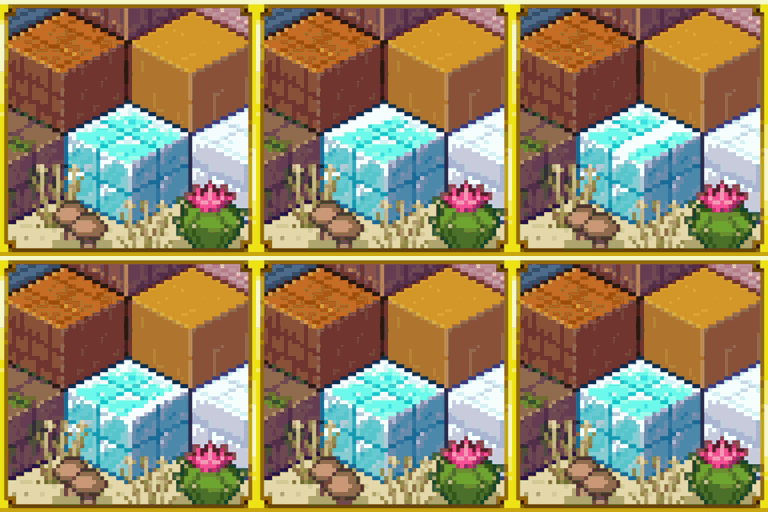
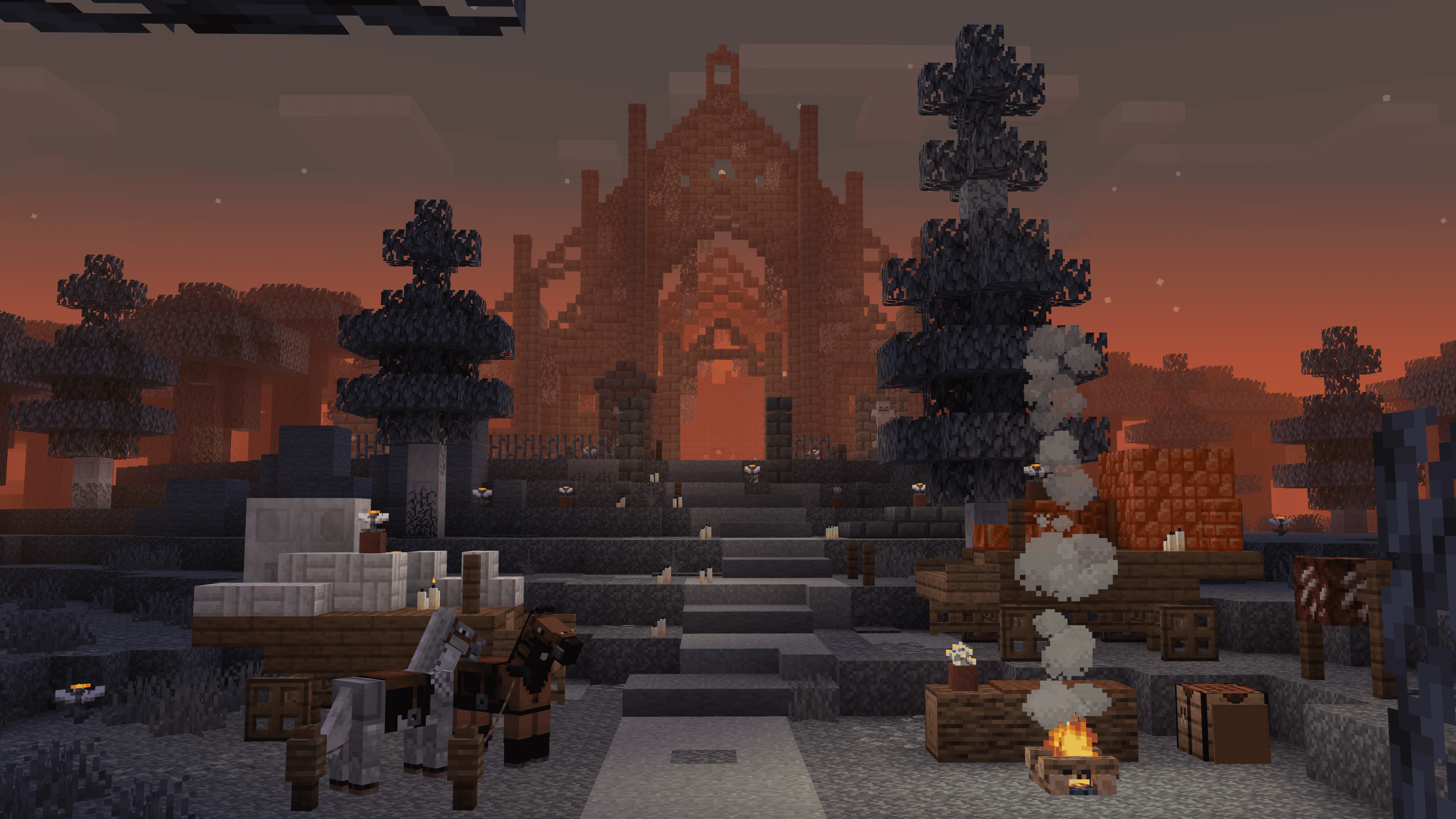
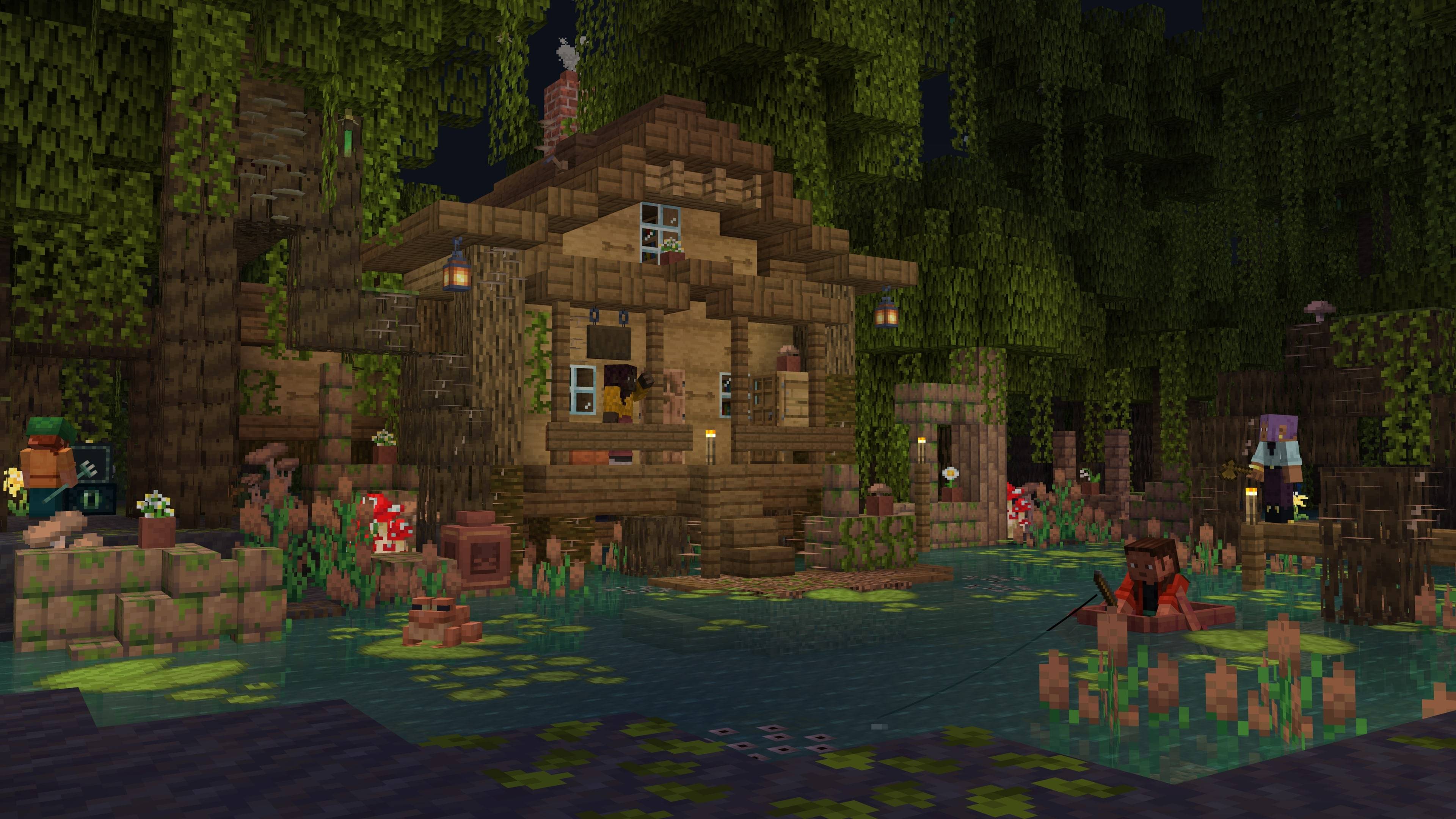
Some More Blocks is a vanilla+ mod which adds new blocks variations to the game. The mod adds over 500 new blocks, such as bricks, tiles, mossy blocks, wood mosaics, and much more to expand your building possibilities.
- Download and install the Mod Loader of your preference
- Fabric and Fabric API
- NeoForge
- Forge
- Download the mod on official links and drop into your mods folder
- CurseForge (You are here!)
- Modrinth
Want to help bring this mod to more players? You totally can!
Whether you're fluent in another language or just want to help polish a few lines, every bit counts. We give credit to all contributors — your name will be listed as a thank-you for making the mod more accessible!
Ready to help? Join us on Crowdin.
Spotted something weird or broken? Bugs happen, and your help makes this project better for everyone. You can open an issue here, or even send a pull request if you’ve got a fix in mind. We appreciate any help!
Seface Studios
contact@sefacestudios.net · 𝕏 (fka Twitter) · Discord Server
Jak zainstalować Some More Blocks
With Millida Launcher
Install Millida Launcher
The launcher is free: download it at millida.net/launcher and sign in with any nickname.
Click “Install” on this page
The launcher opens and installs the mod for Minecraft 1.21.4–26.1 on Fabric, Forge or NeoForge automatically.
Launch the game
A profile with it appears in the launcher: click “Play”.
Manually
Install Fabric, Forge or NeoForge
The loader must match the game version of the mod file, for example Minecraft 26.1. After installing it, a separate profile appears in your launcher.
Download the file for your version
In the version list above, pick the file SomeMoreBlocks@neoforge-26.1.0.0.jar (3.2 MB) for your game version and loader.
Put it in the mods folder
The folder is inside .minecraft (Windows: %appdata%\.minecraft\mods). If it does not exist, create it.
Launch the loader profile
Open “Mods” in the main menu: Some More Blocks should be in the list.
Wersje
Z zależnościami
| Minecraft | Loader | Plik | Data | Akcje |
|---|---|---|---|---|
| 26.1 | NeoForge | [NeoForge] Some More Blocks 26.1.0.03.2 MB 1 | ||
| 26.1 | Forge | [Forge] Some More Blocks 26.1.0.03.2 MB | ||
| 26.1 | Fabric | [Fabric] Some More Blocks 26.1.0.03.6 MB | ||
| 1.21.4 | Fabric | [Fabric] Some More Blocks 1.everyoneLovesCactus.02.6 MB |
Opinie
Oceń Some More Blocks jako pierwszy


