
Simple Weather Mod do Minecraft 26.1.2
Zapewnia alternatywne, a zarazem eleganckie rozwiązanie dla efektów pogodowych w Minecraft.
- wyświetleń
- 5 wyświetleń
- Zaktualizowano
- Zaktualizowano 18.10.2026
- 1.21.5 — 26.1.2
 NeoForge
O modzie Simple Weather
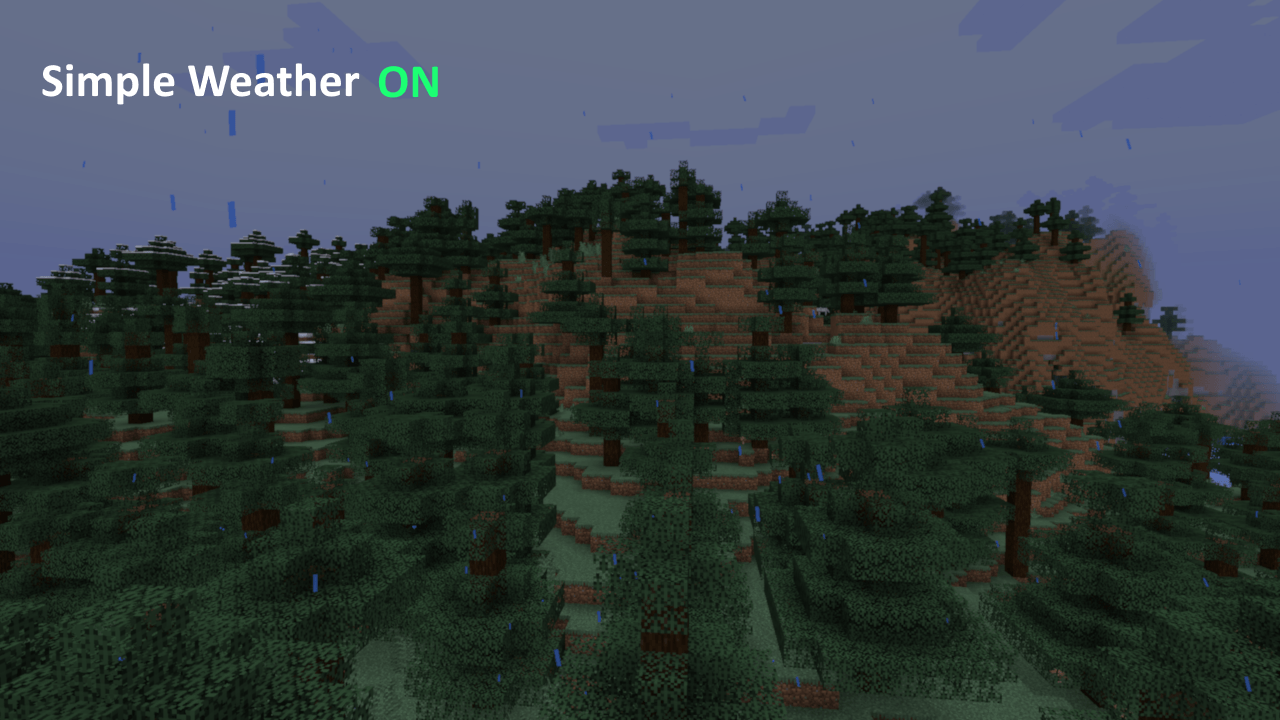
Często zdarza się, że pogoda w Minecraftcie bywa całkiem elegancka i buduje nastrój, ale właśnie wtedy staje się trudna do zobaczenia. Ten mod stara się temu zaradzić, wprowadzając system deszczu i śniegu oparty w większym stopniu na cząsteczkach, podobny do edycji Bedrock, zamiast płaskiego systemu znanego z Java Minecraft. Wypróbuj go! Nie jest to koniecznie lepsze rozwiązanie, ale na Forgecraft zostało preferowane!
[Podgląd wideo już wkrótce]
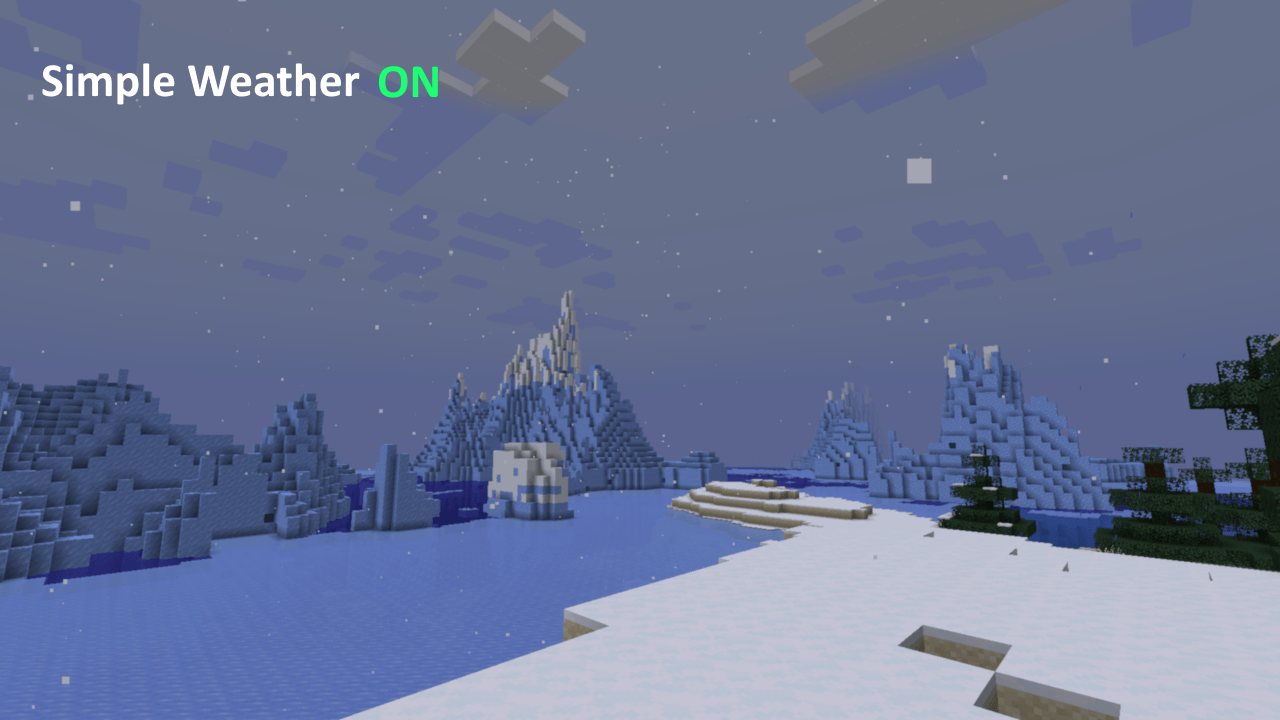
Streamerzy i twórcy treści: to zostało zaprojektowane dla ludzi takich jak ty i ja! Jeśli streamujesz na Twitchu, być może zauważyłeś, że gdy pada śnieg, enkoder ma pełne ręce roboty, próbując nadążyć! To powinno odciążyć go nieco, ponieważ cały ekran nie jest już bombardowany wizualnym szumem.
Pierwotnie część XyCraft Override, ale okazało się wystarczająco przydatne samo w sobie, by wydzielić je do osobnego moda.
W pliku konfiguracyjnym znajduje się także kilka opcji dostosowywania wyglądu.
Możesz używać Simple Weather w swoich paczkach, tak, Slowpoke101, to obejmuje FTB 🙃
Jak zainstalować Simple Weather
With Millida Launcher
Install Millida Launcher
The launcher is free: download it at millida.net/launcher and sign in with any nickname.
Click “Install” on this page
The launcher opens and installs the mod for Minecraft 1.21.5–26.1.2 on NeoForge automatically.
Launch the game
A profile with it appears in the launcher: click “Play”.
Manually
Install NeoForge
The loader must match the game version of the mod file, for example Minecraft 26.1.2. After installing it, a separate profile appears in your launcher.
Download the file for your version
In the version list above, pick the file simple_weather-1.1.15.jar (121 KB) for your game version.
Put it in the mods folder
The folder is inside .minecraft (Windows: %appdata%\.minecraft\mods). If it does not exist, create it.
Launch the loader profile
Open “Mods” in the main menu: Simple Weather should be in the list.
Wersje
Z zależnościami
| Minecraft | Loader | Plik | Data | Akcje |
|---|---|---|---|---|
| 26.1.2 | NeoForge | Simple Weather 1.1.15121 KB | ||
| 1.21.5 | NeoForge | Simple Weather 1.1.0 for 1.21.5117 KB |
FAQ
Which Minecraft versions does Simple Weather work on?
There are files for 26.1.2, 1.21.5. The newest is 26.1.2.
Is Simple Weather for Forge or Fabric?
Only for NeoForge: 1.21.5–26.1.2. There are no files for Forge or Fabric: a mod for another loader will not start.
Does Simple Weather need other mods?
The author lists no required dependencies: the NeoForge loader is enough.
Where can I download Simple Weather safely?
On this page: the file simple_weather-1.1.15.jar (121 KB) is stored on Millida’s server, with no link shorteners. SHA-1 checksum: 2160bb5f5f0a91a8dbed35b74c04dfa5196e6601.
Opinie
Oceń Simple Weather jako pierwszy


