
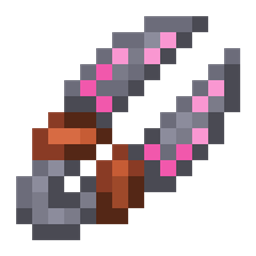
Roots 4 Mod do Minecraft 1.21.1, 1.12.2
Mod magiczny skupiony na naturze, uprawach i hodowli zwierząt!
 NeoForge
 Forge
ForgeO modzie Roots 4
Roots 4 jest dostępny w wersji alfa dla NeoForge 1.21.1 i nie wymaga żadnych dodatkowych bibliotek.
Aby uzyskać wsparcie, sprawdź Roots Wiki, a konkretnie stronę Getting Started.
Aby omówić grę i przekazać opinię, dołącz do Mystic Modding Discord.
Błędy możesz zgłaszać na naszym GitHubie.
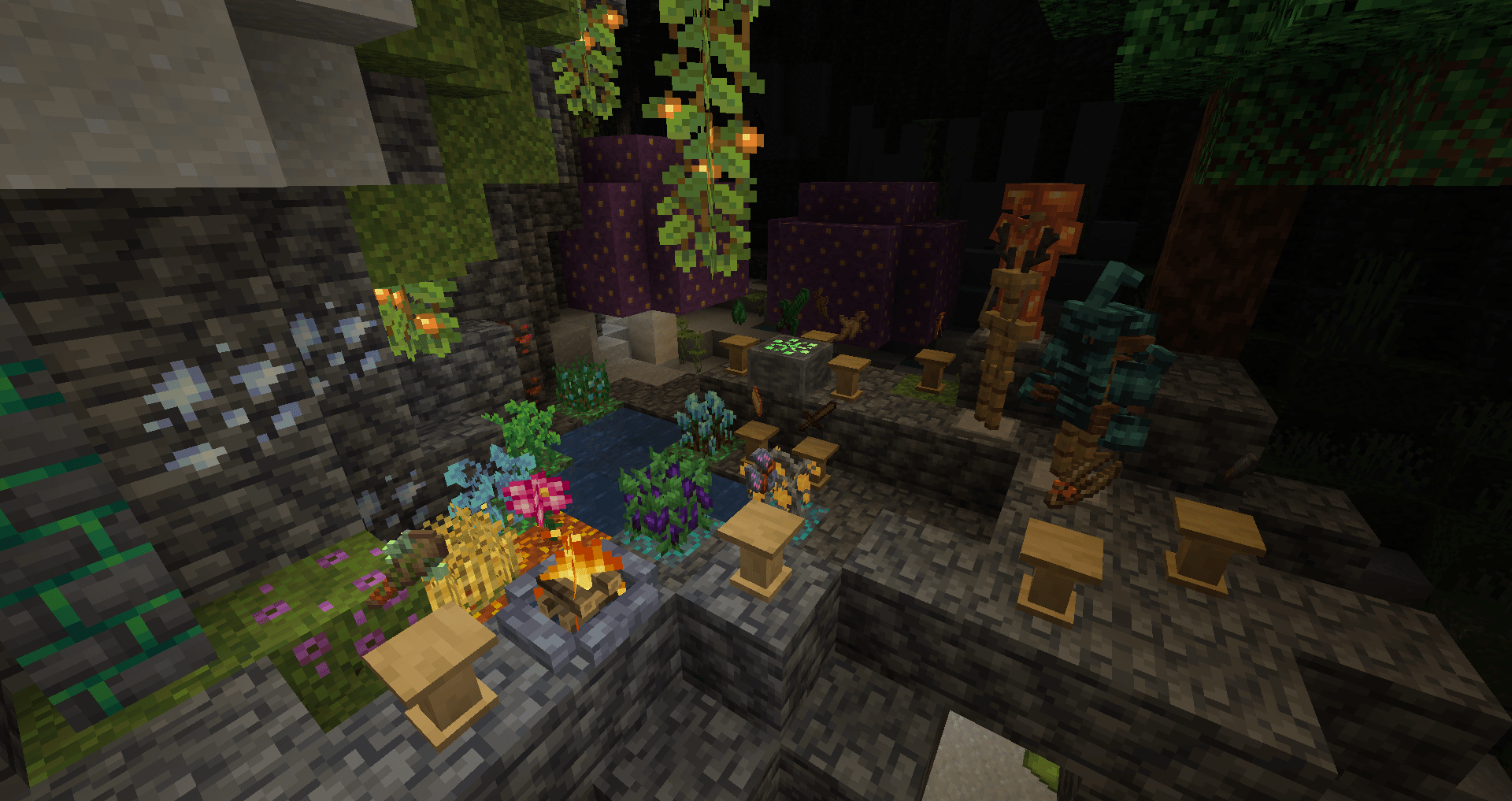
Roots to mod o magii, którego tematyką jest natura, rolnictwo, uprawy i hodowla zwierząt!
Zbieraj wildroot i grove moss, pozostałości utraconej ery magii, i używaj ich do tworzenia magicznego ekwipunku:
- Rozkładaj składniki i twórz zaklęcia za pomocą moździerza i tłuczka.
- Uruchamiaj magiczne rytuały, aby zdobywać przedmioty bez krzywdzenia zwierząt, odtwarzaj utracone magiczne zioła za pomocą stosu.
- Rzucaj zaklęcia, aby uprawiać i zbierać plony, chroń się przed atakami i nie tylko za pomocą kostura!
- Odkryj sekrety leśnej przeszłości świata, aktywując grove stone i kierując jego moc do magicznej zbroi, narzędzi i ekwipunku za pomocą grove crafter.
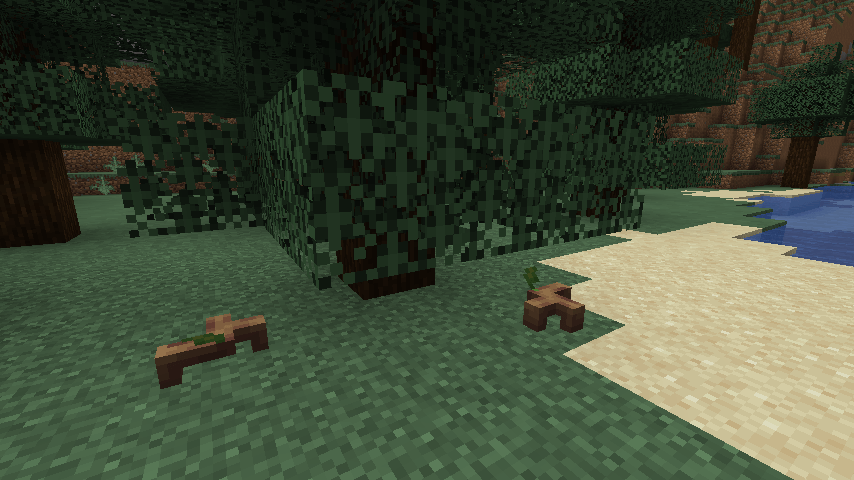
- Zaprzyjaźnij się z szeroką gamą zwierząt, w tym jeleniami, żukami, sowami i uroczymi sprouts, czującymi roślinami.
Jak zainstalować Roots 4
With Millida Launcher
Install Millida Launcher
The launcher is free: download it at millida.net/launcher and sign in with any nickname.
Click “Install” on this page
The launcher opens and installs the mod for Minecraft 1.12.2–1.21.1 on Forge or NeoForge automatically.
Launch the game
A profile with it appears in the launcher: click “Play”.
Manually
Install Forge or NeoForge
The loader must match the game version of the mod file, for example Minecraft 1.21.1. After installing it, a separate profile appears in your launcher.
Download the file for your version
In the version list above, pick the file roots-4.0.0.31-alpha.jar (4.5 MB) for your game version and loader.
Put it in the mods folder
The folder is inside .minecraft (Windows: %appdata%\.minecraft\mods). If it does not exist, create it.
Launch the loader profile
Open “Mods” in the main menu: Roots 4 should be in the list.
Minecraft 1.21.1 runs on Java 21: with a different Java version the game may close right after launch.
Wersje
Z zależnościami
| Minecraft | Loader | Plik | Data | Akcje |
|---|---|---|---|---|
| 1.21.1 | NeoForge | Roots-1.21 4.0.0.31-alpha4.5 MB 2 | ||
| 1.12.2 | Forge | Roots-1.12.2-3.1.9.2.jar3.4 MB 3 | ||
| 1.12.2 | — | Roots-1.12.2-3.0.4.jar1.3 MB | ||
| 1.12.2 | — | roots-2-0.104.jar699 KB |
FAQ
Which Minecraft versions does Roots 4 work on?
There are files for 1.21.1, 1.12.2. The newest is 1.21.1.
Is Roots 4 for Forge or Fabric?
There are files for Forge: 1.12.2 and for NeoForge: 1.21.1. There are no files for Fabric: a mod for another loader will not start.
Does Roots 4 need other mods?
The author lists no required dependencies: the Forge or NeoForge loader is enough.
Which Java does Roots 4 need?
Minecraft 1.21.1 runs on Java 21. If the game closes right after launch, the usual cause is the wrong Java version in the profile settings.
Where can I download Roots 4 safely?
On this page: the file roots-4.0.0.31-alpha.jar (4.5 MB) is stored on Millida’s server, with no link shorteners. SHA-1 checksum: 51d7065d0c3475ad95beca00d731f7efaec08f4c.
Opinie
Oceń Roots 4 jako pierwszy


