

Ribbits Mod do Minecraft 1.20.1, 1.21.1
Bagniste wioski i muzykalne żaby!
 Fabric
 NeoForge
 Forge
ForgeO modzie Ribbits
Wesprzyj nas na Ko-fi, aby zobaczyć zapowiedzi i uzyskać wczesny dostęp do nowych treści!
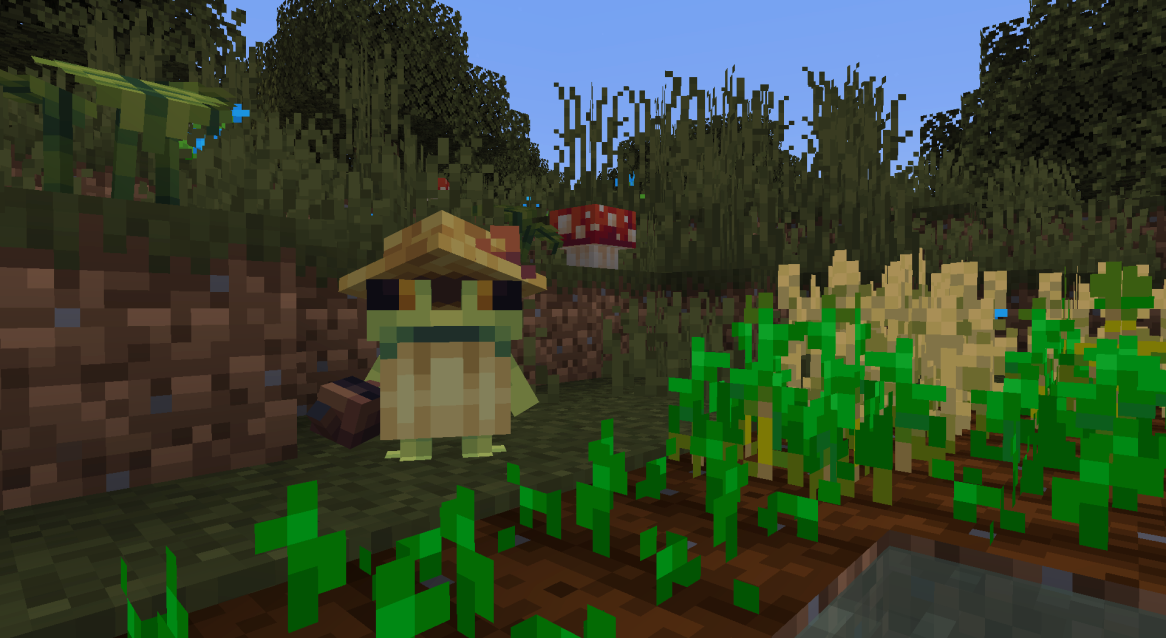
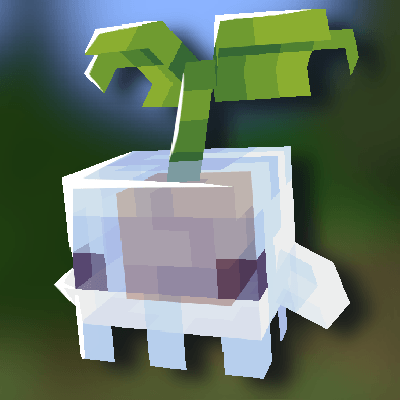
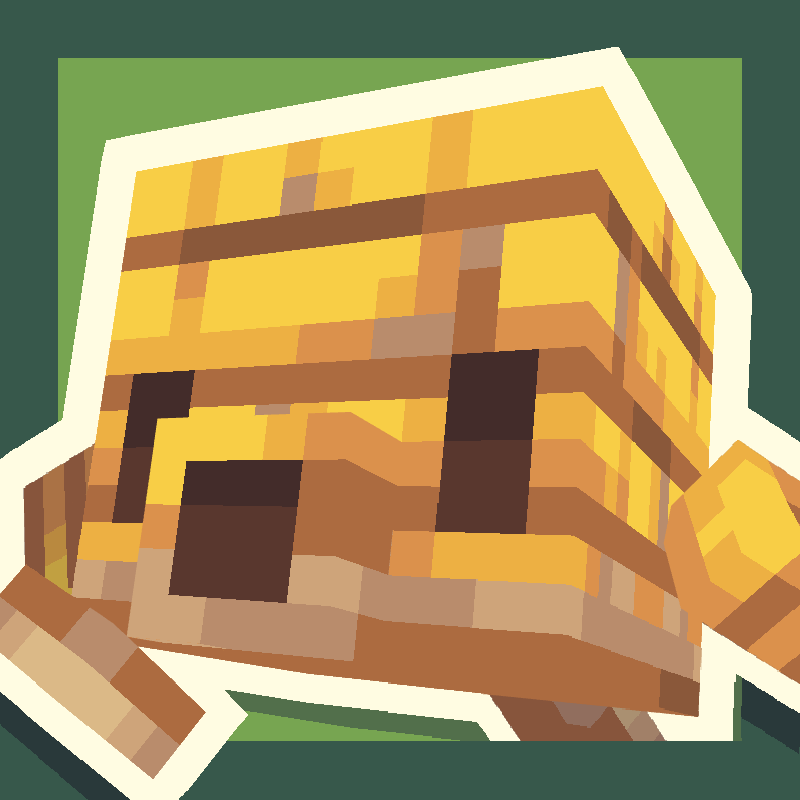
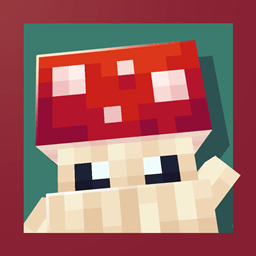
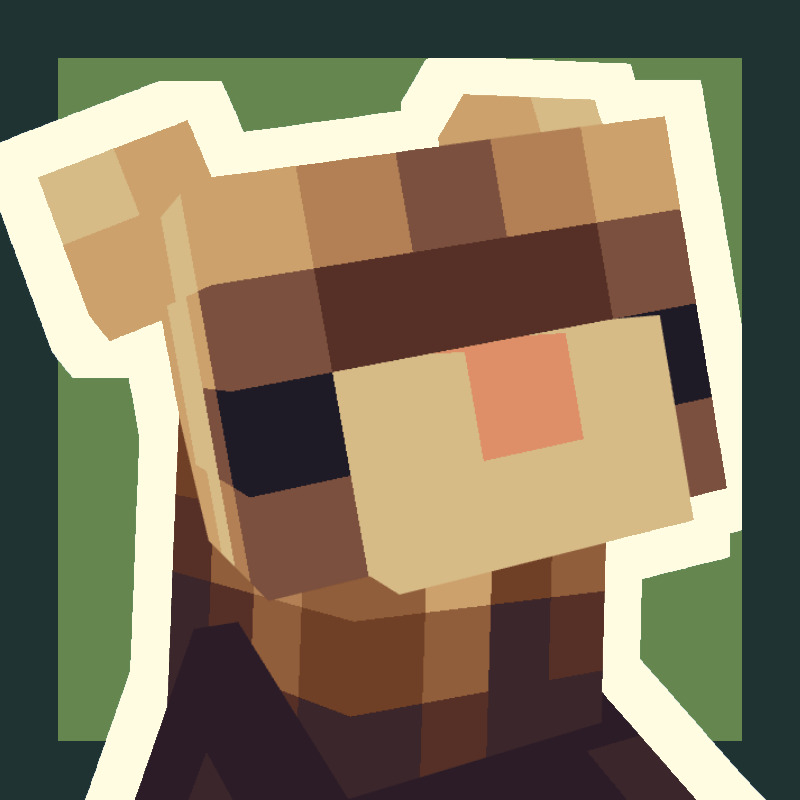
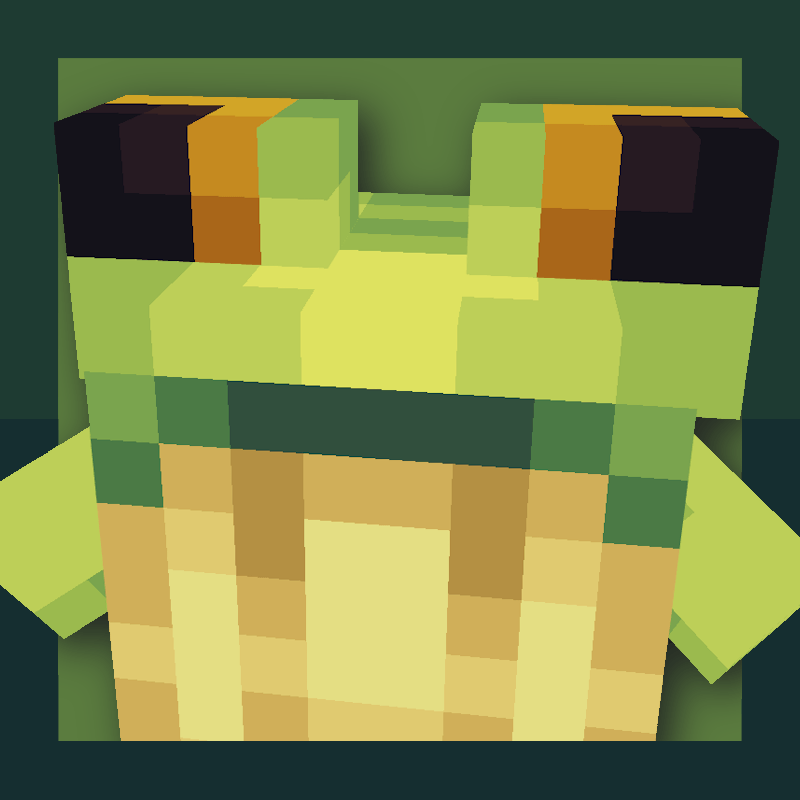
Ribbits doda bagienne wioski pełne maleńkich żabich mieszkańców zwanych ribbits! Te małe stworzenia będą czasem siadać w grupach i grać muzykę, do której możesz się przyłączyć!
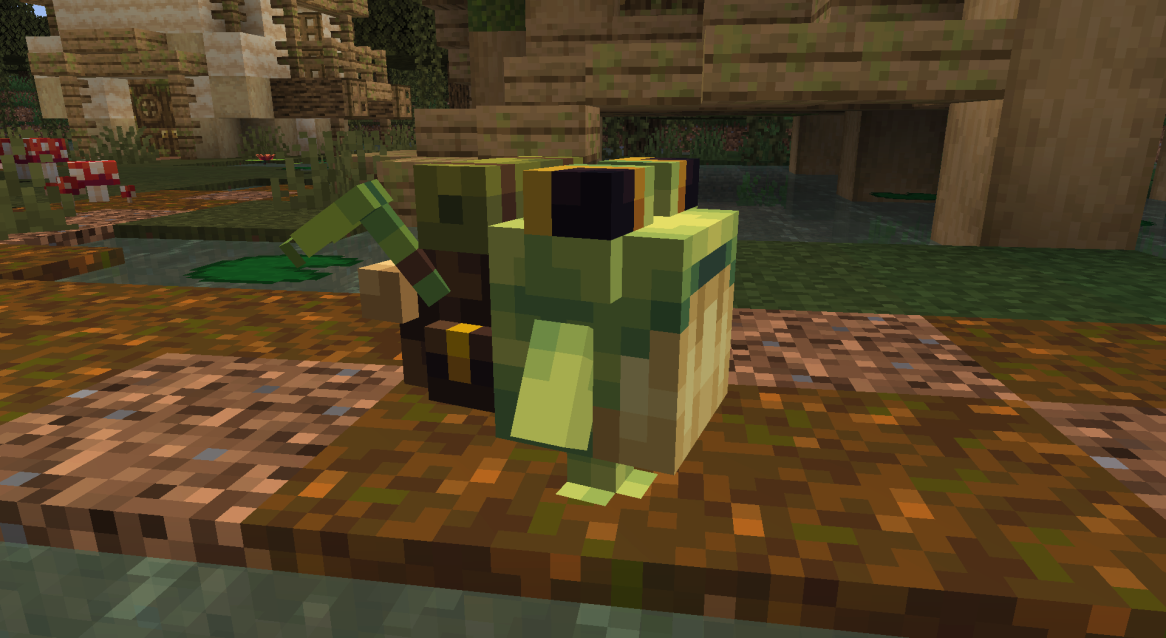
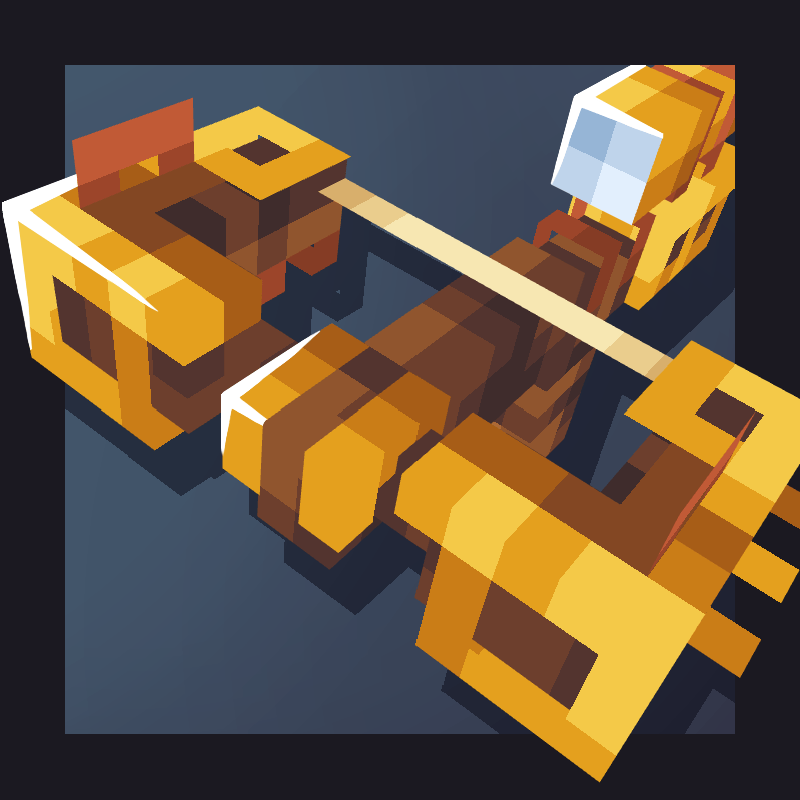
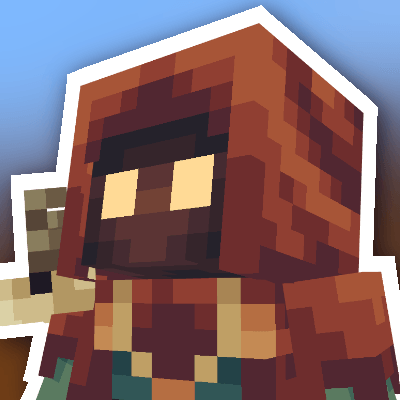
Z ribbits kupcami i rybakami można handlować, wymieniając się na różne przedmioty, w tym nowe roślinne bloki ribbits i marakasy! Ribbits czarodzieje będą od czasu do czasu rzucać zaklęcia wzmacniające gracza, a wszyscy ribbits ogrodnicy będą podlewać uprawy!
Ribbits nocą będą naturalnie wracać do swoich domów, ale jeśli chcesz je przenieść, możesz zresetować ich punkt domu do ich obecnej pozycji, klikając je prawym przyciskiem myszy z ametystem.
Josh/Joosh - Grafika yungnickyoung - Kodowanie HellionGames - Kodowanie scratchysd - Dźwięki wesleybenjamin - Muzyka joakota - Budowle joshesque - Logo

Jak zainstalować Ribbits
With Millida Launcher
Install Millida Launcher
The launcher is free: download it at millida.net/launcher and sign in with any nickname.
Click “Install” on this page
The launcher opens and installs the mod for Minecraft 1.20.1–1.21.1 on Fabric, Forge or NeoForge automatically.
Launch the game
A profile with it appears in the launcher: click “Play”.
Manually
Install Fabric, Forge or NeoForge
The loader must match the game version of the mod file, for example Minecraft 1.21.1. After installing it, a separate profile appears in your launcher.
Download the file for your version
In the version list above, pick the file Ribbits-1.21.1-Fabric-4.1.6.jar (2.2 MB) for your game version and loader.
Put it in the mods folder
The folder is inside .minecraft (Windows: %appdata%\.minecraft\mods). If it does not exist, create it.
Launch the loader profile
Open “Mods” in the main menu: Ribbits should be in the list.
Minecraft 1.21.1 runs on Java 21: with a different Java version the game may close right after launch.
Wersje
Z zależnościami
| Minecraft | Loader | Plik | Data | Akcje |
|---|---|---|---|---|
| 1.21 | Fabric | Ribbits [Fabric] 4.1.6 for 1.21.12.2 MB 12 | ||
| 1.21 | NeoForge | Ribbits [NeoForge] 4.1.6 for 1.21.12.1 MB 15 | ||
| 1.20.1 | Forge | Ribbits [Forge] 3.0.5 for 1.20.12.1 MB 12 |
FAQ
Which Minecraft versions does Ribbits work on?
There are files for 1.21.1, 1.21, 1.20.1. The newest is 1.21.1.
Is Ribbits for Forge or Fabric?
There are files for Fabric: 1.21–1.21.1, for Forge: 1.20.1 and for NeoForge: 1.21–1.21.1.
Does Ribbits need other mods?
The author lists no required dependencies: the Fabric, Forge or NeoForge loader is enough.
Which Java does Ribbits need?
Minecraft 1.21.1 runs on Java 21. If the game closes right after launch, the usual cause is the wrong Java version in the profile settings.
Where can I download Ribbits safely?
On this page: the file Ribbits-1.21.1-Fabric-4.1.6.jar (2.2 MB) is stored on Millida’s server, with no link shorteners. SHA-1 checksum: b95ef94e6c4d2b7a706bcbe3cde6a38b2fe936d3.
Opinie
Oceń Ribbits jako pierwszy


