
Realistic Torches Mod do Minecraft 1.21.1
Sprawia, że pochodnie wypalają się po konfigurowalnym czasie.
- pobrań
- 4 pobrań
- wyświetleń
- 24 wyświetleń
- Zaktualizowano
- Zaktualizowano 17.10.2026
- 1.16.4 — 1.21.1
 Forge
Forge
O modzie Realistic Torches
Realistic Torches
Minecraft Forum - Source Code - Issue Tracker
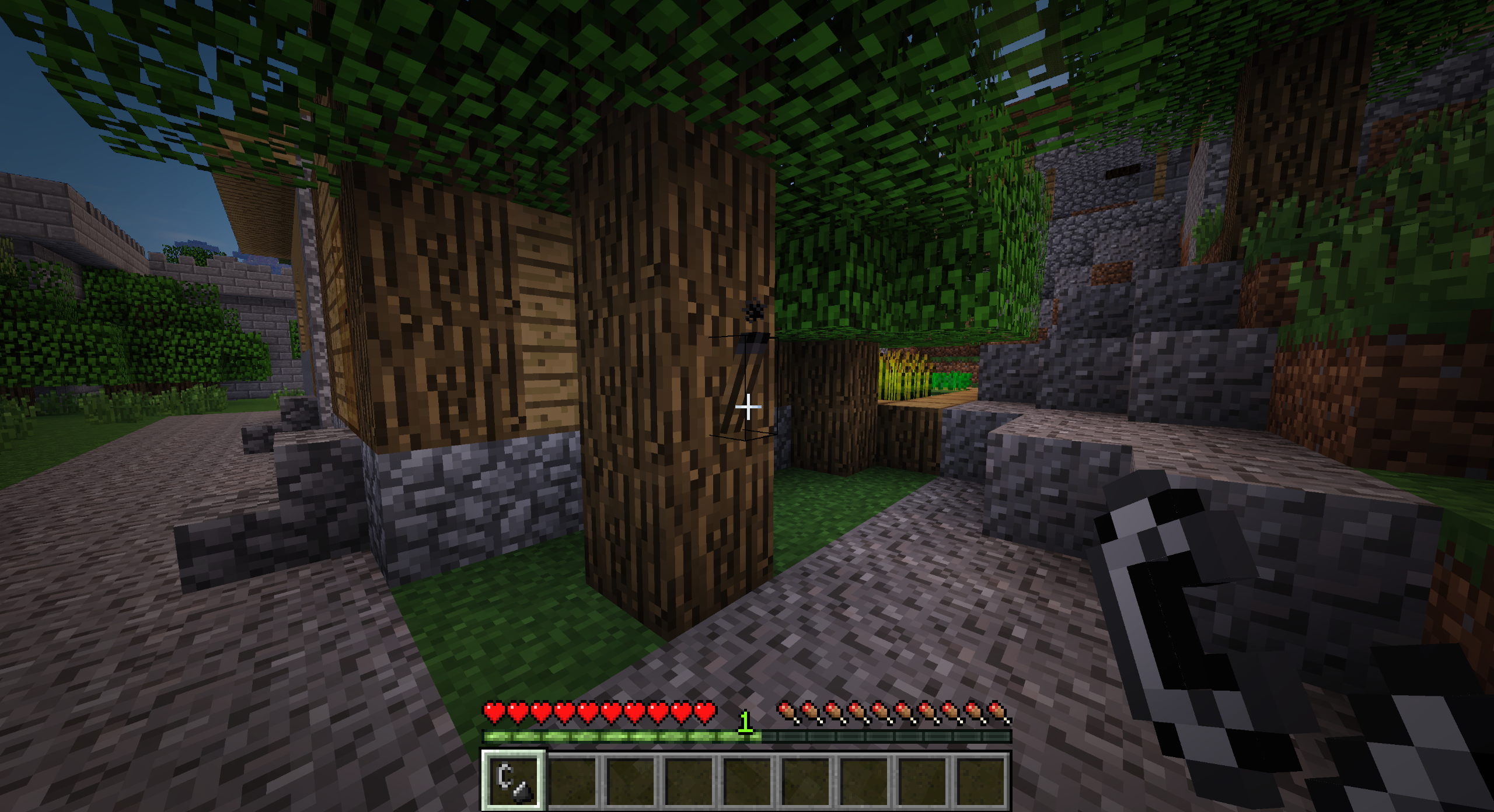
Realistic Torches utrudnia wczesną rozgrywkę, sprawiając, że pochodnie wypalają się po konfigurowalnym czasie, zachęcając graczy do wcześniejszego przejścia na trwalsze źródła światła.
Funkcje
- Pochodnie po wytworzeniu są zgaszone i trzeba je zapalić za pomocą pudełka zapałek lub krzesiwa
- Pochodnie wypalają się po konfigurowalnym czasie (domyślnie 60 minut czasu rzeczywistego)
- Pochodnie gasną, gdy pada na nie deszcz
- Pochodnie generowane w strukturach waniliowych zostaną zastąpione zgaszonymi pochodniami
- Trwale zapalone pochodnie można wytworzyć za pomocą bloku świecącego
- Naturalnie świecące bloki i przedmioty emitują światło, gdy są trzymane (wersje przed 1.14.4)
Przepisy
Zgaszona pochodnia (węgiel lub węgiel drzewny)
Pudełko zapałek
Zapalona pochodnia (bezkształtny, pudełko zapałek otrzymuje obrażenia)
Kryształ bloku świecącego (węgiel lub węgiel drzewny)
Pasta z bloku świecącego (bezkształtny)
Waniliowa pochodnia (kryształ bloku świecącego)
Waniliowa pochodnia (pasta z bloku świecącego)
Modyfikacje paczek
Tak, możesz używać tego moda w swojej paczce modów.
Wsparcie
Jeśli lubisz tego moda i chcesz wesprzeć projekt, możesz zostawić datek na PayPal. Wsparcie jest bardzo doceniane!
Sponsor
Ten projekt jest sponsorowany przez BisectHosting. Jeśli szukasz serwera, sprawdź ich plany hostingu i użyj kodu promocyjnego Chaos przy kasie, aby otrzymać 25% zniżki na pierwszy miesiąc!
Jak zainstalować Realistic Torches
With Millida Launcher
Install Millida Launcher
The launcher is free: download it at millida.net/launcher and sign in with any nickname.
Click “Install” on this page
The launcher opens and installs the mod for Minecraft 1.16.4–1.21.1 on Forge automatically.
Launch the game
A profile with it appears in the launcher: click “Play”.
Manually
Install Forge
The loader must match the game version of the mod file, for example Minecraft 1.21.1. After installing it, a separate profile appears in your launcher.
Download the file for your version
In the version list above, pick the file RealisticTorches-1.21.1-3.2.0.jar (55 KB) for your game version.
Put it in the mods folder
The folder is inside .minecraft (Windows: %appdata%\.minecraft\mods). If it does not exist, create it.
Launch the loader profile
Open “Mods” in the main menu: Realistic Torches should be in the list.
Minecraft 1.21.1 runs on Java 21: with a different Java version the game may close right after launch.
Wersje
Z zależnościami
| Minecraft | Loader | Plik | Data | Akcje |
|---|---|---|---|---|
| 1.21.1 | Forge | RealisticTorches-1.21.1-3.2.0.jar55.1 KB 3 | ||
| 1.16.4 | — | RealisticTorches-1.16.4-3.1.1.jar57.4 KB 1 |
FAQ
Which Minecraft versions does Realistic Torches work on?
There are files for 1.21.1, 1.16.4. The newest is 1.21.1.
Is Realistic Torches for Forge or Fabric?
Only for Forge: 1.21.1. There are no files for Fabric or NeoForge: a mod for another loader will not start.
Does Realistic Torches need other mods?
The author lists no required dependencies: the Forge loader is enough.
Which Java does Realistic Torches need?
Minecraft 1.21.1 runs on Java 21. If the game closes right after launch, the usual cause is the wrong Java version in the profile settings.
Where can I download Realistic Torches safely?
On this page: the file RealisticTorches-1.21.1-3.2.0.jar (55 KB) is stored on Millida’s server, with no link shorteners. SHA-1 checksum: cb32cf296fe4c806c635a0ceb7cb23f29bc930a5.
Opinie
Oceń Realistic Torches jako pierwszy


