
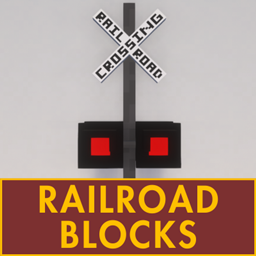
Railroad Blocks Mod do Minecraft 1.21.1, 1.12.2
Dodaje do Minecrafta bloki i przedmioty związane z koleją.
 Fabric
 NeoForge
 Quilt
Quilt Forge
ForgeO modzie Railroad Blocks
Railroad Blocks adds various railroad-themed blocks and items to Minecraft. The blocks are generally based on things from US railroads.
Railroad Blocks supports Minecraft versions 1.12.x, 1.16.x, 1.18.x, 1.19 - 1.19.2, 1.20 - 1.20.4, and 1.21 - 1.21.1.
Make sure to install the Fabric API when running on Fabric or Quilt! Architectury API not required on 1.12.x.
🟩 Blocks
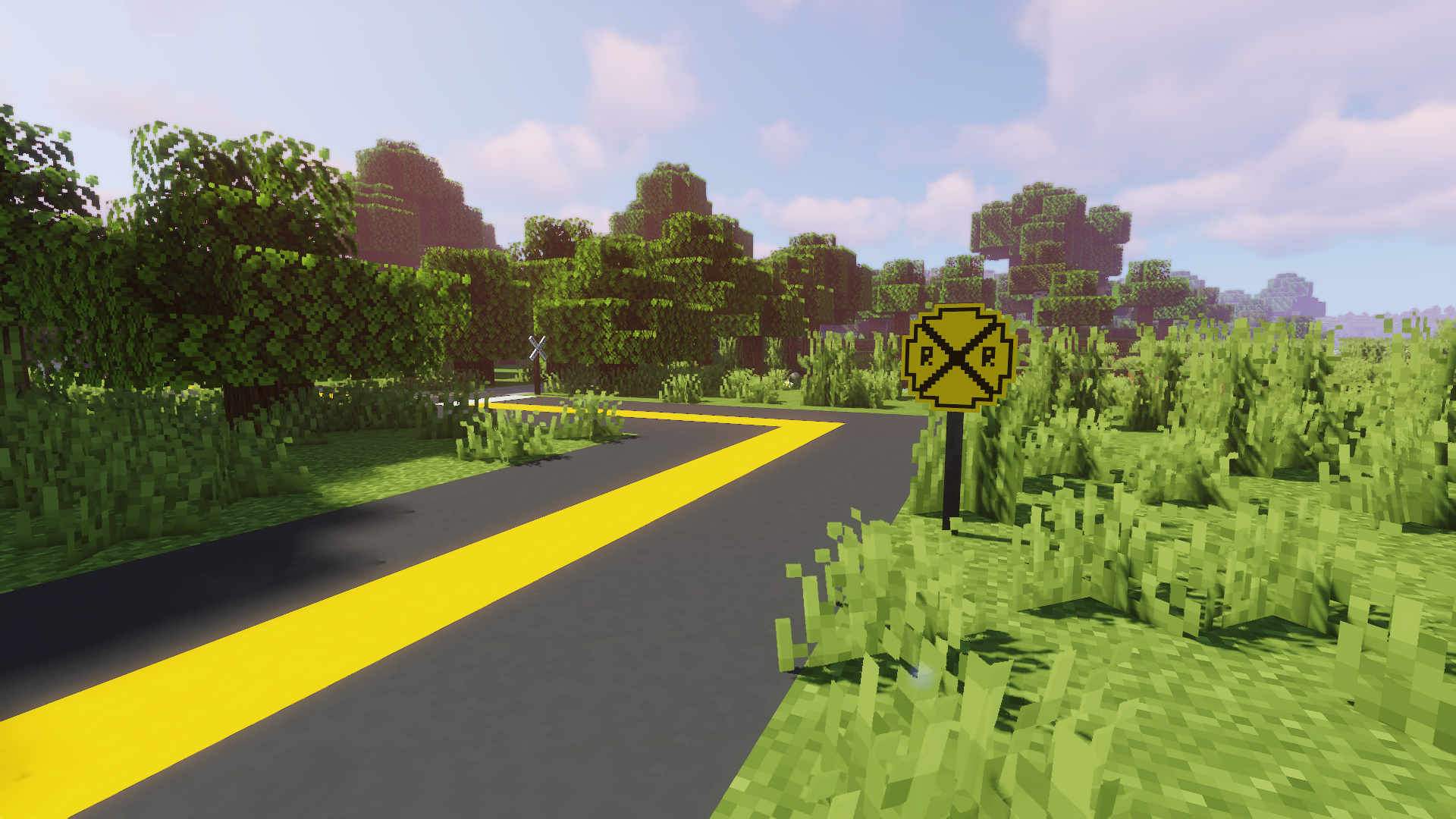
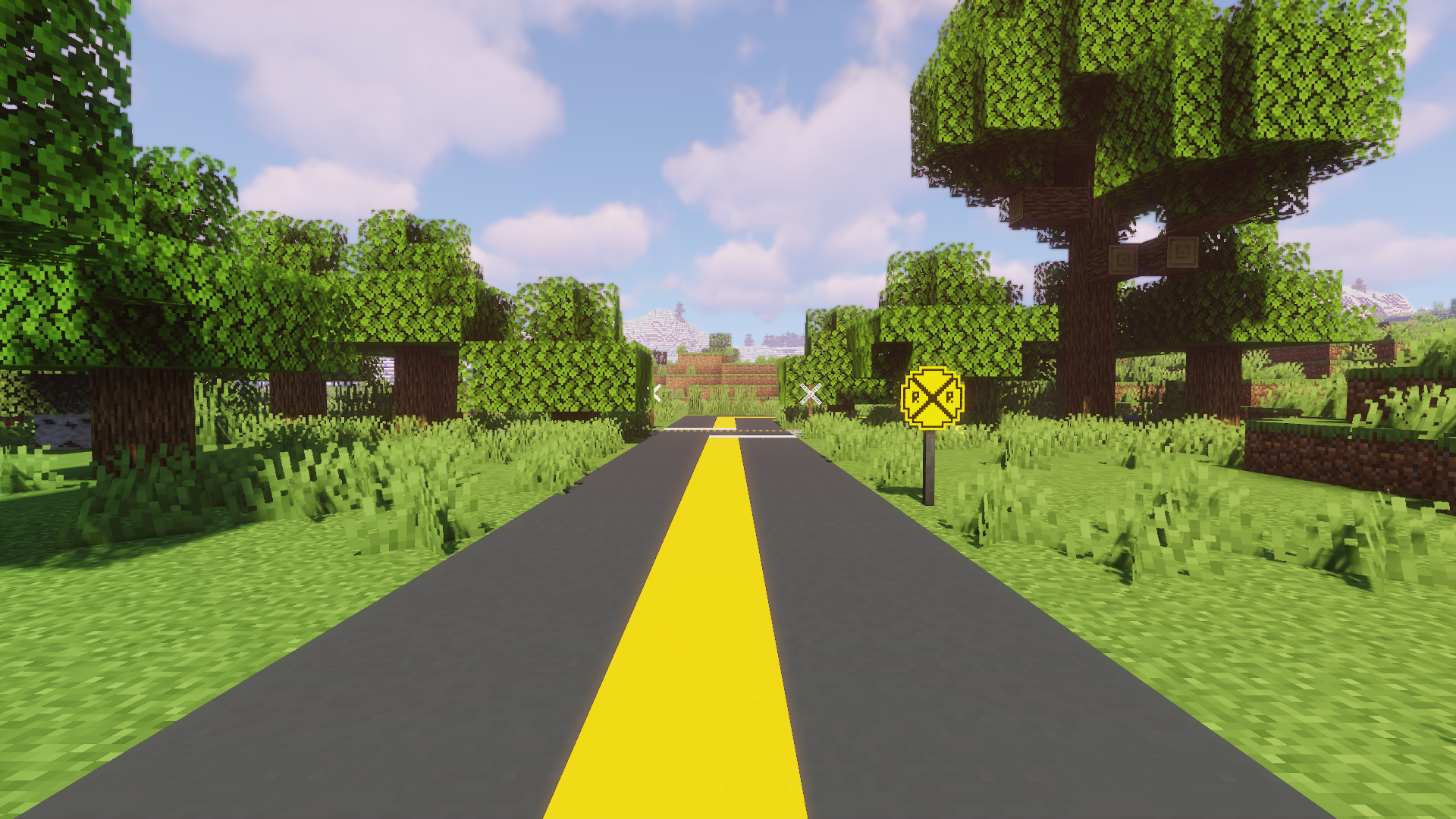
The current version of Railroad Blocks includes the following blocks.
- Railroad Crossing Lights (Decorative)
- Dual Railroad Crossing Lights (Decorative)
- Iron Crossbuck
- Iron Pole
- Old Whistle Post
- Railroad Crossing Advance Warning Sign
- Whistle Post
- Wooden Crossbuck
- Wooden Pole
- Yard Limit Sign
🔨 Items
The current version of Railroad Blocks includes the following items:
- Blue Flag
- Green Flag
- Red Flag
- Yellow Flag
🌐 Languages
Railroad Blocks supports the following languages:
- 🇺🇸 American English
- 🇦🇿 Azerbaijan (92% Translated)
- 🇬🇧 British English
- 🇨🇦 Canadian English
- 🇨🇳 Simplified Chinese (71% Translated)
- 🇹🇷 Turkish (92% Translated)
⚠️ Issues
If you encounter any issues or bugs, please report them on our GitHub.
Jak zainstalować Railroad Blocks
With Millida Launcher
Install Millida Launcher
The launcher is free: download it at millida.net/launcher and sign in with any nickname.
Click “Install” on this page
The launcher opens and installs the mod for Minecraft 1.12–1.21.1 on Fabric, Forge, NeoForge or Quilt automatically.
Launch the game
A profile with it appears in the launcher: click “Play”.
Manually
Install Fabric, Forge, NeoForge or Quilt
The loader must match the game version of the mod file, for example Minecraft 1.21.1. After installing it, a separate profile appears in your launcher.
Download the file for your version
In the version list above, pick the file Railroad Blocks 1.21-0.7.0-alpha.3.jar (157 KB) for your game version and loader.
Put it in the mods folder
The folder is inside .minecraft (Windows: %appdata%\.minecraft\mods). If it does not exist, create it.
Launch the loader profile
Open “Mods” in the main menu: Railroad Blocks should be in the list.
Minecraft 1.21.1 runs on Java 21: with a different Java version the game may close right after launch.
Wersje
Z zależnościami
| Minecraft | Loader | Plik | Data | Akcje |
|---|---|---|---|---|
| 1.21 | Fabric, NeoForge, Quilt | Railroad Blocks 0.7.0-alpha.3157 KB | ||
| 1.12.1 | Forge | Railroad Blocks 0.7.0-alpha.379.9 KB | ||
| 1.21 | Fabric, NeoForge, Quilt | Railroad Blocks v0.6.5102 KB | ||
| 1.20.2 | NeoForge | Railroad Blocks v0.6.580.8 KB | ||
| 1.12.1 | Forge | Railroad Blocks v0.6.572.7 KB | ||
| 1.20.2 | NeoForge | Railroad Blocks v0.4.072.7 KB |
Opinie
Oceń Railroad Blocks jako pierwszy


