
PrimalCore Mod do Minecraft 1.12.2
Przetrwanie na wczesnym etapie, rozszerzony Nether, potwory i tajemnice
- wyświetleń
- 9 wyświetleń
- Zaktualizowano
- Zaktualizowano 18.10.2026
- 1.12 — 1.12.2
 Forge
Forge
O modzie PrimalCore
Early Game Survival, Expanded Nether, Monsters and Mystery
Get Started on the GamePlay Wiki, Report Issues on Github, View Development Changelog
Join Us on Discord for a chat or to play on the Official PrimalCore Server.
Pack Policy: PrimalCore may be included in any mod pack or server in so far as the proprietors abide by the Minecraft EULA.
Donate through support is greatly appreciated and will help keep the mod alive
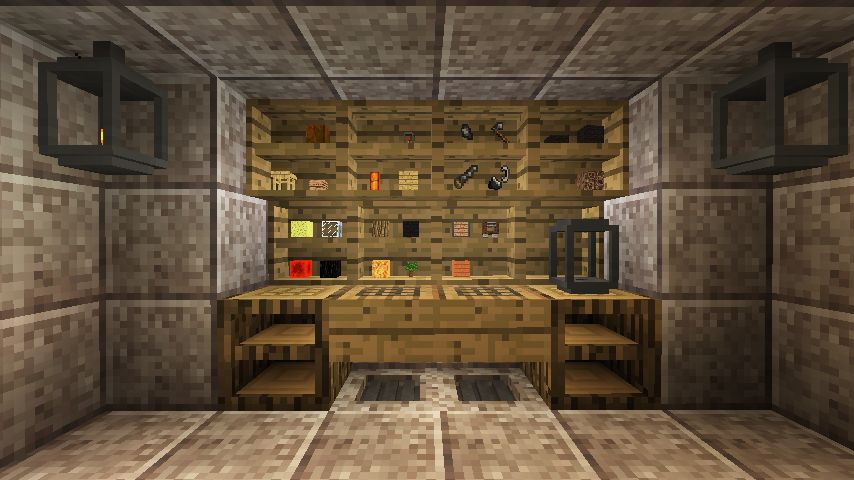
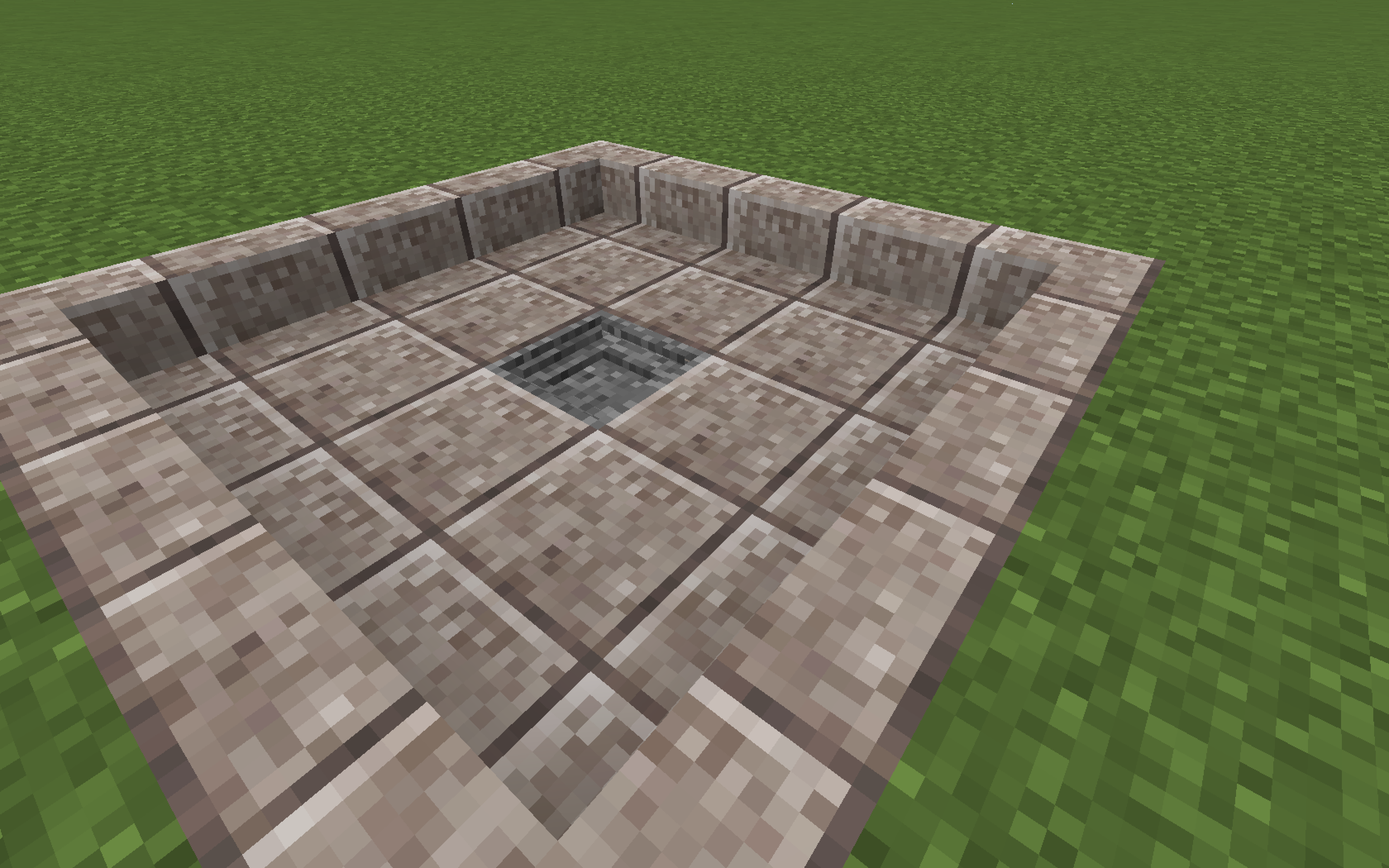
PrimalCore is a survival mod with focus on early game mechanics, primitive technology, and making the world a harder and less forgiving place.The default configuration effects many of the first steps a player will take, such as replacing wooden and stone tools with flaked flint, changing the harvesting and crafting for items such as wooden logs, planks, and slabs to require the use of tools, and adding new threats and resources to the world in the form of worldgen and monsters. Every major feature can be configured or disabled, compatibility is a primary focus, feedback on how well we play with other mods is greatly appreciated!
Featured ModPack Servers: check curse pages or discord for server connection information
Technicians' Survival 2
Primal Skies
Related Mods:
Kitsu's ForgeCraft
MagnumOpus
SharpBone
Full Playlist Here
Jak zainstalować PrimalCore
With Millida Launcher
Install Millida Launcher
The launcher is free: download it at millida.net/launcher and sign in with any nickname.
Click “Install” on this page
The launcher opens and installs the mod for Minecraft 1.12–1.12.2 on Forge automatically.
Launch the game
A profile with it appears in the launcher: click “Play”.
Manually
Install Forge
The loader must match the game version of the mod file, for example Minecraft 1.12.2. After installing it, a separate profile appears in your launcher.
Download the file for your version
In the version list above, pick the file PrimalCore-1.12.2-0.6.105.jar (5.7 MB) for your game version.
Put it in the mods folder
The folder is inside .minecraft (Windows: %appdata%\.minecraft\mods). If it does not exist, create it.
Launch the loader profile
Open “Mods” in the main menu: PrimalCore should be in the list.
Minecraft 1.12.2 runs on Java 8: with a different Java version the game may close right after launch.
Wersje
Z zależnościami
| Minecraft | Loader | Plik | Data | Akcje |
|---|---|---|---|---|
| 1.12.1 | Forge | PrimalCore-1.12.2-0.6.105.jar5.7 MB | ||
| 1.12.1 | — | PrimalCore-1.12.2-0.5.22.jar3.5 MB |
FAQ
Which Minecraft versions does PrimalCore work on?
There are files for 1.12.2, 1.12.1, 1.12. The newest is 1.12.2.
Is PrimalCore for Forge or Fabric?
Only for Forge: 1.12–1.12.2. There are no files for Fabric or NeoForge: a mod for another loader will not start.
Does PrimalCore need other mods?
The author lists no required dependencies: the Forge loader is enough.
Which Java does PrimalCore need?
Minecraft 1.12.2 runs on Java 8. If the game closes right after launch, the usual cause is the wrong Java version in the profile settings.
Where can I download PrimalCore safely?
On this page: the file PrimalCore-1.12.2-0.6.105.jar (5.7 MB) is stored on Millida’s server, with no link shorteners. SHA-1 checksum: d1cd14519d3a09abfa5d8ccc48c970933e57b93b.
Opinie
Oceń PrimalCore jako pierwszy


