
Platforms Mod do Minecraft 1.21.1
Twórz pomosty, mosty, szyby kopalniane, a nawet drewniane kolejki górskie
 NeoForge
 Forge
ForgeO modzie Platforms
- ShetiPhianCore Wymagane!
Buduj pokłady, mosty, dachy, szyby kopalniane, a nawet drewniane kolejki.
Łącz niemal dowolne 2 bloki lub przedmioty (modowane lub vanilla).
Jeśli jeden z użytych bloków emituje światło, wytworzony przedmiot również będzie je emitował.
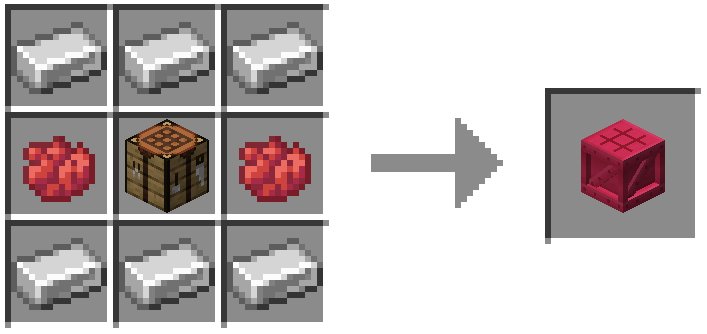
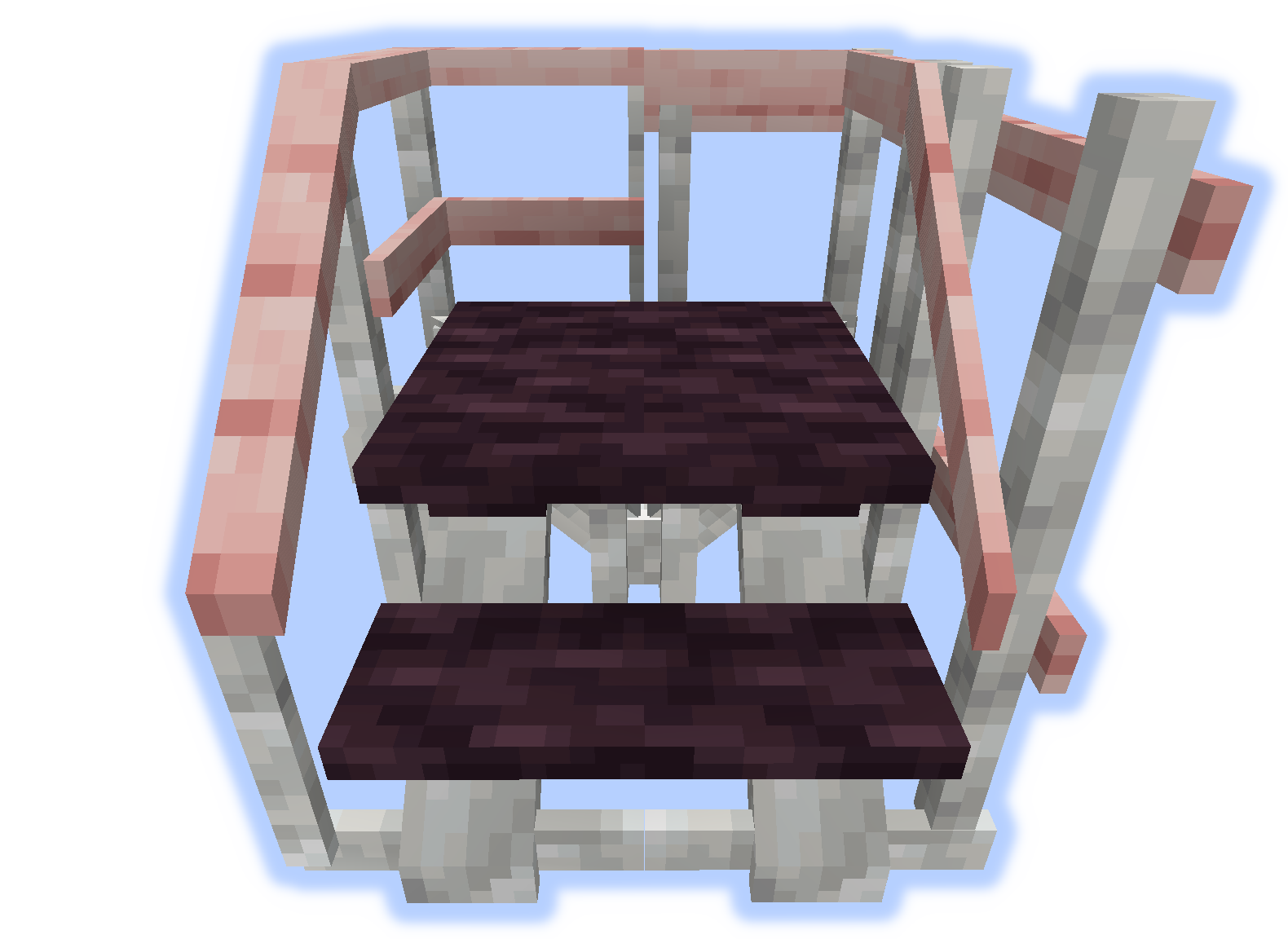
Ramy, podłogi i platformy
Do ram można przyczepić soul/redstone/torches.
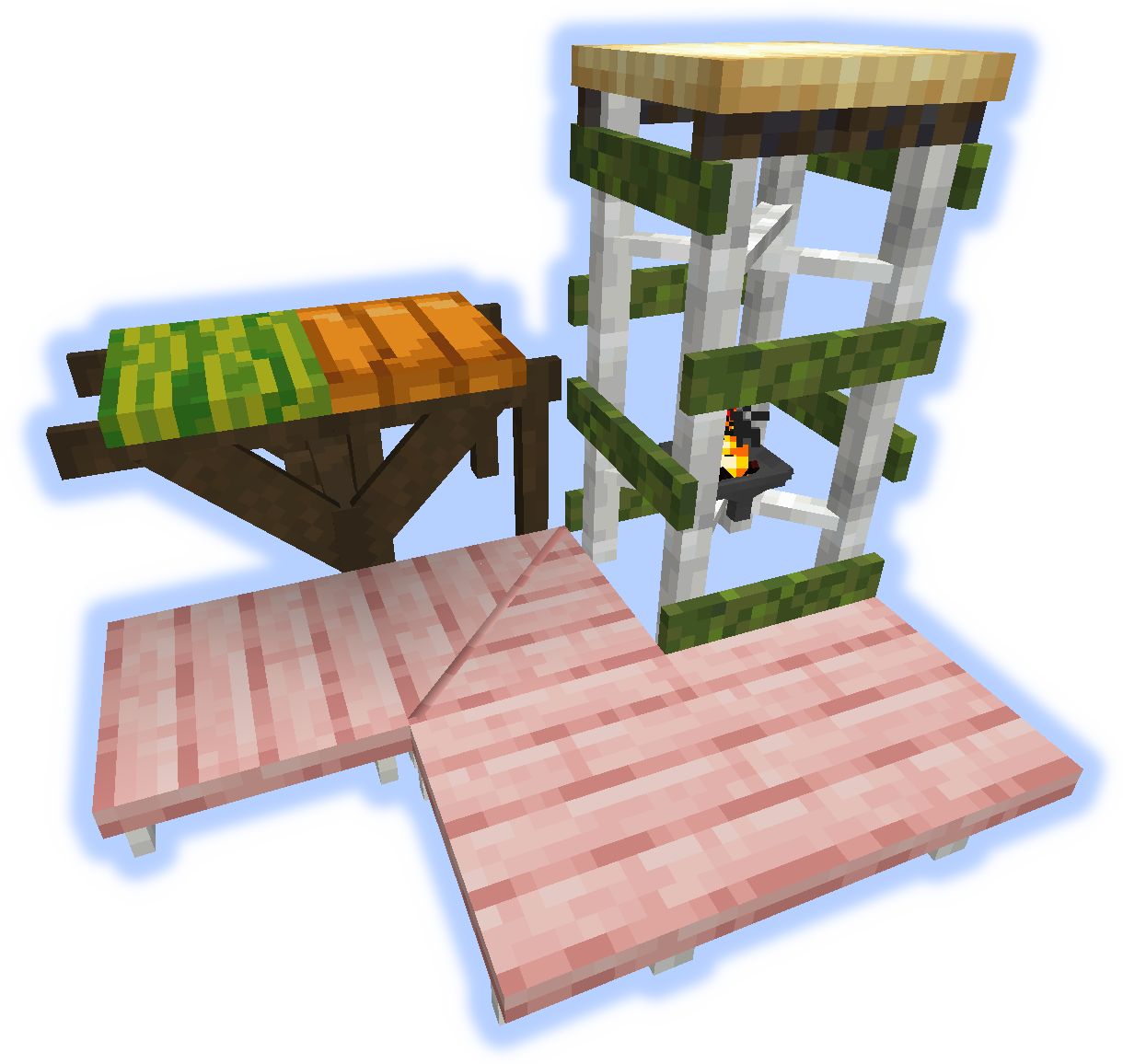
Rampy, stopnie i schody
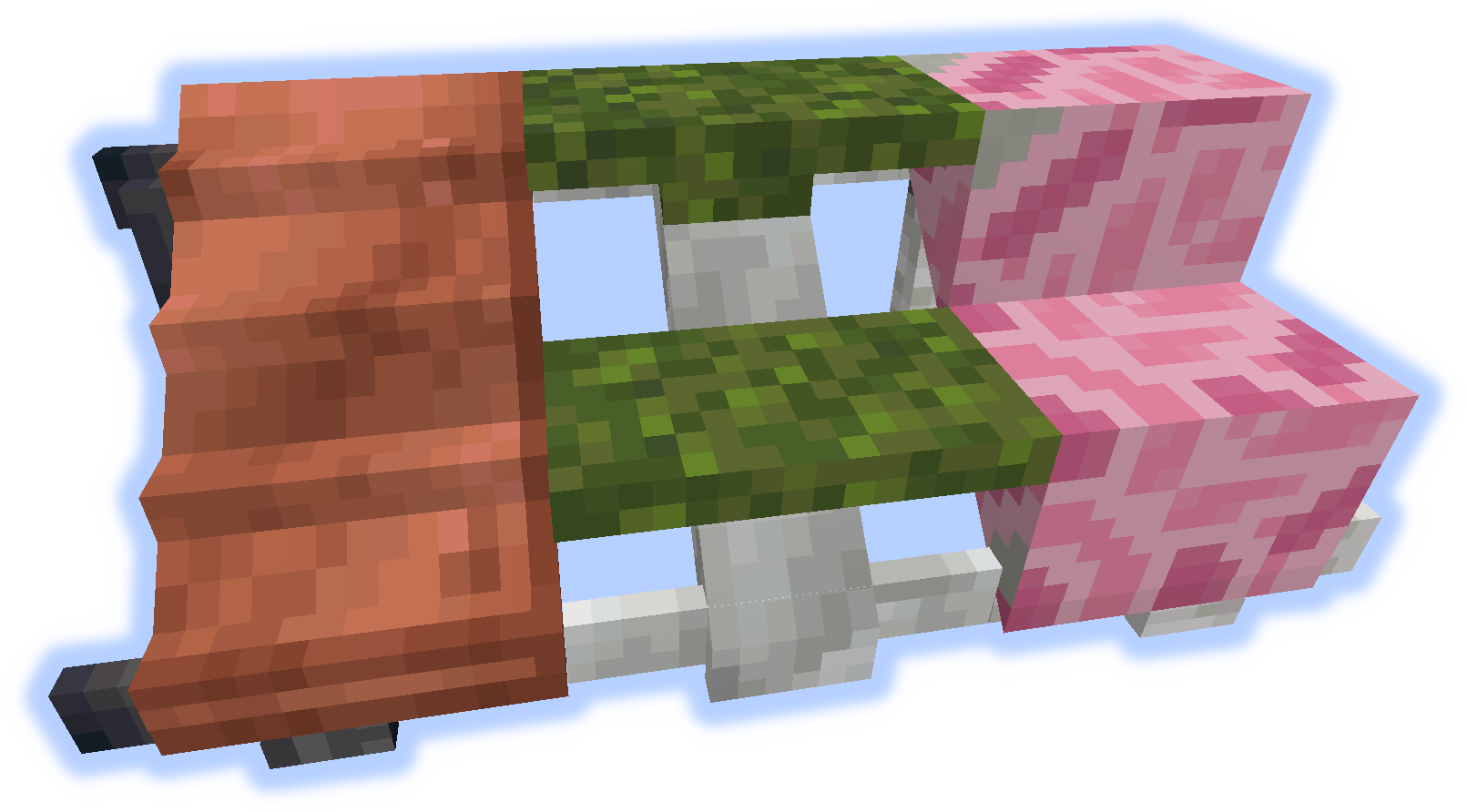
Poręcze i wzniesienia
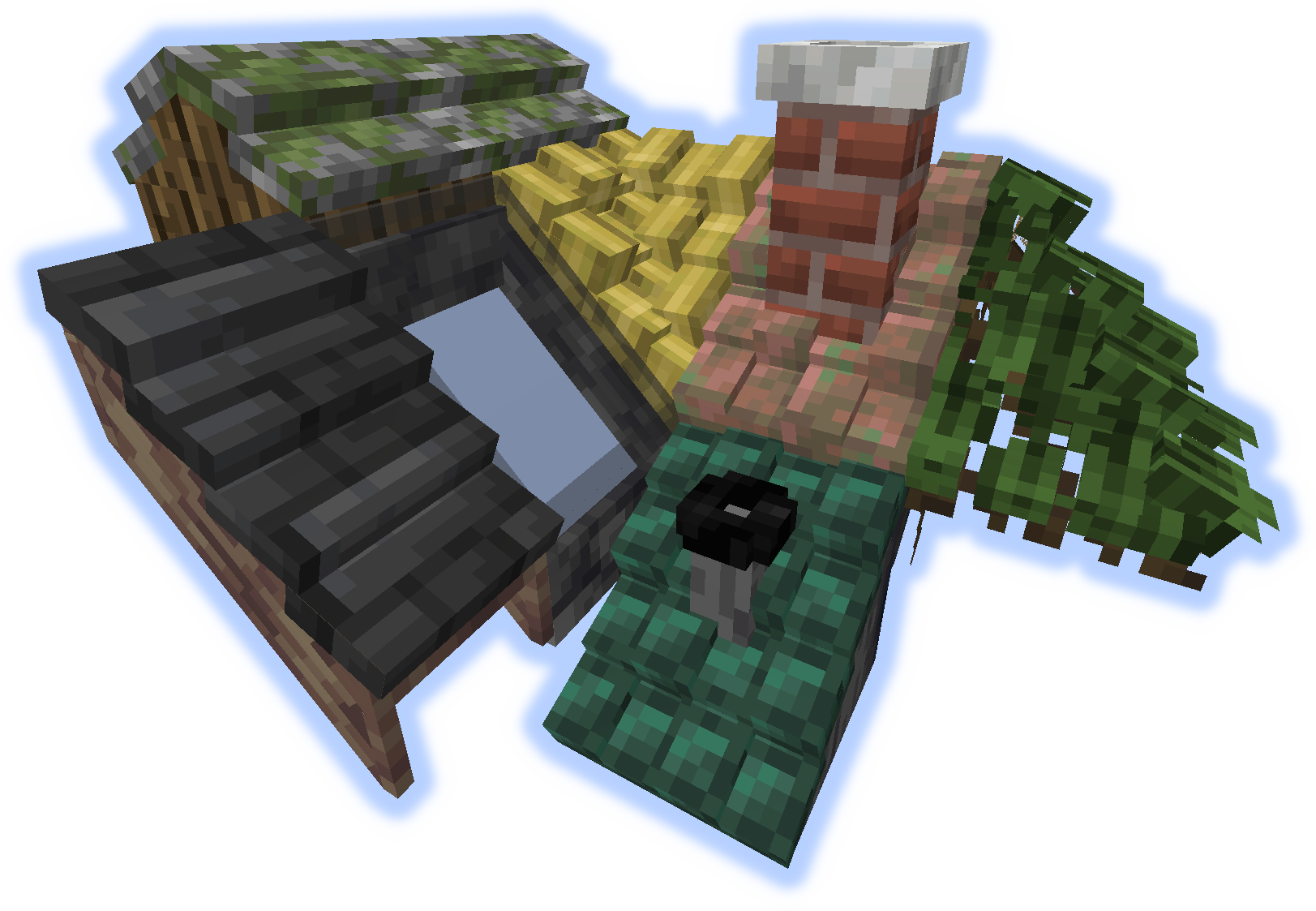
Dachy
Gdy "wzniesienie" lub "poręcz" zostanie umieszczone na dachu, stają się kominem lub rurą.
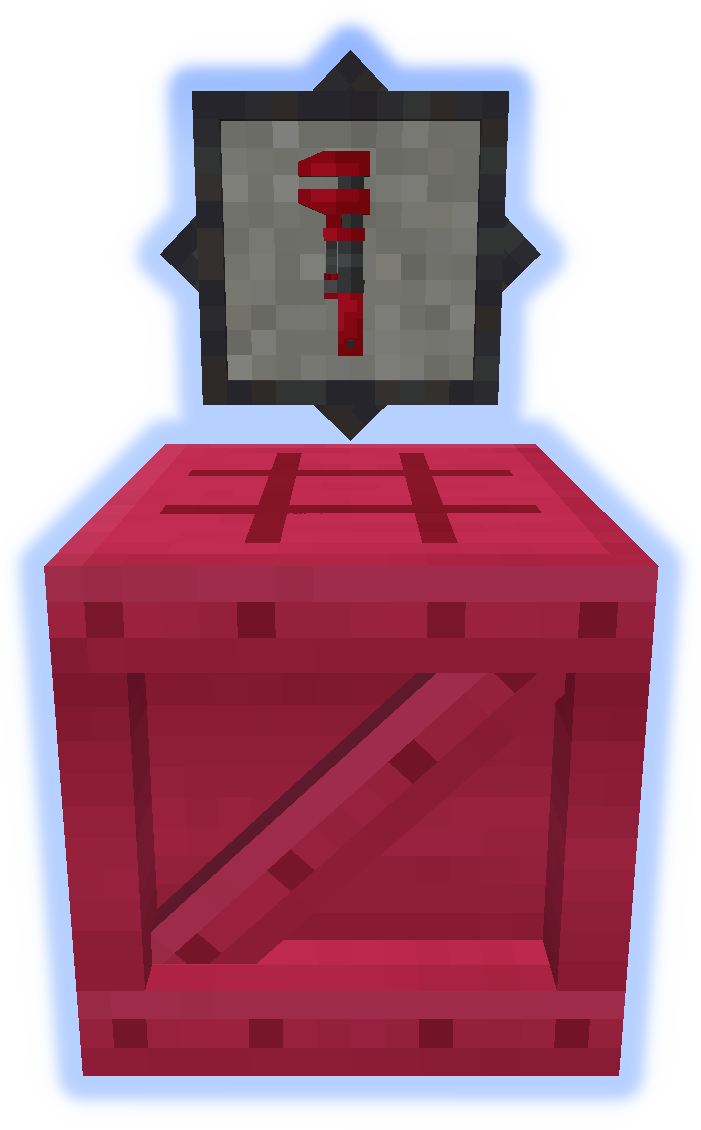
Narzędzia
Klucz to bardzo ważne narzędzie. Wypróbuj go w drugiej ręce. (Więcej informacji)
Platformer służy do wytwarzania wszystkiego innego z moda. (Więcej informacji)
Funkcje specjalne
Dywan można umieścić na platformach.
Śnieg lub piasek będą gromadzić się w odpowiednich biomach.
Kominy i rury emitują cząsteczki (można przełączać).
Przesyłaj pliki lokalizacji na github.
Nie zgłaszaj błędów w komentarzach, użyj Issue Tracker.
Jak zainstalować Platforms
With Millida Launcher
Install Millida Launcher
The launcher is free: download it at millida.net/launcher and sign in with any nickname.
Click “Install” on this page
The launcher opens and installs the mod for Minecraft 1.14.4–1.21.1 on Forge or NeoForge automatically.
Launch the game
A profile with it appears in the launcher: click “Play”.
Manually
Install Forge or NeoForge
The loader must match the game version of the mod file, for example Minecraft 1.21.1. After installing it, a separate profile appears in your launcher.
Download the file for your version
In the version list above, pick the file platforms-neoforge-1.21.1-1.0.jar (808 KB) for your game version and loader.
Put it in the mods folder
The folder is inside .minecraft (Windows: %appdata%\.minecraft\mods). If it does not exist, create it.
Launch the loader profile
Open “Mods” in the main menu: Platforms should be in the list.
Minecraft 1.21.1 runs on Java 21: with a different Java version the game may close right after launch.
Wersje
Z zależnościami
| Minecraft | Loader | Plik | Data | Akcje |
|---|---|---|---|---|
| 1.21.1 | NeoForge | platforms-neoforge-1.21.1-1.0.jar808 KB 2 | ||
| 1.21.1 | Forge | platforms-forge-1.21.1-1.0.jar804 KB 4 | ||
| 1.21.1 | NeoForge | platforms-neoforge-1.21.1-0.1.jar808 KB | ||
| 1.21.1 | Forge | platforms-forge-1.21.1-0.1.jar804 KB | ||
| 1.14.4 | — | platforms-1.14-1.5.13.jar497 KB 1 |
FAQ
Which Minecraft versions does Platforms work on?
There are files for 1.21.1, 1.14.4. The newest is 1.21.1.
Is Platforms for Forge or Fabric?
There are files for Forge: 1.21.1 and for NeoForge: 1.21.1. There are no files for Fabric: a mod for another loader will not start.
Does Platforms need other mods?
The author lists no required dependencies: the Forge or NeoForge loader is enough.
Which Java does Platforms need?
Minecraft 1.21.1 runs on Java 21. If the game closes right after launch, the usual cause is the wrong Java version in the profile settings.
Where can I download Platforms safely?
On this page: the file platforms-neoforge-1.21.1-1.0.jar (808 KB) is stored on Millida’s server, with no link shorteners. SHA-1 checksum: 4597d439a87ed57aa38ddbe935071c9398057557.
Opinie
Oceń Platforms jako pierwszy


