
MythicBotany Mod do Minecraft 1.20.1, 1.16.5
Zanurz się głębiej w świat botania
- pobrań
- 6 pobrań
- wyświetleń
- 27 wyświetleń
- Zaktualizowano
- Zaktualizowano 17.10.2026
- 1.16.3 — 1.20.1
 Forge
Forge
O modzie MythicBotany
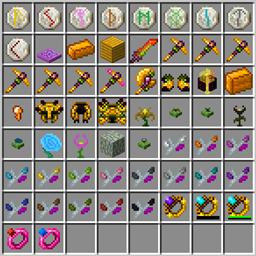
MythicBotany to mod, który nieco rozszerza Botanię. Niektóre z jego funkcji wymieniono poniżej:
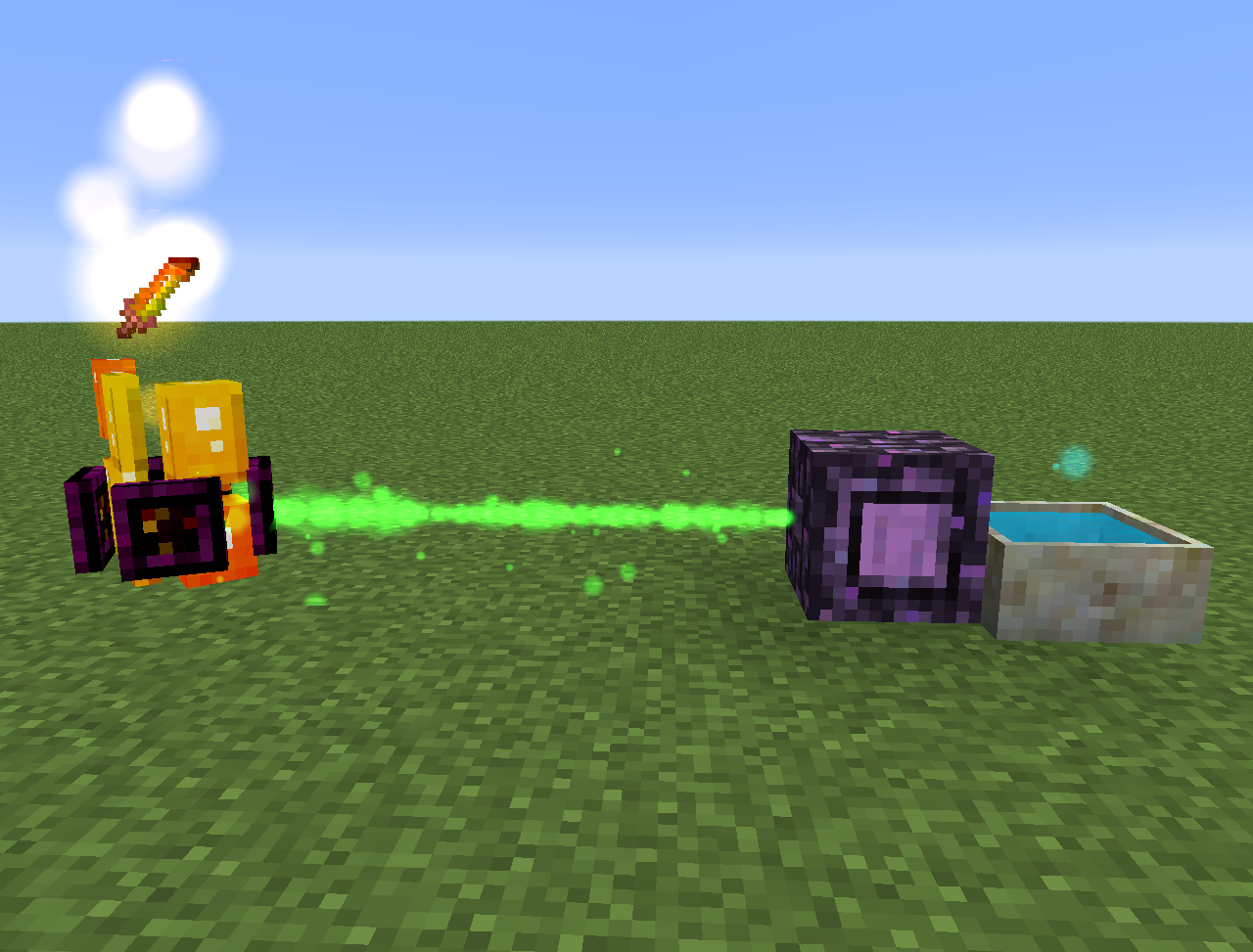
- Mana infuser: Ulepszenie terrestrial agglommeration plate, które wymaga złota i shimmerrock pod spodem oraz obok Terrasteel, pozwala na tworzenie Alfsteel.
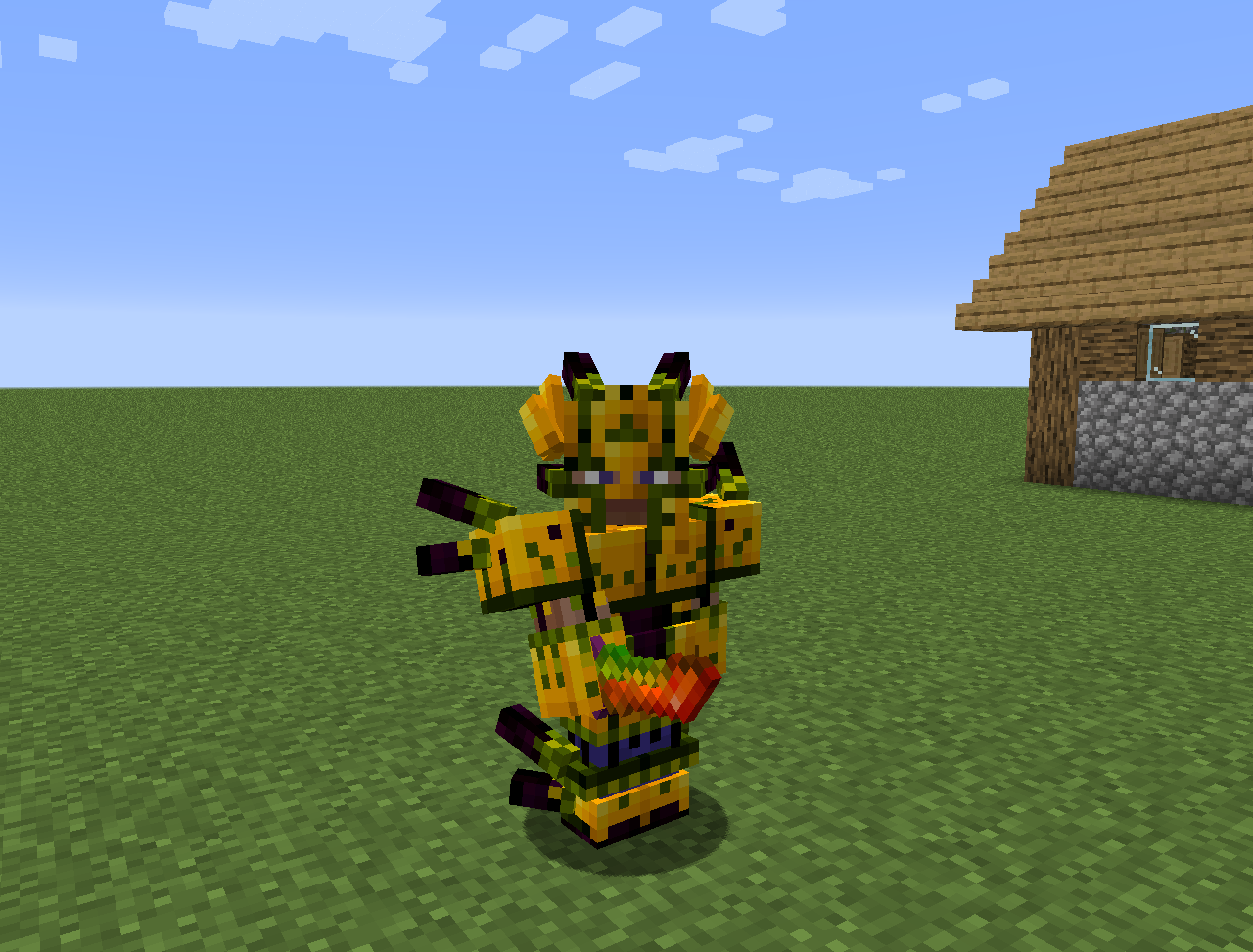
- Alfsteel: Wytwarzany jak Terrasteel, ale z zasobów alfheim. Można go użyć do stworzenia lepszej zbroi, pylonów i innych rzeczy.
- Kilka nowych kwiatów:
- Wither Aconite: Tworzy Manę z nether stars
- Exoblaze: Napełnia paliwo brewing stands maną
- Hellebore: Powstrzymuje pigliny i hoglins przed zombifikacją w overworldzie
- Aquapanthus: Napełnia petal apothecaries i kotły w pobliżu.
- Raindeletia: Tworzy manę, gdy pada deszcz. Musi mieć czysty widok na niebo. Umieść ją na vivid grass lub enchanted soil, aby produkowała więcej many.
- Dodaje także wymiar alfheim i trochę zawartości z mitologii nordyckiej
Wszystko można również znaleźć w lexica botania.
Jak zainstalować MythicBotany
With Millida Launcher
Install Millida Launcher
The launcher is free: download it at millida.net/launcher and sign in with any nickname.
Click “Install” on this page
The launcher opens and installs the mod for Minecraft 1.16.3–1.20.1 on Forge automatically.
Launch the game
A profile with it appears in the launcher: click “Play”.
Manually
Install Forge
The loader must match the game version of the mod file, for example Minecraft 1.20.1. After installing it, a separate profile appears in your launcher.
Download the file for your version
In the version list above, pick the file MythicBotany-1.20.1-4.0.4.jar (2.1 MB) for your game version.
Put it in the mods folder
The folder is inside .minecraft (Windows: %appdata%\.minecraft\mods). If it does not exist, create it.
Launch the loader profile
Open “Mods” in the main menu: MythicBotany should be in the list.
Minecraft 1.20.1 runs on Java 17: with a different Java version the game may close right after launch.
Wersje
Z zależnościami
| Minecraft | Loader | Plik | Data | Akcje |
|---|---|---|---|---|
| 1.20.1 | Forge | MythicBotany-1.20.1-4.0.4.jar2.1 MB 4 | ||
| 1.18.1 | Forge | MythicBotany-1.18.1-2.0.2.jar2 MB | ||
| 1.16.5 | Forge | MythicBotany-1.16.4-1.3.7.jar2 MB 2 | ||
| 1.16.3 | — | MythicBotany-1.16.3-1.0.0.jar403 KB |
FAQ
Which Minecraft versions does MythicBotany work on?
There are files for 1.20.1, 1.18.1, 1.16.5, 1.16.4, 1.16.3. The newest is 1.20.1.
Is MythicBotany for Forge or Fabric?
Only for Forge: 1.16.4–1.20.1. There are no files for Fabric or NeoForge: a mod for another loader will not start.
Does MythicBotany need other mods?
The author lists no required dependencies: the Forge loader is enough.
Which Java does MythicBotany need?
Minecraft 1.20.1 runs on Java 17. If the game closes right after launch, the usual cause is the wrong Java version in the profile settings.
Where can I download MythicBotany safely?
On this page: the file MythicBotany-1.20.1-4.0.4.jar (2.1 MB) is stored on Millida’s server, with no link shorteners. SHA-1 checksum: b616c118d611459a0711931c51c9c4d41408abb4.
Opinie
Oceń MythicBotany jako pierwszy


