
Modular Powersuits Mod do Minecraft 1.20.1, 1.16.5
Zaawansowana technologicznie rozszerzalna zbroja oraz narzędzie/broń
 NeoForge
 Forge
ForgeO modzie Modular Powersuits
UWAGA: ten mod przeszedł pewne zmiany w infrastrukturze! Jeśli aktualizujesz ze starszej wersji, wszelkie nieużywane przedmioty Component leżące w pobliżu zostaną utracone. Nie wstydź się oszukiwać, aby odzyskać przedmioty, które znikną podczas aktualizacji!
Modular Powersuits to mod do Minecrafta oparty na pomyśle wynalazcy, który majsterkuje przy zaawansowanej elektronice i tworzy zestaw zasilanego pancerza pełnego użytecznych gadżetów i funkcji. Zainspirowany bohaterami takimi jak Iron Man, Megaman i Samus Aran, a także zaawansowanym pancerzem z modów takich jak EE2 i IC2.
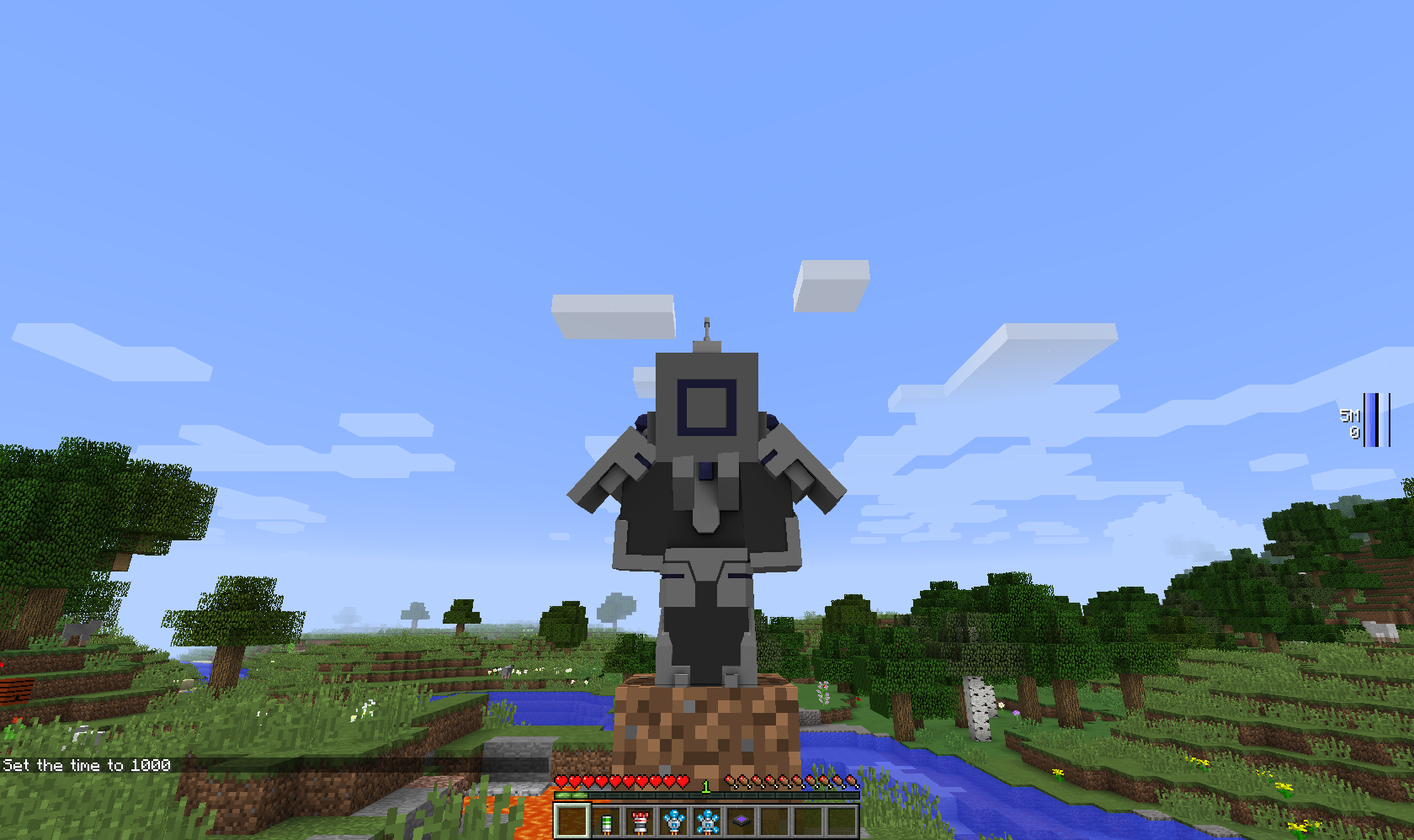
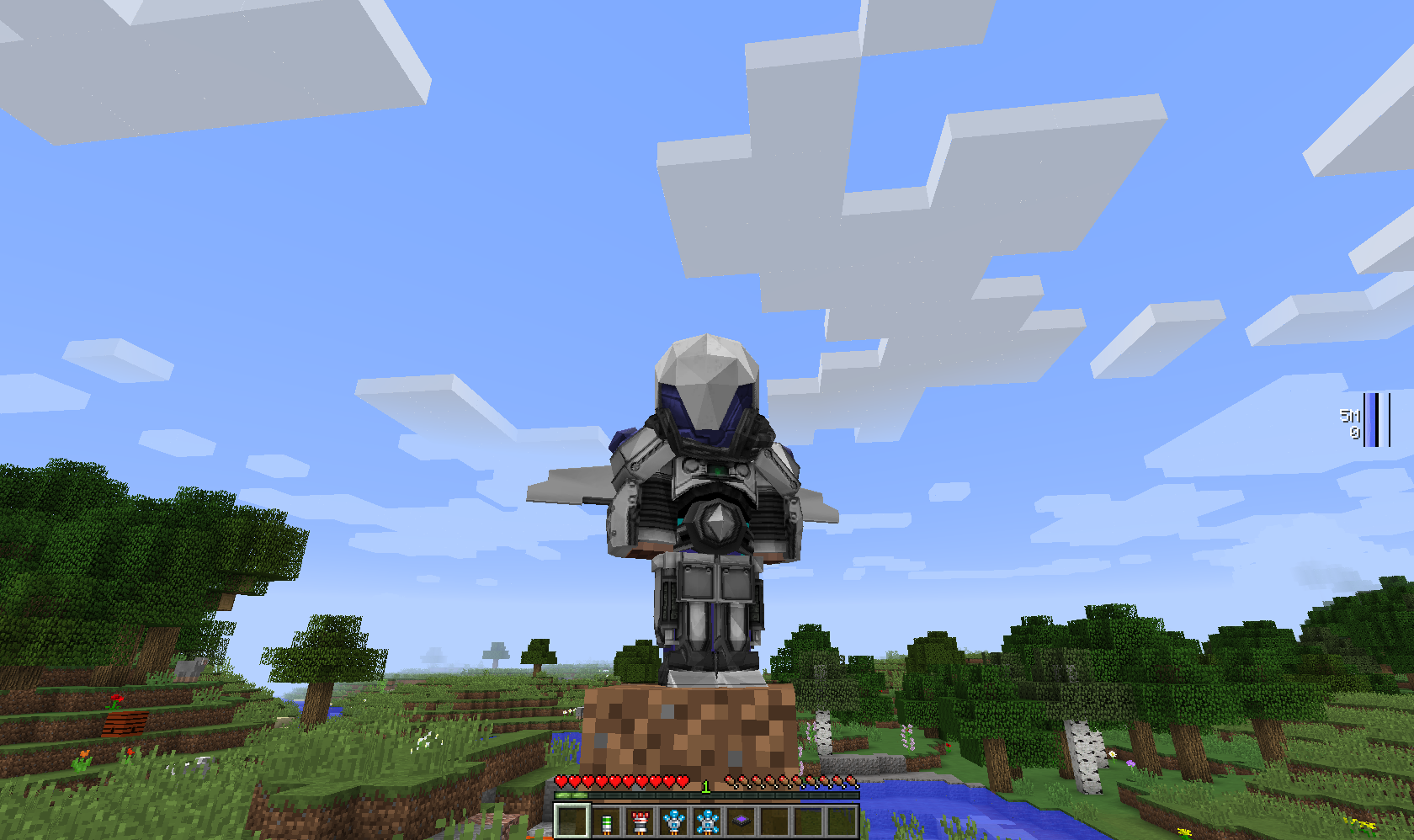
Na początek będziesz potrzebować Tinker Table i przynajmniej jednego elementu powersuit - hełmu, torsu, nóg, butów lub narzędzia. Elementy powersuit są bezużyteczne same w sobie, ale gdy uzyskasz dostęp do tinker table, wyświetli ona moduły, które możesz umieścić w danym elemencie, oraz poda koszt komponentów.
Wymaga Numina, chyba że zaznaczono inaczej (np. w wersjach Alpha).
Uwaga: W wersjach 1.16.5 i nowszych Tinker Table jako moduł jest tym samym co stawiany blok, to samo dotyczy zwykłego stołu rzemieślniczego. Zwykły kompas i zegar również można zainstalować jako moduły.
Jak zainstalować Modular Powersuits
With Millida Launcher
Install Millida Launcher
The launcher is free: download it at millida.net/launcher and sign in with any nickname.
Click “Install” on this page
The launcher opens and installs the mod for Minecraft 1.10.2–1.20.1 on Forge or NeoForge automatically.
Launch the game
A profile with it appears in the launcher: click “Play”.
Manually
Install Forge or NeoForge
The loader must match the game version of the mod file, for example Minecraft 1.20.1. After installing it, a separate profile appears in your launcher.
Download the file for your version
In the version list above, pick the file ModularPowersuits-NeoForged-1.20.1-2.3.13.jar (1.7 MB) for your game version and loader.
Put it in the mods folder
The folder is inside .minecraft (Windows: %appdata%\.minecraft\mods). If it does not exist, create it.
Launch the loader profile
Open “Mods” in the main menu: Modular Powersuits should be in the list.
Minecraft 1.20.1 runs on Java 17: with a different Java version the game may close right after launch.
Wersje
Z zależnościami
| Minecraft | Loader | Plik | Data | Akcje |
|---|---|---|---|---|
| 1.19.2 | Forge | ModularPowersuits-1.19.2-2.3.13.jar1.8 MB | ||
| 1.20.1 | NeoForge | ModularPowersuits-NeoForged-1.20.1-2.3.13.jar1.7 MB | ||
| 1.20.1 | Forge | ModularPowersuits-Forge-1.20.1-2.3.13.jar1.7 MB | ||
| 1.19.2 | Forge | ModularPowersuits-1.19.2-2.3.7.jar1.8 MB | ||
| 1.16.5 | — | ModularPowersuits-1.16.5-RC-11.5 MB | ||
| 1.16.5 | — | ModularPowersuits-1.16.4-Alpha-41.8 MB | ||
| 1.10.2 | — | ModularPowersuits-1.10.2-BETA-41.8 MB |
FAQ
Which Minecraft versions does Modular Powersuits work on?
There are files for 1.20.1, 1.19.2, 1.16.5, 1.16.4, 1.10.2. The newest is 1.20.1.
Is Modular Powersuits for Forge or Fabric?
There are files for Forge: 1.19.2–1.20.1 and for NeoForge: 1.20.1. There are no files for Fabric: a mod for another loader will not start.
Does Modular Powersuits need other mods?
The author lists no required dependencies: the Forge or NeoForge loader is enough.
Which Java does Modular Powersuits need?
Minecraft 1.20.1 runs on Java 17. If the game closes right after launch, the usual cause is the wrong Java version in the profile settings.
How do I download Modular Powersuits?
With Millida Launcher: it installs Modular Powersuits into a modpack by itself, for the right game version and loader. The launcher is free.
Opinie
Oceń Modular Powersuits jako pierwszy


