
- wyświetleń
- 9 wyświetleń
- Zaktualizowano
- Zaktualizowano 18.10.2026
- 1.20 — 1.20.1
 Fabric
O modzie Linked Storage
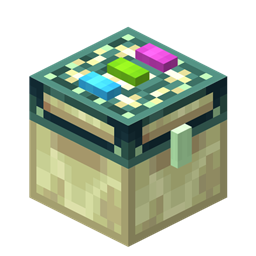
Linked storage allows you to link your inventories together.
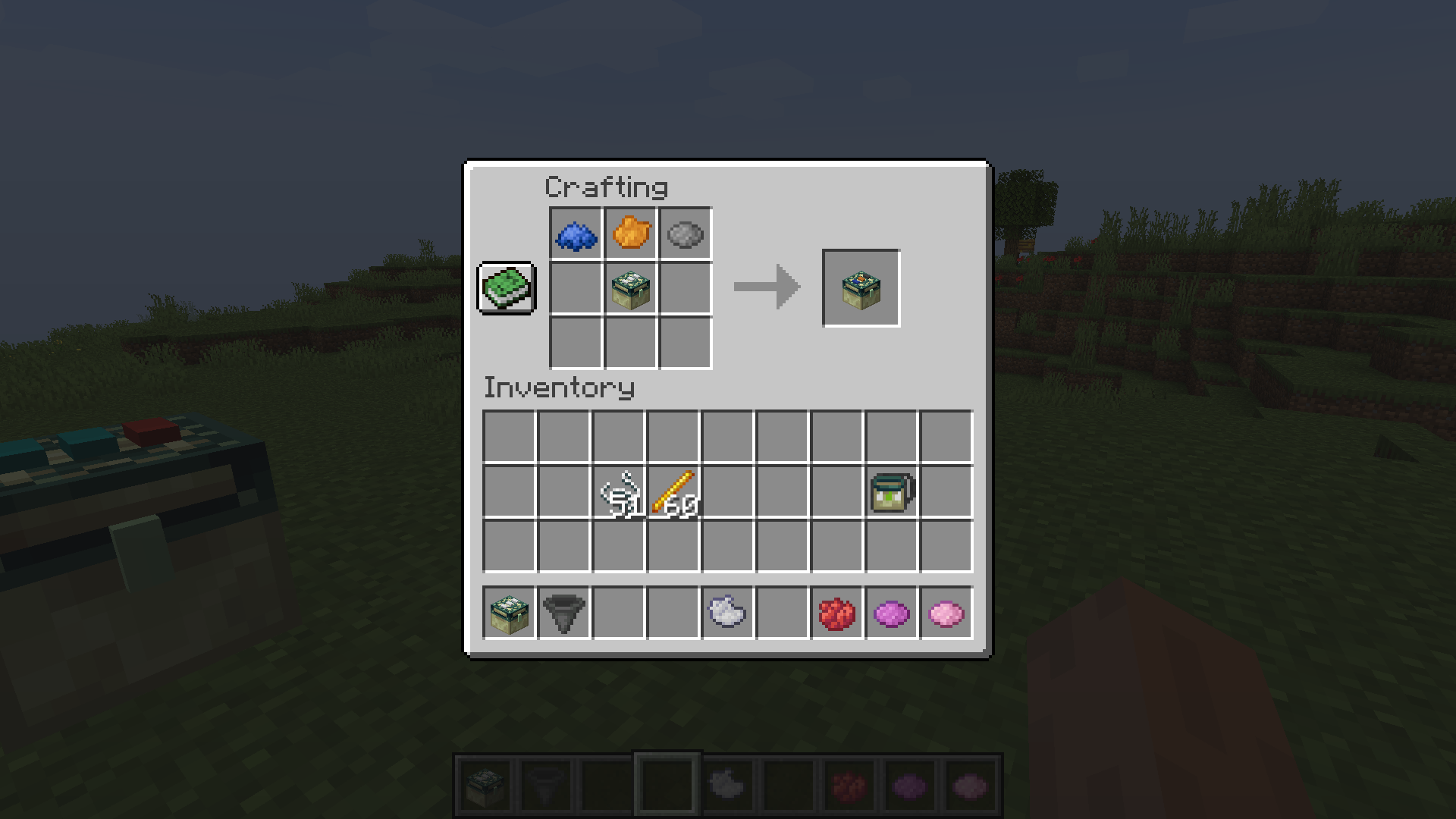
By applying a dye to the dye-able pads on top of the chest you can specify the "channel" that chest is linked to. All other Storage Blocks with the same dye pattern will share the same inventory. Storage Blocks are compatible with hoppers and most other forms of "pipes"
Right clicking on a chest while holding a diamond will turn the chest into a personal dye channel chest. Personal dye channel's are unique to you.
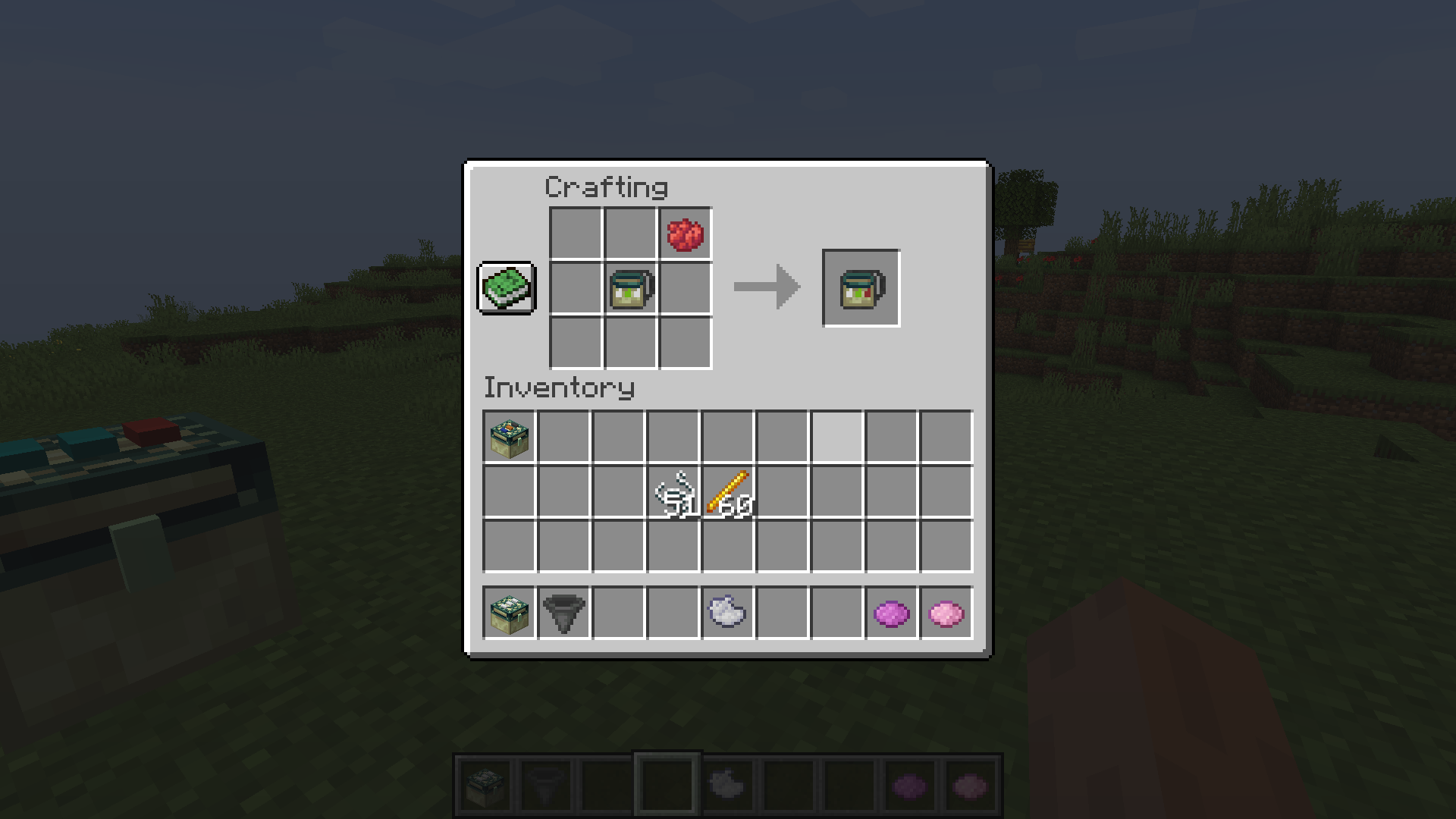
Crafting a Handheld storage will allow you to access the inventories remotely. The dye channel will be copied to the Handheld storage when crafting. Right clicking on a Storage Block will copy the dye channel to your Handheld storage
Linked Storage now by default includes a resourcepack that can be enabled to use textures from the original EnderStorage! Thanks to https://www.curseforge.com/minecraft/texture-packs/enderstorage-for-fabric
Huge thanks to Samo Lego for creating the textures!
Jak zainstalować Linked Storage
With Millida Launcher
Install Millida Launcher
The launcher is free: download it at millida.net/launcher and sign in with any nickname.
Click “Install” on this page
The launcher opens and installs the mod for Minecraft 1.20–1.20.1 on Fabric automatically.
Launch the game
A profile with it appears in the launcher: click “Play”.
Manually
Install Fabric
The loader must match the game version of the mod file, for example Minecraft 1.20.1. After installing it, a separate profile appears in your launcher.
Download the file for your version
In the version list above, pick the file linkedstorage-1.5.2-1.20.jar (123 KB) for your game version.
Put it in the mods folder
The folder is inside .minecraft (Windows: %appdata%\.minecraft\mods). If it does not exist, create it.
Launch the loader profile
Open “Mods” in the main menu: Linked Storage should be in the list.
Minecraft 1.20.1 runs on Java 17: with a different Java version the game may close right after launch.
Wersje
Z zależnościami
| Minecraft | Loader | Plik | Data | Akcje |
|---|---|---|---|---|
| 1.20.1 | Fabric | linkedstorage-1.5.2-1.20.jar123 KB |
FAQ
Which Minecraft versions does Linked Storage work on?
There are files for 1.20.1, 1.20. The newest is 1.20.1.
Is Linked Storage for Forge or Fabric?
Only for Fabric: 1.20–1.20.1. There are no files for Forge or NeoForge: a mod for another loader will not start.
Does Linked Storage need other mods?
The author lists no required dependencies: the Fabric loader is enough.
Which Java does Linked Storage need?
Minecraft 1.20.1 runs on Java 17. If the game closes right after launch, the usual cause is the wrong Java version in the profile settings.
Where can I download Linked Storage safely?
On this page: the file linkedstorage-1.5.2-1.20.jar (123 KB) is stored on Millida’s server, with no link shorteners. SHA-1 checksum: 3656a2a5916a6e879c23b937156bf447bf4c2895.
Opinie
Oceń Linked Storage jako pierwszy


