
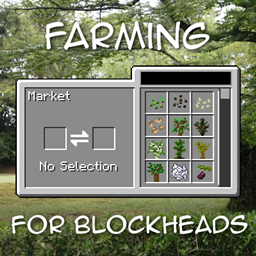
Farming for Blockheads Mod do Minecraft 1.21.1, 1.16.5
Dodaje konfigurowalny targ, skrzynię wysyłkową, zraszacze i więcej udogodnień rolniczych.
 NeoForge
 Fabric
 Forge
O modzie Farming for Blockheads
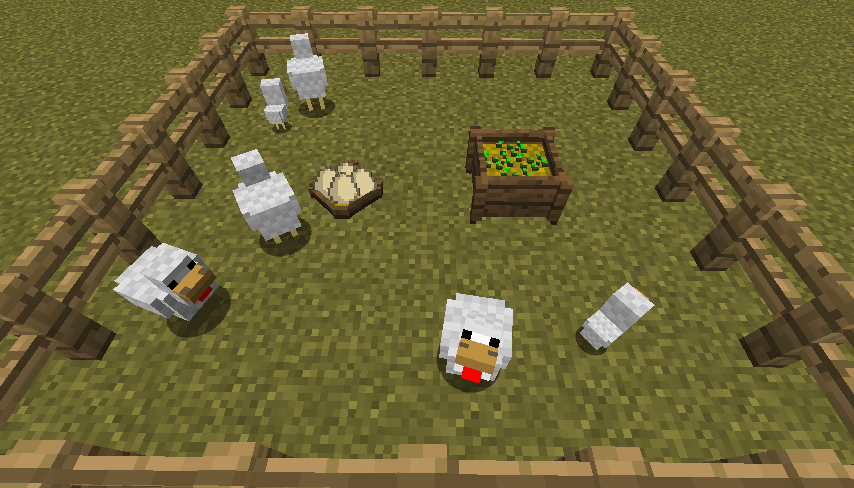
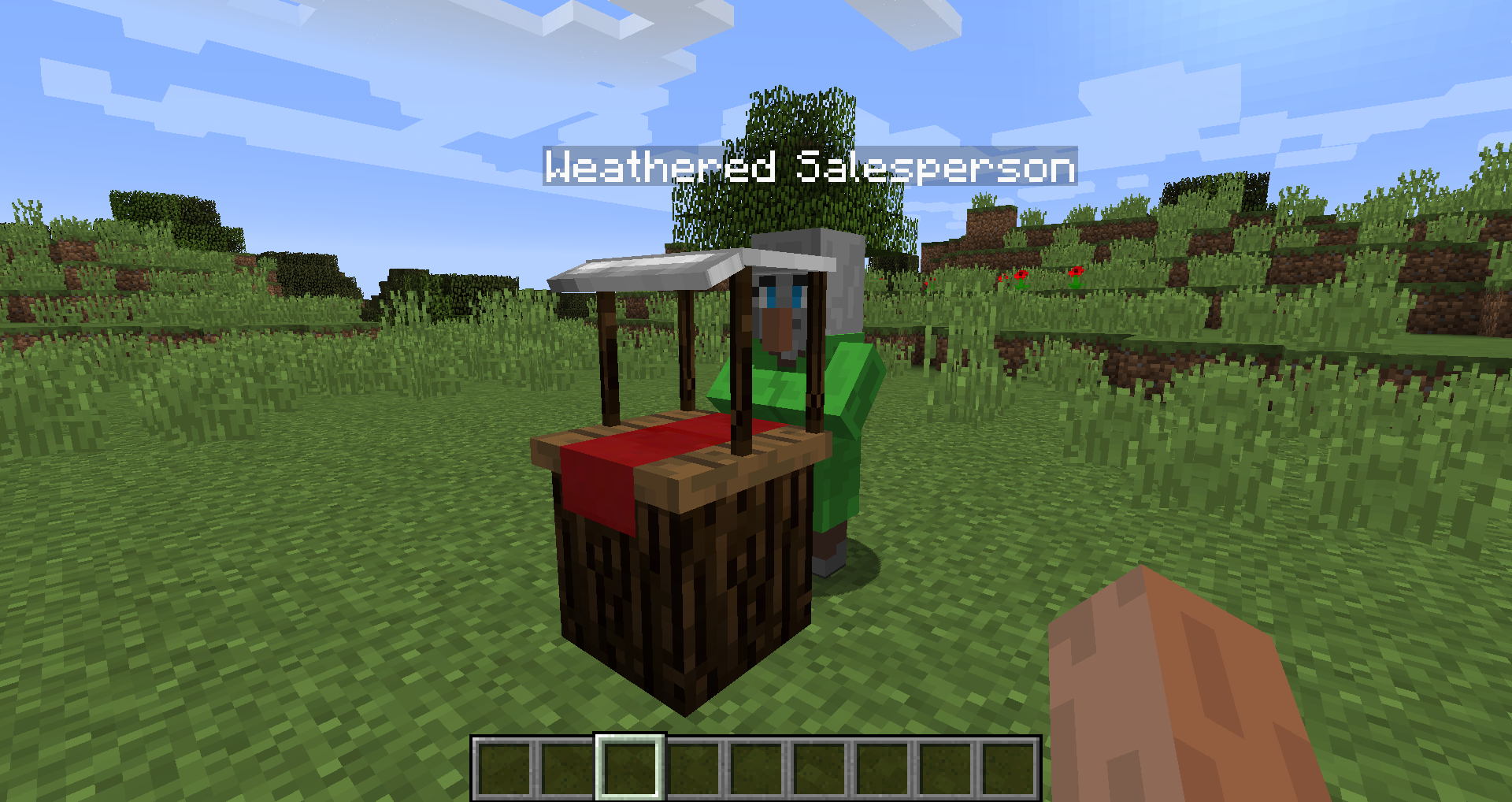
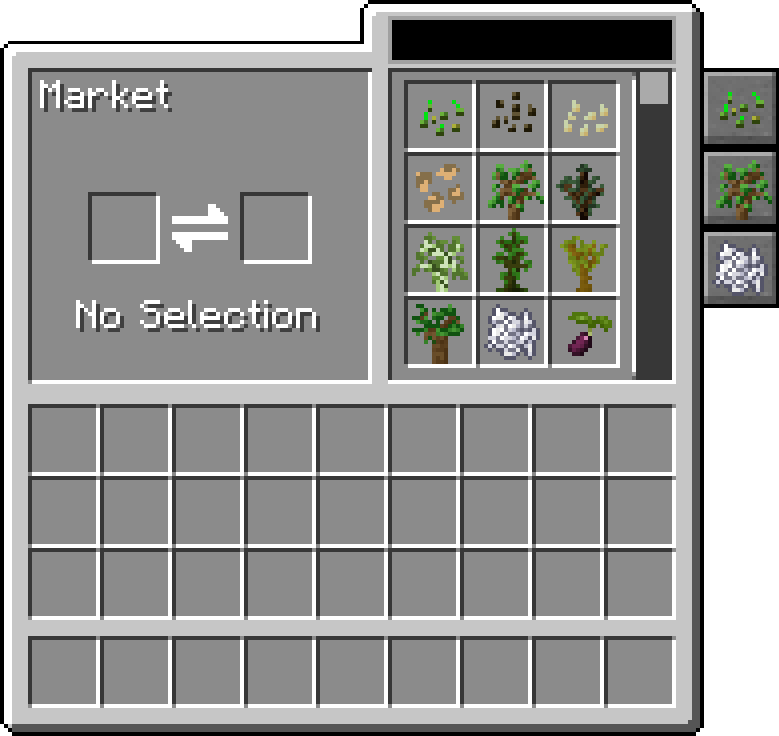
Ten mod dodaje do Minecrafta blok Targu, pozwalający kupować nasiona, sadzonki i inne rzeczy, takie jak mączka kostna. Dodaje także kilka udogodnień rolniczych, takich jak Gniazdo dla kur, Koryto do karmienia, Zraszacze i Nawozy, które poprawiają uprawy.
Targ pozwala wyszukiwać i przewijać oferty, filtrować je według kategorii oraz można go skonfigurować, aby dodać kolejne oferty i kategorie.
Ten mod wymaga Balm, który musi być zainstalowany razem z modem.
- Blok Targu sprzedający nasiona i sadzonki, można go skonfigurować, aby dalej zmieniać jego oferty
- Gniazdo dla kur do zbierania jajek znoszonych przez wszystkie te kury
- Koryto do karmienia inteligentnie automatycznie karmiące zwierzęta
- Nawóz poprawiający plony, wzrost lub zapobiegający niszczeniu upraw
- Zgodny z Pam's Harvestcraft, Biomes O' Plenty, Simple Farming i innymi
- Zgodny z Just Enough Items (oferty Targu będą się wyświetlać)
Prezentacja moda autorstwa Mischief of Mice
Jak zainstalować Farming for Blockheads
With Millida Launcher
Install Millida Launcher
The launcher is free: download it at millida.net/launcher and sign in with any nickname.
Click “Install” on this page
The launcher opens and installs the mod for Minecraft 1.16.2–26.1.2 on Fabric, Forge or NeoForge automatically.
Launch the game
A profile with it appears in the launcher: click “Play”.
Manually
Install Fabric, Forge or NeoForge
The loader must match the game version of the mod file, for example Minecraft 26.1.2. After installing it, a separate profile appears in your launcher.
Download the file for your version
In the version list above, pick the file farmingforblockheads-neoforge-26.1.2-26.1.2.5.jar (1.1 MB) for your game version and loader.
Put it in the mods folder
The folder is inside .minecraft (Windows: %appdata%\.minecraft\mods). If it does not exist, create it.
Launch the loader profile
Open “Mods” in the main menu: Farming for Blockheads should be in the list.
Wersje
Z zależnościami
| Minecraft | Loader | Plik | Data | Akcje |
|---|---|---|---|---|
| 26.1.2 | NeoForge | farmingforblockheads-neoforge-26.1.2-26.1.2.5.jar1.1 MB | ||
| 26.1.2 | Fabric | farmingforblockheads-fabric-26.1.2-26.1.2.5.jar1.1 MB 7 | ||
| 1.21.1 | Forge | farmingforblockheads-forge-1.21.1-21.1.14.jar873 KB 5 | ||
| 1.16.5 | — | FarmingForBlockheads_1.16.5-7.3.1.jar275 KB 2 | ||
| 1.16.2 | — | FarmingForBlockheads_1.16.2-7.1.1.jar273 KB |
FAQ
Which Minecraft versions does Farming for Blockheads work on?
There are files for 26.1.2, 1.21.1, 1.16.5, 1.16.2. The newest is 26.1.2.
Is Farming for Blockheads for Forge or Fabric?
There are files for Fabric: 26.1.2, for Forge: 1.21.1 and for NeoForge: 26.1.2.
Does Farming for Blockheads need other mods?
The author lists no required dependencies: the Fabric, Forge or NeoForge loader is enough.
Where can I download Farming for Blockheads safely?
On this page: the file farmingforblockheads-neoforge-26.1.2-26.1.2.5.jar (1.1 MB) is stored on Millida’s server, with no link shorteners. SHA-1 checksum: b19d560601cfd429a92be742dd4ba346c7d554e4.
Opinie
Oceń Farming for Blockheads jako pierwszy


