
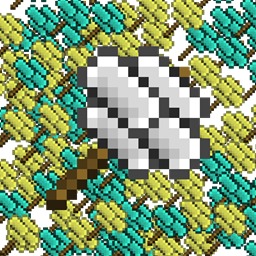
Ex Compressum Mod do Minecraft 1.21.1, 1.16.5
Dodatek do Ex Nihilo, który zmniejsza grind poprzez dodanie skompresowanych młotów i narzędzi automatyzacji.
 NeoForge
 Fabric
 Forge
ForgeO modzie Ex Compressum
Ex Compressum to dodatek do Ex Nihilo, który zapewnia narzędzia do zrównoważonego zmniejszenia początkowego grindu w skyblockach.
W Minecraft 1.10.2 obsługuje zarówno Ex Nihilo Omnia, jak i Ex Nihilo Adscensio.
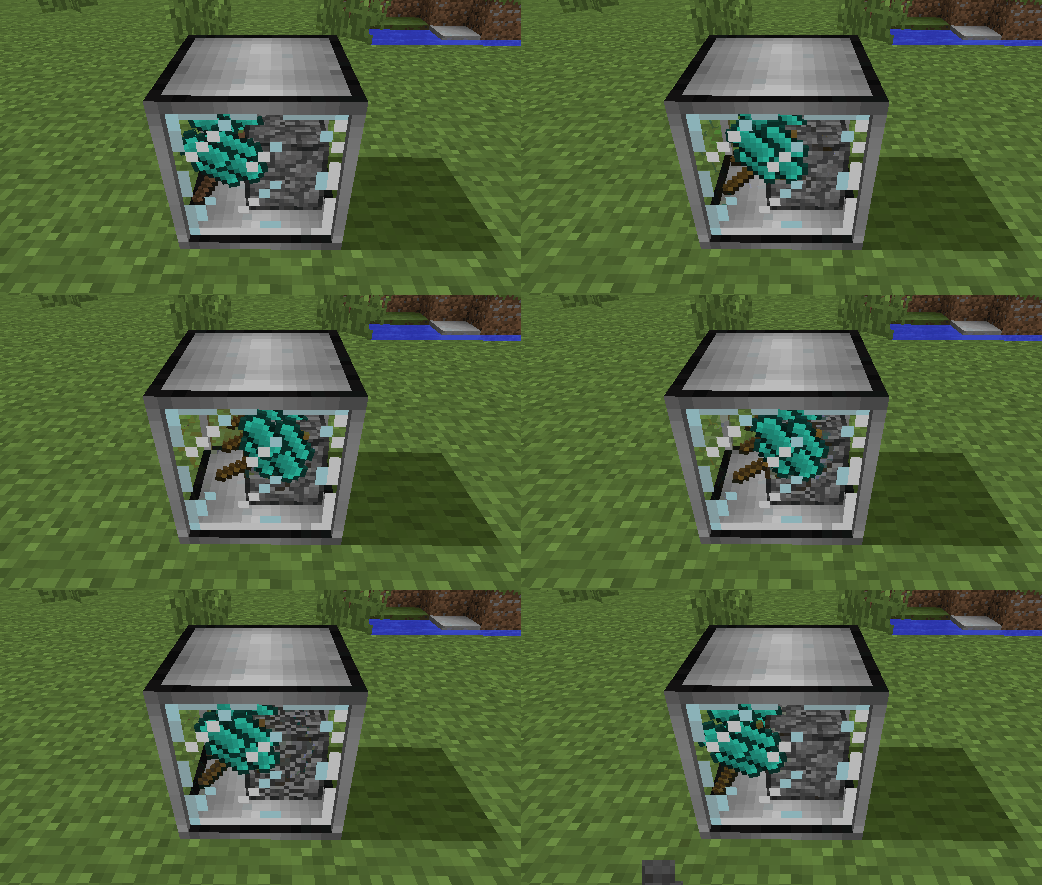
W Minecraft 1.12 obsługuje Ex Nihilo: Creatio.
W Minecraft 1.20.1 obsługuje Ex Nihilo: Sequentia, Ex Deorum oraz Fabricae Ex Nihilo.

W Minecraft 1.21.1 obsługuje Ex Nihilo: Sequentia oraz Ex Deorum.
W Minecraft 26.1 i nowszych obsługuje Ex Deorum.
- Compressed Hammers do rozbijania Compressed Blocks na dziewięć ich rozdrobnionych wersji (np. Compressed Gravel -> 9 Sand)
- Compressed Crook, który jest cztery razy szybszy niż zwykły crook, ale tylko dwa razy bardziej wytrzymały
- Heavy Sieve do bezpośredniego przesiewania compressed blocks, z niewielką utratą wydajności
- Auto Compressor do automatycznego kompresowania przedmiotów w bloki (np. Broken Ores w Ore Gravel)
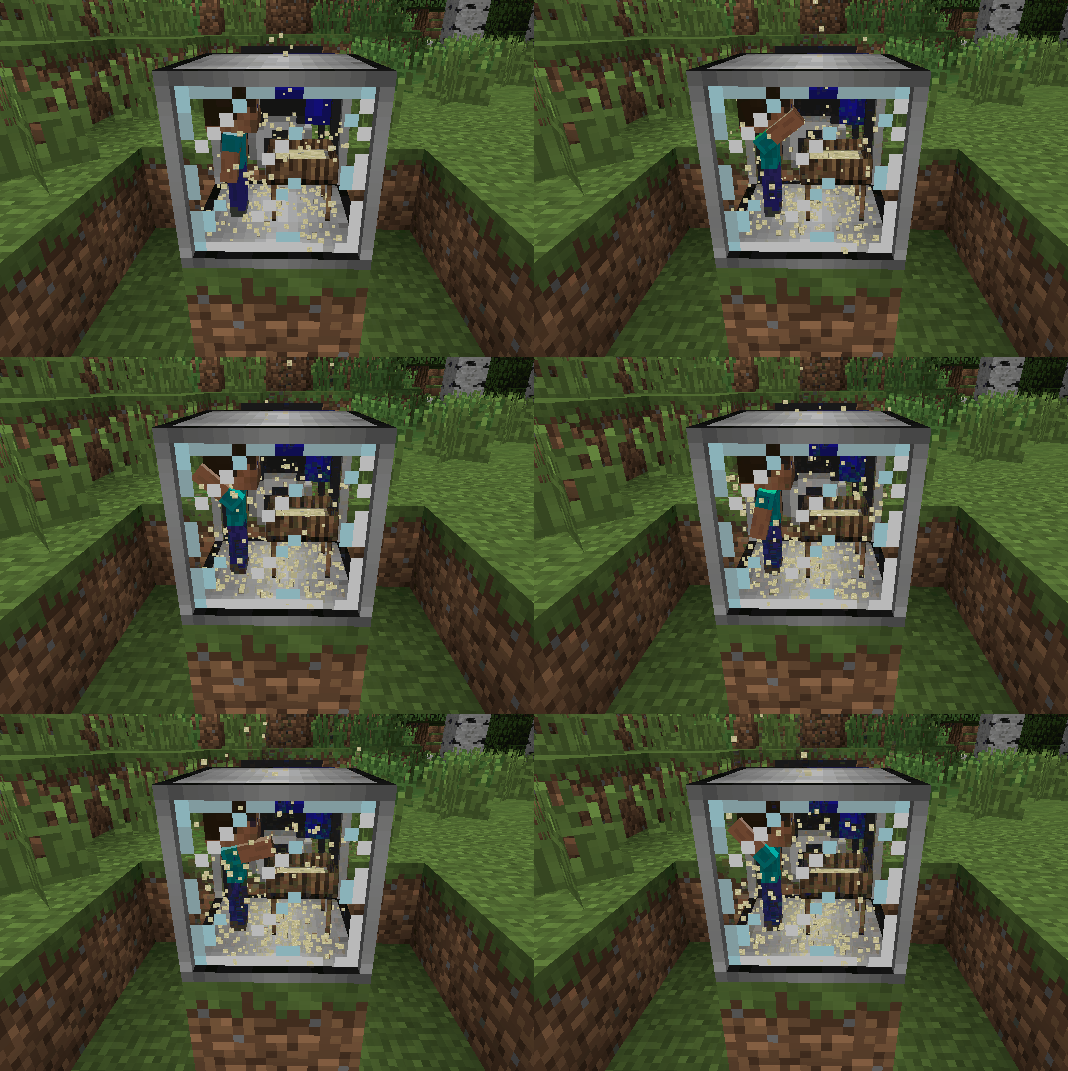
- Auto Sieves i Auto Hammers
- Wooden Crucible do wydobywania wody z roślin, jako alternatywa dla deszczu
- Animal baits, które można umieszczać, aby spawnić krowy, świnie, kurczaki, owce, oceloty i wilki poza ich naturalnym biomem
Jak zainstalować Ex Compressum
With Millida Launcher
Install Millida Launcher
The launcher is free: download it at millida.net/launcher and sign in with any nickname.
Click “Install” on this page
The launcher opens and installs the mod for Minecraft 1.16.3–26.2 on Fabric, Forge or NeoForge automatically.
Launch the game
A profile with it appears in the launcher: click “Play”.
Manually
Install Fabric, Forge or NeoForge
The loader must match the game version of the mod file, for example Minecraft 26.2. After installing it, a separate profile appears in your launcher.
Download the file for your version
In the version list above, pick the file excompressum-neoforge-26.2-26.2.0.1.jar (702 KB) for your game version and loader.
Put it in the mods folder
The folder is inside .minecraft (Windows: %appdata%\.minecraft\mods). If it does not exist, create it.
Launch the loader profile
Open “Mods” in the main menu: Ex Compressum should be in the list.
Wersje
Z zależnościami
| Minecraft | Loader | Plik | Data | Akcje |
|---|---|---|---|---|
| 26.2 | NeoForge | excompressum-neoforge-26.2-26.2.0.1.jar702 KB 1 | ||
| 26.2 | Fabric | excompressum-fabric-26.2-26.2.0.1.jar722 KB 3 | ||
| 1.21.1 | Forge | excompressum-forge-1.21.1-21.1.15.0.jar672 KB 3 | ||
| 1.18.2 | Forge | excompressum-forge-1.18.2-5.0.3.jar704 KB | ||
| 1.16.5 | — | ExCompressum_1.16.5-4.0.4.jar699 KB | ||
| 1.16.3 | — | ExCompressum_1.16.5-4.0.2.jar694 KB |
FAQ
Which Minecraft versions does Ex Compressum work on?
There are files for 26.2, 1.21.1, 1.18.2, 1.16.5, 1.16.4, 1.16.3. The newest is 26.2.
Is Ex Compressum for Forge or Fabric?
There are files for Fabric: 26.2, for Forge: 1.18.2–1.21.1 and for NeoForge: 26.2.
Does Ex Compressum need other mods?
The author lists no required dependencies: the Fabric, Forge or NeoForge loader is enough.
Where can I download Ex Compressum safely?
On this page: the file excompressum-neoforge-26.2-26.2.0.1.jar (702 KB) is stored on Millida’s server, with no link shorteners. SHA-1 checksum: de77552c53b58cd5b4002f9af0ec3ec2208044ec.
Opinie
Oceń Ex Compressum jako pierwszy


