
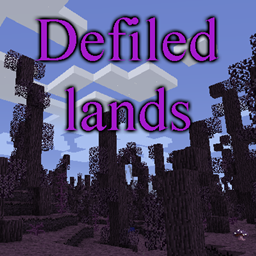
Defiled Lands Mod do Minecraft 1.12.2
Dodaje niebezpieczne skażone biomy pełne unikalnych zagrożeń i skarbów
- pobrań
- 2 pobrań
- wyświetleń
- 12 wyświetleń
- Zaktualizowano
- Zaktualizowano 20.10.2026
- 1.12 — 1.12.2
 Forge
Forge
O modzie Defiled Lands
Prezentacja
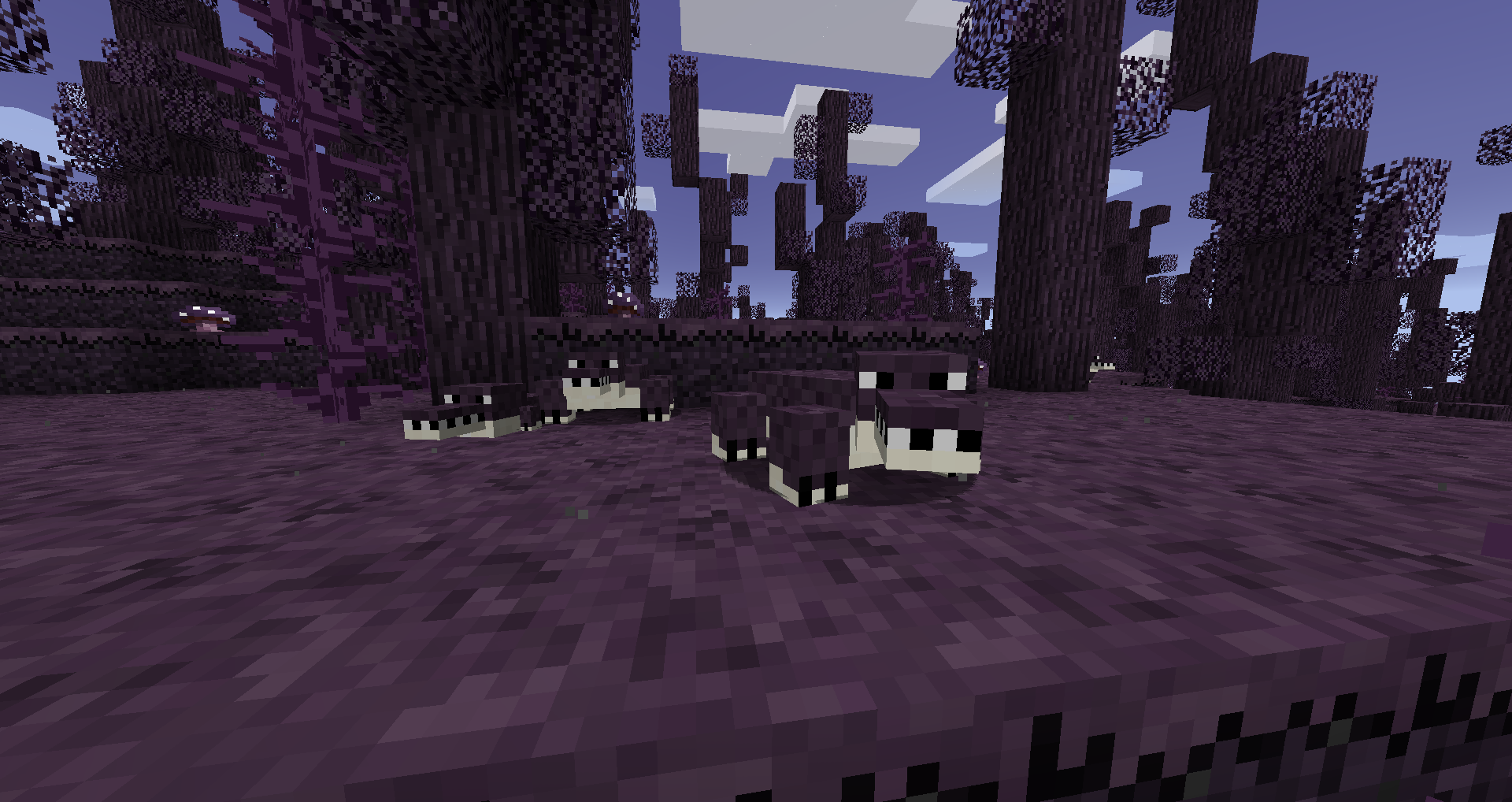
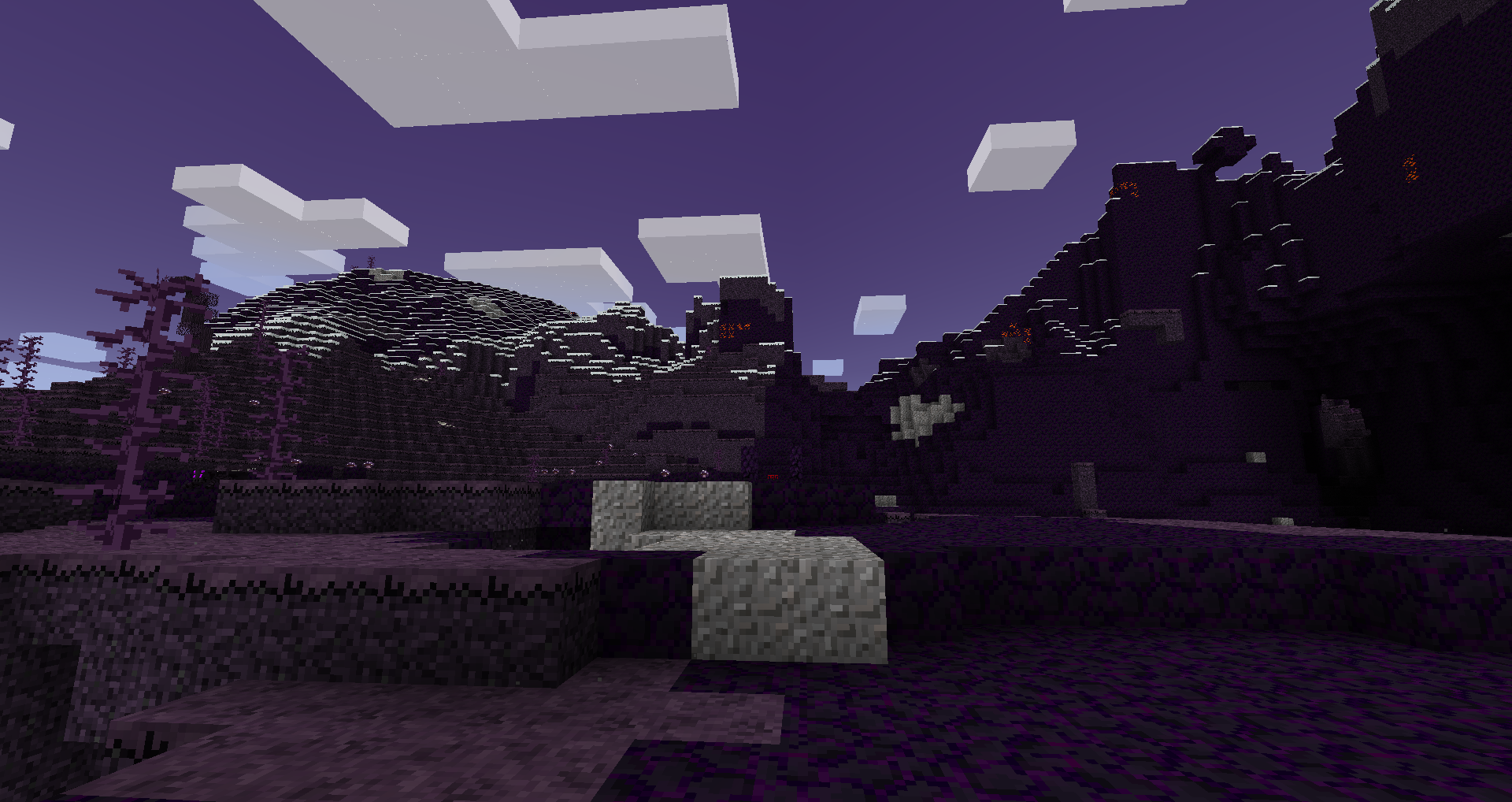
Ten mod dodaje różnorodne zbezczeszczone biomy, które pojawiają się w świecie, wraz z własnym zestawem unikalnych, niebezpiecznych stworzeń, roślin i skarbów.
Te biomy będą aktywnie przekształcać bloki umieszczone w ich wnętrzu, a także zawierać unikalne surowce. Można ich użyć do stworzenia unikalnych i potężnych narzędzi, a także do stoczenia walki z bossem w celu zdobycia kolejnych unikalnych narzędzi.
Szczegółowe informacje można znaleźć na wiki
FAQ:
P: Czy zbezczeszczone krainy się rozprzestrzeniają?
O: Tak, ale nigdy dalej niż kilka bloków od ich naturalnych granic, chyba że zmieniono konfigurację.
P: Jak powstrzymać rozprzestrzenianie się zbezczeszczonych krain?
O: Zbezczeszczone krainy nie rozprzestrzenią się dalej niż około 3 bloki od swoich naturalnych granic, chyba że zmieniono konfigurację. W rzeczywistości każdy zbezczeszczony blok umieszczony poza naturalnymi zbezczeszczonymi krainami nie będzie się rozprzestrzeniał.
P: Czy mogę używać zbezczeszczonych bloków do dekoracji?
O: Tak, o ile znajdujesz się poza naturalnym zbezczeszczonym biomem. Jeśli jesteś w jego wnętrzu, będą się rozprzestrzeniać, czego możesz nie chcieć.
P: Czy jest to kompatybilne z <innym modem dodającym biomy>?
O: Tak, jest to kompatybilne z większością innych modów dodających biomy, w tym z BOP.
Specjalne podziękowania
- Rhodox za pozwolenie na użycie zmodyfikowanych zasobów z Painterly Pack
- McJty za jego poradniki dotyczące tworzenia modów
Jak zainstalować Defiled Lands
With Millida Launcher
Install Millida Launcher
The launcher is free: download it at millida.net/launcher and sign in with any nickname.
Click “Install” on this page
The launcher opens and installs the mod for Minecraft 1.12–1.12.2 on Forge automatically.
Launch the game
A profile with it appears in the launcher: click “Play”.
Manually
Install Forge
The loader must match the game version of the mod file, for example Minecraft 1.12.2. After installing it, a separate profile appears in your launcher.
Download the file for your version
In the version list above, pick the file defiledlands-1.12.2-1.4.3.jar (762 KB) for your game version.
Put it in the mods folder
The folder is inside .minecraft (Windows: %appdata%\.minecraft\mods). If it does not exist, create it.
Launch the loader profile
Open “Mods” in the main menu: Defiled Lands should be in the list.
Minecraft 1.12.2 runs on Java 8: with a different Java version the game may close right after launch.
Wersje
Z zależnościami
| Minecraft | Loader | Plik | Data | Akcje |
|---|---|---|---|---|
| 1.12.2 | Forge | defiledlands-1.12.2-1.4.3.jar762 KB 2 | ||
| 1.12.2 | — | defiledlands-1.12.2-1.4.1.jar770 KB | ||
| 1.12.1 | — | defiledlands-1.12.1-0.3.0.jar695 KB | ||
| 1.12 | — | defiledlands-1.12-0.1.3.jar655 KB |
FAQ
Which Minecraft versions does Defiled Lands work on?
There are files for 1.12.2, 1.12.1, 1.12. The newest is 1.12.2.
Is Defiled Lands for Forge or Fabric?
Only for Forge: 1.12.2. There are no files for Fabric or NeoForge: a mod for another loader will not start.
Does Defiled Lands need other mods?
The author lists no required dependencies: the Forge loader is enough.
Which Java does Defiled Lands need?
Minecraft 1.12.2 runs on Java 8. If the game closes right after launch, the usual cause is the wrong Java version in the profile settings.
Where can I download Defiled Lands safely?
On this page: the file defiledlands-1.12.2-1.4.3.jar (762 KB) is stored on Millida’s server, with no link shorteners. SHA-1 checksum: a5590fd607602a9f44b5d9c0511ee7756cd99591.
Opinie
Oceń Defiled Lands jako pierwszy


