
Deep Dark: Regrowth Mod do Minecraft 1.20.1
Duże rozszerzenie horroru dla Deep Dark z nowymi biomami i stworzeniami.
- wyświetleń
- 8 wyświetleń
- Zaktualizowano
- Zaktualizowano 18.10.2026
- 1.20.1
 Forge
Forge
Warning! You need GeckoLib for the mod to work properly!
Thanks for 1 Million downloads!!!
Official Discord Server made by MangoTree30!


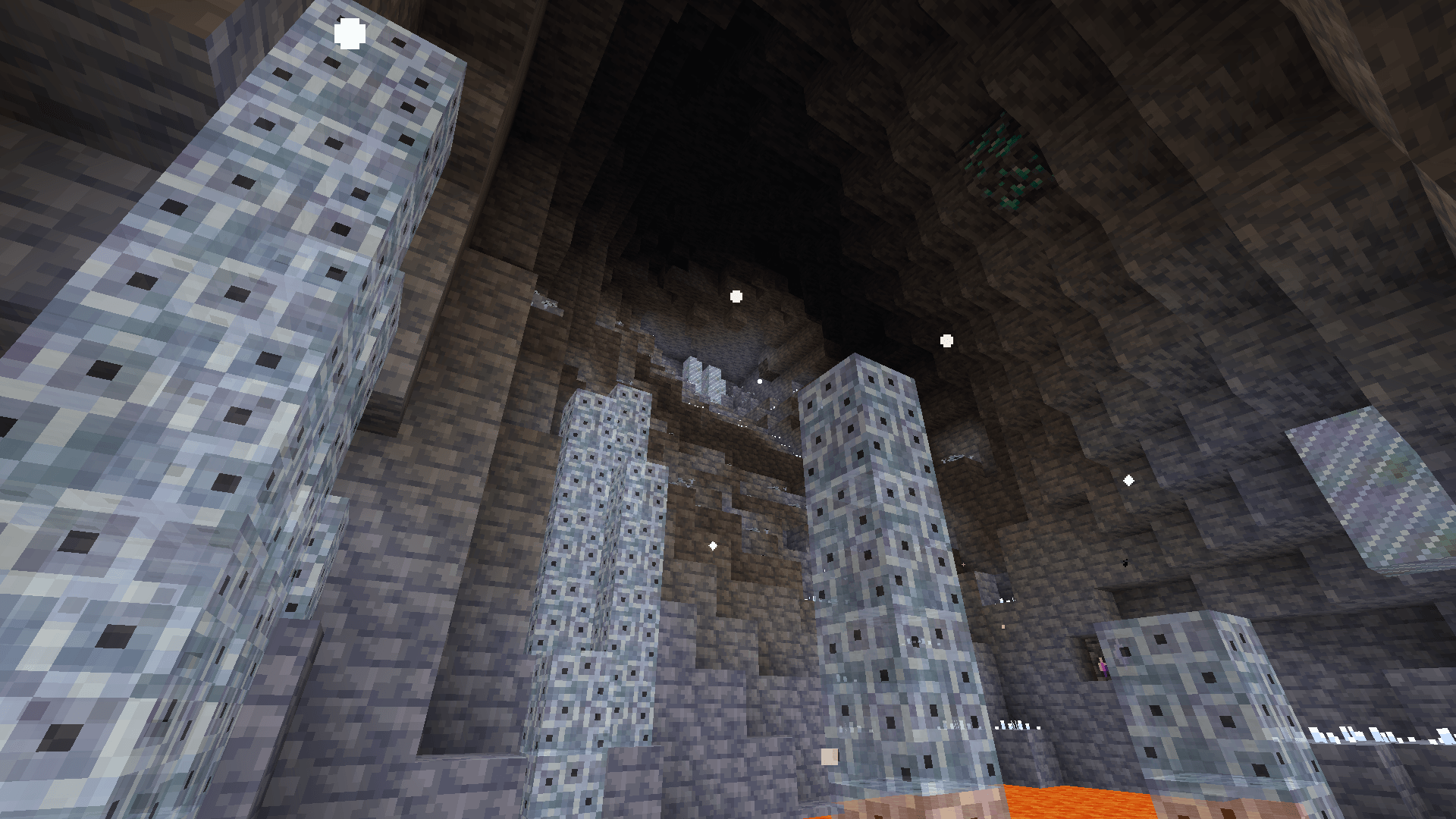
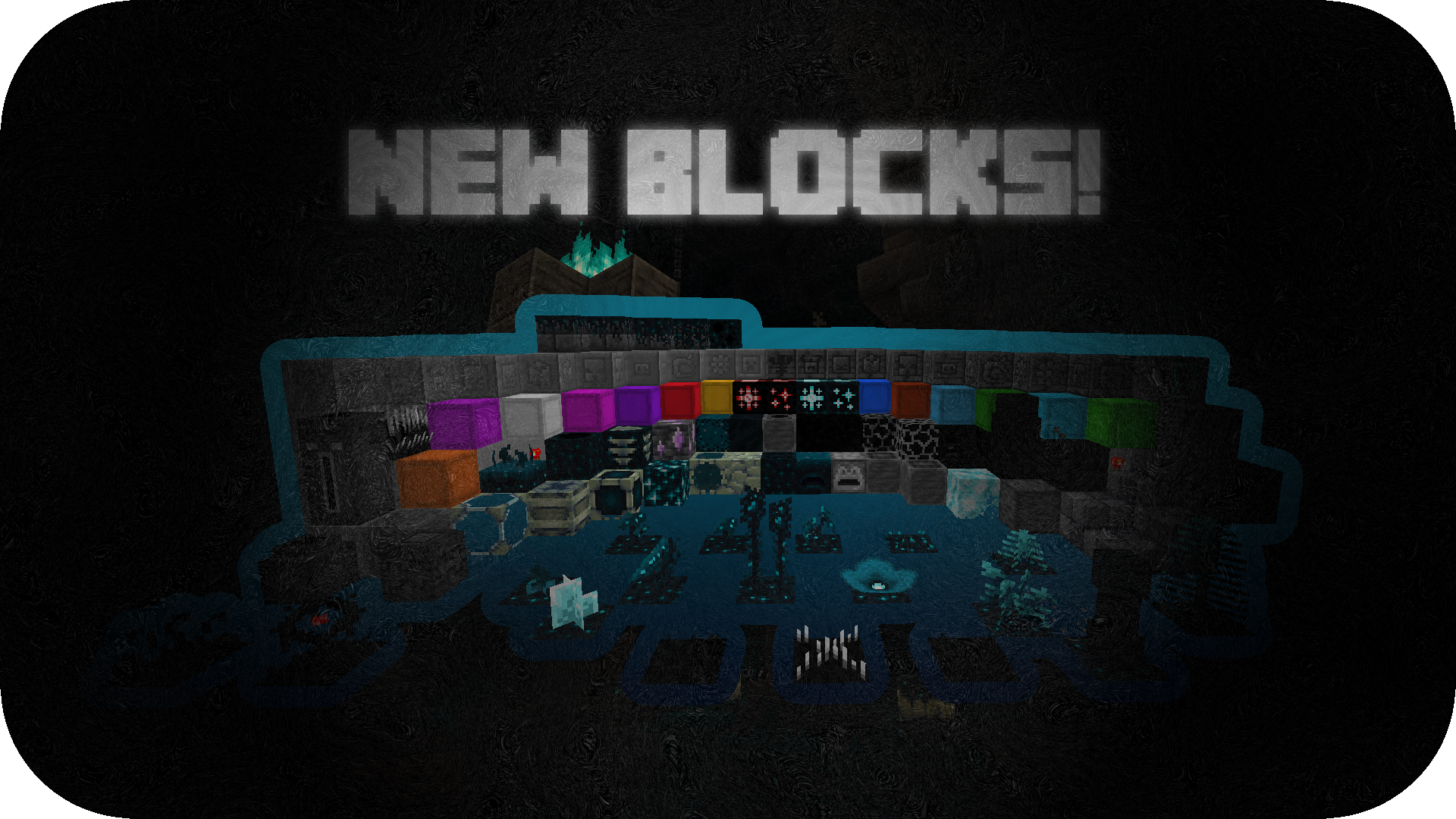
Deep Dark: Regrowth adds an expansion to the deep dark biome, including mobs, armors with special abilities, tools, a new biome, plants, mobs and making it a little more scary. This mod aims to make the deep dark not only a challenging but also rewarding biome even after beating the enderdragon, so netherite won't be enough.
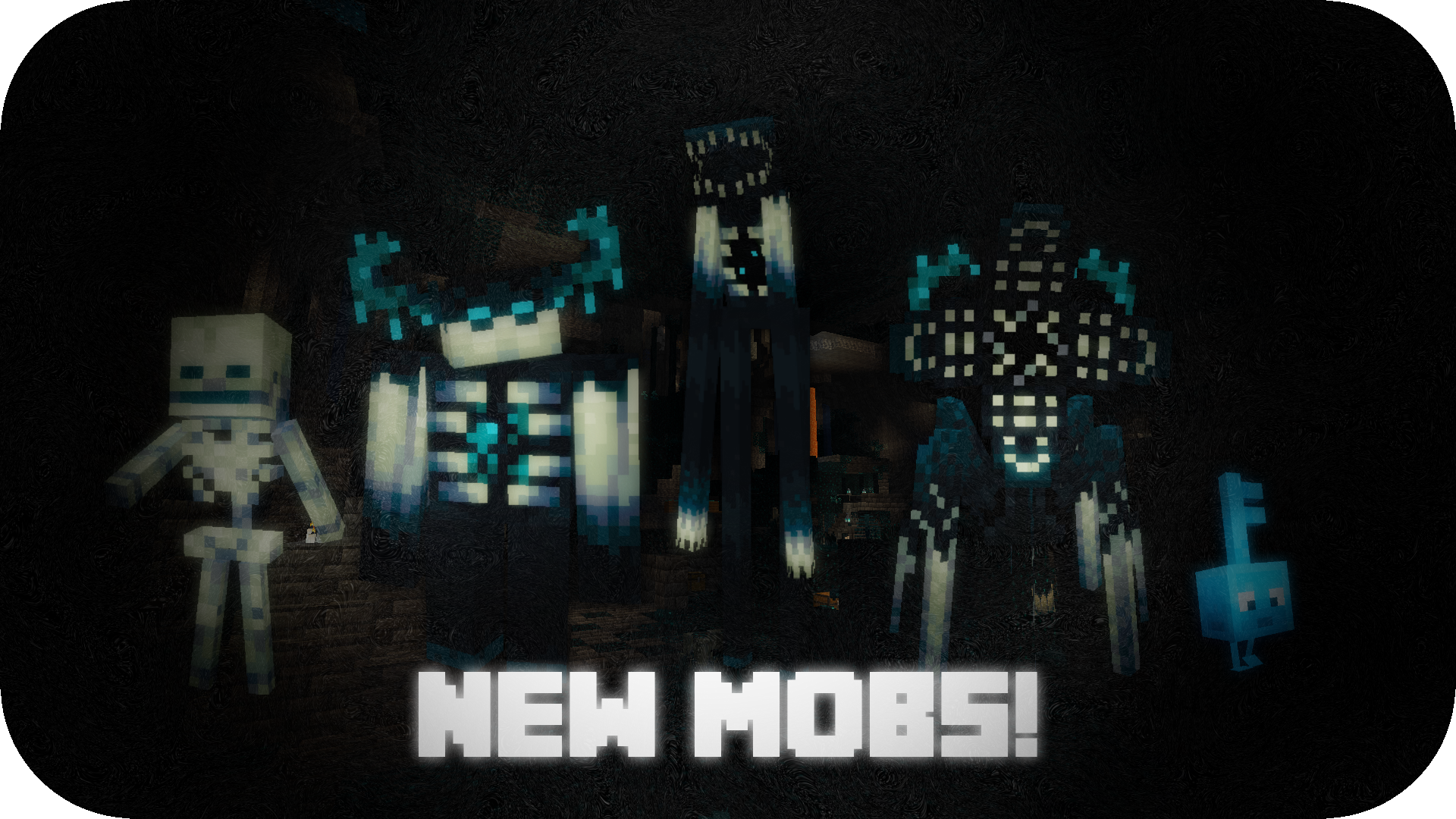
New Mobs
This mod includes a lot more mobs, but the most important are these ones!
Stalker: This mob will appear as a statue that doesn't do anything. If the statue is punched or falls it might break and set free the most dangerous creature in the deep dark. The creature, totally devoid of life, seeks to erradicate anything that resembles its original creators. Unlike most sculk beings, it doesn't rely on hearing or smelling, it can sense your soul.
Spreader: Its only purpose is to spread sculk and infection, it roams freely without harming anything unless attacked.
Sculk Parasite: These creatures seem to have adapted to the sculk to blend in with the environment, they will attack if annoyed.
Annihilator: This sculk beings have been sleeping for centuries, avoid going near them during night time, unless you want to wake them up and get eaten. They eat humans/sculk parasite/infection spiders, interesting fact, since they take a nap after eating if its day time.
Corrupted Skeleton: These skeletons that can be commonly found in the deep dark are stronger than normal ones, and somehow, they are capable to reform even if they're beaten into a pile of bones, so you better make sure they're truly dead!


New Commands
If there's something that is annoying/problematic you can always use commands to disable them.
"/ddr" is a command that allows to toggle on/off some features of this mod that you might not want such as:
"/ddr stalkerdefeated (true/false)" on (true) by default, unlocks/locks some items that require the stalker to be defeated.
"/ddr lifefruitsactive (true/false)" on (true) by default, allows/disallows players to use life fruits to increase their max health.
"/ddr stalkerambient (true/false)" on (true) by default, enables/disables the stalker ambient [background ambient music & darkness effect], (disable this option if your game is crashing near a stalker or you're in the mod version 1.1.4.0).
"/ddr wardenhelmetenabled (true/false)" on (true) by default, enables/disables the "Warden Helmet" (the helmet won't be erased from players inventories, but it won't give any defense, resistance/darkness effects).
"/ddr infectionspread (true/false)" on (true) by default, allows/disallows the sculk infection to spread.
"/ddr infectionwithoutplayer (true/false)" on (false) by default, allows/disallows the sculk infection to spread if a player is not near, (recommended to keep in false for survival).
"/ddr allowmobspawn (name of the mob) (true/false)" all are on (true) by default, allows/disallows a mob from the mob from spawning.
In case there isn't a command to disable something that is annoying/problematic for you please post a comment, it will surely be added (if it's reasonable).
Deep Dark: Regrowth is in English and Spanish
This mod will probably be updated and expanded over time. Enjoy! I guess...
Deep Dark: Regrowth is possible thanks to MCreator.
Link to their website: https://mcreator.net/
Jak zainstalować Deep Dark: Regrowth
With Millida Launcher
Install Millida Launcher
The launcher is free: download it at millida.net/launcher and sign in with any nickname.
Click “Install” on this page
The launcher opens and installs the mod for Minecraft 1.20.1 on Forge automatically.
Launch the game
A profile with it appears in the launcher: click “Play”.
Manually
Install Forge
The loader must match the game version of the mod file, for example Minecraft 1.20.1. After installing it, a separate profile appears in your launcher.
Download the file for your version
In the version list above, pick the file Deep Dark Regrowth 1.2.6.1 - 1.20.1.jar (15 MB) for your game version.
Put it in the mods folder
The folder is inside .minecraft (Windows: %appdata%\.minecraft\mods). If it does not exist, create it.
Launch the loader profile
Open “Mods” in the main menu: Deep Dark: Regrowth should be in the list.
Minecraft 1.20.1 runs on Java 17: with a different Java version the game may close right after launch.
Wersje
Z zależnościami
| Minecraft | Loader | Plik | Data | Akcje |
|---|---|---|---|---|
| 1.20.1 | Forge | Deep Dark Regrowth (Release 1.2.6.1)15.4 MB |
FAQ
Which Minecraft versions does Deep Dark: Regrowth work on?
Only Minecraft 1.20.1: there are no files for other versions.
Is Deep Dark: Regrowth for Forge or Fabric?
Only for Forge: 1.20.1. There are no files for Fabric or NeoForge: a mod for another loader will not start.
Does Deep Dark: Regrowth need other mods?
The author lists no required dependencies: the Forge loader is enough.
Which Java does Deep Dark: Regrowth need?
Minecraft 1.20.1 runs on Java 17. If the game closes right after launch, the usual cause is the wrong Java version in the profile settings.
Where can I download Deep Dark: Regrowth safely?
On this page: the file Deep Dark Regrowth 1.2.6.1 - 1.20.1.jar (15 MB) is stored on Millida’s server, with no link shorteners. SHA-1 checksum: 42ff446119ea4afbae7adf5524f4084422a54adb.
Opinie
Oceń Deep Dark: Regrowth jako pierwszy


