
Create Sabers Mod do Minecraft 1.20.1, 1.21.1
⚙️ Dodaje nowe miecze świetlne do Create.
 NeoForge
 Forge
ForgeO modzie Create Sabers
This page is currently being rewritten in preparation for the latest major update.
Create Sabers is a mod that uses the resources of Create to offer you new types of weapons. Weapons are primarily used as cosmetics, but also have different bonuses in addition to their style! You can make 2 types of saber depending on your materials (brass, zinc, copper), and the materials influence the weapon stats, with a total of 9 colors to choose from!
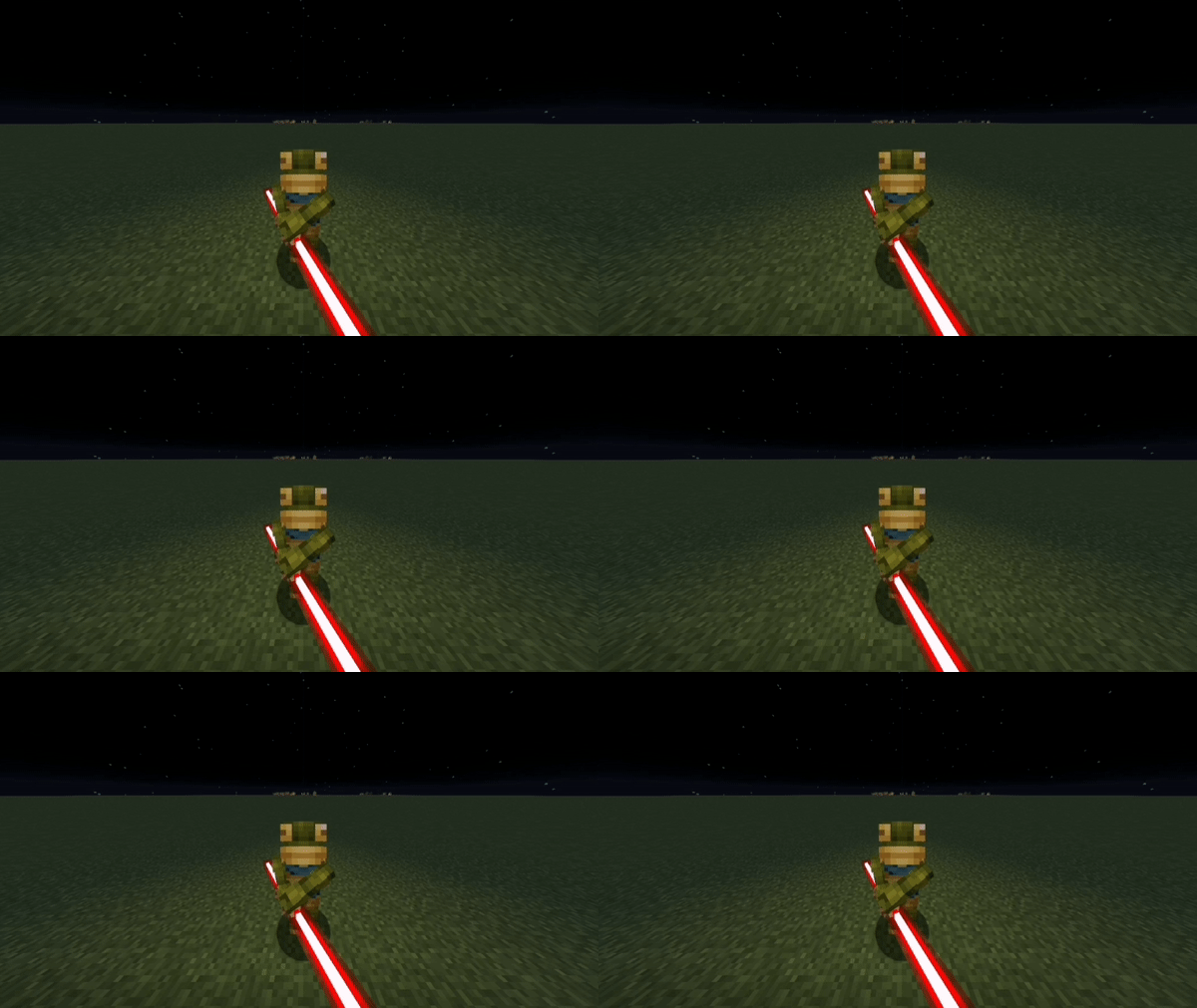
you can deactivate the sound of the sabers with the command : /gamerule saberSound false
We strongly advise you to use JEI to find out about the crafts of this mod! Mod Required :

Mod Strongly Recommended :


Classic Sabers : there are 3 types of saber: brass, zinc and copper, all 3 are necessary for the craft of their respective variants, each saber has respective potion effects given to mobs once hit. The Brass Nausea : makes the player and his vision tremble, making movement on affected entities much more complicated, both for the player and the mob. The Scattered Zinc : has a chance to cause the camera position of the target to be reversed every second, thus preventing the target from fleeing. The Copper Saber : is a very ordinary saber.
Double Sabers :
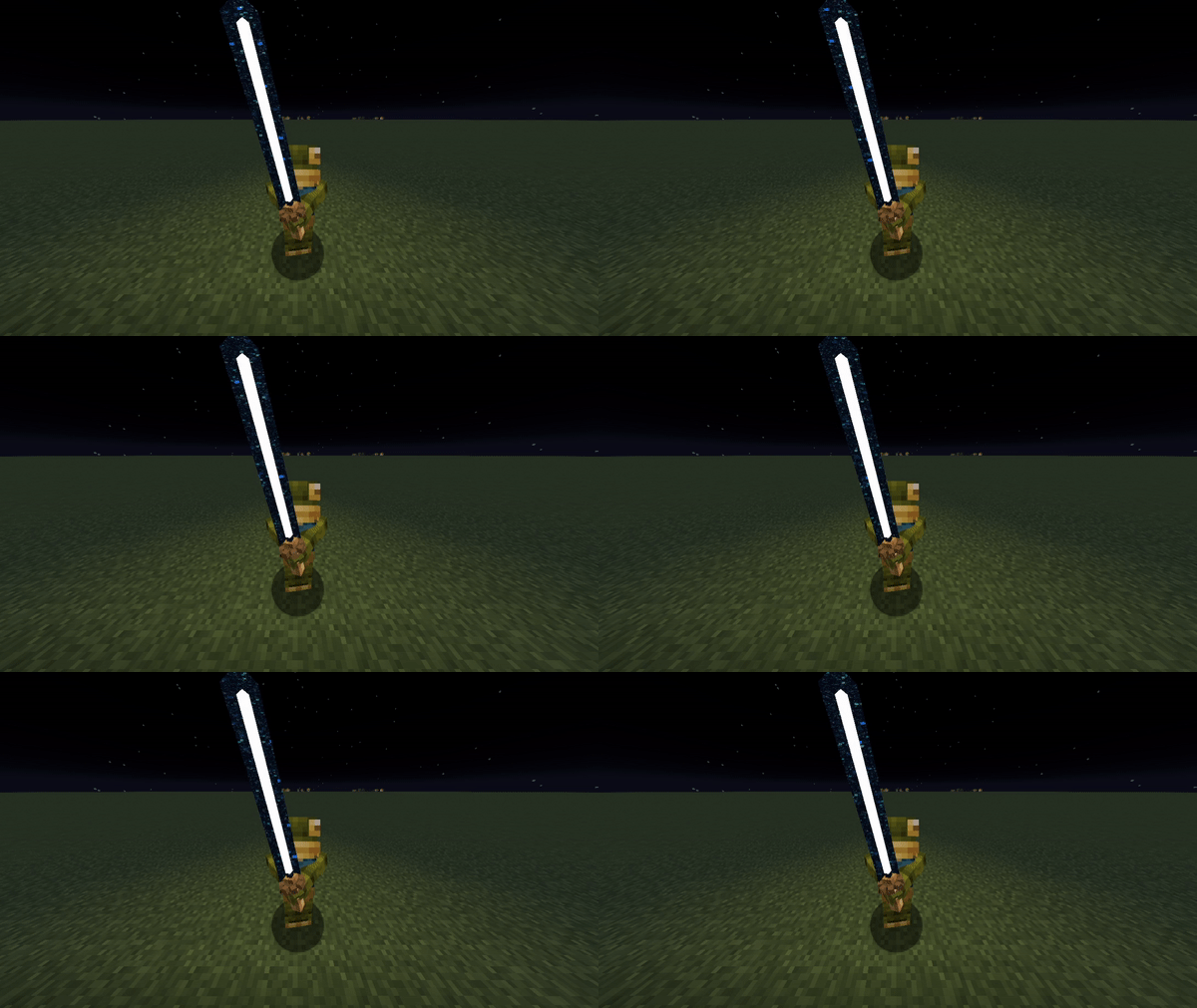
exactly like the classic saber, but with a double blade, so it's made with 2 sabers and 1 slime ball.
Sabers Color :
9 colors are available for all types of sabers, whether double, classic, brass, zinc or even copper, these sabers can be crafted with any saber surrounded by 4 dyes!
(a color that is not yet obtainable in survival can still be give with "/give @s create_sabers:brass_saber_galaxy" which allows you to make a variation for a custom craft to your modpack)
Sabers Switch :
All sabers can be deactivated with a Shift + Right Click, and reactivated in the same way.
Presentation Videos :
(By Topothetop) (By Daxz Nort)
(By MineHyble) (By TheTroupers501)
(By Sigils)
(By Hitman)
Shorts :
(By Scorpionem) https://www.youtube.com/shorts/u3oMUHDESKA (By Eccentric Emerald Shorts) https://www.youtube.com/shorts/YxNG9tXOV5w (By EtoProstoMiha) https://www.youtube.com/shorts/xAf88ei53Bk
Updates :
2.0.3 Delegate these tasks to StalApi to make it easier to manage Oculus rendering and shaders:
- Added SpacerItem
- Added SpacerSection / SpacerBannerSection
- Added BicolorTextRenderer
- Added EmissiveRender.emissiveRender / EmissiveRender.negativeCubeEmissiveRender
Added New Capes method for Contributors/Event Winners 2.0.2 Fix BetterCombat for 1.20.1 Fix Saber Render with Shaders New Sabers craft, using cogwheel like used to be before Note: The Galaxy saber doesn't work with Oculus, it's not my fault! But I'll try to fix it for the next update 2.0.1 re-Added Gamerules saberSound & saberSetsFire & saberSetsEffects Added Parry in Item Lore Added the deposit and pickup sound on saber table Added materials to repair the lightsabers Added Laceration enchantement, and it's Screen posteffect (not craftable yet) Added Saber Table ponder in Konetic Appliances New Saber Id system (fix when cloning a saber in creative) Fix stats update (now can be edited with KubeJs) Fix Saber Table ponder 2.0.0 Removed everything related to Mcreator and completely recode the mod Removed all lightsaber color variants have been removed to make way for the Tints, which offer even more variations Removed shader cores that override those in the base game, which could cause conflicts, to replace them with the game's default rendering, including emissive lighting and endportal rendering Added animation showing lightsabers extending and retracting Added the Saber Engine and its crafting recipe Added the Amethyst Dust and its crafting recipe Added the Kyber Crystal and its crafting recipe Added the Saber Table and its crafting recipe Addition of a new crafting system, configurable via a datapack under "type": "create_sabers:saber_table" Added a Ponder to the Saber Table to explain how it works and provide an example of its use Added banners to the CreativeTab to make navigation easier Added first-degree color variations to the CreativeTab Added a block with the lightsabers that deflects blows and projectiles (3 Guards Pose) Added item id protection, since the items have changed and been optimized, all old items have been merged into their new variants, reducing the number of unnecessary items added just for specific phases or color Modify the item lore to include the "Create" style and make it easier to identify colors Fixes the issue where lightsabers cannot be enchanted
1.3.0 Compat With DynamicLight (sabers makes ambient light if in hand) Light Side of Light Saber have a "glowing effect" so it will be visible even at night (if you use shaders this effect can be turn off) New Colors are available ReSetup of the mod files, it is now more optimized and lighter Some Fix in Items names in 1.18.2 & 1.19.2 1.2.0 New Smooth Animation for sabercog new model for all sabers Fix the light Animation for the red, orange and Yellow Sabers 1.1.1 fix some bugs in the Gamerule New color palette for red sabers. New color palette for orange sabers. New color palette for yellow sabers. 1.1.0 The SaberSound Gamerule is fixed, and now on True as well as working properly. 3 new sound types for Sabers swings and better volume. Compatibility with Better Combat mod. Enchantments are now activated in the enchantment table.
Feel free tu use the mod in your modpack!
You can also take a look to my other mods

Jak zainstalować Create Sabers
With Millida Launcher
Install Millida Launcher
The launcher is free: download it at millida.net/launcher and sign in with any nickname.
Click “Install” on this page
The launcher opens and installs the mod for Minecraft 1.20.1–1.21.1 on Forge or NeoForge automatically.
Launch the game
A profile with it appears in the launcher: click “Play”.
Manually
Install Forge or NeoForge
The loader must match the game version of the mod file, for example Minecraft 1.21.1. After installing it, a separate profile appears in your launcher.
Download the file for your version
In the version list above, pick the file create_sabers-1.21.1+2.0.3.jar (356 KB) for your game version and loader.
Put it in the mods folder
The folder is inside .minecraft (Windows: %appdata%\.minecraft\mods). If it does not exist, create it.
Launch the loader profile
Open “Mods” in the main menu: Create Sabers should be in the list.
Minecraft 1.21.1 runs on Java 21: with a different Java version the game may close right after launch.
Wersje
Z zależnościami
| Minecraft | Loader | Plik | Data | Akcje |
|---|---|---|---|---|
| 1.20.1 | Forge | create_sabers-1.20.1+2.0.3.jar364 KB 20 | ||
| 1.21.1 | NeoForge | create_sabers-1.21.1+2.0.3.jar356 KB 85 | ||
| 1.21.1 | NeoForge | create_sabers-1.21.1+1.3.0.jar303 KB 1 |
FAQ
Which Minecraft versions does Create Sabers work on?
There are files for 1.21.1, 1.20.1. The newest is 1.21.1.
Is Create Sabers for Forge or Fabric?
There are files for Forge: 1.20.1 and for NeoForge: 1.21.1. There are no files for Fabric: a mod for another loader will not start.
Does Create Sabers need other mods?
The author lists no required dependencies: the Forge or NeoForge loader is enough.
Which Java does Create Sabers need?
Minecraft 1.21.1 runs on Java 21. If the game closes right after launch, the usual cause is the wrong Java version in the profile settings.
Where can I download Create Sabers safely?
On this page: the file create_sabers-1.21.1+2.0.3.jar (356 KB) is stored on Millida’s server, with no link shorteners. SHA-1 checksum: 1e4bce48a843dd0bff0c4e487c75f8f830c543e9.
Opinie
Oceń Create Sabers jako pierwszy


