

Blahaj - Replushed Mod do Minecraft 26.2
Dodaje popularne pluszaki Blåhaj z Ikei oraz kolekcję innych pluszaków
 NeoForge
 Fabric
O modzie Blahaj - Replushed
A mod that adds the IKEA BLÅHAJ Soft toy shark and a giant bread pillow as items.
- When you craft or rename a plushie, it'll have your username attached to it.
- You can place the plushies down!
- This mod is required on both server and client.
Content
Item Preview Recipe
Soft Toy Shark
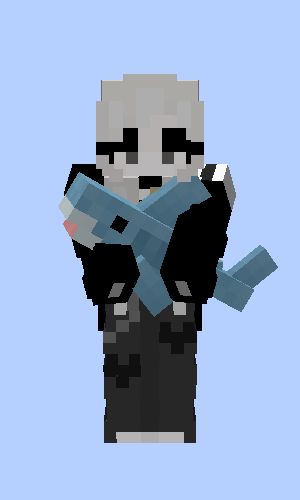
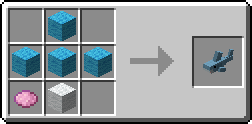
Gray Toy Shark
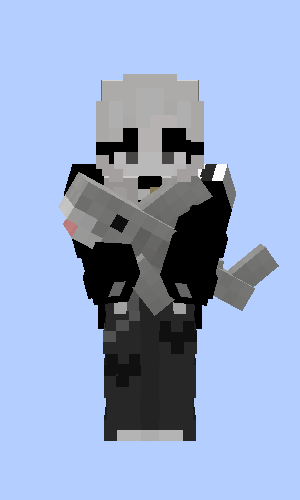
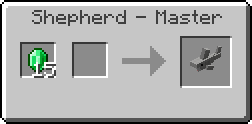
Soft Toy Blue Whale
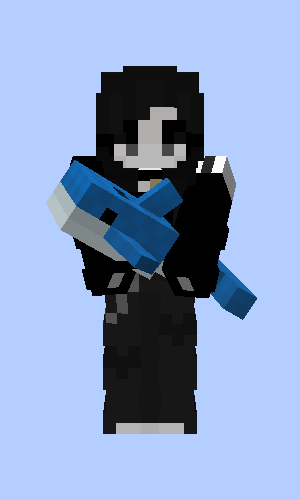
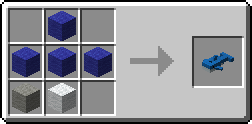
Bread Pillow
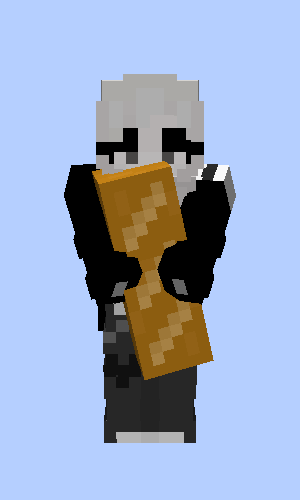
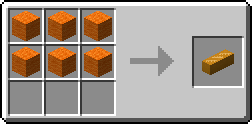
Brown Bear
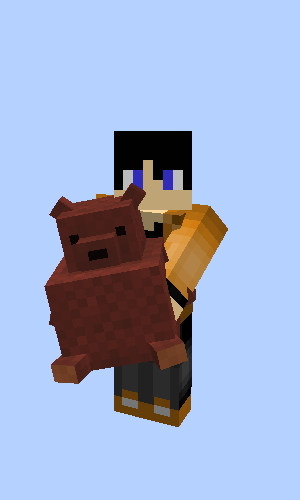
Gift from Fletchers, Butchers and Leatherworkers when you rescue a village
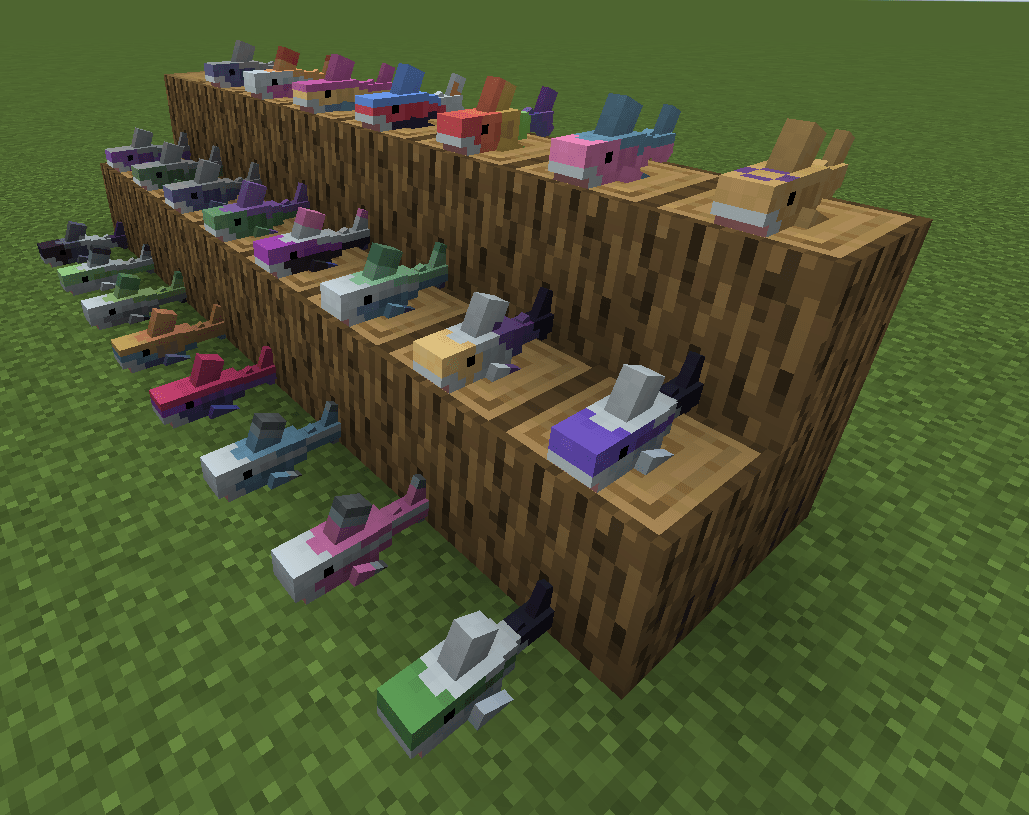
Pride Sharks by musicalskele!
Original Quilt Version
This is a port of the original Hibiii/Blahaj: BLÅHAJ Soft toy, shark mod, 16px. If you are a Quilt user on <=1.20.1 use their version instead and say thanks! 😄
License
- This mod - as it's original - is licensed under the Unlicense. Feel free to learn from it and incorporate it in your own projects.
- The icon of this project is the Blobhaj by Heatherhorns, and is licensed under a Creative Commons Attribution 4.0 International License.
- Most ingame images are from the original creator Hibiii.
Jak zainstalować Blahaj - Replushed
With Millida Launcher
Install Millida Launcher
The launcher is free: download it at millida.net/launcher and sign in with any nickname.
Click “Install” on this page
The launcher opens and installs the mod for Minecraft 26.2 on Fabric or NeoForge automatically.
Launch the game
A profile with it appears in the launcher: click “Play”.
Manually
Install Fabric or NeoForge
The loader must match the game version of the mod file, for example Minecraft 26.2. After installing it, a separate profile appears in your launcher.
Download the file for your version
In the version list above, pick the file blahaj-replushed-4.0.0+26.2.jar (170 KB) for your game version and loader.
Put it in the mods folder
The folder is inside .minecraft (Windows: %appdata%\.minecraft\mods). If it does not exist, create it.
Launch the loader profile
Open “Mods” in the main menu: Blahaj - Replushed should be in the list.
Wersje
Z zależnościami
| Minecraft | Loader | Plik | Data | Akcje |
|---|---|---|---|---|
| 26.2 | NeoForge | blahaj-replushed-4.0.0+26.2.jar170 KB | ||
| 26.2 | Fabric | 4.0.0+26.2173 KB |
FAQ
Which Minecraft versions does Blahaj - Replushed work on?
Only Minecraft 26.2: there are no files for other versions.
Is Blahaj - Replushed for Forge or Fabric?
There are files for Fabric: 26.2 and for NeoForge: 26.2. There are no files for Forge: a mod for another loader will not start.
Does Blahaj - Replushed need other mods?
The author lists no required dependencies: the Fabric or NeoForge loader is enough.
Where can I download Blahaj - Replushed safely?
On this page: the file blahaj-replushed-4.0.0+26.2.jar (170 KB) is stored on Millida’s server, with no link shorteners. SHA-1 checksum: 38bd3415a8dd427963bade64d9061c4b7cdaf636.
Opinie
Oceń Blahaj - Replushed jako pierwszy


