
Bigger Trees Mod do Minecraft 1.20.4
Modyfikowanie drzew Minecrafta z zachowaniem waniliowej estetyki
 Forge
Forge Fabric
O modzie Bigger Trees
- It's now possible to walk through the woods without hitting your head on branches!
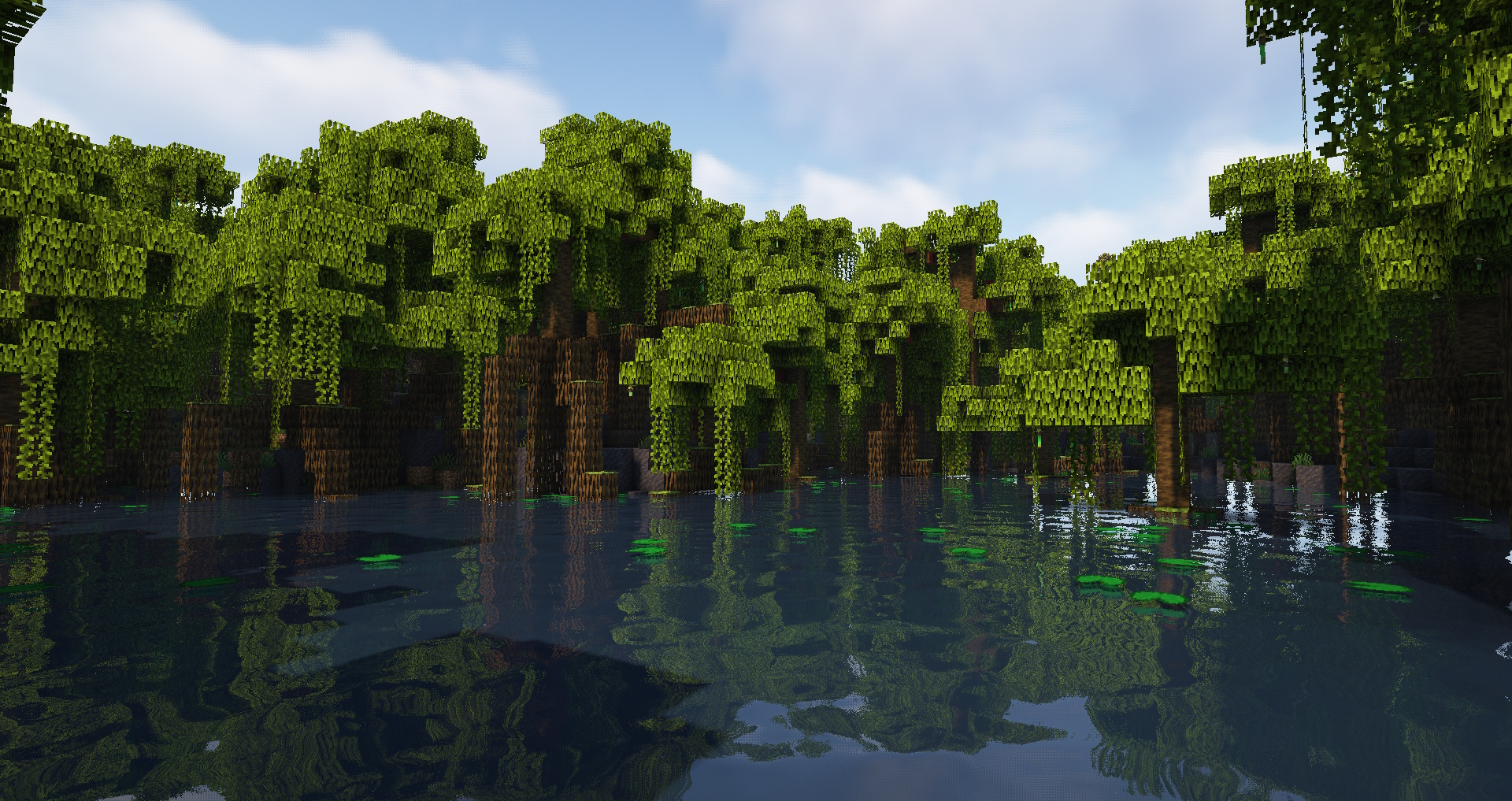
Simple mod that increases vanilla tree trunk height and modifies some tree foliage decorating methods.
🌳 Features:
- taller tree trunks for Acacia, Birch, Cherry, Dark Oak, Jungle, Mangrove, Mega Jungle/Pine/Spruce, Oak, Pine, Spruce, Swamp trees;
- increased tree trunk variation size;
- birch trees now have branches, Cherry trees has minimum 2 branches always;
- improved foliage on some trees;
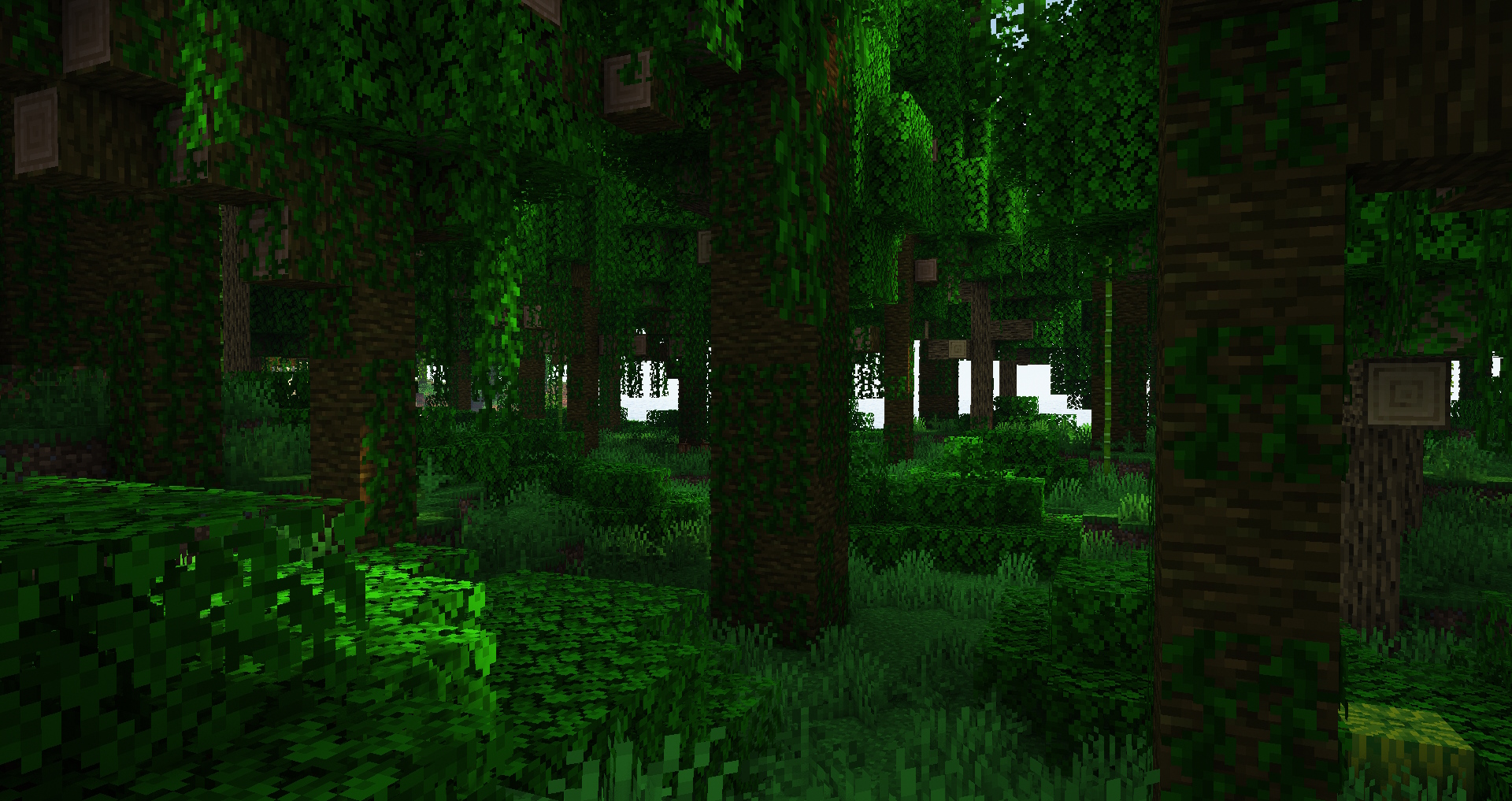
- forests are now more spacious and have more space to walk, especially Jungles;
- preserved regular Minecraft aesthetics;
- options adjustable via datapack;
♻️ Compatibility:
This mod modifies vanilla trees without adding new ones so it should be compatible with other mods that doesn't do the same. It's also safe to remove this mod from (or add to) existing worlds.
✅ Feel free to add it to your modpack as I did in mine.
- Industrial Village
- Life in the Village 4
💚 Big thanks to the Misode's Data Pack Generator website for making this mod possible https://misode.github.io
Dreaming of hosting your own server but worried about the complexity? BisectHosting makes it incredibly simple to get started with their intuitive platform and helpful guides. I've relied on them for their consistent performance and ease of use.
Ready to launch your server? Use my code xdreamz for 25% off your first month and support my content!
Jak zainstalować Bigger Trees
With Millida Launcher
Install Millida Launcher
The launcher is free: download it at millida.net/launcher and sign in with any nickname.
Click “Install” on this page
The launcher opens and installs the mod for Minecraft 1.20.4 on Fabric or Forge automatically.
Launch the game
A profile with it appears in the launcher: click “Play”.
Manually
Install Fabric or Forge
The loader must match the game version of the mod file, for example Minecraft 1.20.4. After installing it, a separate profile appears in your launcher.
Download the file for your version
In the version list above, pick the file bigger_vanilla_trees-forge-1.20.4-1.0.jar (85 KB) for your game version and loader.
Put it in the mods folder
The folder is inside .minecraft (Windows: %appdata%\.minecraft\mods). If it does not exist, create it.
Launch the loader profile
Open “Mods” in the main menu: Bigger Trees should be in the list.
Minecraft 1.20.4 runs on Java 17: with a different Java version the game may close right after launch.
Wersje
Z zależnościami
| Minecraft | Loader | Plik | Data | Akcje |
|---|---|---|---|---|
| 1.20.4 | Forge | Bigger Trees Forge 1.20.4-1.084.5 KB | ||
| 1.20.4 | Fabric | Bigger Trees Fabric 1.20.4-1.083.8 KB 1 |
FAQ
Which Minecraft versions does Bigger Trees work on?
Only Minecraft 1.20.4: there are no files for other versions.
Is Bigger Trees for Forge or Fabric?
There are files for Fabric: 1.20.4 and for Forge: 1.20.4. There are no files for NeoForge: a mod for another loader will not start.
Does Bigger Trees need other mods?
The author lists no required dependencies: the Fabric or Forge loader is enough.
Which Java does Bigger Trees need?
Minecraft 1.20.4 runs on Java 17. If the game closes right after launch, the usual cause is the wrong Java version in the profile settings.
Where can I download Bigger Trees safely?
On this page: the file bigger_vanilla_trees-forge-1.20.4-1.0.jar (85 KB) is stored on Millida’s server, with no link shorteners. SHA-1 checksum: 3f9d291ae62c88f11cb687decc31a2e009942a57.
Opinie
Oceń Bigger Trees jako pierwszy


