
Bigger Stacks Mod do Minecraft 1.20.1, 1.16.5
Zwieksza limit stosu. Grube stosy.
- pobrań
- 61 pobrań
- wyświetleń
- 138 wyświetleń
- Zaktualizowano
- Zaktualizowano 30.10.2026
- 1.16.5 — 1.20.1
 Forge
Forge
Forge mod.
Uninstalling older versions of this mod and using it on a world that previously had it installed may have negative consequences!
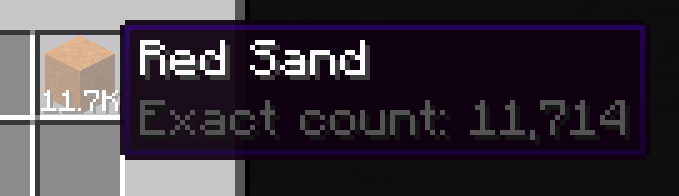
Bigger stacks
Allows you to increase stack size beyond 64, up to ~1 billion (though I don't recommend you go that high).
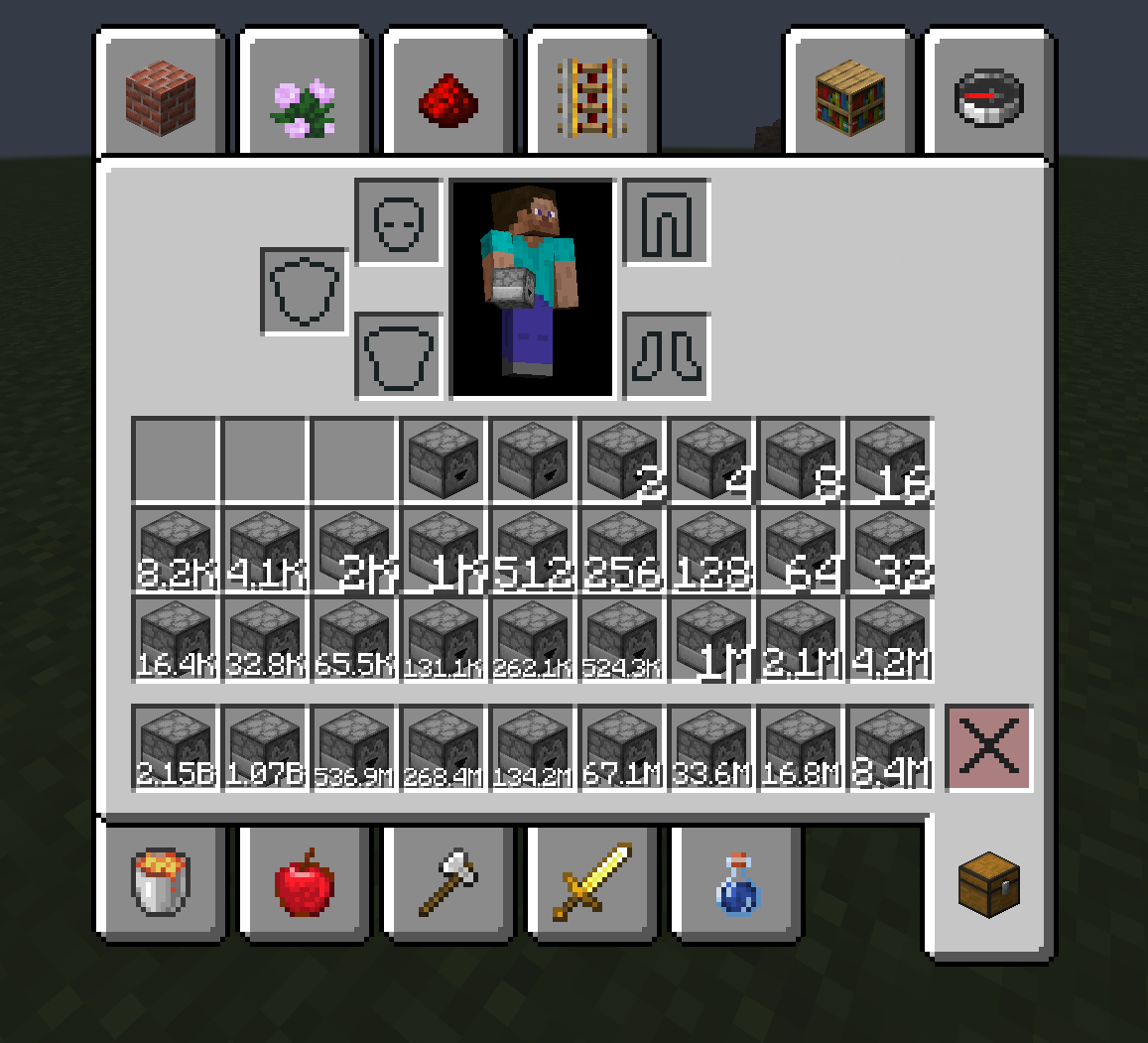
Control the stack size of individual items
The mod allows you to change the stack size of items based on tags, what mod it comes from, and more using rules.
Quickstart
When you load into a world with the mod unconfigured, it will show you this prompt:
Clicking on the command or running it will open a configuration GUI.
You can open this GUI at any time by running /biggerstacks quicksetup
Compatibility
With a mod like this, it is very likely that some things will be incompatible. If you find any issues, or things not working as expected, report them on github.
Some item transport mod (xnet, modular routers, pretty pipes, cyclic) have been changed for bigger stacks. There is some more information about the changes in the config file.
Please report any issues/incompatibilities you find with this mod to me, not the author of the other mod.
You can report them on the github issues or the comments section here, though I'd prefer you to use the github issue tracker if you have a github account.
Known incompatibilities
- numismatic overhaul reforged
Client side and server side?
This mod is needed on both the client and the server.
Jak zainstalować Bigger Stacks
With Millida Launcher
Install Millida Launcher
The launcher is free: download it at millida.net/launcher and sign in with any nickname.
Click “Install” on this page
The launcher opens and installs the mod for Minecraft 1.16.5–1.20.1 on Forge automatically.
Launch the game
A profile with it appears in the launcher: click “Play”.
Manually
Install Forge
The loader must match the game version of the mod file, for example Minecraft 1.20.1. After installing it, a separate profile appears in your launcher.
Download the file for your version
In the version list above, pick the file biggerstacks-1.20.1-2026.06.17-all.jar (1.2 MB) for your game version.
Put it in the mods folder
The folder is inside .minecraft (Windows: %appdata%\.minecraft\mods). If it does not exist, create it.
Launch the loader profile
Open “Mods” in the main menu: Bigger Stacks should be in the list.
Minecraft 1.20.1 runs on Java 17: with a different Java version the game may close right after launch.
Wersje
Z zależnościami
| Minecraft | Loader | Plik | Data | Akcje |
|---|---|---|---|---|
| 1.20.1 | Forge | biggerstacks-1.20.1-2026.06.17-all.jar1.2 MB 41 | ||
| 1.20.1 | Forge | biggerstacks-1.20.1-0.0.2-all.jar673 KB | ||
| 1.19.2 | Forge | biggerstacks-1.19-2.0.jar717 KB 3 | ||
| 1.16.5 | — | biggerstacks-1.16-3.0.jar745 KB 17 | ||
| 1.18.1 | — | biggerstacks-1.18-2.7.jar64.2 KB |
Opinie
Oceń Bigger Stacks jako pierwszy


