
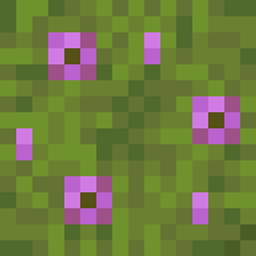
Better Azalea Mod do Minecraft 1.18.2
Dodaje drewno azalii, nowy mech i ulepsza bujne jaskinie!
 Forge
Forge Fabric
O modzie Better Azalea
ALL OF THIS MOD'S CONTENT (AND FUTURE UPDATES) HAVE MOVED TO ECOLOGICS: https://www.curseforge.com/minecraft/mc-mods/ecologics
(Don't worry though, this mod page will not be deleted)
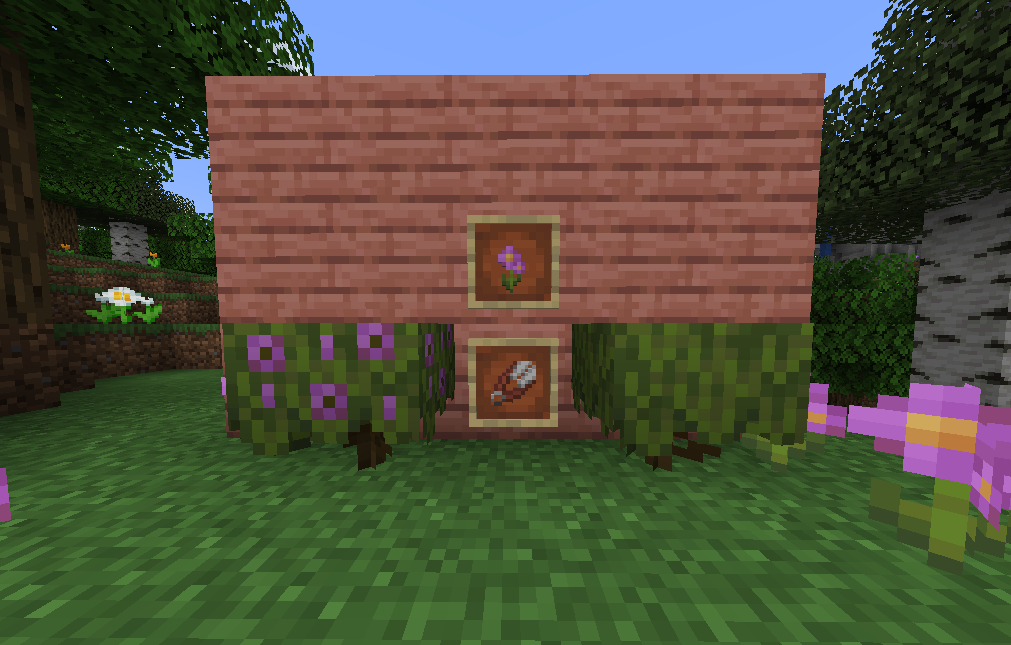
Do you wish Mojang added Azalea wood to 1.17? Are you in need of new natural decor? Better Azalea aims to fix that by adding a unique Azalea wood type and new moss decoration blocks!
📖 Features
- New Azalea logs and Flowering Azalea logs, which replace the oak wood on the vanilla azalea tree. They can be crafted into planks, which are used to craft the other wood decoration blocks. It matches perfectly with the moss and lush cave biome.
- A beautiful azalea flower, which can be obtained by using shears on flowering azalea leaves, bushes, or logs.
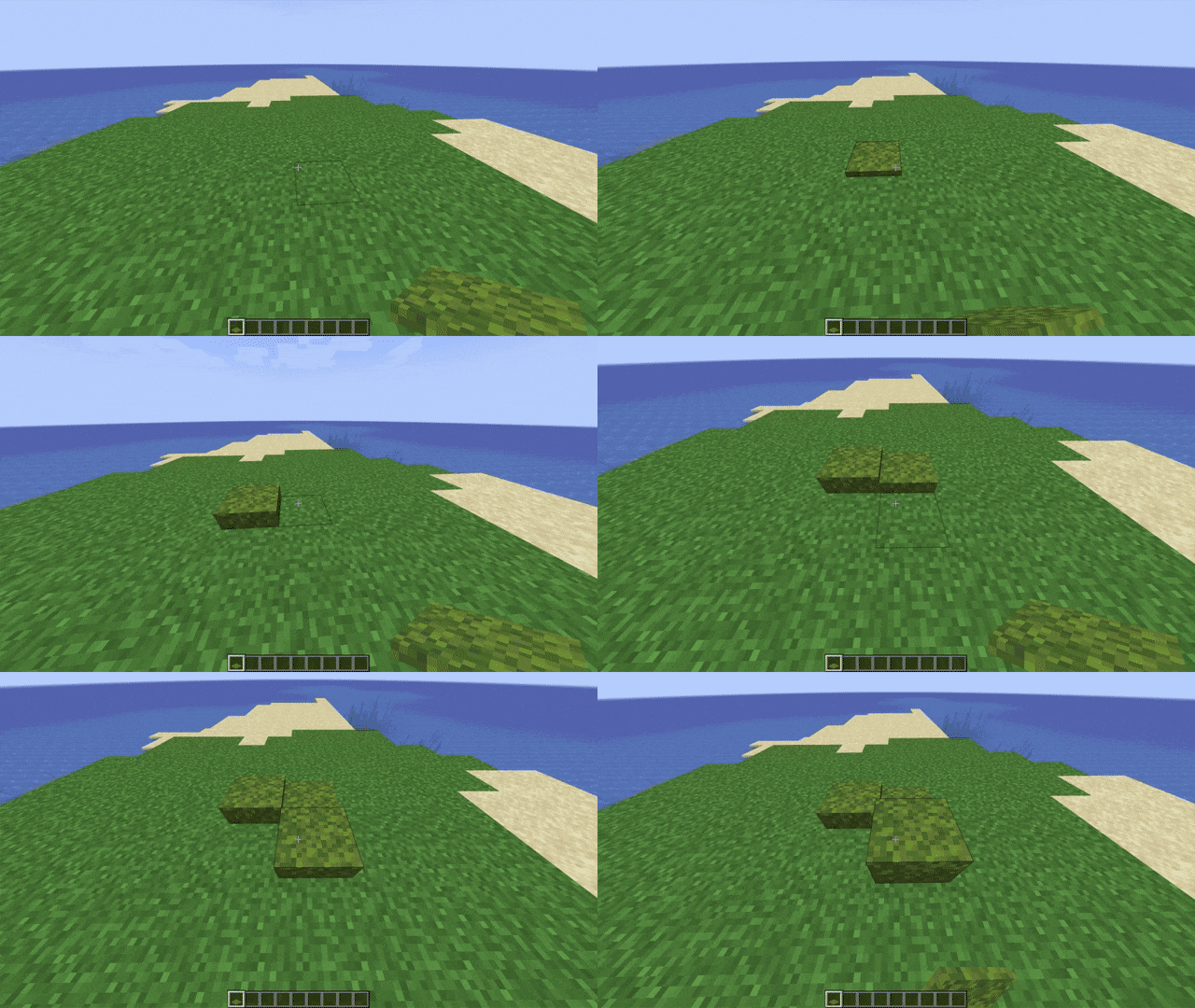
- Moss layers: Ever wish the moss carpets were stackable like snow layers? Well this is it.
- Surface Moss: A new item that can be placed on the sides of blocks up to 3 times, increasing the amount of moss on that surface with each layer. This is perfect for decorating natural areas.
- Azalea trees have a rare chance of spawning naturally in plains and forest biomes. To grow the tree yourself, either bonemeal the vanilla azalea bush or the azalea flower. This can all be modified in the config file.
👾 Discord:
Join my Discord server to preview the updates early, suggest features, report bugs, or just talk with me: https://discord.gg/KZwDvzthmK
Need a server to play with friends? Don't know how to setup one? Just rent an already configured server!
Click on the picture below, select plan, use my code samebutdifferent to get 25% off your first month, and enjoy playing with friends!
Jak zainstalować Better Azalea
With Millida Launcher
Install Millida Launcher
The launcher is free: download it at millida.net/launcher and sign in with any nickname.
Click “Install” on this page
The launcher opens and installs the mod for Minecraft 1.18–1.18.2 on Fabric or Forge automatically.
Launch the game
A profile with it appears in the launcher: click “Play”.
Manually
Install Fabric or Forge
The loader must match the game version of the mod file, for example Minecraft 1.18.2. After installing it, a separate profile appears in your launcher.
Download the file for your version
In the version list above, pick the file azalea-FORGE-3.2.0.jar (147 KB) for your game version and loader.
Put it in the mods folder
The folder is inside .minecraft (Windows: %appdata%\.minecraft\mods). If it does not exist, create it.
Launch the loader profile
Open “Mods” in the main menu: Better Azalea should be in the list.
Minecraft 1.18.2 runs on Java 17: with a different Java version the game may close right after launch.
Wersje
Z zależnościami
| Minecraft | Loader | Plik | Data | Akcje |
|---|---|---|---|---|
| 1.18.2 | Forge | Better Azalea 3.2.0 (Forge 1.18.2)147 KB 1 | ||
| 1.18.1 | Fabric | Better Azalea 1.0.1 (Fabric 1.18.1)156 KB |
FAQ
Which Minecraft versions does Better Azalea work on?
There are files for 1.18.2, 1.18.1, 1.18. The newest is 1.18.2.
Is Better Azalea for Forge or Fabric?
There are files for Fabric: 1.18–1.18.1 and for Forge: 1.18.2. There are no files for NeoForge: a mod for another loader will not start.
Does Better Azalea need other mods?
The author lists no required dependencies: the Fabric or Forge loader is enough.
Which Java does Better Azalea need?
Minecraft 1.18.2 runs on Java 17. If the game closes right after launch, the usual cause is the wrong Java version in the profile settings.
Where can I download Better Azalea safely?
On this page: the file azalea-FORGE-3.2.0.jar (147 KB) is stored on Millida’s server, with no link shorteners. SHA-1 checksum: d2b93ea1d30d041ee0b3aa88f40d0c1ebf3d7a6d.
Opinie
Oceń Better Azalea jako pierwszy


