

Splitted Multiplayer Modpack do Minecraft 26.3
Modpack umożliwiający grę wieloosobową na dzielonym ekranie na PC. Wymaga dowolnego launchera korzystającego z API Modrinth. Dziękujemy za 8 000 pobrań!
- pobrań
- 11 pobrań
- wyświetleń
- 155 wyświetleń
- Zaktualizowano
- Zaktualizowano 30.10.2026
- 26.1 — 26.3
 Fabric
- Klient i serwer
News - 9/26
Currently, right now, I'm maintaining everything and I need a bit of help. If you want to be apart of the team please join the discord server.
Description
you ever wanted to chill on the couch playing minecraft with your buds but don't have a console? welp now u can do that. quick tutorial below:
Requirements -
Friends (very difficult)
MultiMC (optional)
1 Minecraft Account
1 Controller or more
This ModPack
Step-by-step
this tutorial uses MultiMC but you can use any launcher that has Modrinth API and can run multiple instances at the same time (like Modrinth App or PrismLauncher) Launch MultiMC and click on "Add Instance"
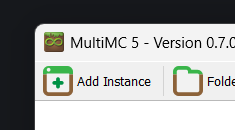
Select "Import from zip" and select the file (or select modrinth and look for the modpack)

Duplicate the instance for each player
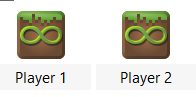
Launch both the instances offline and choose a name
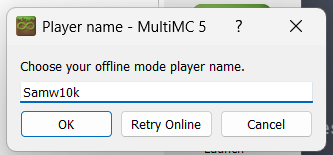
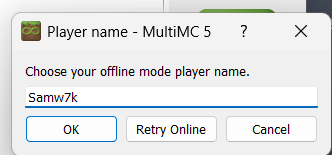
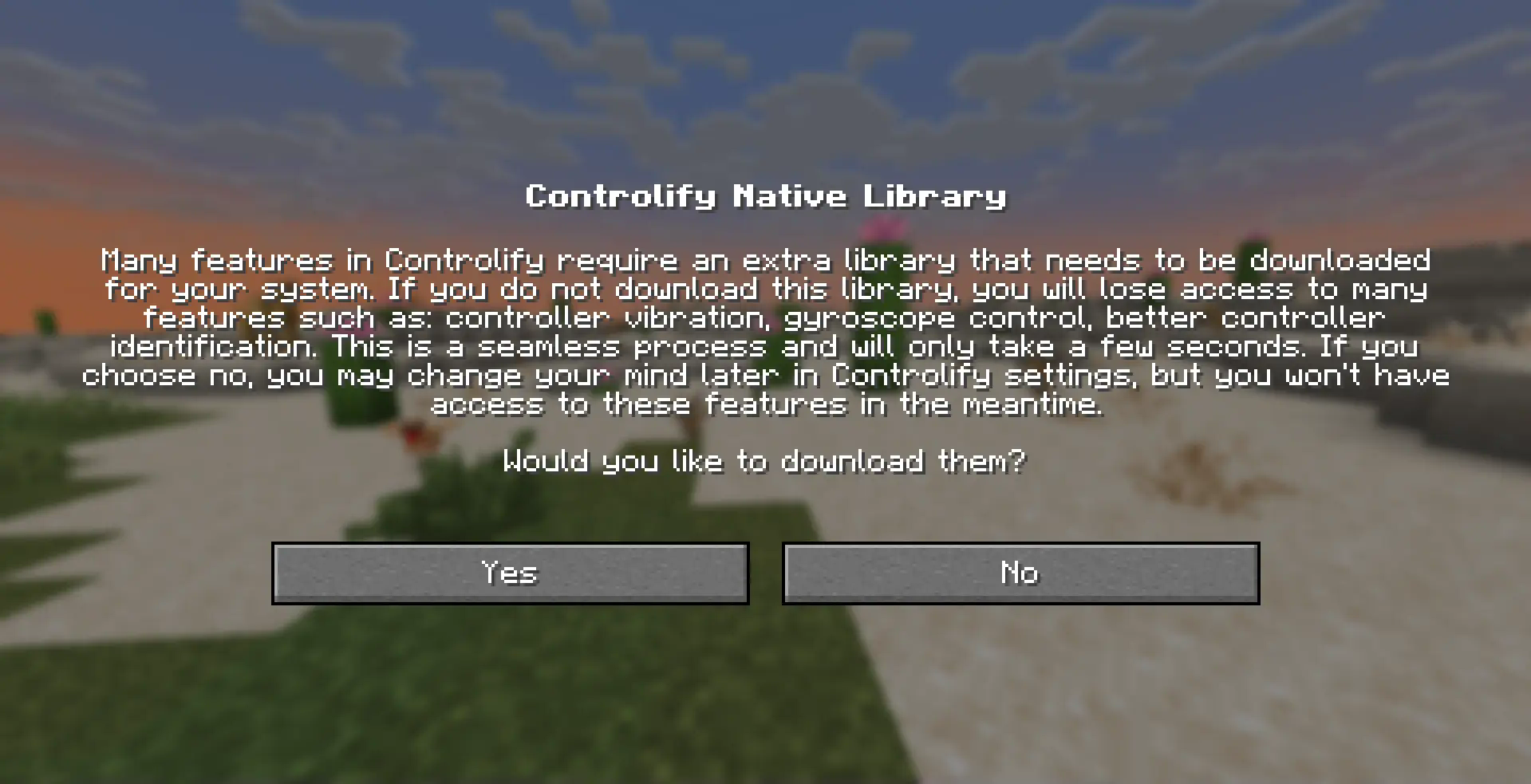
Download Controllify's libraries
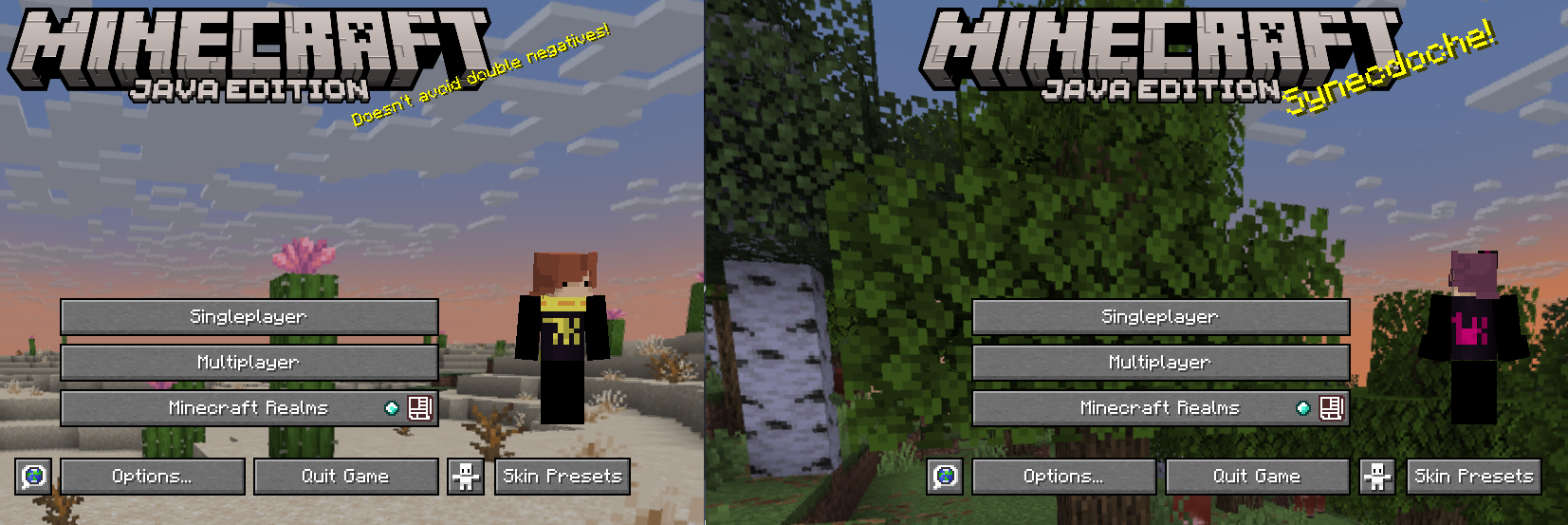
Press F11 on both windows to turn on splitscreen
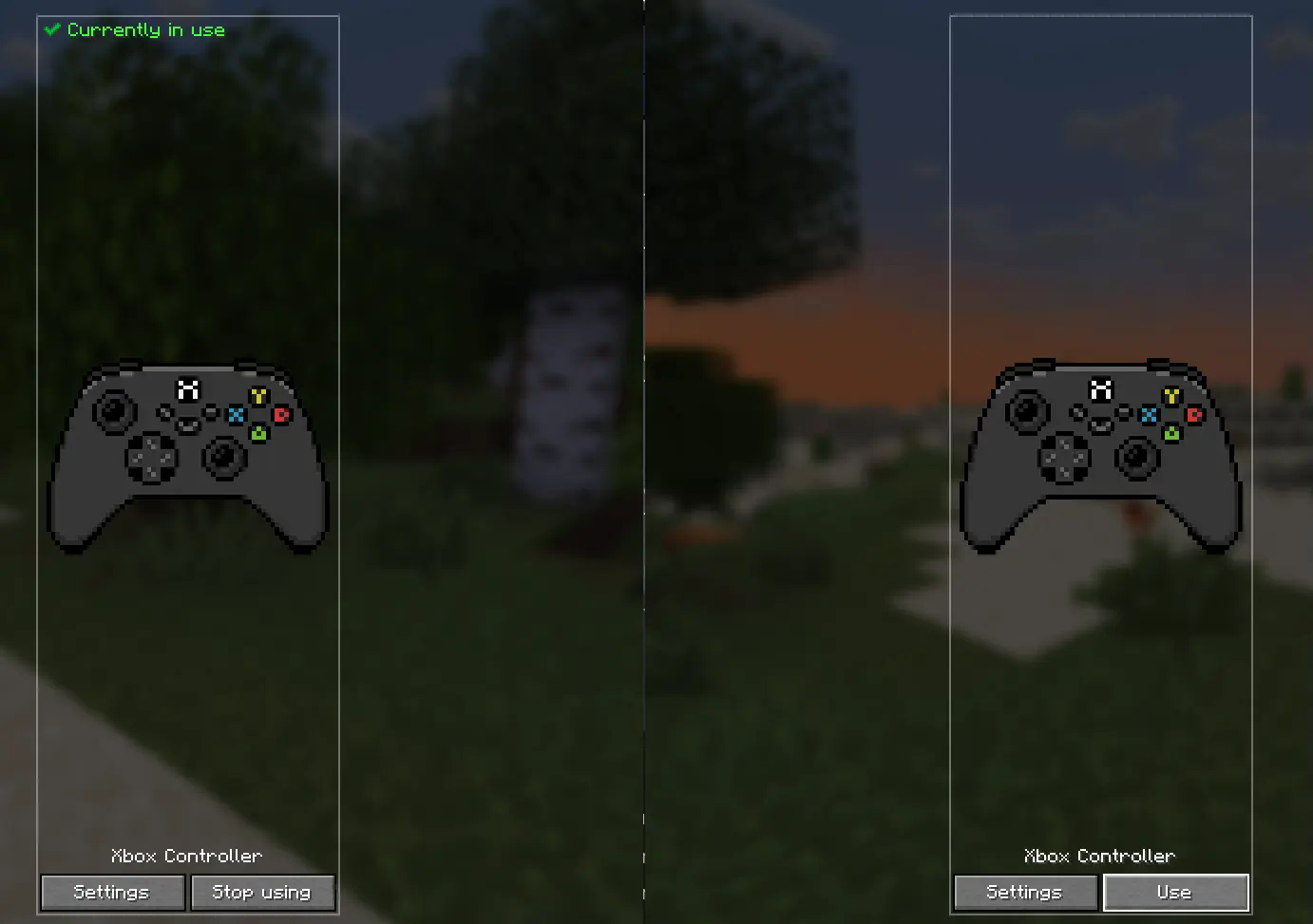
Make sure each account is using different controllers
Select global settings
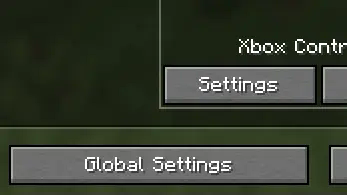
Turn on "Out Of Focus Input" on each controller

Create a world in one account and open it to LAN
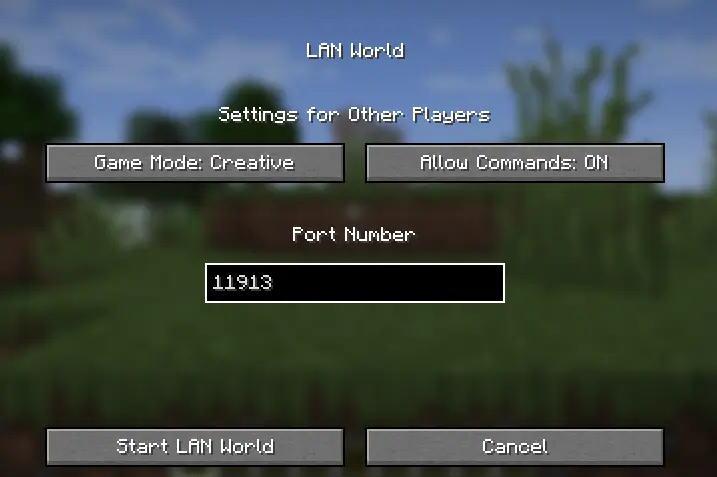
Tell the other players to join the world and you should be all good to go
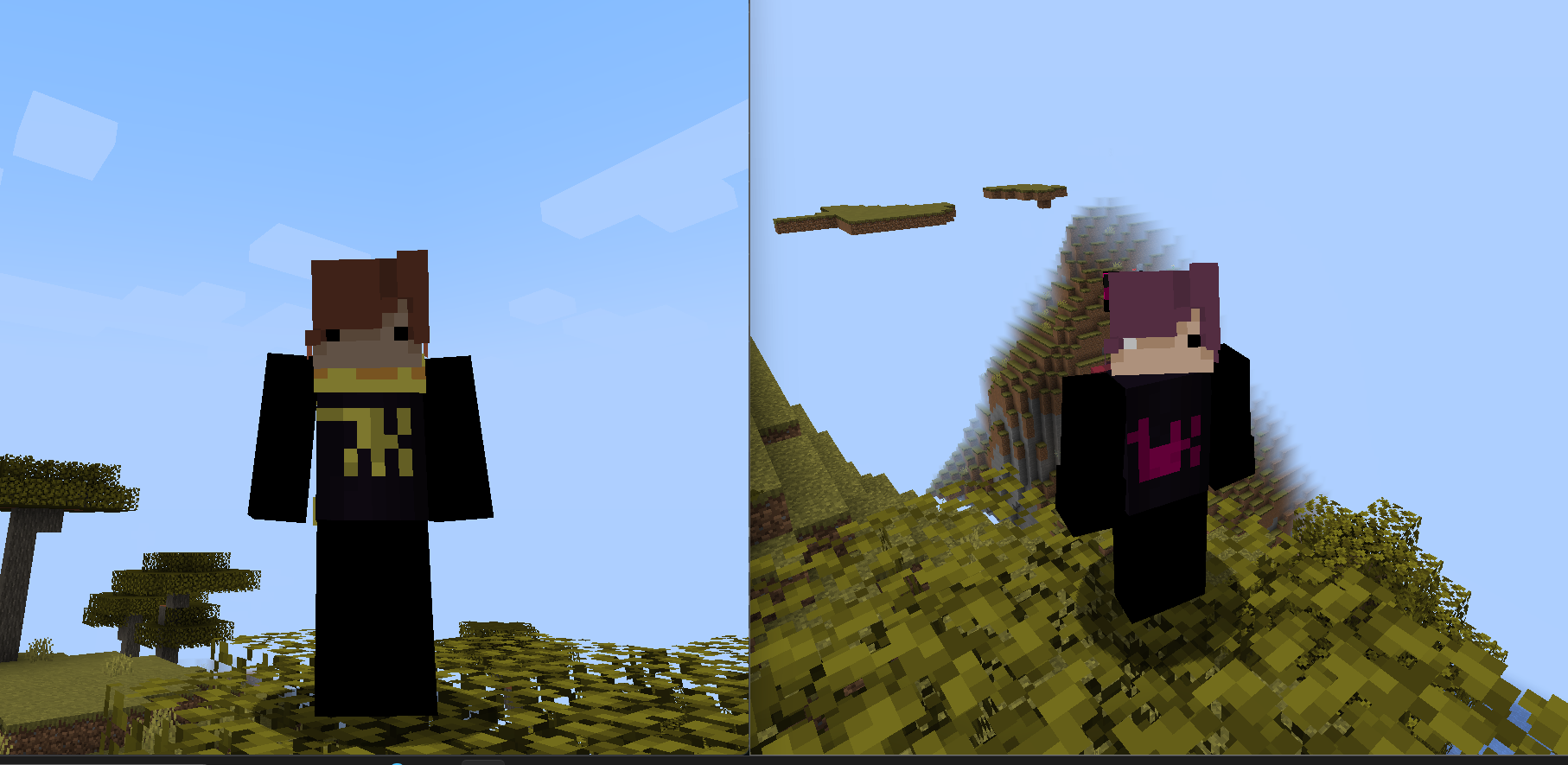
Q: "Why is my skin not showing up on other people's screen?" A: Select another skin THEN select the one you want. if it still doesn't work try rejoining the world
Q: "Is this compatible with __?"
A: I have no idea. i've only tested the modpack with sodium and nothing else. Essential might not work because you have to launch offline aka. without a Microsoft Account
Q: "How do i use this modpack/How do i make it work?"
A: There's a step-by-step tutorial on the description.
Q: "Can i use this logged in on a Microsoft Account?"
A: No. When you try to join the world it's gonna say the name's already taken
Q: "Can i use this on a pirated version?"
A: No. Minecraft's $25. You can pay for that.
Q: "Are you a potato?"
A: What?
Q: "Who would win, 100 Men or 1 Gorilla?"
A: can you like.. ask questions about the modpack? also 100 men win
Q: "Can my friend use a VPN play from his house?"
A: I don't know why'd you download the modpack if you wanna do that but sure. I don't know how to do that tho. dm jorden (@jordensmiley) for that
Q: "How many players can play at the same time?"
A: SplitScreen supports only up to 4 players but you can just mess around with the windows yourself
Q: "I don't have a controller! what should i do??"
A: Download "Monect" on your PC and phone and download a controller layout on the forums. I'm not showing you how to do that so go watch a random tutorial from some indian guy.
Jak zainstalować Splitted Multiplayer
With Millida Launcher
Install Millida Launcher
The launcher is free: download it at millida.net/launcher and sign in with any nickname.
Click “Install” on this page
The launcher opens and installs the modpack for Minecraft 26.1–26.3 on Fabric automatically.
Launch the game
A profile with it appears in the launcher: click “Play”.
Manually
Download the modpack archive
In the version list above, pick the file Splitted Multiplayer 1.3.mrpack (17 KB).
Import it into a launcher
A launcher that supports modpacks (Millida Launcher, Prism) takes the archive via “Add modpack”, then “From file”. No need to unpack it yourself.
Allocate memory
Modpacks need more memory than the plain game: set 4–6 GB in the profile settings.
On a server
Use the “To server” button
On Millida Hosting, the button at the top of the page uploads the file to your server and restarts it for you.
Invite friends: they install the same modpack
To join the server, every player needs the same modpack version.
Wersje
Z zależnościami
| Minecraft | Loader | Plik | Data | Akcje |
|---|---|---|---|---|
| 26.3 | Fabric | 26.316.8 KB | ||
| 26.2 | Fabric | 26.28.6 KB 7 | ||
| 26.2 | Fabric | 26.210.3 KB 1 | — | |
| 26.1 | Fabric | 26.19.5 KB | — |
Co jest potrzebne do działania
- YetAnotherConfigLib (YACL)już w środku
- Skin Shufflejuż w środku
- Simple Voice Chatjuż w środku
- Sodiumjuż w środku
- Reese's Sodium Optionsjuż w środku
- Server Sleepjuż w środku
- Controlify (Controller support)już w środku
- Fabric Language Kotlinjuż w środku
- Not Enough Animationsjuż w środku
- Entity Cullingjuż w środku
- Fabric APIjuż w środku
- Sodium Extrajuż w środku
- Chat Headsjuż w środku
- In-Game Account Switcherjuż w środku
- Text Placeholder APIjuż w środku
- Lithiumjuż w środku
- Mod Menujuż w środku
- Dependencyjuż w środku
- Dependencyjuż w środku
FAQ
Which Minecraft versions does Splitted Multiplayer work on?
There are files for 26.3, 26.2, 26.1. The newest is 26.3.
Is Splitted Multiplayer for Forge or Fabric?
Only for Fabric: 26.1–26.3.
Which mods are in the Splitted Multiplayer modpack?
Mods in the modpack include YetAnotherConfigLib (YACL), Skin Shuffle, Simple Voice Chat, Sodium, Reese's Sodium Options, Server Sleep, Controlify (Controller support), Fabric Language Kotlin and 10 more.
How do I download Splitted Multiplayer?
With Millida Launcher: it installs Splitted Multiplayer into a modpack by itself, for the right game version and loader. The launcher is free.
Opinie
Oceń Splitted Multiplayer jako pierwszy


