

Minecraft 26.10용 ZenFps 리소스 팩
깔끔한 비주얼, 미니멀한 디자인, 최적화된 게임플레이 경험으로 부드러운 FPS 향상.
ZenFps 리소스 팩 정보
ZenFPS is a lightweight and performance-focused pack designed to give you a smooth and lag-free experience, especially for PvP.
✨ Features:
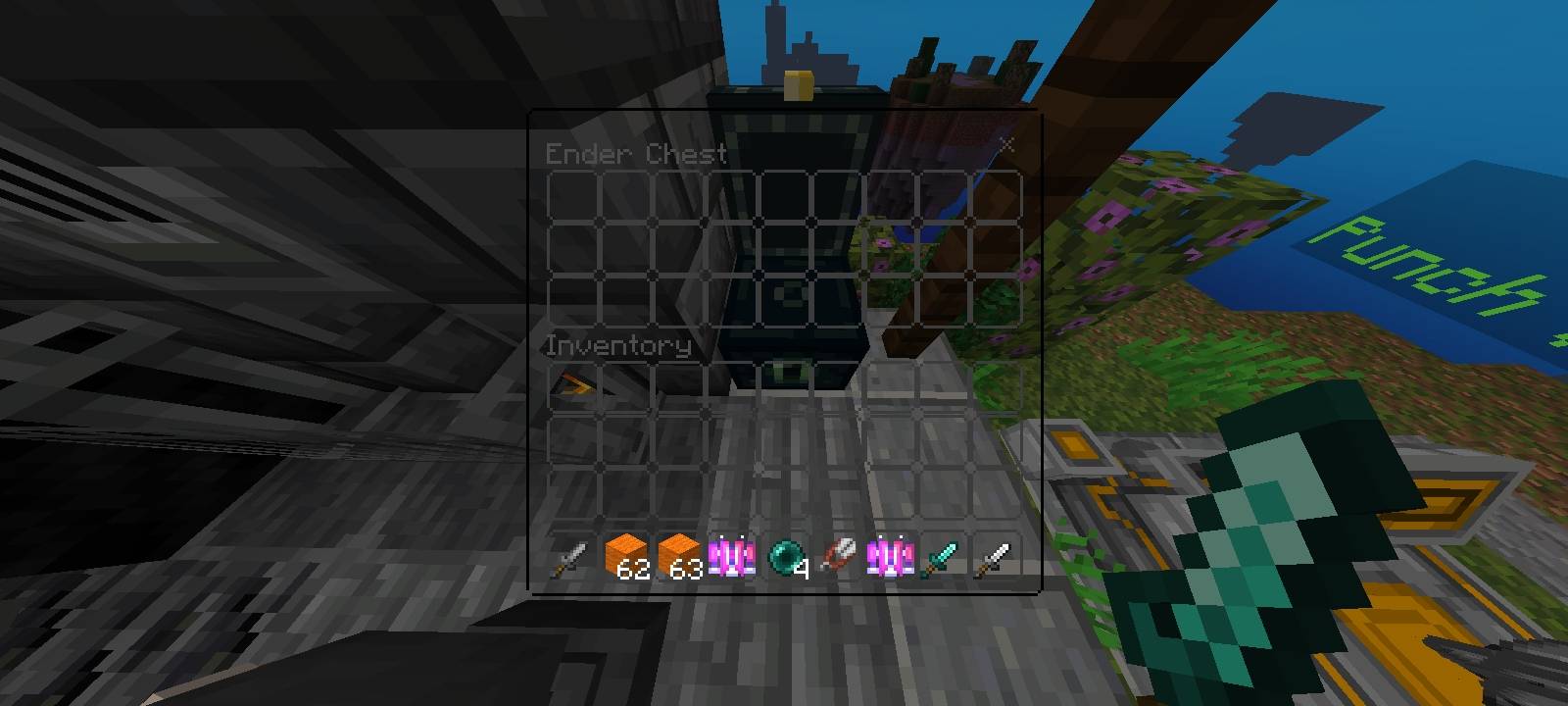
🚀 FPS Boost - Optimized for better performance and stable gameplay
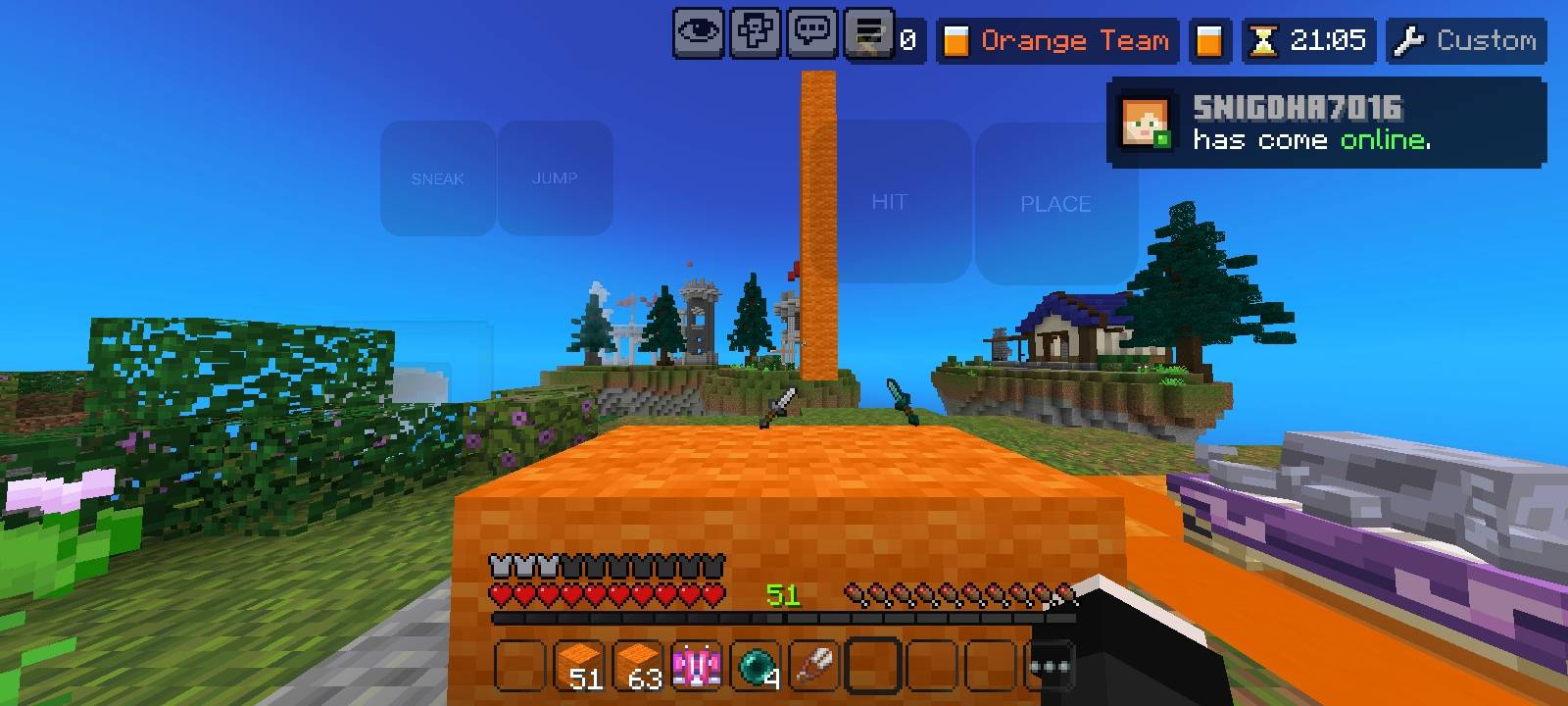
🎯 Short Sword - Clean and compact design for better PvP visibility
🌌 Clean Sky - Simple and aesthetic sky for distraction-free gameplay
✨ No Particles - Removes unnecessary particles for maximum FPS
🎮 Clean Touch Buttons - Minimal UI for smooth mobile controls
This pack is perfect for players who want a clean look + high FPS without extra clutter. Ideal for PvP servers and competitive gameplay.
ZenFps 설치 방법
With Millida Launcher
Install Millida Launcher
The launcher is free: download it at millida.net/launcher and sign in with any nickname.
Click “Install” on this page
The launcher opens and installs the resource pack for Minecraft 1.21.130–26.10 automatically.
Launch the game
A profile with it appears in the launcher: click “Play”.
Manually
Download the archive
Pick the file ZenFps V2.mcpack (13 MB) for your game version. No need to unpack it.
Put it in the resourcepacks folder
The easiest way: “Options”, then “Resource Packs”, then “Open Pack Folder”, and drag the archive there.
Enable the pack
In the same window, move the pack to the right-hand “Selected” column and click “Done”.
버전
의존성 포함
| Minecraft | 로더 | 파일 | 날짜 | 작업 |
|---|---|---|---|---|
| 1.21.130 | — | ZenFps V2.mcpack12.8 MB 12 |
FAQ
Which Minecraft versions does ZenFps work on?
There are files for 1.21.130–26.10, 7 versions in total. The newest is 26.10.
Where can I download ZenFps safely?
On this page: the file ZenFps V2.mcpack (13 MB) is stored on Millida’s server, with no link shorteners. SHA-1 checksum: 0c0f0e3cc3049520c4b4e3adee0b90df3806df3b.
리뷰
ZenFps의 첫 평가를 남겨 보세요


