
Discord
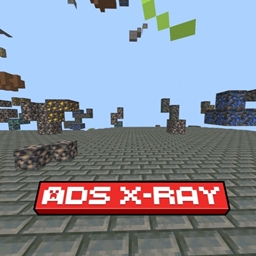
ADS X-Ray
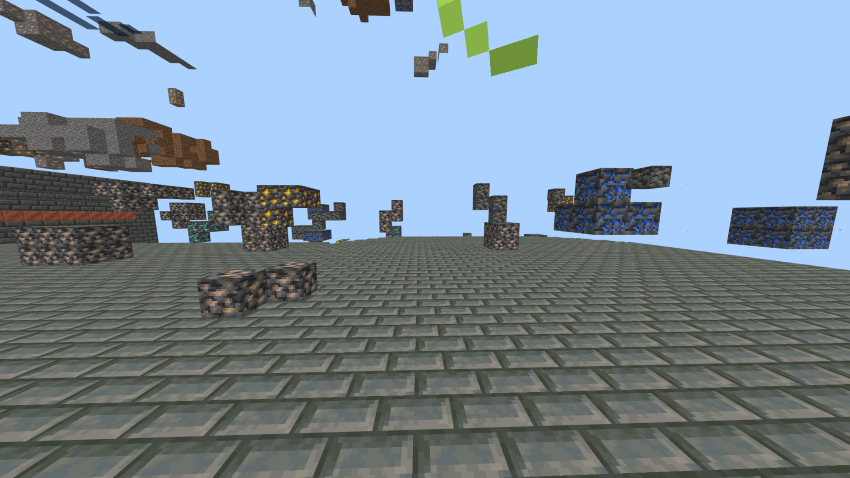
One of the best X-Ray packs available today! This powerful and optimized resource pack allows you to easily spot all ores,enhanced visibility. Not only does it let you see through blocks to locate ores, but it also allows you to view the surface layout for better navigation.
✅ Highlights: • View both underground and surface structures • Safe to use - does not disable achievements • Works on servers with no performance issues
Settings required:
- Turn Off Smooth Lighting.
- Keep brightness at 100%
• if you have night vision potion then it will be more easier to find ores.
X Ray (ADS) 설치 방법
With Millida Launcher
Install Millida Launcher
The launcher is free: download it at millida.net/launcher and sign in with any nickname.
Click “Install” on this page
The launcher opens and installs the resource pack for Minecraft 1.21.123–26.3 automatically.
Launch the game
A profile with it appears in the launcher: click “Play”.
Manually
Download the archive
Pick the file ADS X-Ray.mcaddon (58 KB) for your game version. No need to unpack it.
Put it in the resourcepacks folder
The easiest way: “Options”, then “Resource Packs”, then “Open Pack Folder”, and drag the archive there.
Enable the pack
In the same window, move the pack to the right-hand “Selected” column and click “Done”.
버전
의존성 포함
| Minecraft | 로더 | 파일 | 날짜 | 작업 |
|---|---|---|---|---|
| 1.21.123 | — | ADS X-Ray58.4 KB 21 |
FAQ
Which Minecraft versions does X Ray (ADS) work on?
There are files for 1.21.123–26.3, 8 versions in total. The newest is 26.3.
Where can I download X Ray (ADS) safely?
On this page: the file ADS X-Ray.mcaddon (58 KB) is stored on Millida’s server, with no link shorteners. SHA-1 checksum: 0f86cd609c300e19c8a920e71b6838cf1325e86f.
리뷰
X Ray (ADS)의 첫 평가를 남겨 보세요



