
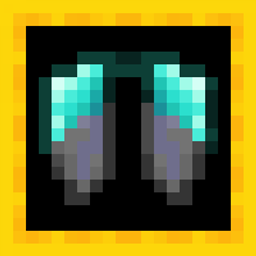
Upgraded Elytra 리소스 팩 정보
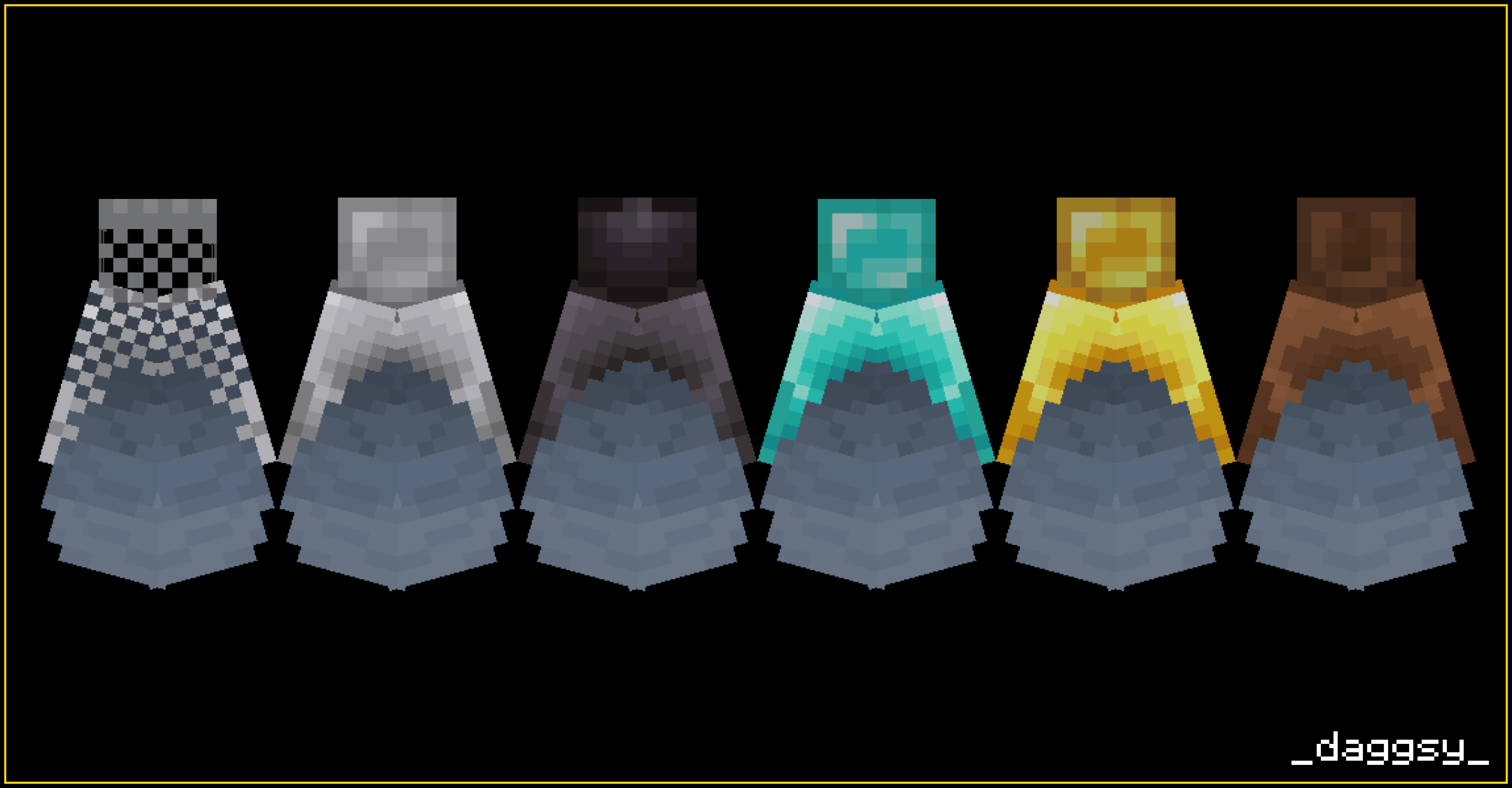
Hi! This pack requires OptiFine to work and changes the texture of elytra to match the armor.
If you want new texture you should just rename Elytra to:
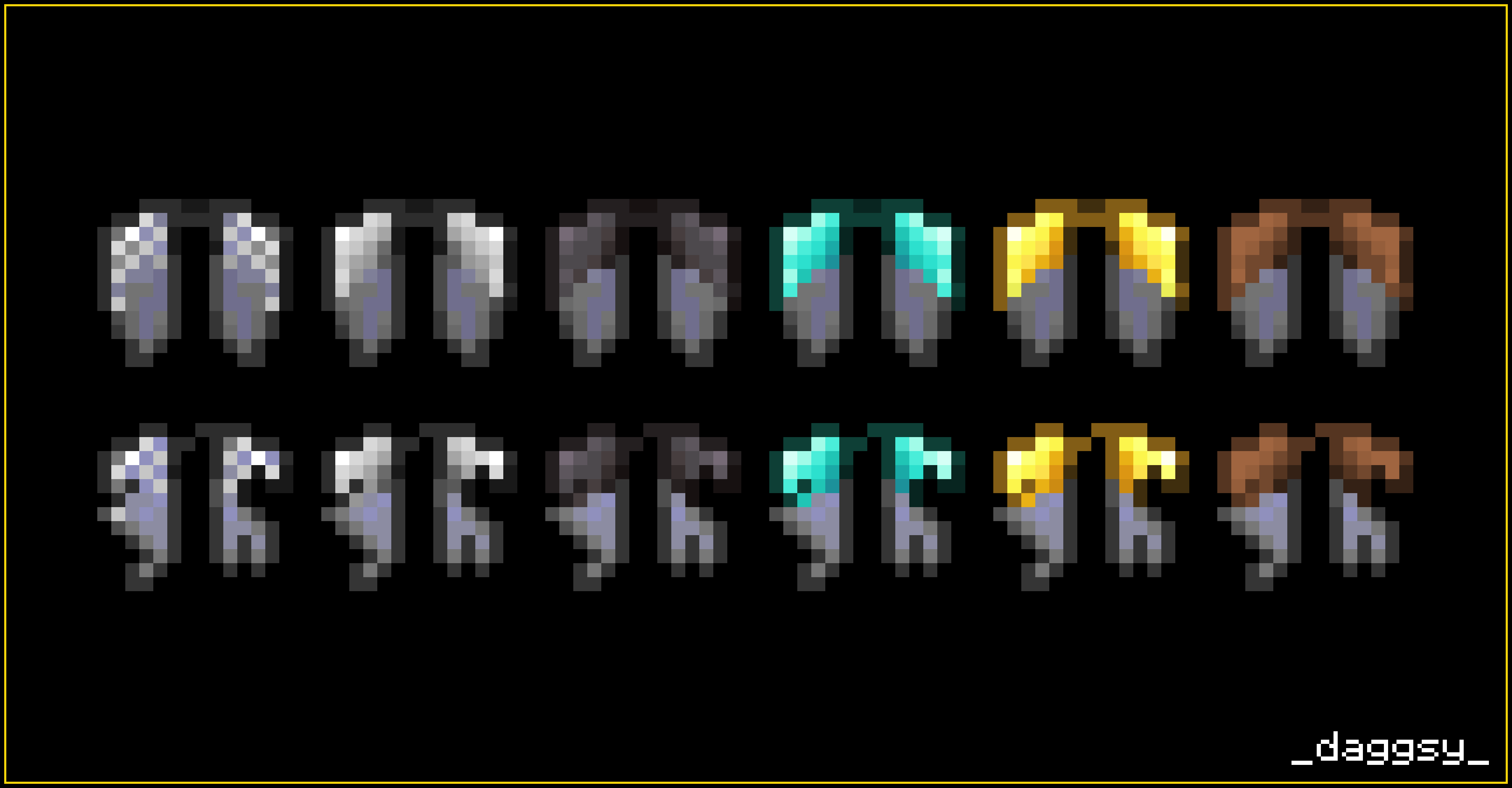
Netherite Elytra Diamond Elytra Gold Elytra Iron Elytra Chainmail Elytra Leather Elytra
This pack also has two versions: thin and thick. Check out images to see difference!
Hope you like it!
daggsy
Upgraded Elytra 설치 방법
Install Millida Launcher
The launcher is free: download it at millida.net/launcher and sign in with any nickname.
Click “Install” on this page
The launcher opens and installs the resource pack for Minecraft 1.21 automatically.
Launch the game
A profile with it appears in the launcher: click “Play”.
버전
의존성 포함
| Minecraft | 로더 | 파일 | 날짜 | 작업 |
|---|---|---|---|---|
| 1.21 | — | Upgraded Elytra (version 1) 1.2120.1 KB |
FAQ
Which Minecraft versions does Upgraded Elytra work on?
Only Minecraft 1.21: there are no files for other versions.
How do I download Upgraded Elytra?
With Millida Launcher: it installs Upgraded Elytra into a modpack by itself, for the right game version and loader. The launcher is free.
리뷰
Upgraded Elytra의 첫 평가를 남겨 보세요



