


About
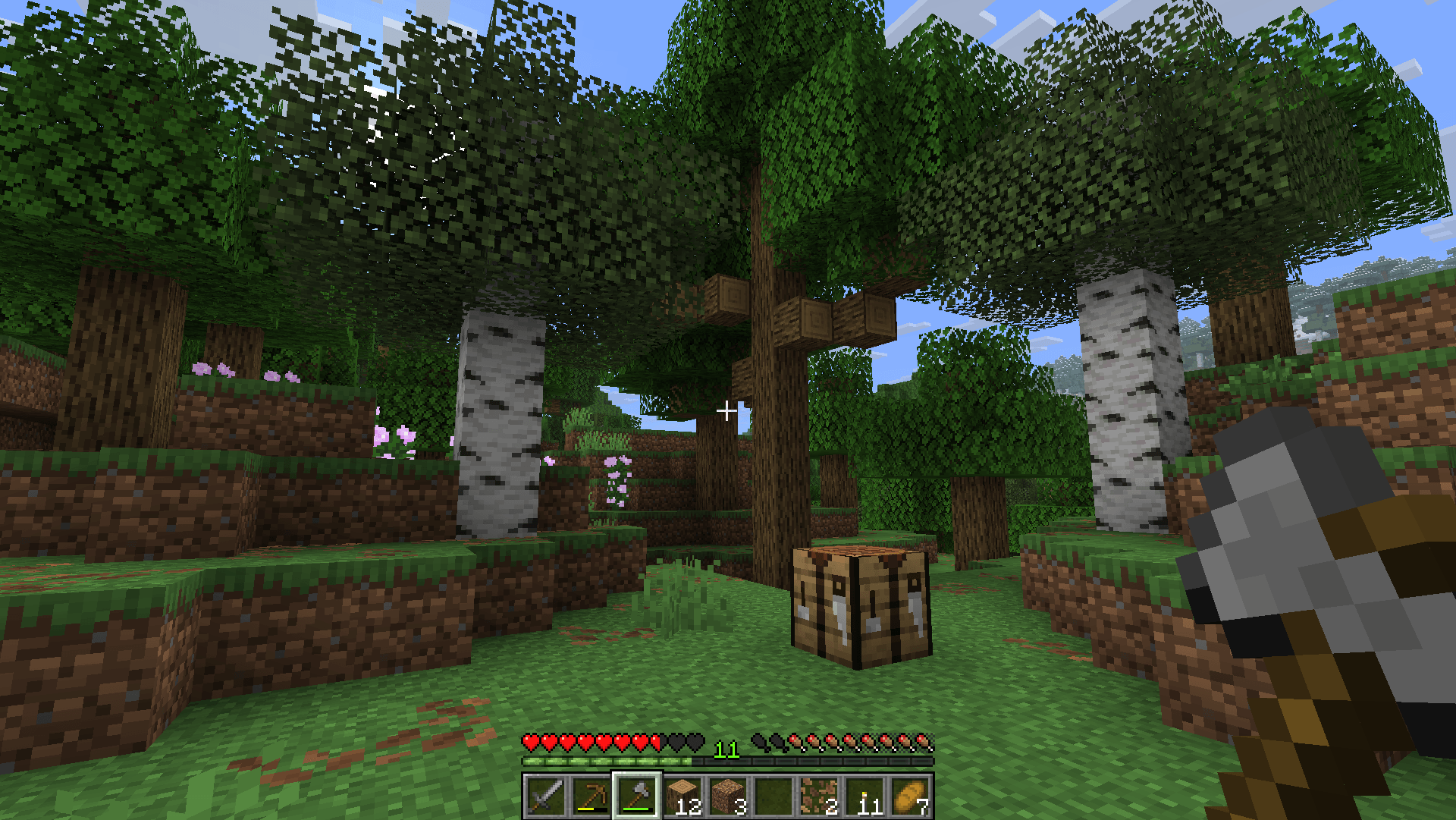
This pack adds fully modeled 3D handheld models for pickaxes, shovels, swords, axes, and hoes, plus a few specials (like bow and mace) in a style similar to other fresh stuff. This pack was originally created by Zvezdov for Java Edition and was ported by me, Parzival_ to Bedrock Edition.
Features
- Added handheld models for pickaxes, shovels, swords, axes and hoes
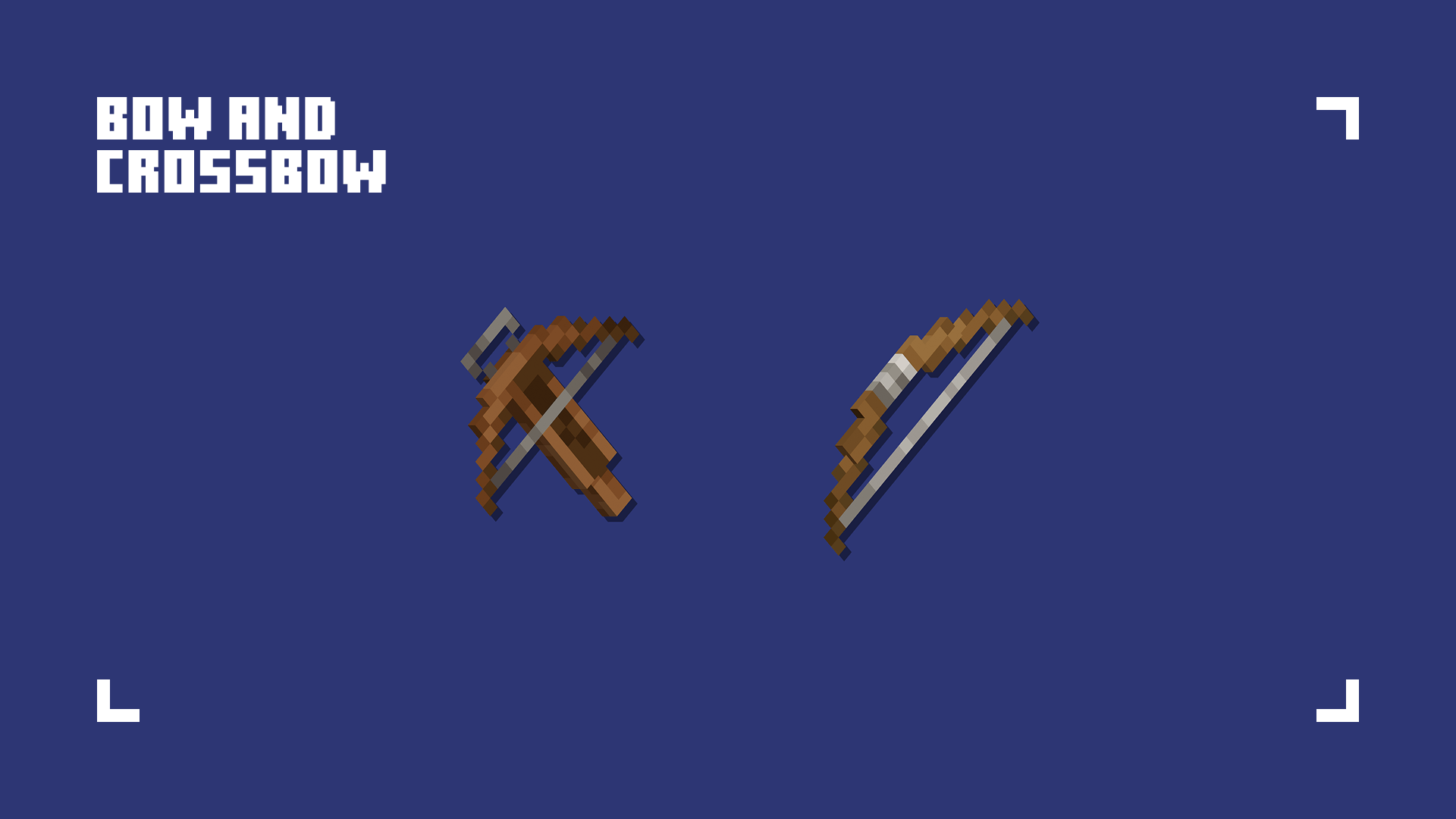
- Added handheld models for bow and crossbow
- Added handheld model for a mace
- Added shield item texture
- Changed item textures for pickaxes, shovels, swords, axes, and hoes
- Changed item textures for bow, crossbow, and arrow
- Changed arrow entity texture
My Ooga Booga pack is a finalist in the CurseForge ModJam 2026 Community Vote. If you enjoy the pack, please consider supporting it with a vote!
VOTE HERE
https://overwolfdevs.typeform.com/to/Wuuqwf3U
For the original Java Version:
Java Edition | Java Author's Profile
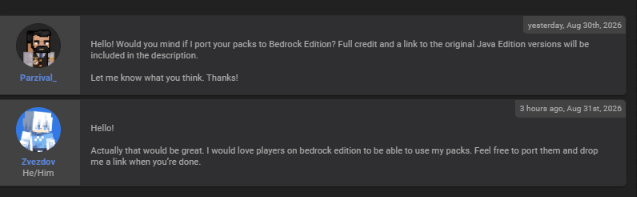
### Owner's Permission:
Trusty Tools 설치 방법
With Millida Launcher
Install Millida Launcher
The launcher is free: download it at millida.net/launcher and sign in with any nickname.
Click “Install” on this page
The launcher opens and installs the resource pack for Minecraft 26.20–26.40 automatically.
Launch the game
A profile with it appears in the launcher: click “Play”.
Manually
Download the archive
Pick the file trusty_tools-v1.2.2.mcpack (249 KB) for your game version. No need to unpack it.
Put it in the resourcepacks folder
The easiest way: “Options”, then “Resource Packs”, then “Open Pack Folder”, and drag the archive there.
Enable the pack
In the same window, move the pack to the right-hand “Selected” column and click “Done”.
버전
의존성 포함
| Minecraft | 로더 | 파일 | 날짜 | 작업 |
|---|---|---|---|---|
| 26.20 | — | Trusty Tools v1.2.2249 KB 2 |
FAQ
Which Minecraft versions does Trusty Tools work on?
There are files for 26.40, 26.30, 26.20. The newest is 26.40.
Where can I download Trusty Tools safely?
On this page: the file trusty_tools-v1.2.2.mcpack (249 KB) is stored on Millida’s server, with no link shorteners. SHA-1 checksum: 5ee67f1ecaebf42d2faf6c130406f7ecedcb8a8c.
리뷰
Trusty Tools의 첫 평가를 남겨 보세요


