

Minecraft 26.40용 Transparent Inventory 리소스 팩
Transparent Inventory는 불투명한 배경을 깔끔하고 투명한 패널로 바꿔 마인크래프트 GUI를 세련되게 만듭니다. 슬롯과 텍스트는 읽기 쉬운 상태로 유지되면서 월드가 그대로 보입니다 — 미니멀하고 몰입감 있는 디자인입니다.
Transparent Inventory
Transform your Minecraft Bedrock experience with a clean and transparent inventory UI! This pack removes the bulky inventory background and replaces it with a sleek transparent design, giving players a better view of the game world while managing items.
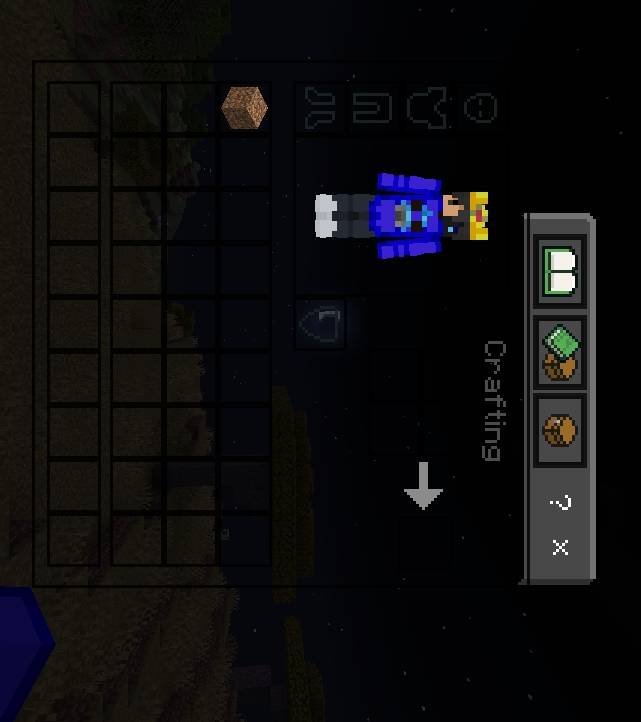
Features
✔ Transparent Inventory UI
✔ Clean and Minimal Design
✔ Better Visibility While Playing
✔ Smooth PvP & BedWars Experience
✔ Lightweight and Performance Friendly
✔ Compatible with Minecraft Bedrock Edition
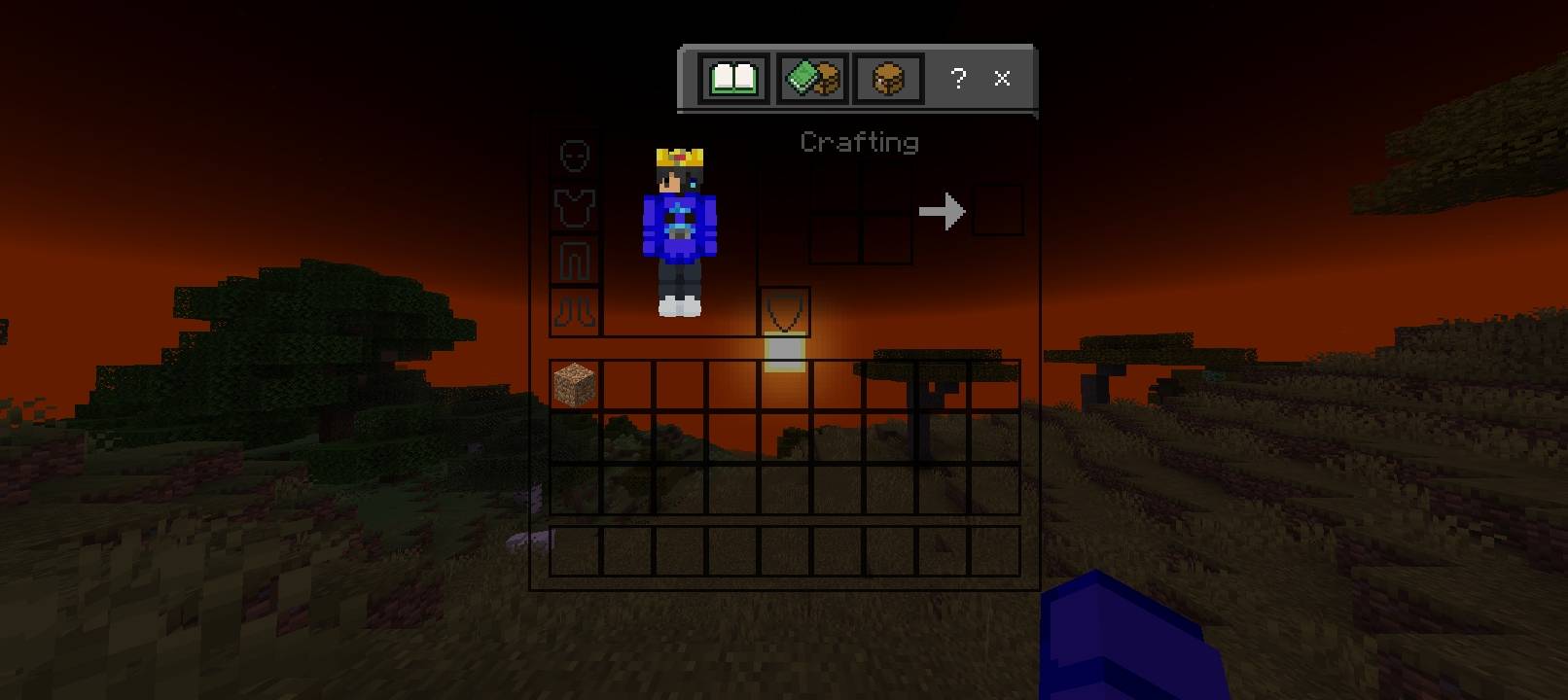
Perfect For
BedWars Players
PvP Players
Survival Players
Content Creators
Players who prefer a clean UI
Notes
This pack only changes the inventory appearance and does not affect gameplay. It can be used alongside most other texture packs.
Transparent Inventory 설치 방법
With Millida Launcher
Install Millida Launcher
The launcher is free: download it at millida.net/launcher and sign in with any nickname.
Click “Install” on this page
The launcher opens and installs the resource pack for Minecraft 1.21.132–26.40 automatically.
Launch the game
A profile with it appears in the launcher: click “Play”.
Manually
Download the archive
Pick the file Transparent-Inventory.mcpack (1.4 MB) for your game version. No need to unpack it.
Put it in the resourcepacks folder
The easiest way: “Options”, then “Resource Packs”, then “Open Pack Folder”, and drag the archive there.
Enable the pack
In the same window, move the pack to the right-hand “Selected” column and click “Done”.
버전
의존성 포함
| Minecraft | 로더 | 파일 | 날짜 | 작업 |
|---|---|---|---|---|
| 1.21.132 | — | Transparent-Inventory1.0.1 .mcpack1.4 MB 12 |
리뷰
Transparent Inventory의 첫 평가를 남겨 보세요


