
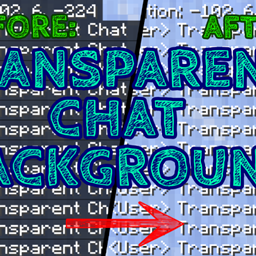
Minecraft 1.21, 1.21.94용 Transparent Chat Background 리소스 팩
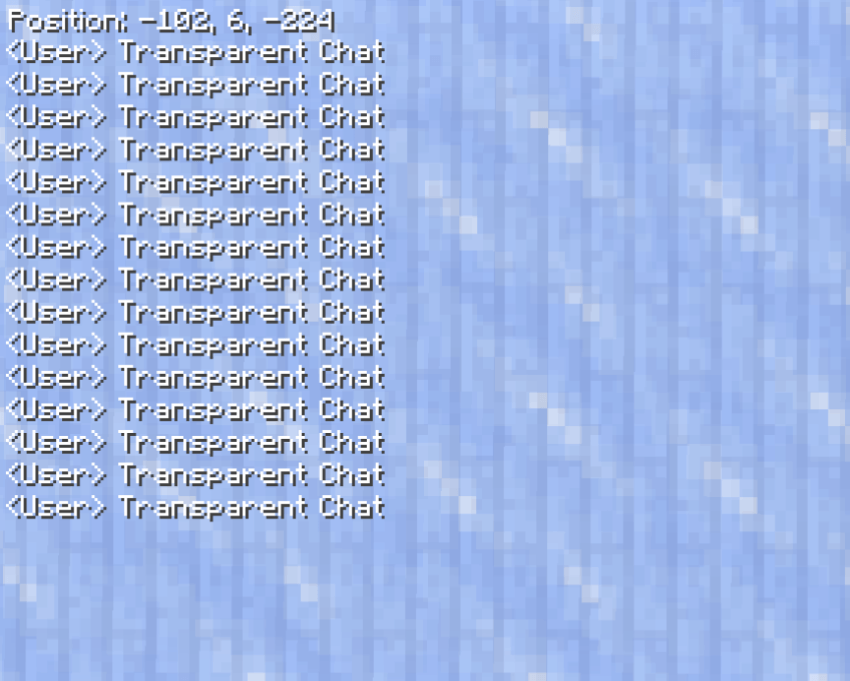
Minecraft를 플레이하면서 더 나은 시야를 갖고 싶으신가요? 완벽합니다! 이 텍스처 팩을 사용하면 채팅 배경(그리고 좌표)이 보이지 않게 됩니다!
Transparent Chat Background 리소스 팩 정보
Do you want to have a better view while playing Minecraft? Perfect! With this Texture Pack the Background of the Chat (and also the coordinates) will become Insivible!
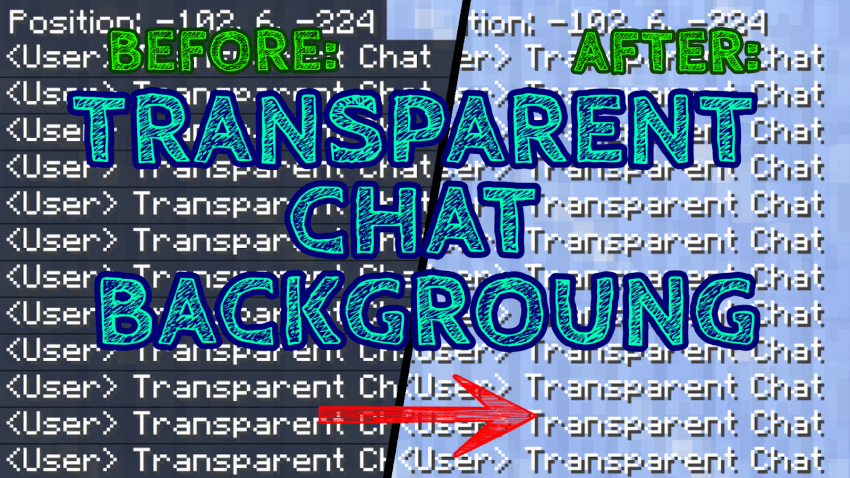
BEFORE:
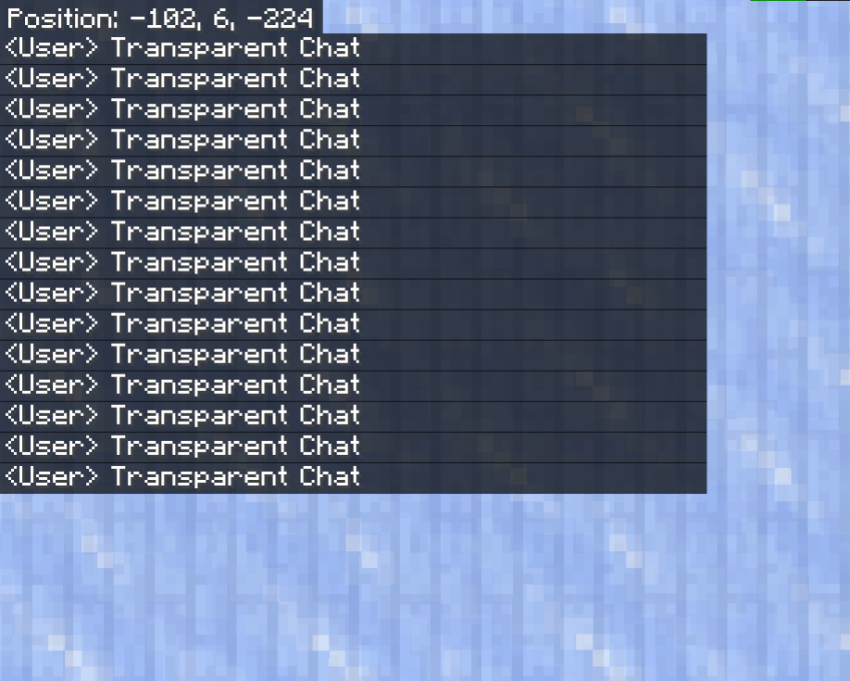
AFTER:
If you want to share the texture, be sure to send the MCPEDL or CURSEFORGE texture link. You can also find this content on the official ADDONS UNIVERSE App! Remember, this content is strictly exclusive to these 3 platforms.
Thanks and have fun! :D
- Download Other Incredible Textures: HERE -
Transparent Chat Background 설치 방법
With Millida Launcher
Install Millida Launcher
The launcher is free: download it at millida.net/launcher and sign in with any nickname.
Click “Install” on this page
The launcher opens and installs the resource pack for Minecraft 1.18–1.21.94 automatically.
Launch the game
A profile with it appears in the launcher: click “Play”.
Manually
Download the archive
Pick the file TransparentChatBackground.mcpack (96 KB) for your game version. No need to unpack it.
Put it in the resourcepacks folder
The easiest way: “Options”, then “Resource Packs”, then “Open Pack Folder”, and drag the archive there.
Enable the pack
In the same window, move the pack to the right-hand “Selected” column and click “Done”.
버전
의존성 포함
| Minecraft | 로더 | 파일 | 날짜 | 작업 |
|---|---|---|---|---|
| 1.18 | — | TransparentChatBackground.mcpack96.4 KB |
FAQ
Which Minecraft versions does Transparent Chat Background work on?
There are files for 1.21.94, 1.21, 1.20, 1.19, 1.18. The newest is 1.21.94.
Where can I download Transparent Chat Background safely?
On this page: the file TransparentChatBackground.mcpack (96 KB) is stored on Millida’s server, with no link shorteners. SHA-1 checksum: 96b2d8892e94faeb646278557bf1675a6e7d973d.
리뷰
Transparent Chat Background의 첫 평가를 남겨 보세요



