
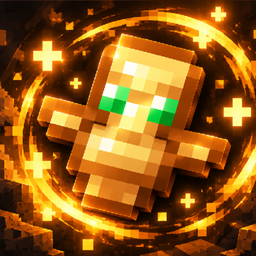
Totem 3d 리소스 팩 정보
Customizable 3D Totem
Bring your Totem of Undying to life with a fully customizable 3D model!
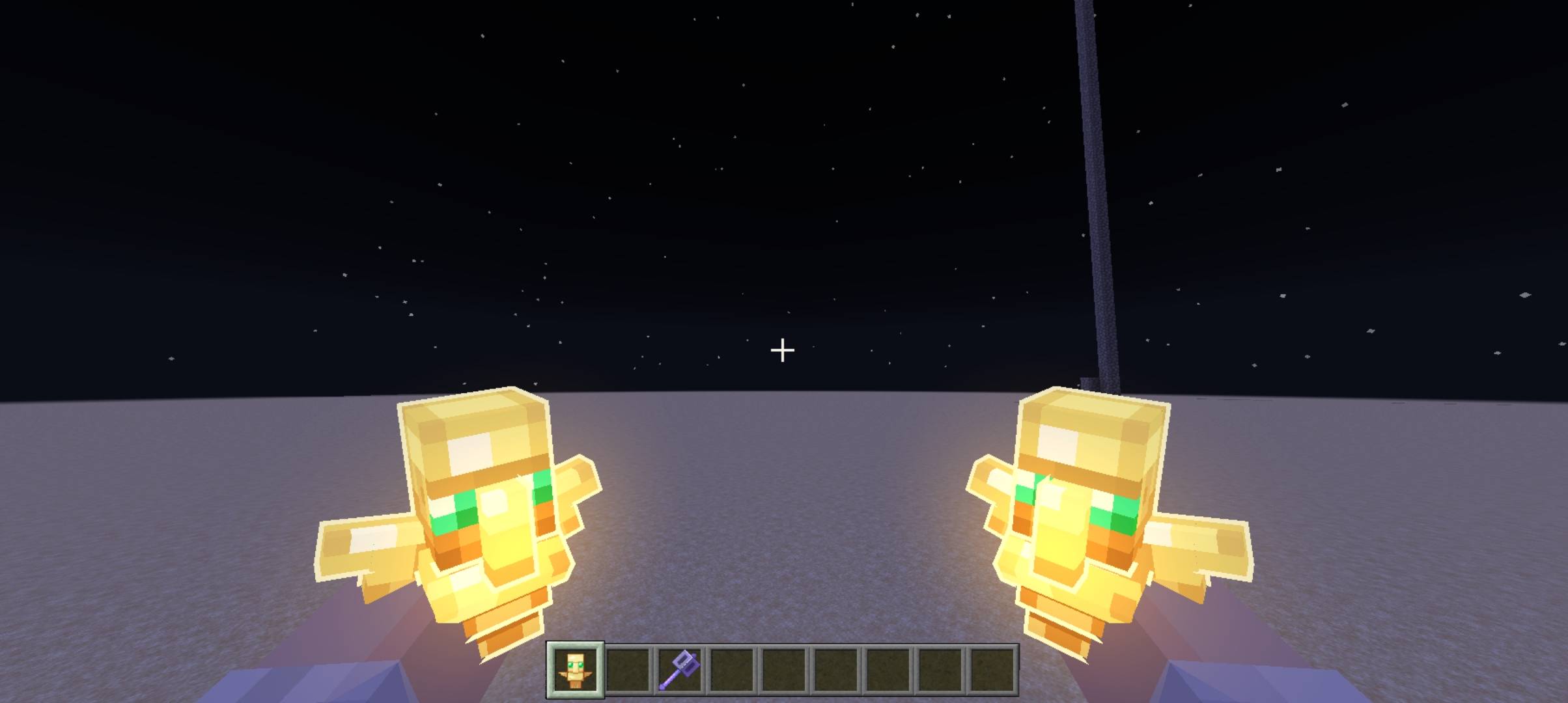
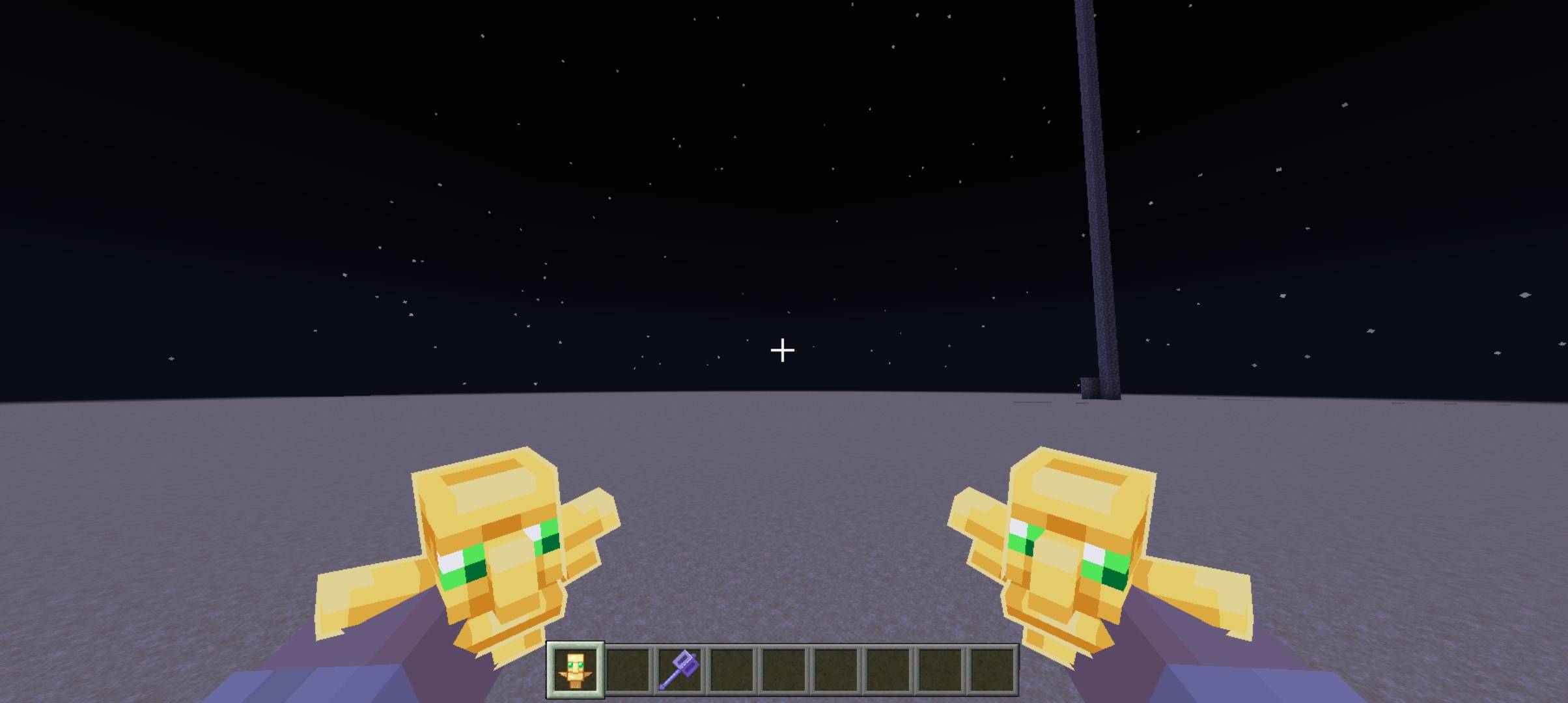
This resource pack replaces the default totem with a detailed 3D version and adds settings to adjust its position, rotation, and scale independently for each hand.
Features
✨ 3D Totem of Undying
🎮 Separate settings for the right and left hand
📍 Position adjustment (X, Y, Z)
🔄 Rotation adjustment (X, Y, Z)
📏 Scale adjustment
⚙️ All settings start at 0, preserving the default position while allowing positive and negative adjustments
Compatibility
This pack was designed to be compatible with HMI Enhanced (HMI Bedrock).
So far, it has been tested only with these resource packs. Compatibility with other resource packs has not been tested and may vary.
Totem 3d 설치 방법
Install Millida Launcher
The launcher is free: download it at millida.net/launcher and sign in with any nickname.
Click “Install” on this page
The launcher opens and installs the resource pack for Minecraft 26.30 automatically.
Launch the game
A profile with it appears in the launcher: click “Play”.
버전
의존성 포함
| Minecraft | 로더 | 파일 | 날짜 | 작업 |
|---|---|---|---|---|
| 26.30 | — | Totem 3D v3.mcpack110 KB |
FAQ
Which Minecraft versions does Totem 3d work on?
Only Minecraft 26.30: there are no files for other versions.
How do I download Totem 3d?
With Millida Launcher: it installs Totem 3d into a modpack by itself, for the right game version and loader. The launcher is free.
리뷰
Totem 3d의 첫 평가를 남겨 보세요


