
ThaiFontFix
Introduction
For Minecraft Java Edition only! (สำหรับ Minecraft Java Edition)
Features (คุณสมบัติ)
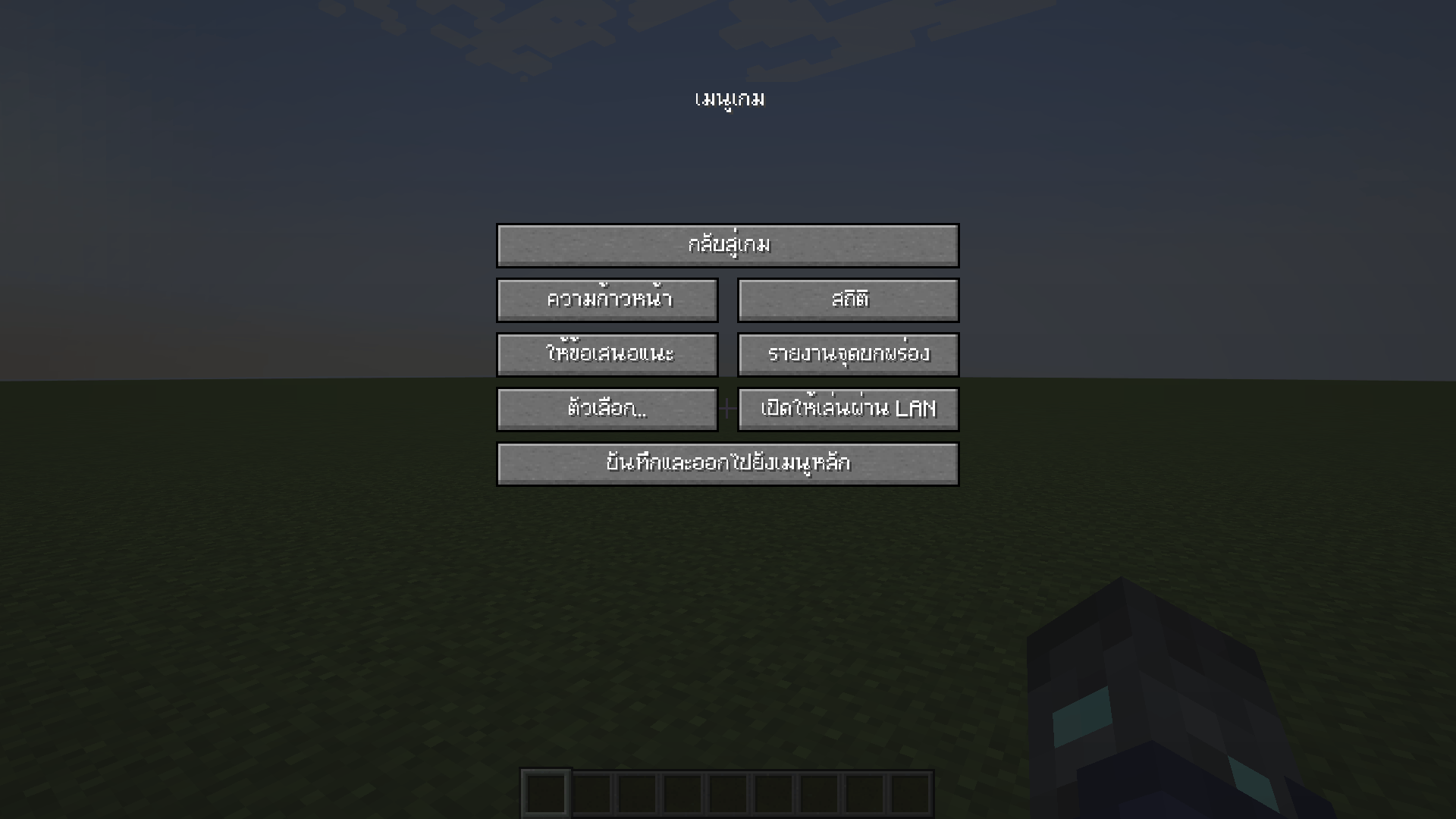
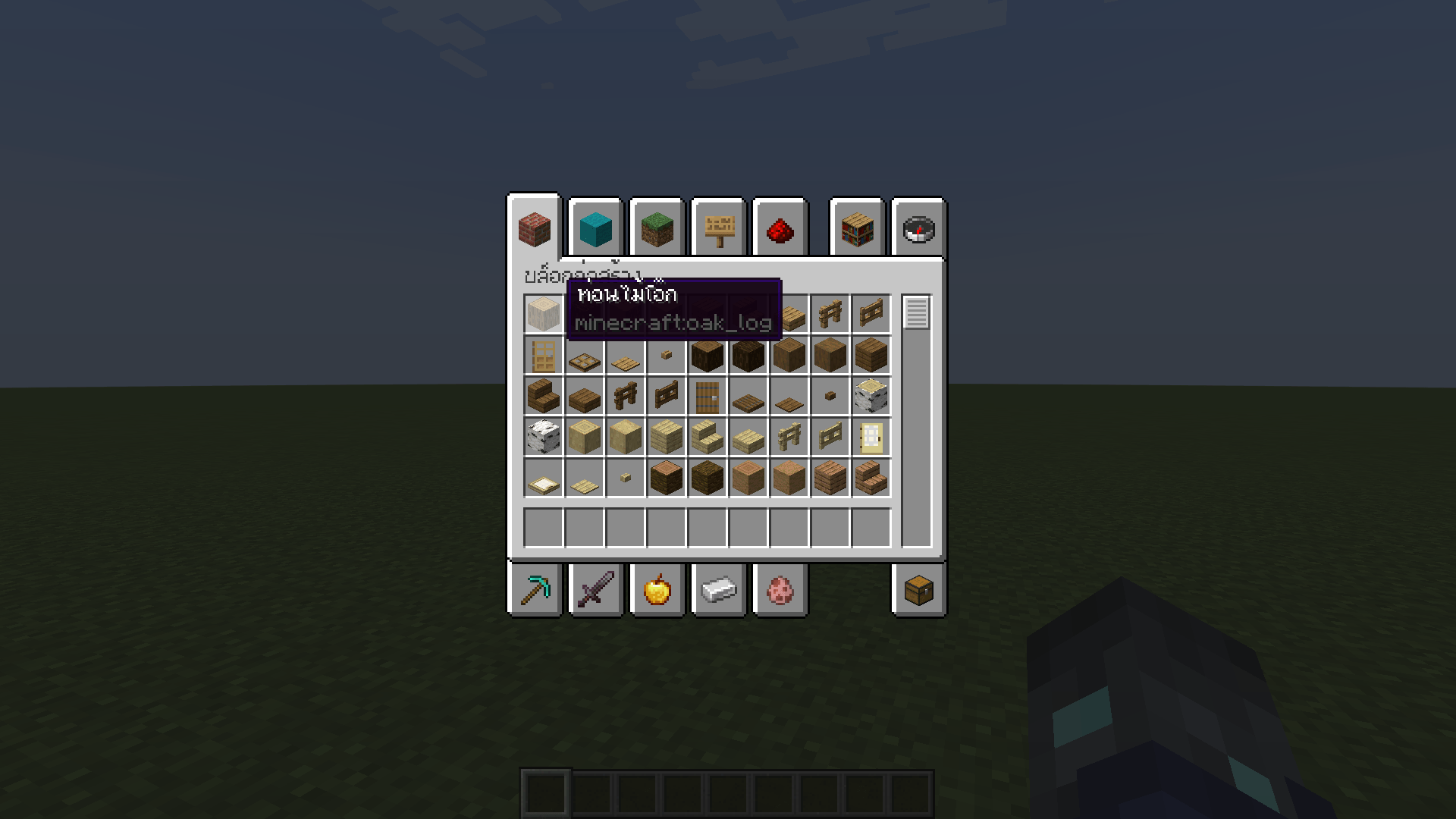
- Float correction (แก้สระลอย)
- Make the font easier to read in Thai (ทำให้ฟอนต์ไทยอ่านง่ายขึ้น)
Font used (ฟอนต์ที่ใช้)
- iannnnnAMD (2005)
Example (ตัวอย่าง)
Installation (วิธีการติดตั้ง)
- Download ThaiFontFix-Kanit. (ดาวน์โหลด ThaiFontFix-Kanit)
- Place the .zip file into the directory where the game is installed, for example: .minecraft\\resourcepacks. (นำไฟล์ .zip ไปใส่ในไดเรคทอรี่ที่ติดตั้งเกม เช่น .minecraft\\resourcepacks)
- Enable ThaiFontFix-Kanit in the game. (เปิดใช้งาน ThaiFontFix-Kanit ในตัวเกม)
ThaiFontFix 설치 방법
With Millida Launcher
Install Millida Launcher
The launcher is free: download it at millida.net/launcher and sign in with any nickname.
Click “Install” on this page
The launcher opens and installs the resource pack for Minecraft 1.20–26.3 automatically.
Launch the game
A profile with it appears in the launcher: click “Play”.
Manually
Download the archive
Pick the file ThaiFontFix-v.1.0.2-1.21.4-beta.2.zip (14 KB) for your game version. No need to unpack it.
Put it in the resourcepacks folder
The easiest way: “Options”, then “Resource Packs”, then “Open Pack Folder”, and drag the archive there.
Enable the pack
In the same window, move the pack to the right-hand “Selected” column and click “Done”.
버전
의존성 포함
| Minecraft | 로더 | 파일 | 날짜 | 작업 |
|---|---|---|---|---|
| 1.21 | — | ThaiFontFix-1.0.8.zip14.9 KB | ||
| 1.21.4 | — | ThaiFontFix-v.1.0.2-1.21.4-beta.2.zip13.8 KB |
리뷰
ThaiFontFix의 첫 평가를 남겨 보세요



