
Minecraft 1.20.1, 1.21용 Super Dynamic Lighting 리소스 팩
횃불을 끝없이 제작하고 설치하는 데 지치셨나요? 광석이 안 보이나요? 동굴을 탐험할 수 없나요? 그렇다면 이 텍스처 팩이 바로 여러분을 위한 것입니다!
Dynamic Lighting (Bright Torch)
Hold a torch, light your path! This pack makes torches glow when held in your hand. Perfect for cave exploring and mining. Now you need only one torch! Achievements remain on, works well in survival!
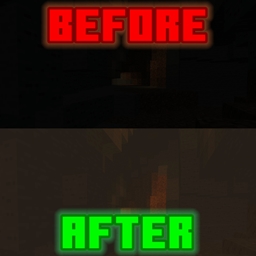
Preview of Before vs After
Super Dynamic Lighting 설치 방법
With Millida Launcher
Install Millida Launcher
The launcher is free: download it at millida.net/launcher and sign in with any nickname.
Click “Install” on this page
The launcher opens and installs the resource pack for Minecraft 1.16–1.21.101 automatically.
Launch the game
A profile with it appears in the launcher: click “Play”.
Manually
Download the archive
Pick the file Dynamic-Lighting.mcpack (13 KB) for your game version. No need to unpack it.
Put it in the resourcepacks folder
The easiest way: “Options”, then “Resource Packs”, then “Open Pack Folder”, and drag the archive there.
Enable the pack
In the same window, move the pack to the right-hand “Selected” column and click “Done”.
버전
의존성 포함
| Minecraft | 로더 | 파일 | 날짜 | 작업 |
|---|---|---|---|---|
| 1.18.2 | — | Dynamic-Lighting.mcpack12.7 KB 15 |
FAQ
Which Minecraft versions does Super Dynamic Lighting work on?
There are files for 1.16–1.21.101, 52 versions in total. The newest is 1.21.101.
Where can I download Super Dynamic Lighting safely?
On this page: the file Dynamic-Lighting.mcpack (13 KB) is stored on Millida’s server, with no link shorteners. SHA-1 checksum: c0e340a4cb568bda7b5ce7a392f15533d57e457a.
리뷰
Super Dynamic Lighting의 첫 평가를 남겨 보세요



