
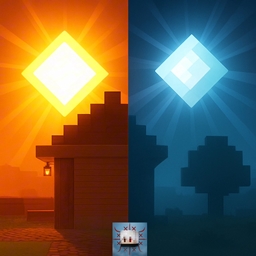
Minecraft 1.21, 26.0용 Sun & Moon Path 리소스 팩
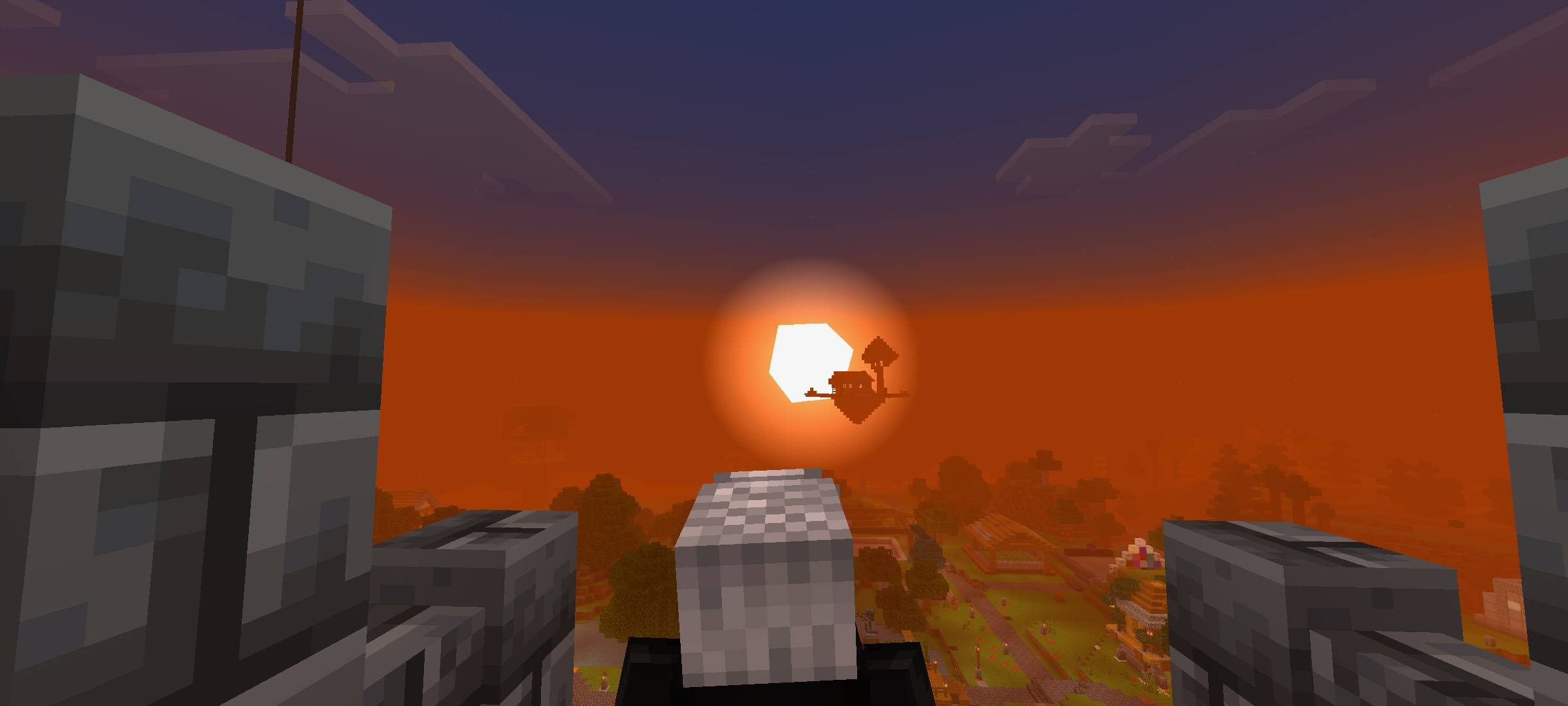
Java의 BSL 셰이더를 통해 태양과 달의 위치/경로를 시뮬레이션합니다. 오리지널 Minecraft 및 패치와 호환됩니다
New subpackage adding Cubic Sun and Moon.
🎯 Objective
1. Emulate the ~23.5° tilt of the axis (BSL effect) in the apparent path of the sun and moon.
2. Deliver diagonal sunsets and laterally displaced moonrises, with atmospheric gradients and a golden hue.
3. Maintain lightweight performance (resource pack only), compatible with mobile phones and consoles.
Compatible with Minecraft original and patch
Sun & Moon Path 설치 방법
With Millida Launcher
Install Millida Launcher
The launcher is free: download it at millida.net/launcher and sign in with any nickname.
Click “Install” on this page
The launcher opens and installs the resource pack for Minecraft 1.21–26.0 automatically.
Launch the game
A profile with it appears in the launcher: click “Play”.
Manually
Download the archive
Pick the file Sun_Moon_Path_Bedrock.mcpack (13 MB) for your game version. No need to unpack it.
Put it in the resourcepacks folder
The easiest way: “Options”, then “Resource Packs”, then “Open Pack Folder”, and drag the archive there.
Enable the pack
In the same window, move the pack to the right-hand “Selected” column and click “Done”.
버전
의존성 포함
| Minecraft | 로더 | 파일 | 날짜 | 작업 |
|---|---|---|---|---|
| 1.21 | — | Sun_Moon_Path_Bedrock.mcpack12.9 MB 1 |
FAQ
Which Minecraft versions does Sun & Moon Path work on?
There are files for 26.0, 1.21. The newest is 26.0.
Where can I download Sun & Moon Path safely?
On this page: the file Sun_Moon_Path_Bedrock.mcpack (13 MB) is stored on Millida’s server, with no link shorteners. SHA-1 checksum: 45d0f46370a767c828f6eb89319fdfa86c528af4.
리뷰
Sun & Moon Path의 첫 평가를 남겨 보세요



