
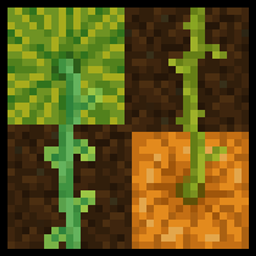
Stemtacular 리소스 팩 정보
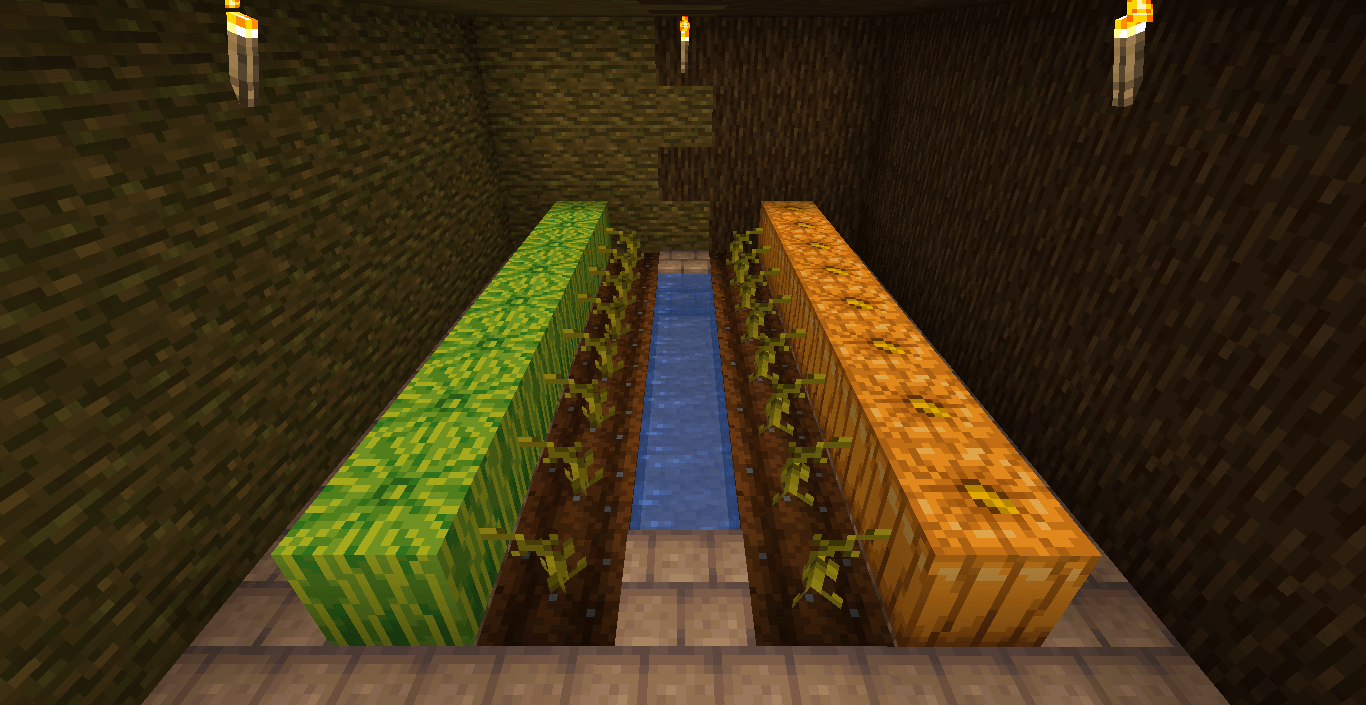
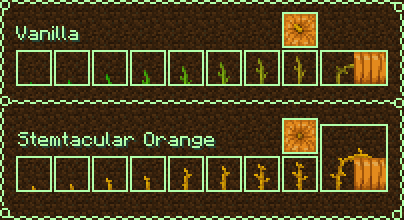
This pack alters pumpkin and melon stems to make them more distinguishable, with other added details such as more altered growth stages and having the stems connect to the top side of pumpkins/melons.
There're two versions of the pack with different colors for pumpkin stems, "Stemtacular Green" and "Stemtacular Orange". To match the stem colors of both versions, the top texture of pumpkins is also altered slightly, so keep that in mind if you are playing with any texture packs that pumpkins of different colors.
Extra details
- the current version of the pack is compatible with 1.20-1.21.4
- the zip file can just be dragged and dropped in your "resourcepacks" folder, unzipping isn't required;
Stemtacular 설치 방법
Install Millida Launcher
The launcher is free: download it at millida.net/launcher and sign in with any nickname.
Click “Install” on this page
The launcher opens and installs the resource pack for Minecraft 1.21.11–26.1.2 automatically.
Launch the game
A profile with it appears in the launcher: click “Play”.
버전
의존성 포함
| Minecraft | 로더 | 파일 | 날짜 | 작업 |
|---|---|---|---|---|
| 1.21.11 | — | Stemtacular_Orange_v12111.zip18.5 KB |
FAQ
Which Minecraft versions does Stemtacular work on?
There are files for 26.1.2, 26.1.1, 26.1, 1.21.11. The newest is 26.1.2.
How do I download Stemtacular?
With Millida Launcher: it installs Stemtacular into a modpack by itself, for the right game version and loader. The launcher is free.
리뷰
Stemtacular의 첫 평가를 남겨 보세요


