

Minecraft 1.20.1, 1.21.1용 SPBR 리소스 팩
A PBR textures pack based on VNR,which in order to provide Physical properties and parallax details for vanilla 16x textures.
- 다운로드
- 12 다운로드
- 조회수
- 82 조회수
- 업데이트됨
- 업데이트됨 18.10.2026
- 1.14 — 26.3
 바닐라 게임
- 클라이언트
SPBR Shulker's PBR
A renewed textures pack based on VNR,which in order to provide Physical properties and parallax details for vanilla 16x textures.
---Wilderness Bound!---
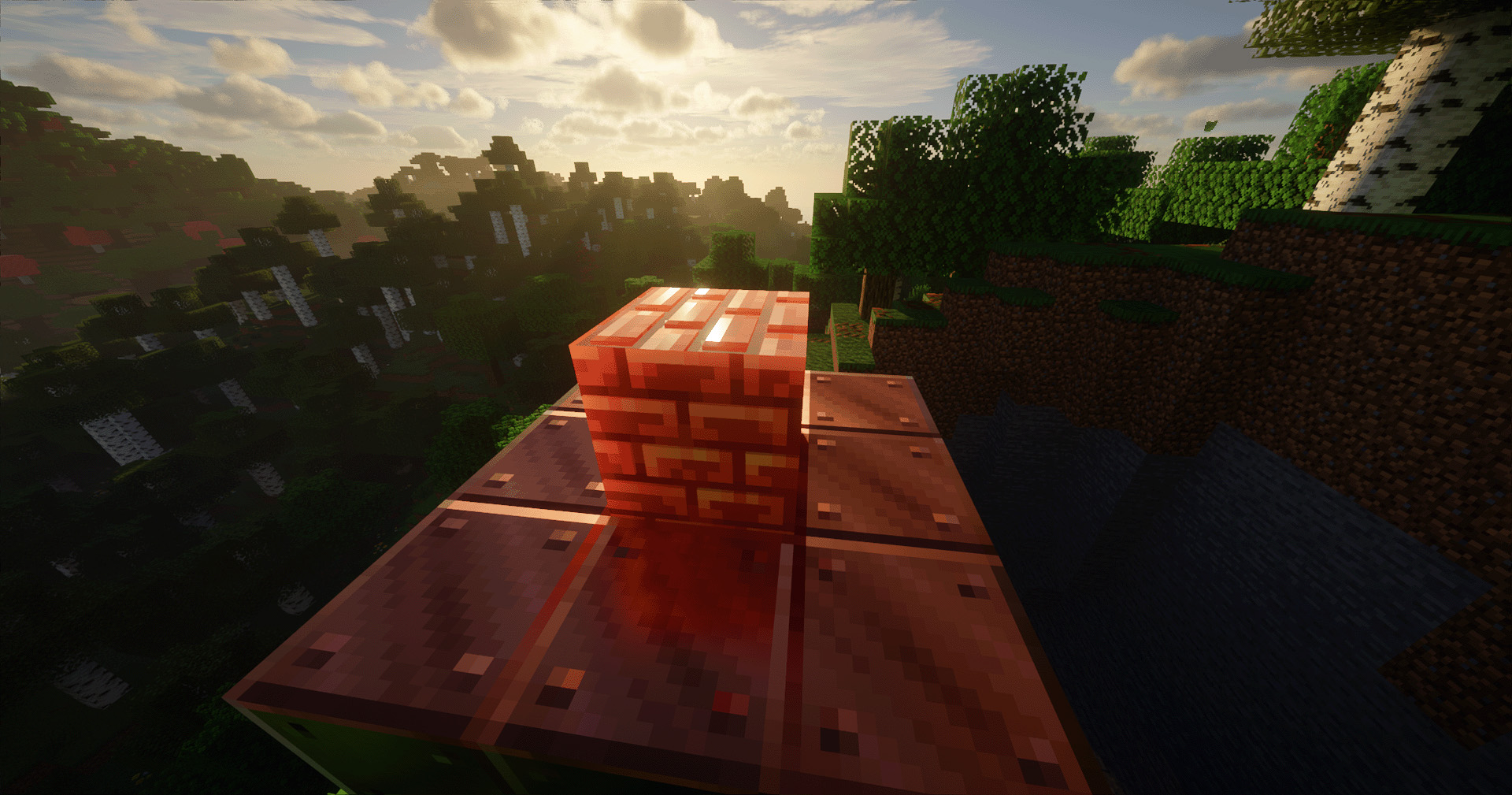
PBR:
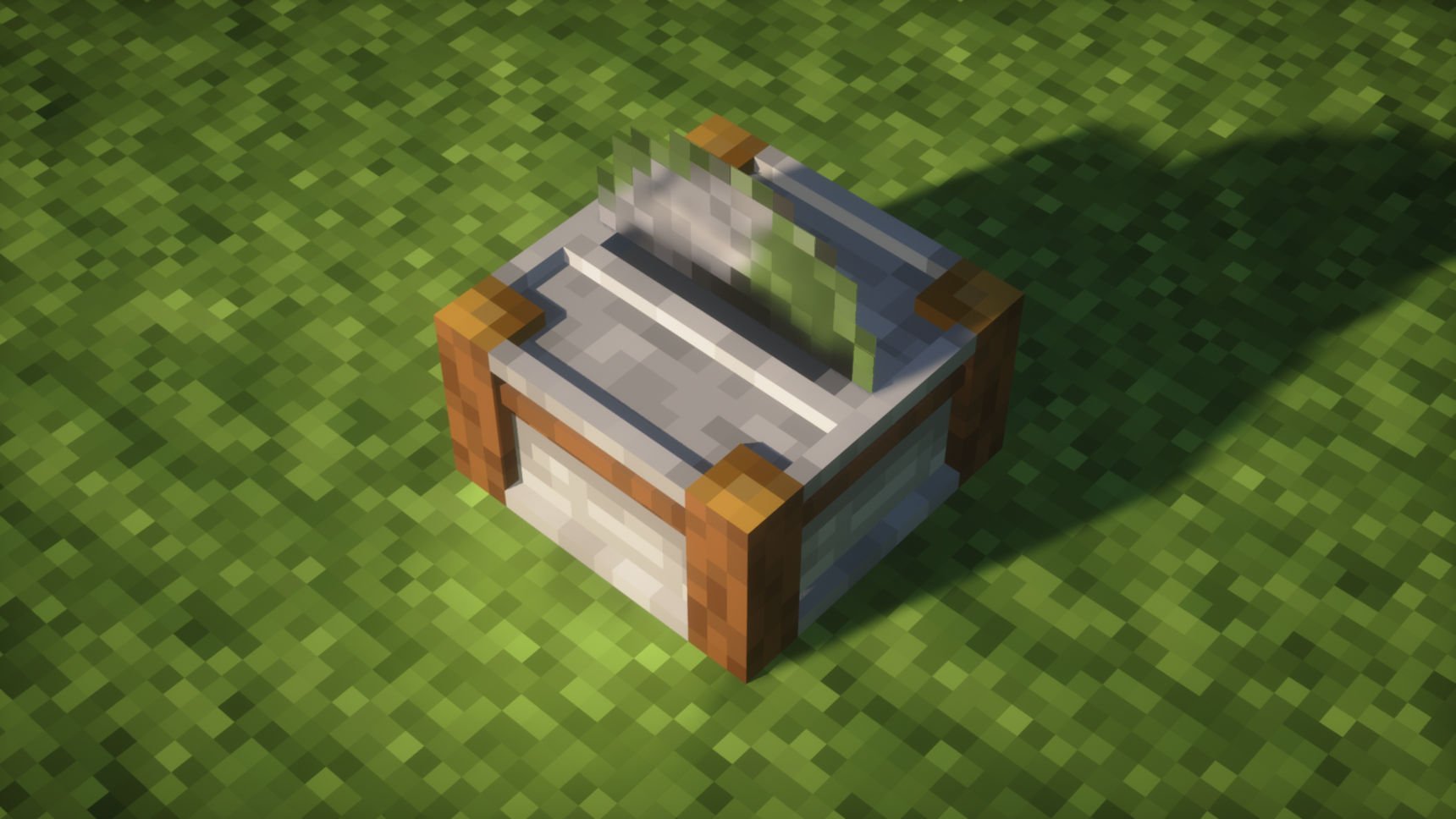
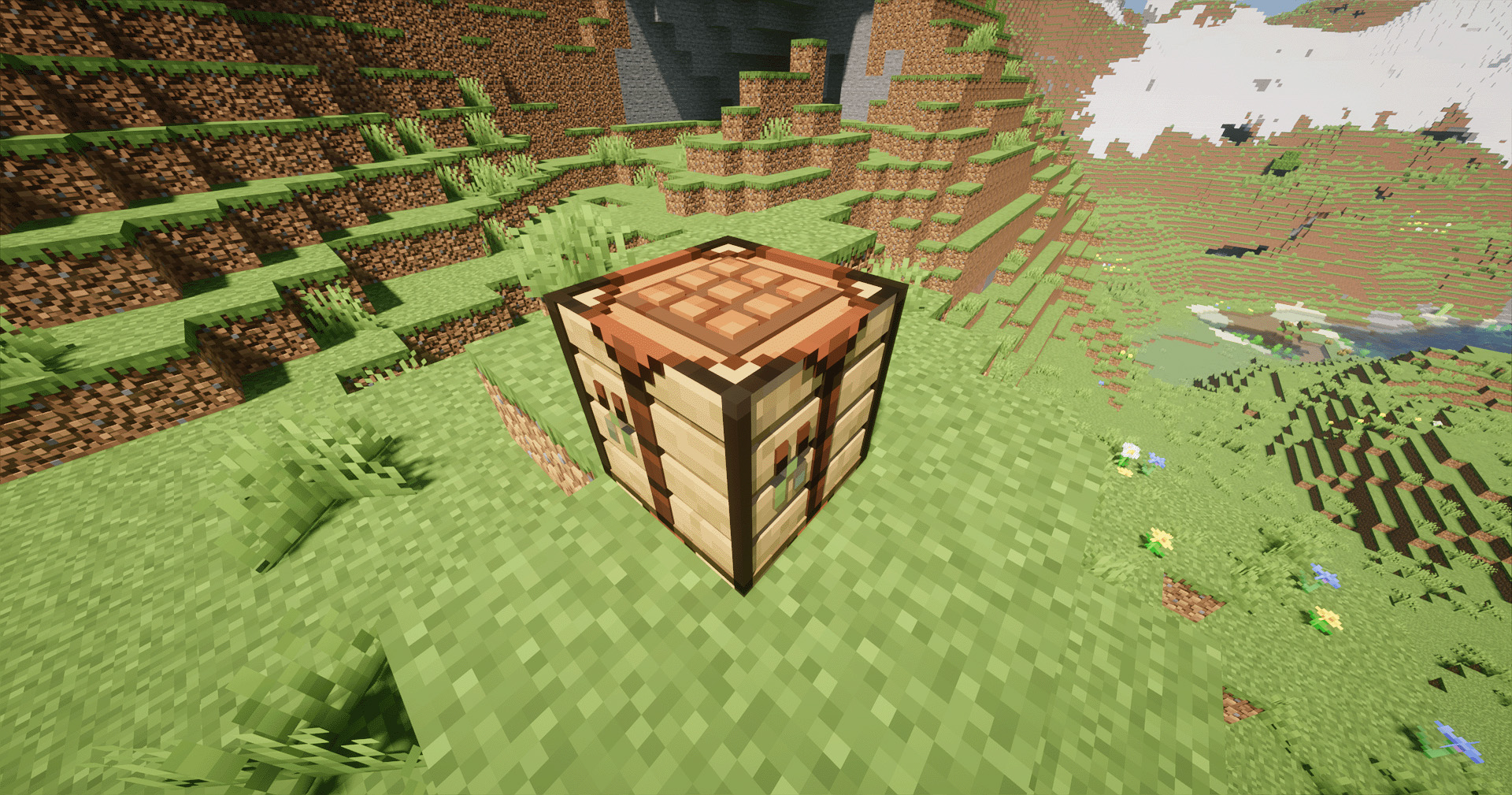
Parallax:
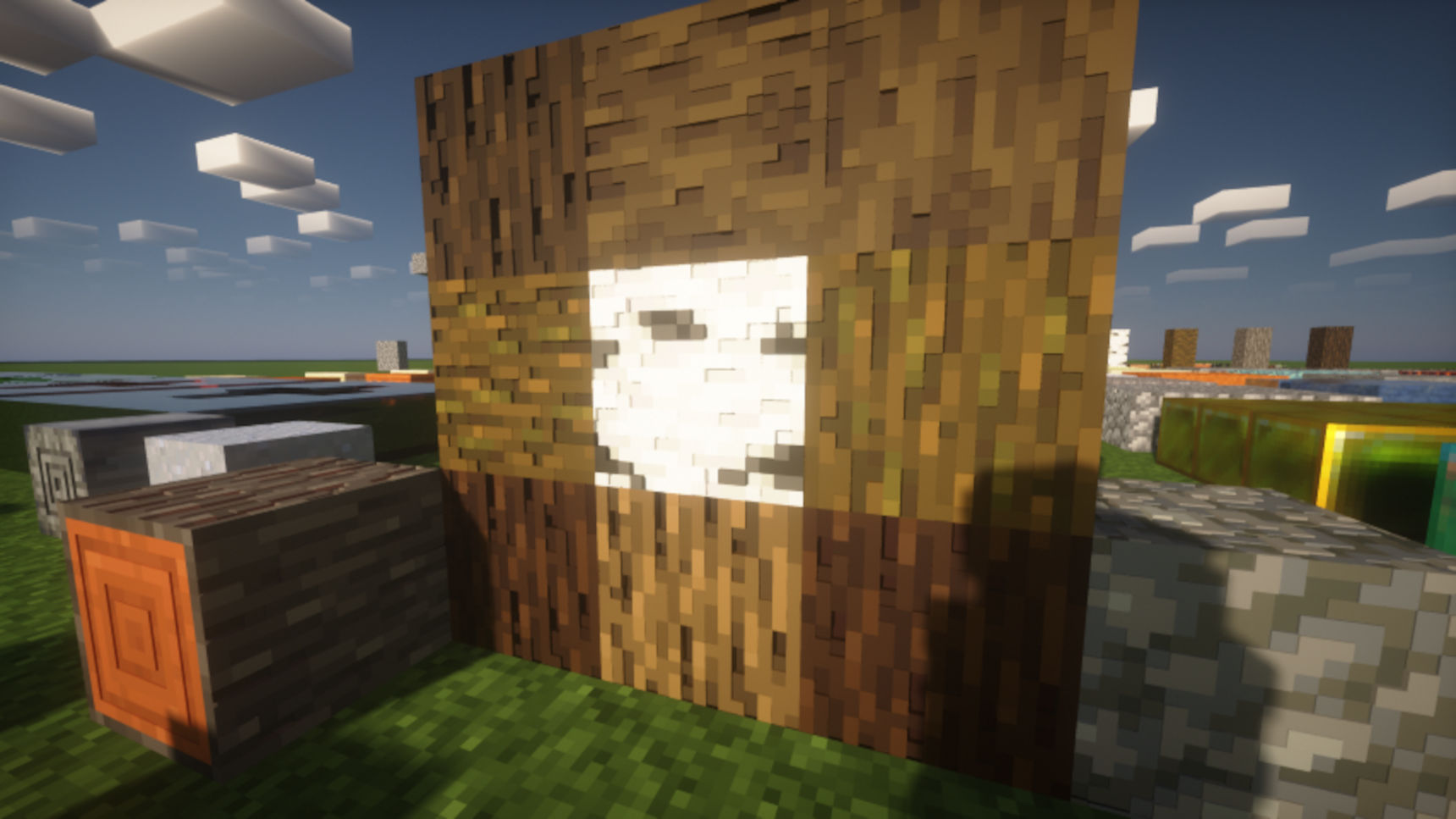
Sub-Surface Scattering:
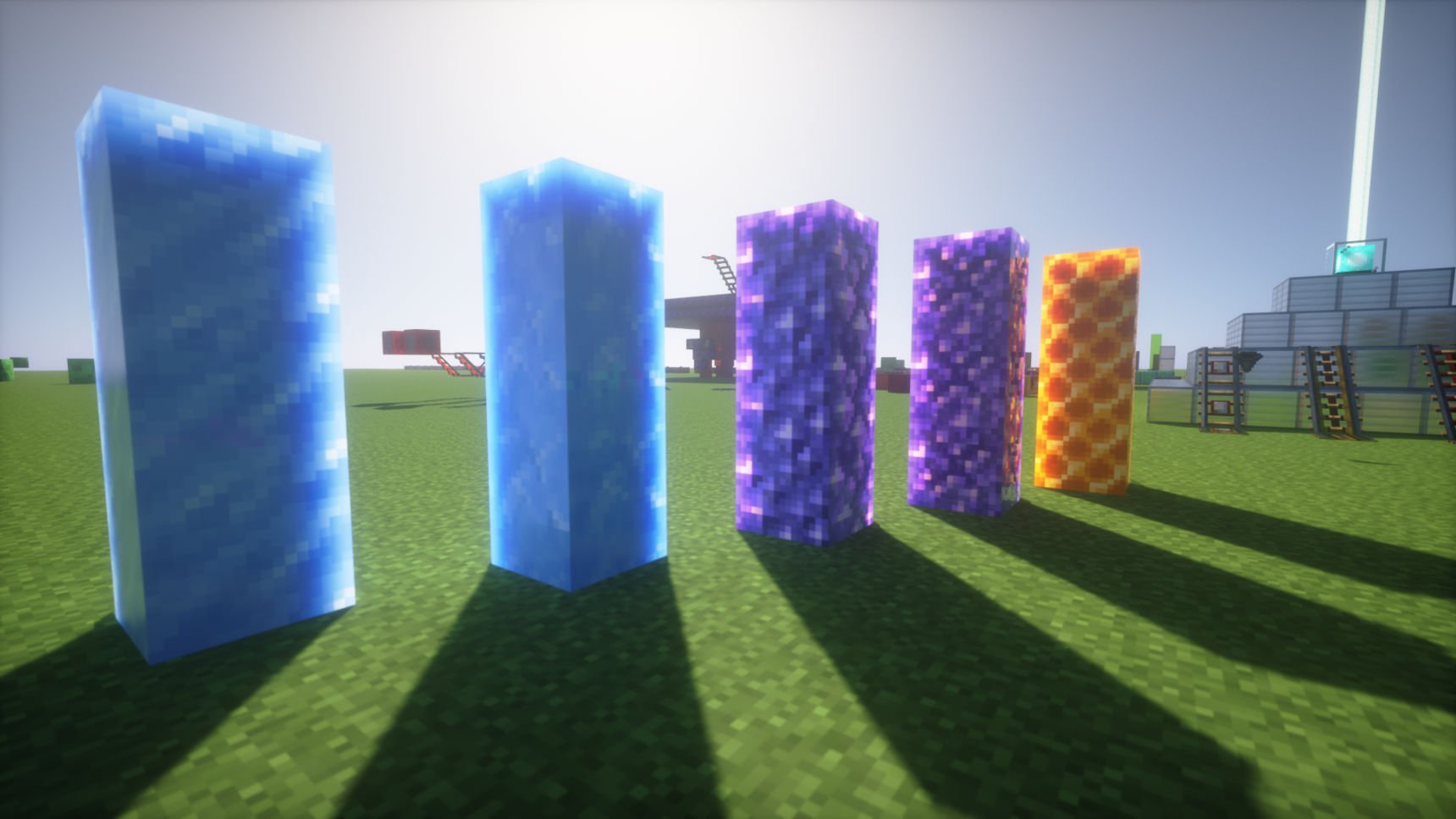
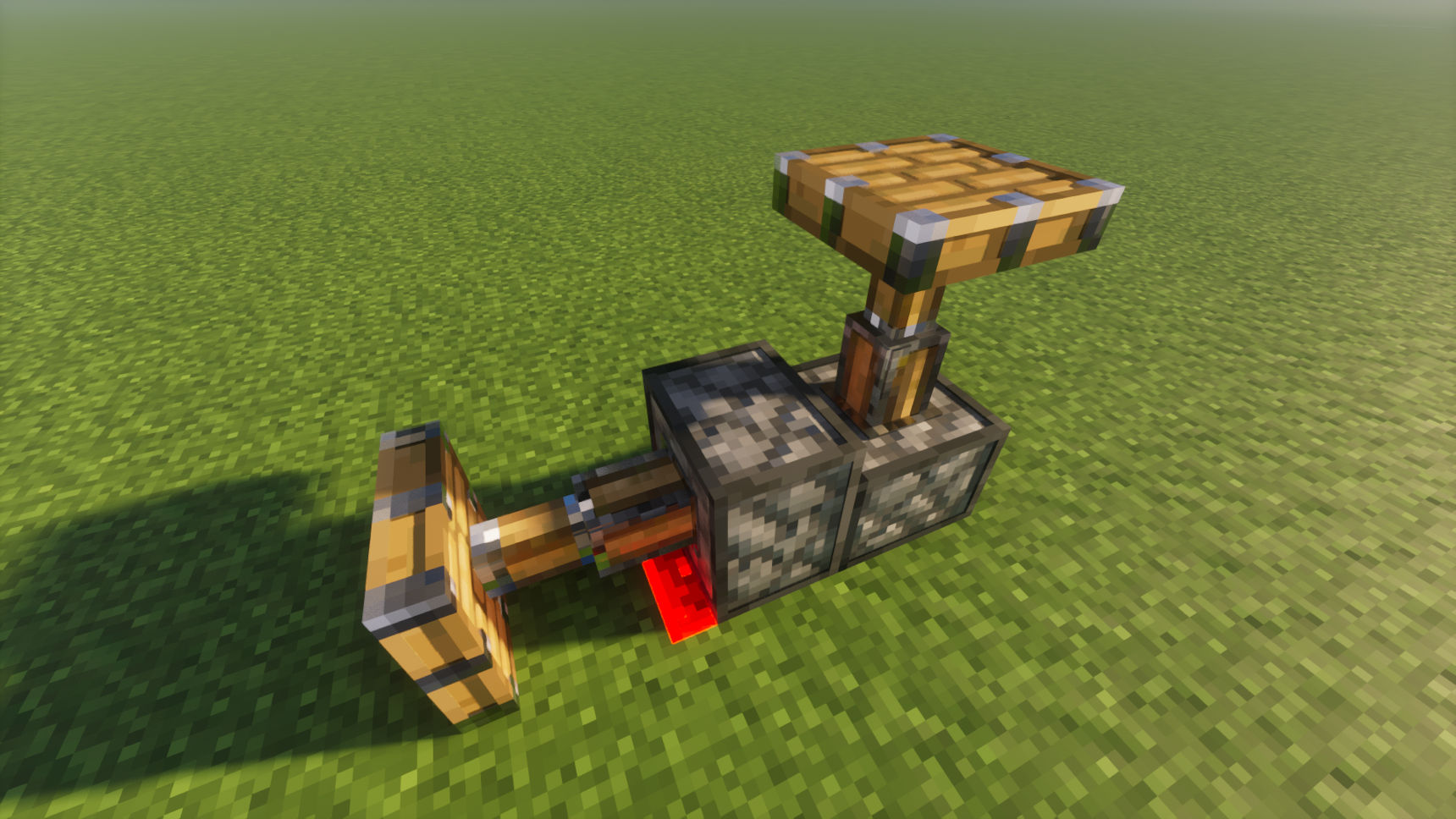
3D Model:
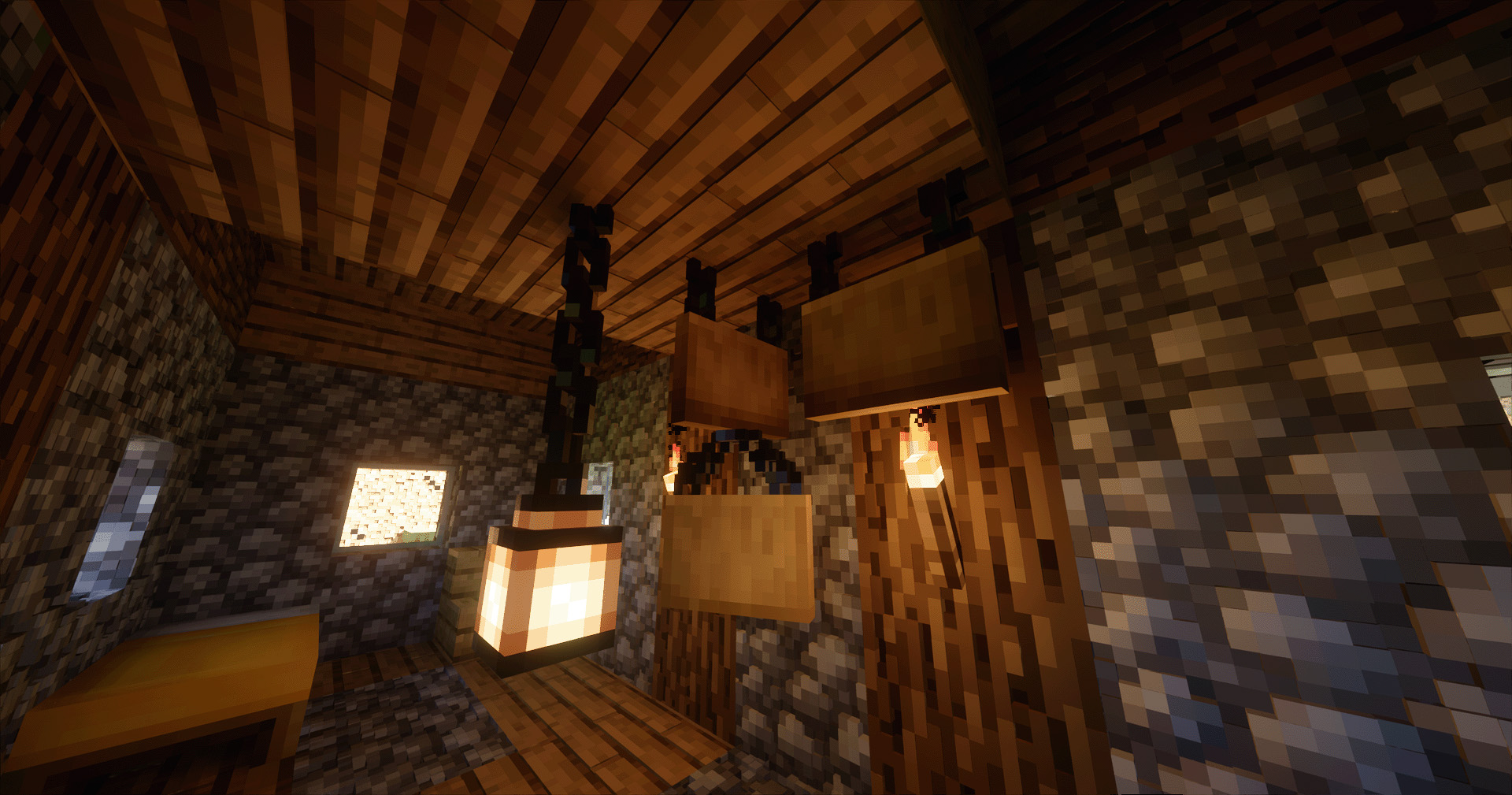
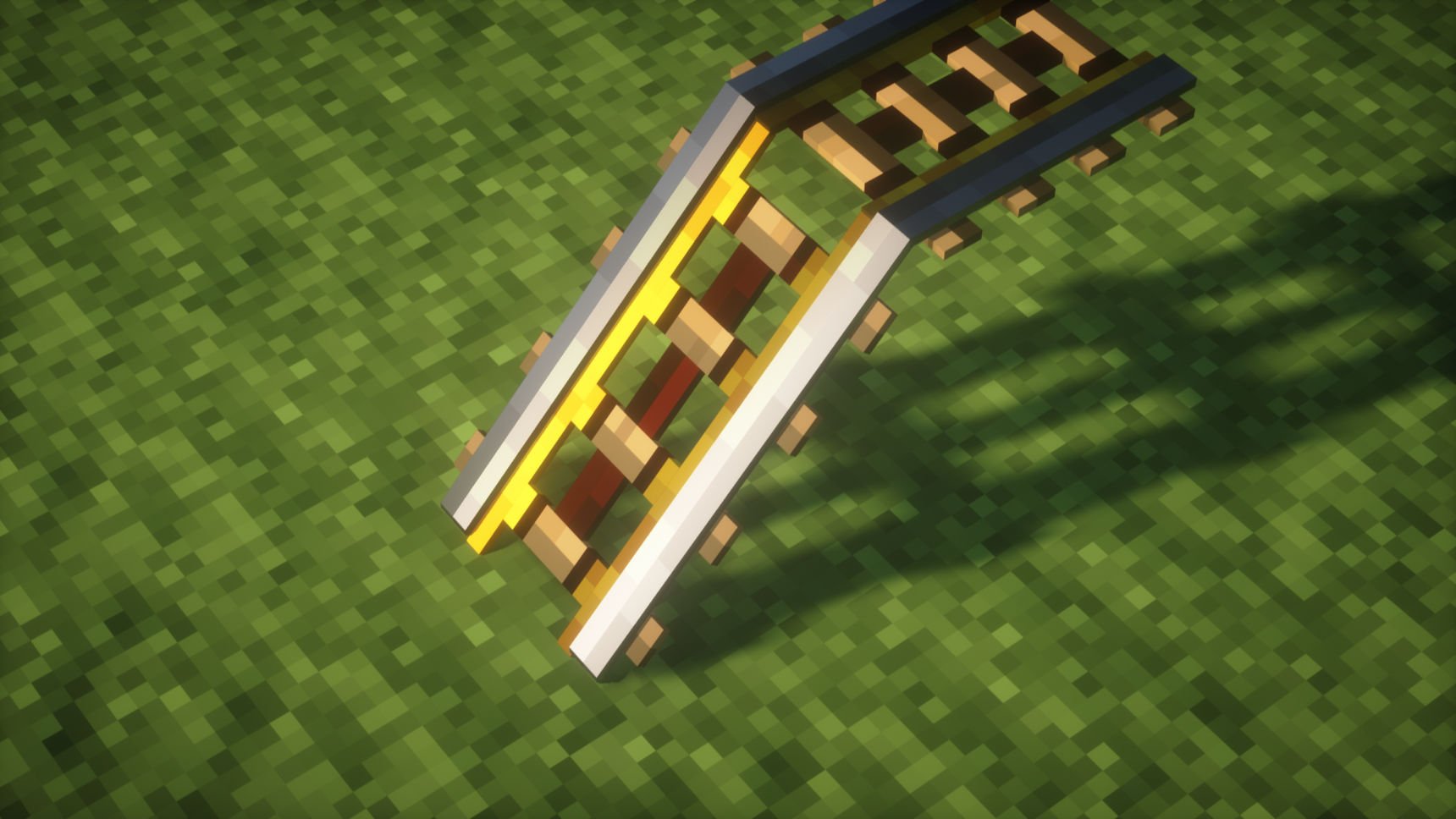
How to configure your shader to get the best visuals of SPBR:
First, you need to check that if your shader support LabPBR & Parallax. Here are some verified shaders:
- 1.iterationRP
- 2.BSL
- 3.Complementary
- 4.PTGI GFME
- 5.Bliss
- 6.Photon
- 7.Astralex
- 8.Kappa
- 9.Nostalgia
- 10.Sundial

Second, check the shader settings and make sure you have turned LabPBR & Parallax support on. Then, if your shader have functions below, turn it on to get better visuals:
- Voxel Parallax
- Generate normal by parallax
- SSPT or PT support
- Emission
- Sub-Surface Scattering (SSS)
- Disable hardcoded Emission,Light source(PT/SSPT),SSS
- _If you are using PTGI or PTGI GFME, remember turn on the FULL_RT_REFLECTION_
SPBR OFFICIAL PATCH PACKS: GlowingOre

GrassParallax

Mirror

BlockEmission

RGBRedstone

DisableGlowingEye

LegacyCompatibility

SPBR is based on VNR SPBR OFFICIALLY RELEASED ON MODRINTH IN 240614

SPBR 설치 방법
With Millida Launcher
Install Millida Launcher
The launcher is free: download it at millida.net/launcher and sign in with any nickname.
Click “Install” on this page
The launcher opens and installs the resource pack for Minecraft 1.14–26.3 automatically.
Launch the game
A profile with it appears in the launcher: click “Play”.
Manually
Download the archive
Pick the file SPBR-22_5.zip (24 MB) for your game version. No need to unpack it.
Put it in the resourcepacks folder
The easiest way: “Options”, then “Resource Packs”, then “Open Pack Folder”, and drag the archive there.
Enable the pack
In the same window, move the pack to the right-hand “Selected” column and click “Done”.
버전
의존성 포함
| Minecraft | 로더 | 파일 | 날짜 | 작업 |
|---|---|---|---|---|
| 26.3 | — | 26.324.4 MB 5 | ||
| 26.3 | — | 26.325 MB 1 | ||
| 26.3 | — | 26.325 MB 1 | ||
| 26.3 | — | 26.325 MB | ||
| 26.3 | — | 26.324.4 MB | ||
| 26.3 | — | 26.324.9 MB | ||
| 26.2 | — | 26.224.7 MB | ||
| 1.21.8 | — | 1.21.813 MB |
FAQ
Which Minecraft versions does SPBR work on?
There are files for 1.14–26.3, 48 versions in total. The newest is 26.3.
Does SPBR need mods?
No, the resource pack works in the plain game without loaders: put it into the resourcepacks folder and enable it in the options.
Where can I download SPBR safely?
On this page: the file SPBR-22_5.zip (24 MB) is stored on Millida’s server, with no link shorteners. SHA-1 checksum: d0440249d5cdb8409372b3193d23372c74e6beb2.
리뷰
SPBR의 첫 평가를 남겨 보세요



