
Minecraft 26.30용 SmoothCraft FPS+ 리소스 팩
마인크래프트 Bedrock용 가벼운 FPS 부스터. 부드러운 게임플레이, 감소된 렉, 모든 기기에서 더 나은 성능을 위한 최적화된 UI.
SmoothCraft FPS+ 리소스 팩 정보
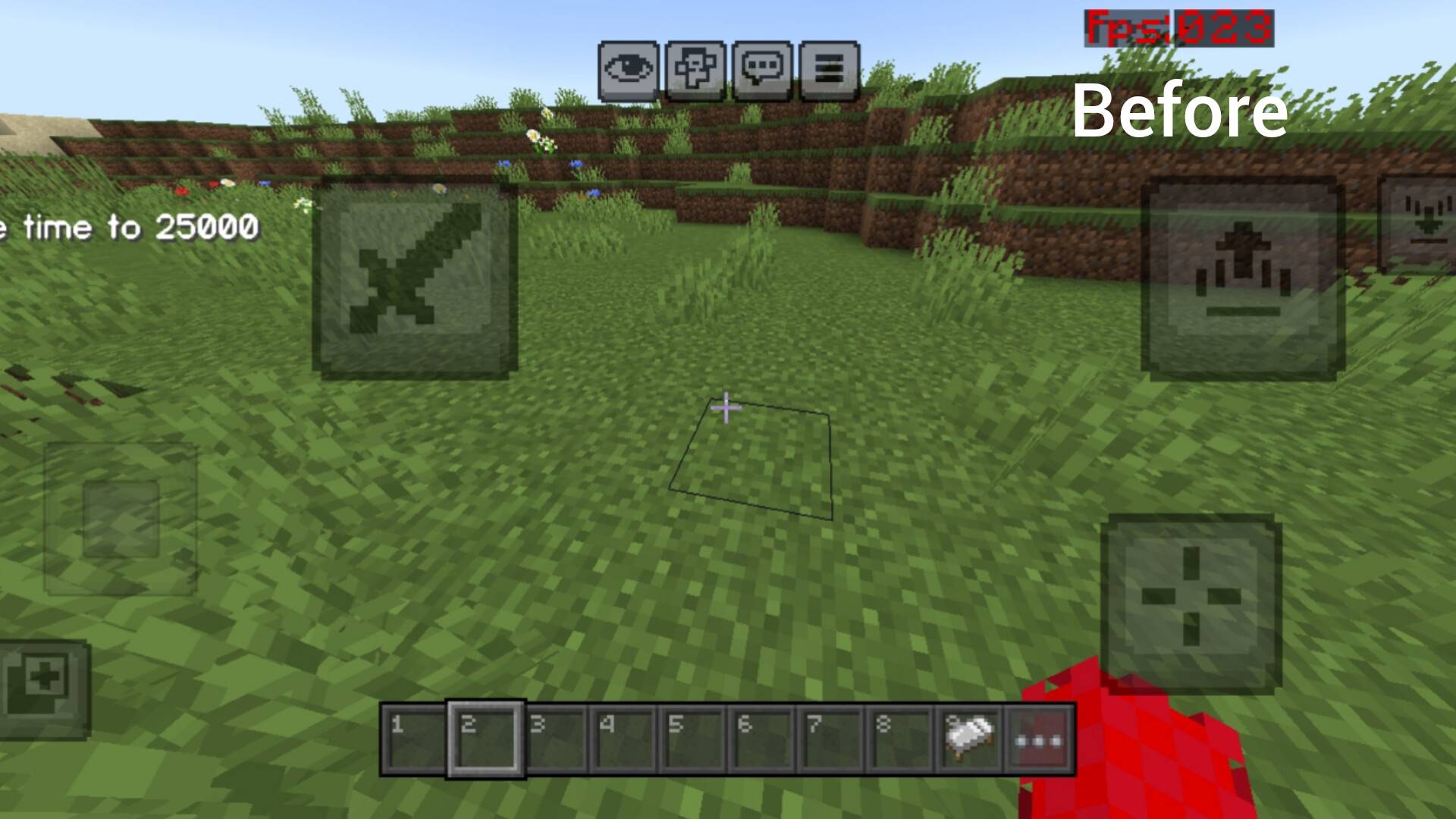
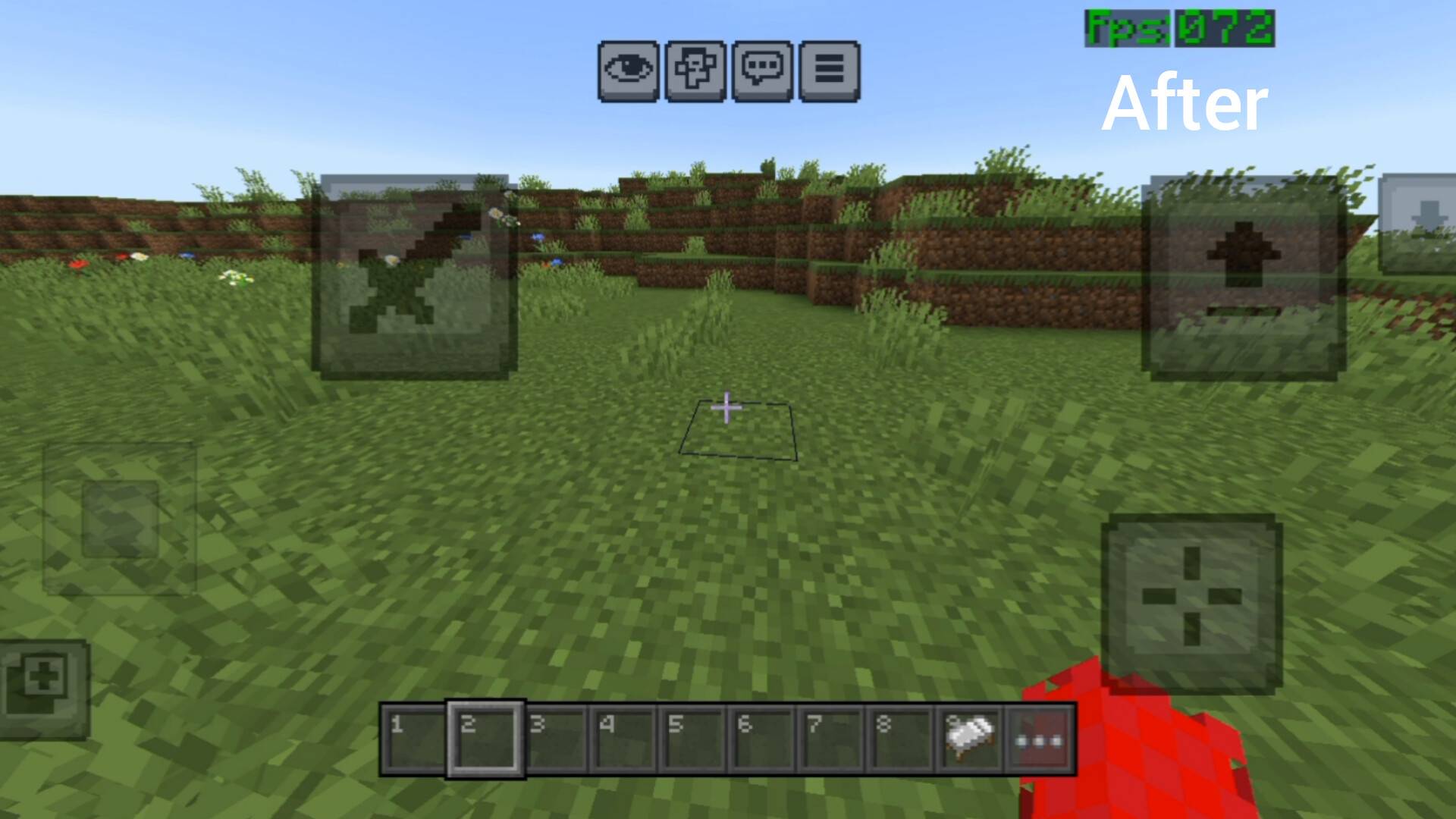
SmoothCraft FPS is a lightweight performance-focused resource pack designed to boost FPS and reduce lag in Minecraft Bedrock Edition.
This pack removes unnecessary particles and animations, simplifies visuals, and optimizes UI elements to deliver a smoother and more responsive gameplay experience - especially on low-end devices.
⚡ Features:
- Optimized UI for better performance
- Removed unnecessary particles and animations
- Lightweight textures
- Reduced lag and stutter
- Improved overall FPS
- Clean and minimal design
🎮 Best for:
- Low-end devices 📱
- PvP players ⚔️
- Survival gameplay 🌍
- Smooth experience lovers 😎
⚙️ Recommended Settings:
- Render Distance: 4-8 chunks
- Graphics: Low / Medium
- Smooth Lighting: Off
- Fancy Graphics: Off
📊 Performance Impact:
- Noticeable FPS boost
- Smoother camera movement
Reduced frame drops in heavy biomes (Jungle, Dark Oak, etc.)
⚠️ Note:
This pack focuses on performance, so some visual effects and details are reduced.
📜 License:
All Rights Reserved.
Do not copy, modify, or redistribute without permission.
❤️ Support:
If you enjoy this pack, consider sharing it and giving feedback!
SmoothCraft FPS+ 설치 방법
With Millida Launcher
Install Millida Launcher
The launcher is free: download it at millida.net/launcher and sign in with any nickname.
Click “Install” on this page
The launcher opens and installs the resource pack for Minecraft 26.0–26.30 automatically.
Launch the game
A profile with it appears in the launcher: click “Play”.
Manually
Download the archive
Pick the file smoothcraft fps+.mcpack (1.6 MB) for your game version. No need to unpack it.
Put it in the resourcepacks folder
The easiest way: “Options”, then “Resource Packs”, then “Open Pack Folder”, and drag the archive there.
Enable the pack
In the same window, move the pack to the right-hand “Selected” column and click “Done”.
버전
의존성 포함
| Minecraft | 로더 | 파일 | 날짜 | 작업 |
|---|---|---|---|---|
| 26.0.02 | — | smoothcraft fps+.mcpack1.6 MB 3 |
FAQ
Which Minecraft versions does SmoothCraft FPS+ work on?
There are files for 26.0–26.30, 9 versions in total. The newest is 26.30.
Where can I download SmoothCraft FPS+ safely?
On this page: the file smoothcraft fps+.mcpack (1.6 MB) is stored on Millida’s server, with no link shorteners. SHA-1 checksum: 960f250577a7c1850f838ed1edeabfb6770c7e88.
리뷰
SmoothCraft FPS+의 첫 평가를 남겨 보세요


