
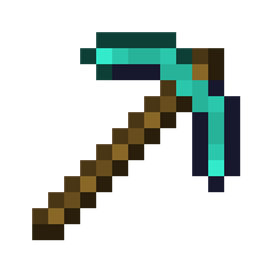
Minecraft 26.40용 Small Items 리소스 팩
이 팩은 모든 Minecraft 도구와 아이템을 더 작게 만들어 화면을 더 깔끔하게 보여줍니다. Small, Smaller, Smallest, Tiny의 네 가지 서브팩이 포함되어 있어 아이템이 얼마나 작게 보일지 선택할 수 있습니다.
What this pack does
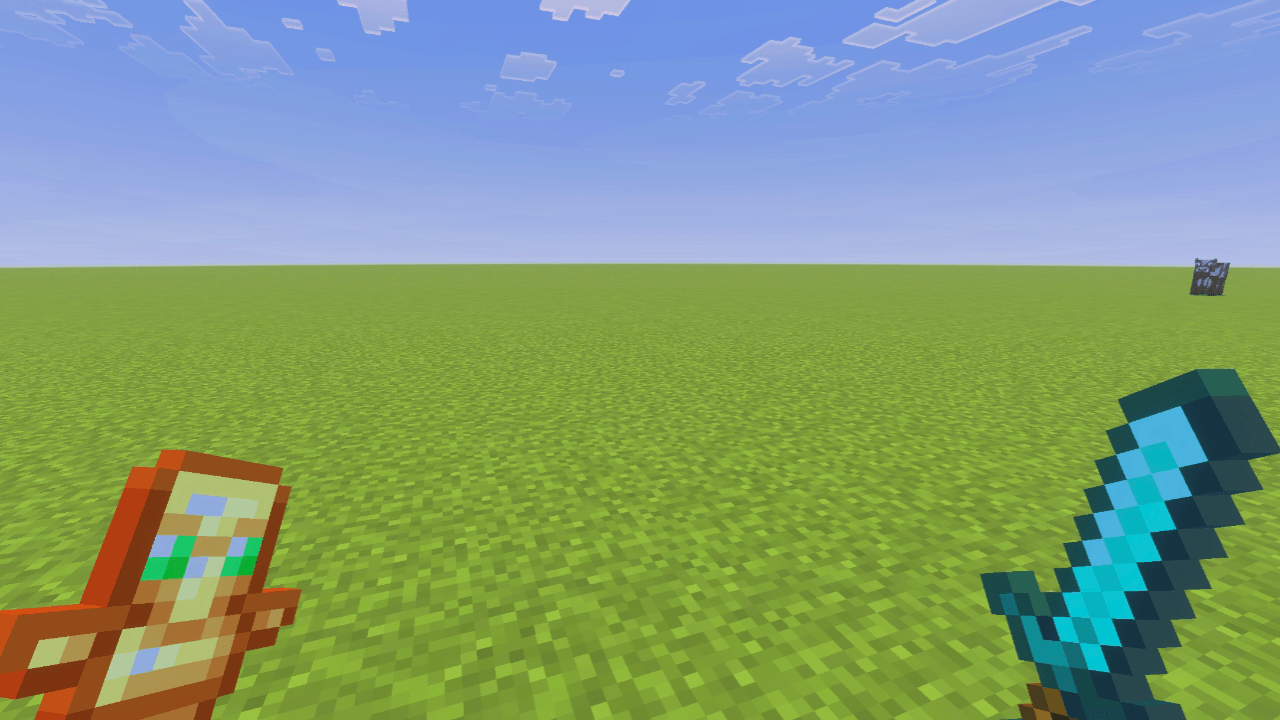
This pack makes all the tools and items in Minecraft smaller so that they cover less of your screen and give you a clearer and cleaner view while playing.
Pack Features
- Items take up less space on the screen, making gameplay more comfortable.
- All tools and items appear smaller but remain easy to use.
- You can choose the item size you prefer from different subpacks.
Available Subpacks
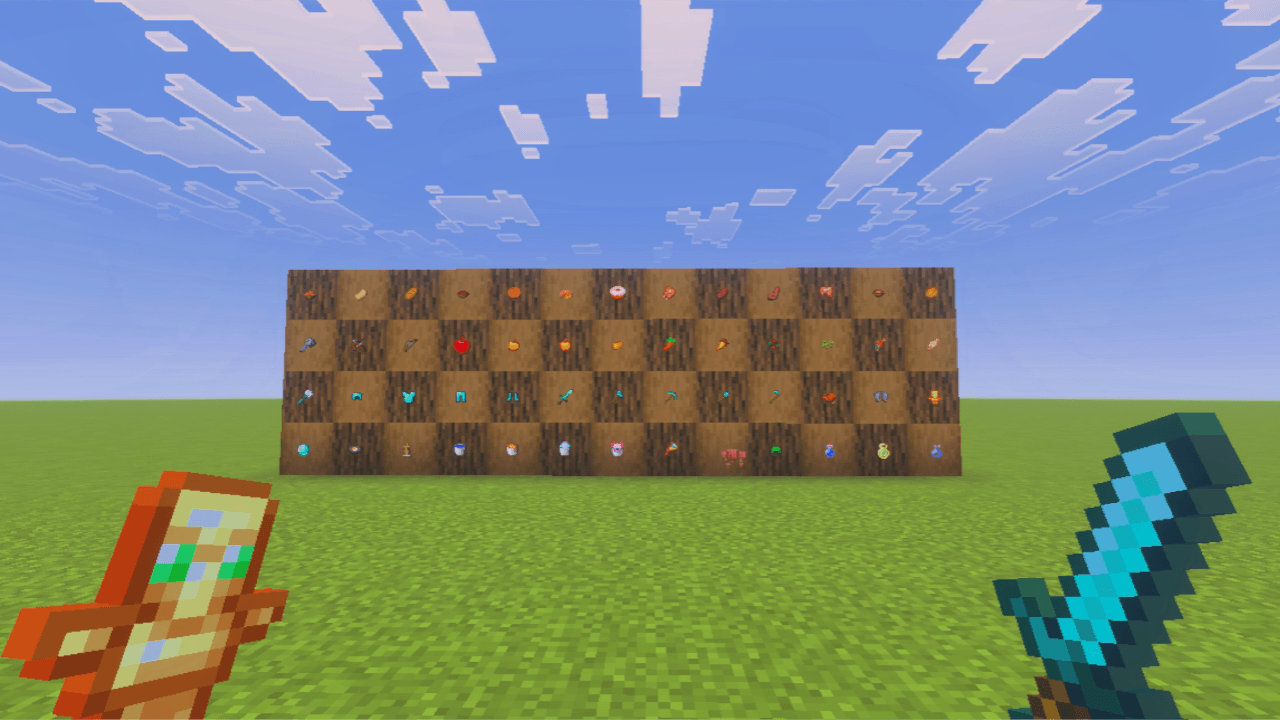
- Small - Slightly smaller items.
- Smaller - Reduced screen coverage.
- Smallest - Minimal screen usage.
- Tiny - Very small items for maximum clarity.
You can pick any subpack you like. The smaller you go, the more open your screen will feel.
Known Issues
Some item textures may look a little different, and the apple texture will remain almost the same because this pack only edits item textures. Due to this, it is not fully compatible with every texture type, so you might notice a few minor visual differences.
This pack does not change block sizes. It only affects items and tools.

Small Items 설치 방법
Install Millida Launcher
The launcher is free: download it at millida.net/launcher and sign in with any nickname.
Click “Install” on this page
The launcher opens and installs the resource pack for Minecraft 26.40 automatically.
Launch the game
A profile with it appears in the launcher: click “Play”.
버전
의존성 포함
| Minecraft | 로더 | 파일 | 날짜 | 작업 |
|---|---|---|---|---|
| 26.40 | — | Small_Items.mcpack2.8 MB 40 |
FAQ
Which Minecraft versions does Small Items work on?
Only Minecraft 26.40: there are no files for other versions.
How do I download Small Items?
With Millida Launcher: it installs Small Items into a modpack by itself, for the right game version and loader. The launcher is free.
리뷰
Small Items의 첫 평가를 남겨 보세요



