
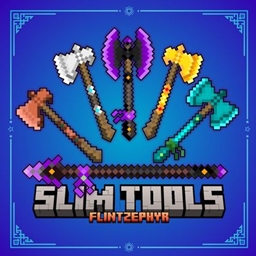
Minecraft 26.0용 Slim Tools TP 리소스 팩
이 미니멀리스트 팩으로 도구를 깔끔하고 슬림하게 만들어 보세요! 모든 기본 도구가 더 얇고 스타일리시해집니다.
Slim Tools TP 리소스 팩 정보

Slim, stylish, and simple!
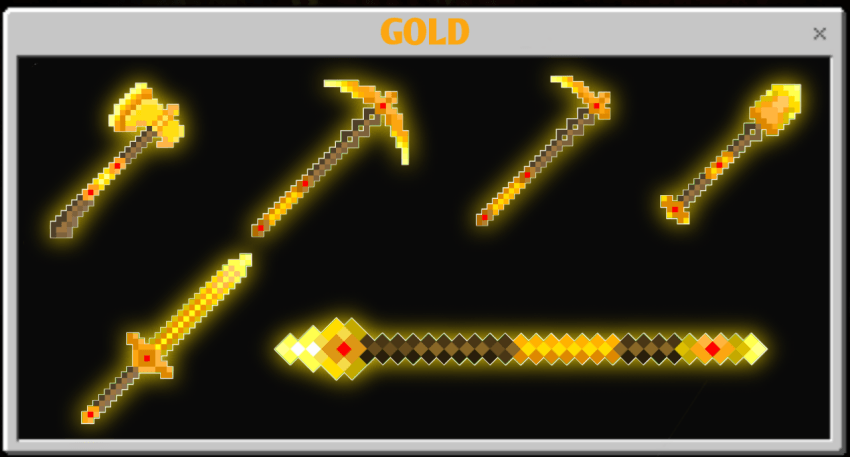
NOTE:
Trident and mace not included, as they require an entity model to render in-game.

New Subpack Size Options!
You can now use the Subpacks slider to choose your preferred tool size:
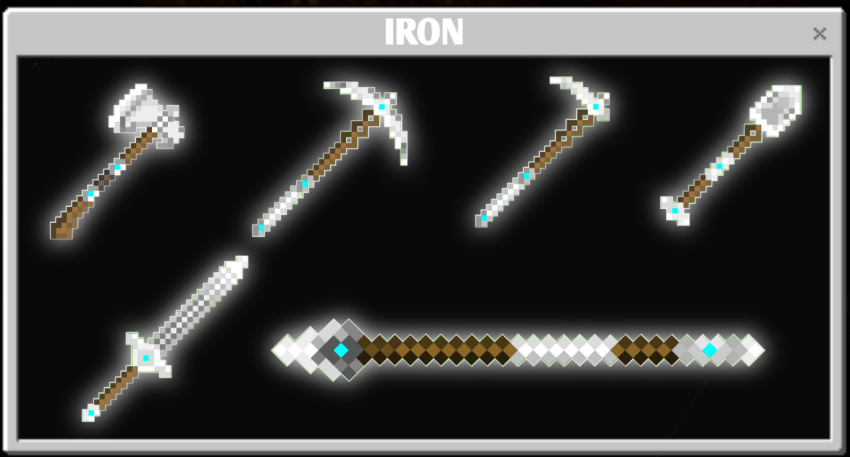
- SLIM TOOLS - standard size
- SLIM TOOLS Medium - smaller than the standard Slim Tools
- SLIM TOOLS L + Small - extra-small/compact design
Simply use the Subpacks settings slider to switch between the different sizes and find the one you like.
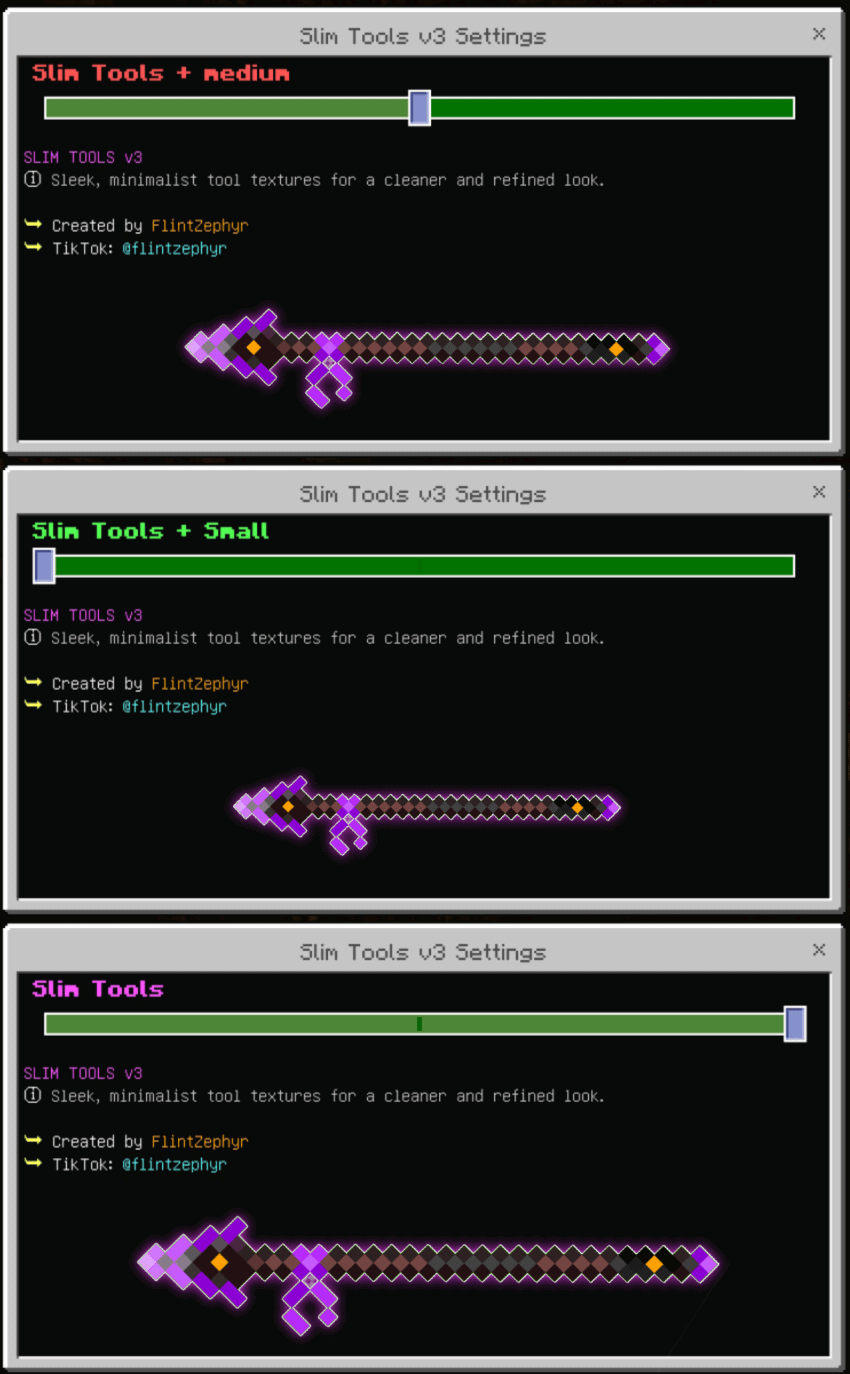
More sizes. More choice. Same clean Slim Tools style.
♥️ If you’re enjoying my pack, please follow me! It really means a lot!

Slim Tools TP 설치 방법
Install Millida Launcher
The launcher is free: download it at millida.net/launcher and sign in with any nickname.
Click “Install” on this page
The launcher opens and installs the resource pack for Minecraft 26.0 automatically.
Launch the game
A profile with it appears in the launcher: click “Play”.
버전
의존성 포함
| Minecraft | 로더 | 파일 | 날짜 | 작업 |
|---|---|---|---|---|
| 26.0 | — | Slim Tools TP v3866 KB |
FAQ
Which Minecraft versions does Slim Tools TP work on?
Only Minecraft 26.0: there are no files for other versions.
How do I download Slim Tools TP?
With Millida Launcher: it installs Slim Tools TP into a modpack by itself, for the right game version and loader. The launcher is free.
리뷰
Slim Tools TP의 첫 평가를 남겨 보세요


