
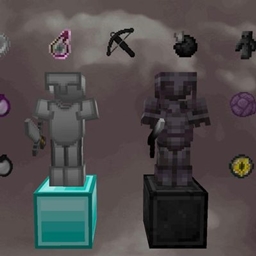
Minecraft 1.18.2, 26.30용 Shadow Eclipse PvP Pack
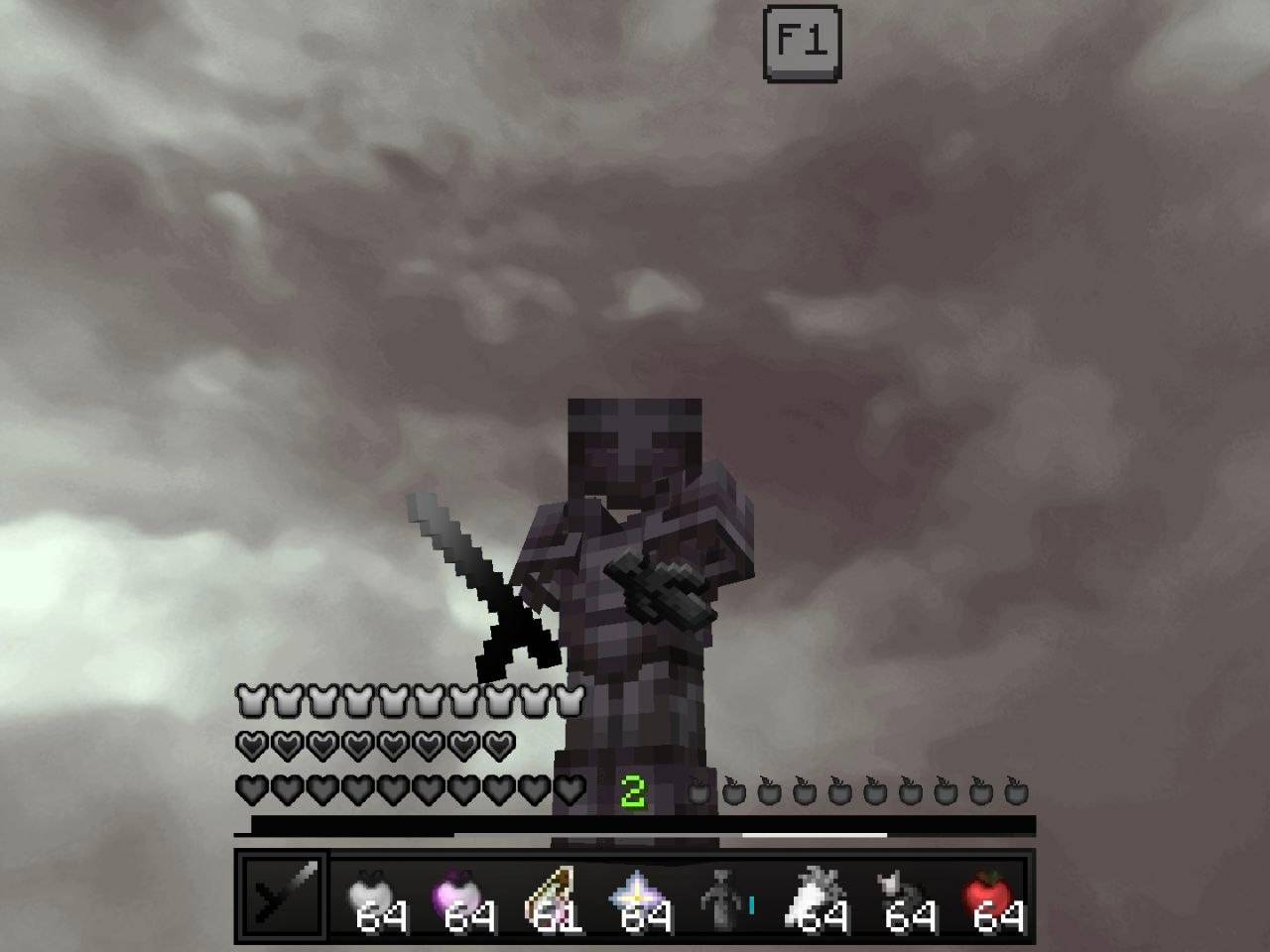
커스텀 갑옷, 무기, 도구, 아이템, 파티클과 깔끔한 미니멀 스타일을 갖춘 세련된 다크 테마 PvP 텍스처 팩으로 모든 전투를 지배하세요. 마인크래프트 Bedrock에 최적화
Shadow Eclipse PvP Pack 리소스 팩 정보
Dominate every battle with a sleek dark-themed PvP texture pack featuring custom armor, weapons, tools, items, particles, and a clean minimalist style. Optimized for Minecraft Bedrock to deliver smooth gameplay, improved visibility, and a premium competitive experienc
Shadow Eclipse PvP Pack 설치 방법
With Millida Launcher
Install Millida Launcher
The launcher is free: download it at millida.net/launcher and sign in with any nickname.
Click “Install” on this page
The launcher opens and installs the resource pack for Minecraft 1.18.2–26.30 automatically.
Launch the game
A profile with it appears in the launcher: click “Play”.
Manually
Download the archive
Pick the file TG @MCAdd3719.mcpack (6.4 MB) for your game version. No need to unpack it.
Put it in the resourcepacks folder
The easiest way: “Options”, then “Resource Packs”, then “Open Pack Folder”, and drag the archive there.
Enable the pack
In the same window, move the pack to the right-hand “Selected” column and click “Done”.
버전
의존성 포함
| Minecraft | 로더 | 파일 | 날짜 | 작업 |
|---|---|---|---|---|
| 1.18.2 | — | TG @MCAdd3719.mcpack6.4 MB 7 |
FAQ
Which Minecraft versions does Shadow Eclipse PvP Pack work on?
There are files for 26.30, 1.18.2. The newest is 26.30.
Where can I download Shadow Eclipse PvP Pack safely?
On this page: the file TG @MCAdd3719.mcpack (6.4 MB) is stored on Millida’s server, with no link shorteners. SHA-1 checksum: e350f2a4ba4a4de9ca0094f9748d314a6be6d471.
리뷰
Shadow Eclipse PvP Pack의 첫 평가를 남겨 보세요



