
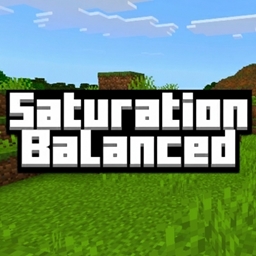
Minecraft 1.21.111용 Saturation Balanced 리소스 팩
이 팩은 마인크래프트의 채도를 약간 높여 색상이 너무 선명하지 않으면서 부드럽고 균형 잡힌 느낌을 줍니다.
Saturation Balanced
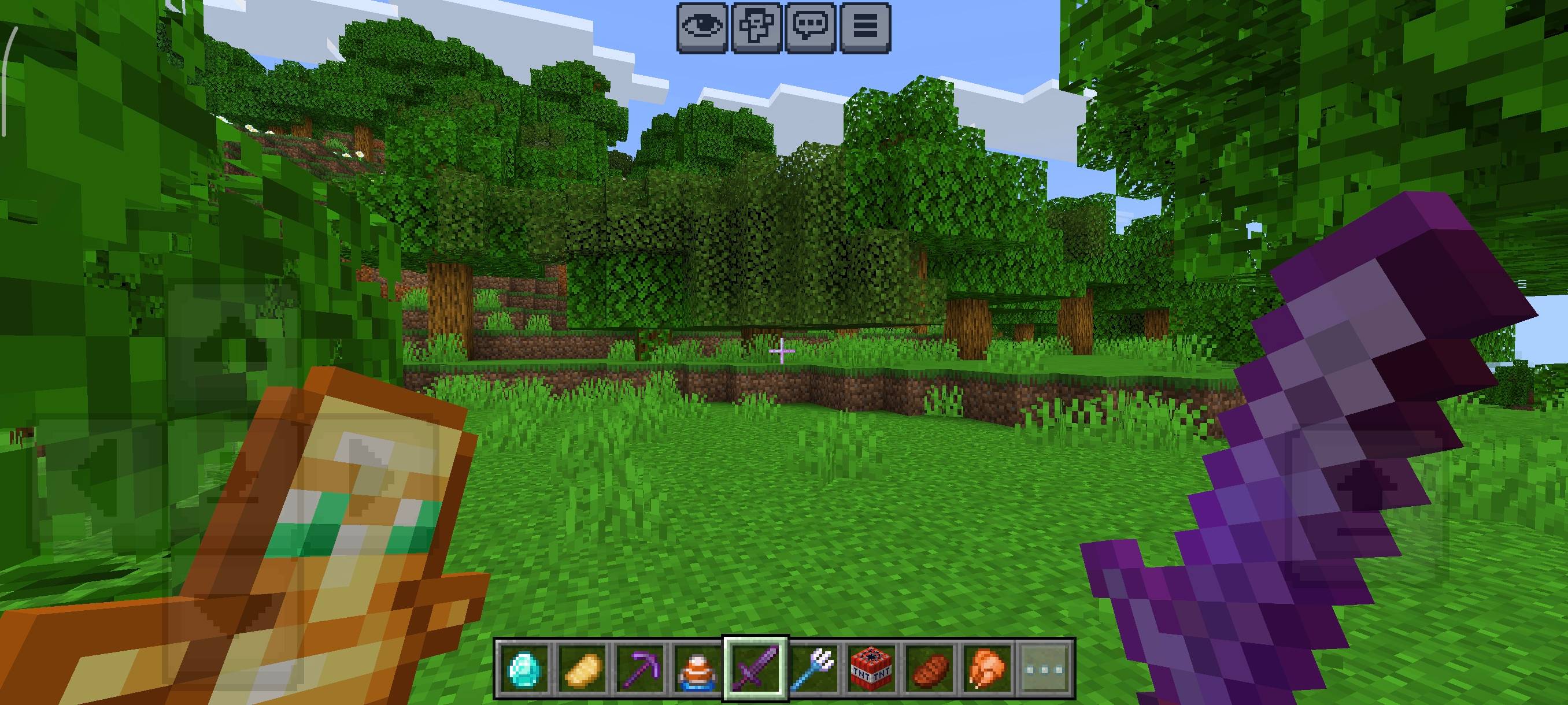
Description: This Minecraft pack offers a balanced level of saturation, making the game look slightly more colorful and natural without putting any strain on your eyes. It enhances the visuals gently, giving your world a soft and realistic glow.
What makes this pack special? Unlike highly saturated packs, this one focuses on keeping the colors pleasant and natural. It improves the look of blocks, items, UI, and entities while maintaining a calm and smooth visual tone - perfect for longer gameplay sessions.
Pack size: Around 35-38 MB. Optimized for balance between quality and performance.
If you prefer a pack with slightly higher saturation, you can check out this one: Saturation Enhanced.
Saturation Balanced 설치 방법
With Millida Launcher
Install Millida Launcher
The launcher is free: download it at millida.net/launcher and sign in with any nickname.
Click “Install” on this page
The launcher opens and installs the resource pack for Minecraft 1.21.111 automatically.
Launch the game
A profile with it appears in the launcher: click “Play”.
Manually
Download the archive
Pick the file Saturation_Balanced.mcpack (40 MB) for your game version. No need to unpack it.
Put it in the resourcepacks folder
The easiest way: “Options”, then “Resource Packs”, then “Open Pack Folder”, and drag the archive there.
Enable the pack
In the same window, move the pack to the right-hand “Selected” column and click “Done”.
버전
의존성 포함
| Minecraft | 로더 | 파일 | 날짜 | 작업 |
|---|---|---|---|---|
| 1.21.111 | — | Saturation_Balanced.mcpack39.6 MB 1 |
리뷰
Saturation Balanced의 첫 평가를 남겨 보세요



