

Radium 리소스 팩 정보
🌟 Radium- Smooth experience
Radium is a optimizer for Minecraft Bedrock edition Made especially for low-end device||Radium helps you enjoy a smooth, fast, and clean Minecraft experience without losing visual quality.
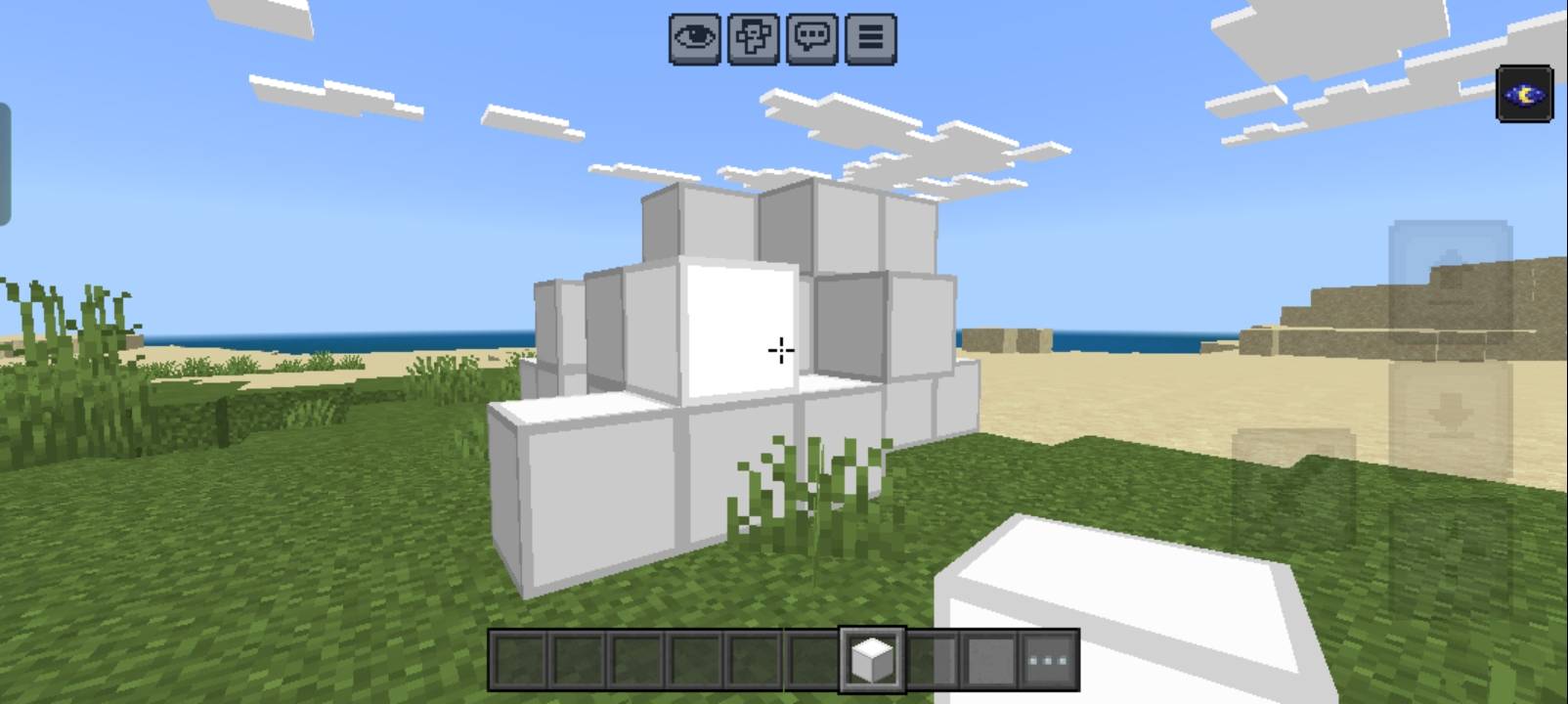
If you’ve ever faced lag spikes, frame drops, or slow performance - Radium is your ultimate solution.
⚙️ Main Features: 1.Dark UI 2.V-Sync option 3.Brewing guide 4.Villager Trade view 5.Smooth font 6.No particle 7.No animation
🎮 Perfect For:
Low-end and mid-end devices
PvP players who want maximum FPS
Survival and creative builders who prefer smooth gameplay
YouTubers and streamers who want lag-free recrecording
📥Installation Guide: -Download the(.mcpack)file -Open it into Minecraft -Active it and enjoy your game
👑 Creator: Made by CB_Editz 💳Credit 1.Bedrock tweaks 2.AyonPlayz 📸 Follow for updates, new versions, and upcoming packs!
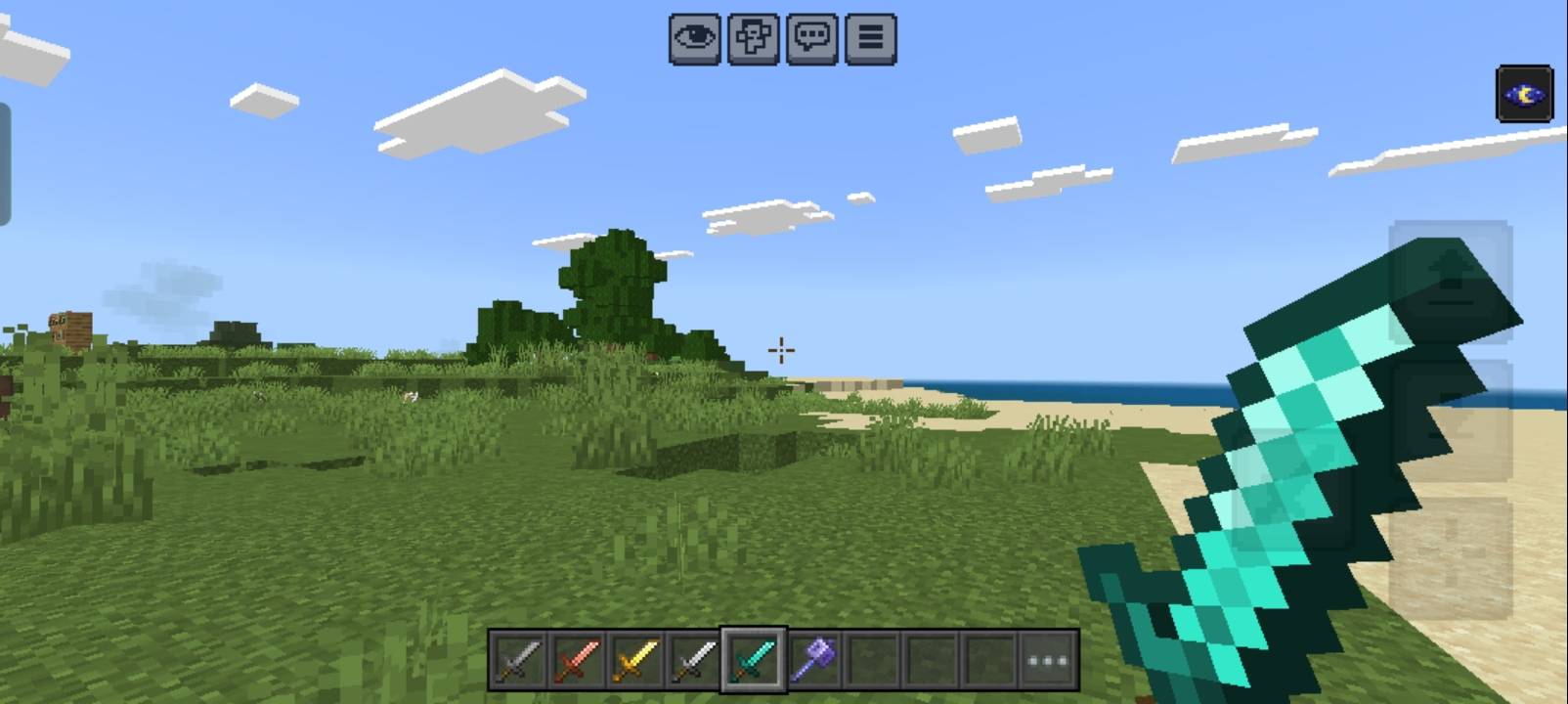
Radium 설치 방법
With Millida Launcher
Install Millida Launcher
The launcher is free: download it at millida.net/launcher and sign in with any nickname.
Click “Install” on this page
The launcher opens and installs the resource pack for Minecraft 1.21–26.0 automatically.
Launch the game
A profile with it appears in the launcher: click “Play”.
Manually
Download the archive
Pick the file Radium V1.0.1.mcpack (591 KB) for your game version. No need to unpack it.
Put it in the resourcepacks folder
The easiest way: “Options”, then “Resource Packs”, then “Open Pack Folder”, and drag the archive there.
Enable the pack
In the same window, move the pack to the right-hand “Selected” column and click “Done”.
버전
의존성 포함
| Minecraft | 로더 | 파일 | 날짜 | 작업 |
|---|---|---|---|---|
| 1.21 | — | Radium V1.0.1.mcpack591 KB |
FAQ
Which Minecraft versions does Radium work on?
There are files for 26.0, 1.21. The newest is 26.0.
Where can I download Radium safely?
On this page: the file Radium V1.0.1.mcpack (591 KB) is stored on Millida’s server, with no link shorteners. SHA-1 checksum: 54d0850890c19cdd6439d986beafa057bf06d969.
리뷰
Radium의 첫 평가를 남겨 보세요



