

Minecraft 26.20용 Pixie - Vibrant Visual PBR 리소스 팩
완전한 바닐라 PBR 텍스처 팩: 모든 Vibrant Visual 셰이더와 호환됩니다!
PIXIE
Vibrant Visuals PBR (Heightmap)
Enhance your Minecraft experience without losing the classic look you love. Vibrant Visuals PBR is a full vanilla-faithful texture pack designed to bring depth, realism, and stunning lighting effects to the standard game textures using high-quality Heightmaps. Engineered specifically to pair perfectly with other deferred technical shaders and Vibrant Visual Subpacks (Soon), this pack unlocks the true visual potential of Minecraft Bedrock's Graphics.
Screenshots: Serene Visuals Used
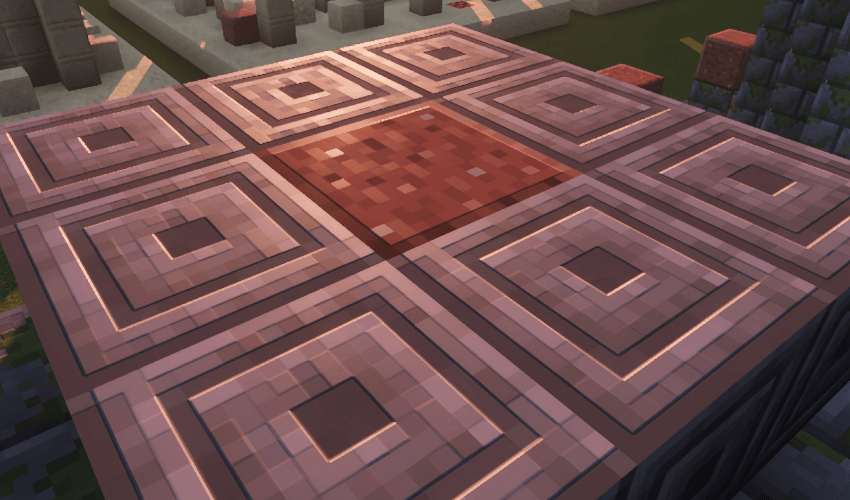
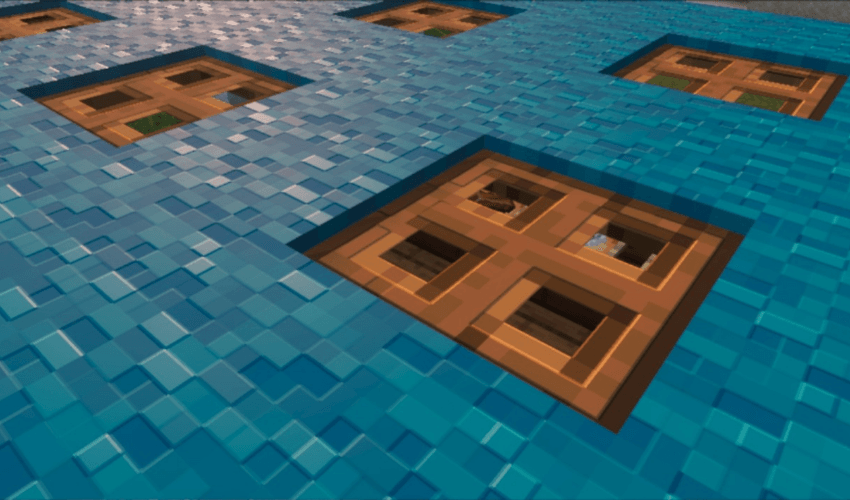
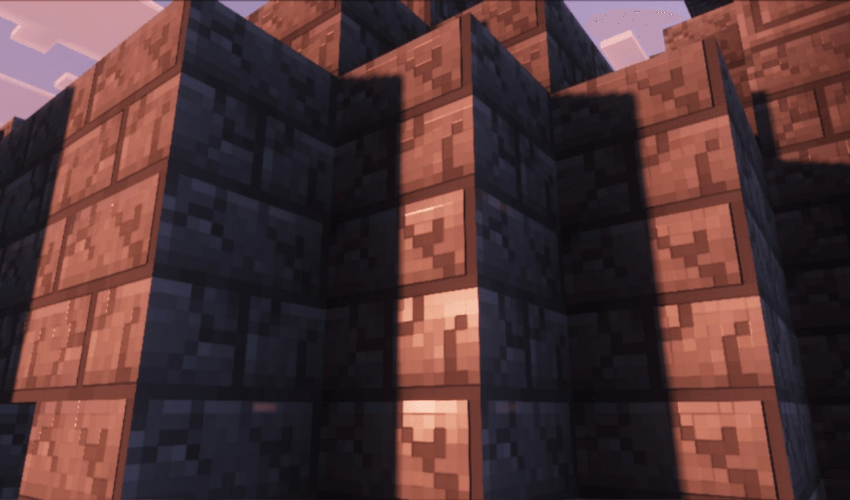
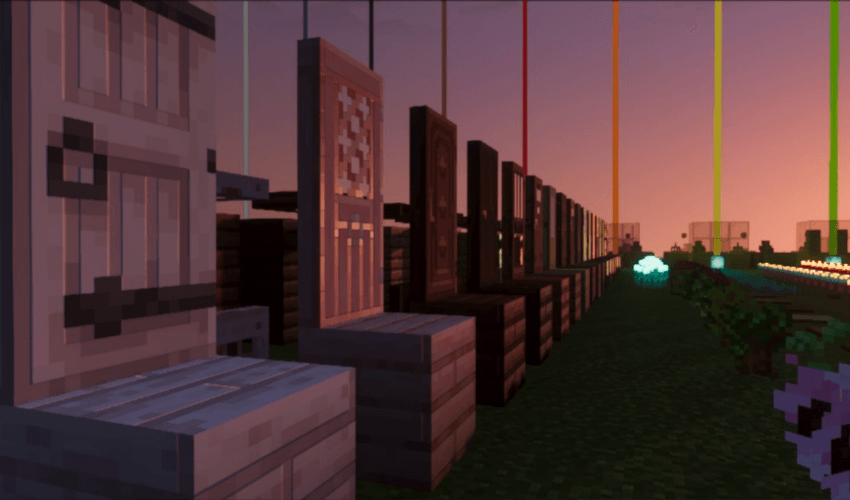
Pixie - Vibrant Visual PBR 설치 방법
With Millida Launcher
Install Millida Launcher
The launcher is free: download it at millida.net/launcher and sign in with any nickname.
Click “Install” on this page
The launcher opens and installs the resource pack for Minecraft 26.20 automatically.
Launch the game
A profile with it appears in the launcher: click “Play”.
Manually
Download the archive
Pick the file Pixie Vibrant PBR- (All Shader Supported).mcpack (5.7 MB) for your game version. No need to unpack it.
Put it in the resourcepacks folder
The easiest way: “Options”, then “Resource Packs”, then “Open Pack Folder”, and drag the archive there.
Enable the pack
In the same window, move the pack to the right-hand “Selected” column and click “Done”.
버전
의존성 포함
| Minecraft | 로더 | 파일 | 날짜 | 작업 |
|---|---|---|---|---|
| 26.20 | — | Pixie Vibrant PBR- (All Shader Supported).mcpack5.7 MB |
리뷰
Pixie - Vibrant Visual PBR의 첫 평가를 남겨 보세요


