
Minecraft 26.3용 Pixel Edge Visuals 리소스 팩
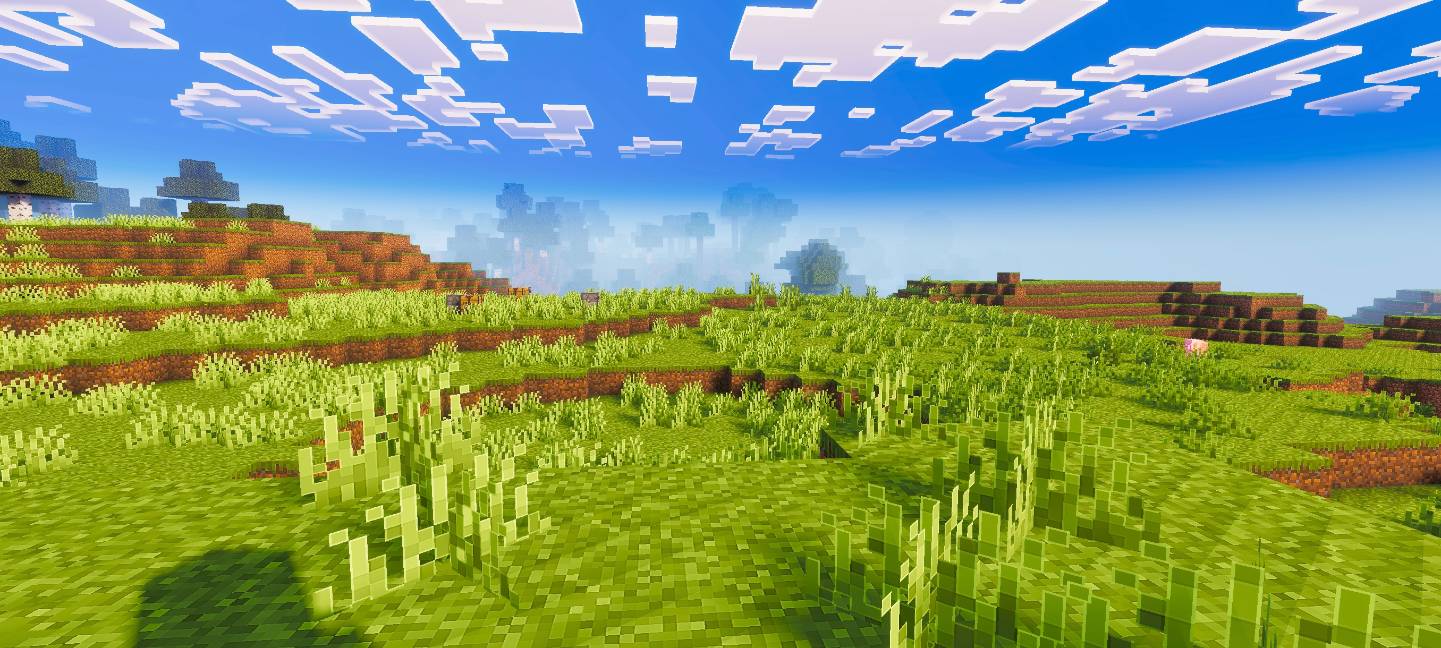
Pixel Edge Visuals는 블록에 밝고 은은한 외곽선을 추가해 더 깔끔하고 세련된 모습을 만듭니다. 셰이더와 함께 사용할 때 가장 잘 작동하며, 두꺼운 테두리 없이 선명도를 높여 Minecraft에 매끄럽고 현대적인 미학을 부여합니다.
Pixel Edge Visuals
This pack upgrades Minecraft’s visuals by improving atmosphere, lighting, water, fog, and overall color balance. It also adds smooth, subtle outlines to blocks and other textures, making the world look cleaner and more refined without being too strong. The softer edges make gameplay visually pleasing while keeping a natural look.
If you want the standalone pixel edge only version, download Pixel Edge Texture Pack.
Important: To ensure the shader works correctly, keep Vibrant Visuals turned ON in your game settings.
Pixel Edge Visuals 설치 방법
With Millida Launcher
Install Millida Launcher
The launcher is free: download it at millida.net/launcher and sign in with any nickname.
Click “Install” on this page
The launcher opens and installs the resource pack for Minecraft 26.3 automatically.
Launch the game
A profile with it appears in the launcher: click “Play”.
Manually
Download the archive
Pick the file Pixel-Edge-Visuals-Medium.mcpack (19 MB) for your game version. No need to unpack it.
Put it in the resourcepacks folder
The easiest way: “Options”, then “Resource Packs”, then “Open Pack Folder”, and drag the archive there.
Enable the pack
In the same window, move the pack to the right-hand “Selected” column and click “Done”.
버전
의존성 포함
| Minecraft | 로더 | 파일 | 날짜 | 작업 |
|---|---|---|---|---|
| 26.3 | — | Pixel-Edge-Visuals-Medium.mcpack18.8 MB 8 |
리뷰
Pixel Edge Visuals의 첫 평가를 남겨 보세요



