

Minecraft 1.20.1, 1.16.5용 PinkSweet GUI 리소스 팩
차분한 핑크색으로 완전히 바뀐 GUI. 제 [SweetSweet HUD!]의 완전한 확장판입니다.

Related projects:
✦-๑┆

LilacSweet GUI ┆✦ʚ♡ɞ✦┆

SweetSweet HUD ┆๑-✦
Features:
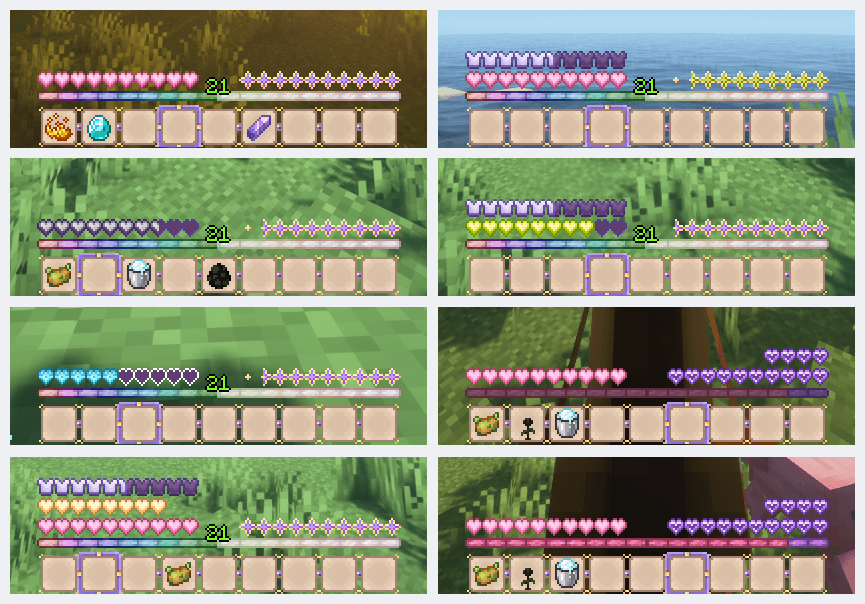
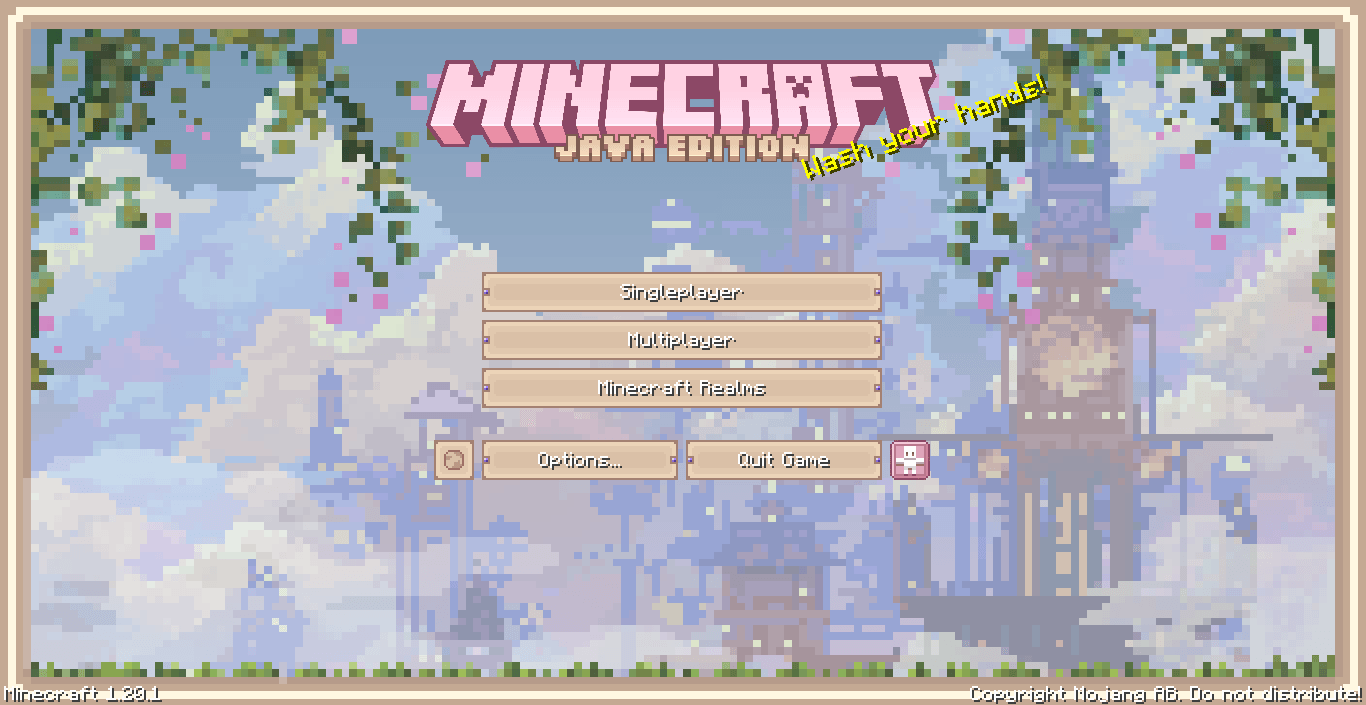
Every menu, inventory screen, and crafting interface has been redesigned with custom pink-toned textures. Some interactive blocks have a special background, but the rest of the style only improves the vanilla windows of interactions and all that stuff This pack is designed as a direct upgrade of my HUD pack. All the familiar elements from the HUD version (like health, armor, hunger, XP & hotbar) are included and perfectly matched to the new GUI style 。 ₊°༺💗༻°₊ 。
Support & Contact:
Love this pack? Support me on Boosty! For any questions or suggestions, reach me out via my Discord server
PinkSweet GUI 설치 방법
With Millida Launcher
Install Millida Launcher
The launcher is free: download it at millida.net/launcher and sign in with any nickname.
Click “Install” on this page
The launcher opens and installs the resource pack for Minecraft 1.16–1.20.6 automatically.
Launch the game
A profile with it appears in the launcher: click “Play”.
Manually
Download the archive
Pick the file PinkSweet GUI 1.20.1.zip (2.2 MB) for your game version. No need to unpack it.
Put it in the resourcepacks folder
The easiest way: “Options”, then “Resource Packs”, then “Open Pack Folder”, and drag the archive there.
Enable the pack
In the same window, move the pack to the right-hand “Selected” column and click “Done”.
버전
의존성 포함
| Minecraft | 로더 | 파일 | 날짜 | 작업 |
|---|---|---|---|---|
| 1.17.1 | — | PinkSweet GUI 1.20.1.zip2.2 MB 7 |
FAQ
Which Minecraft versions does PinkSweet GUI work on?
There are files for 1.16–1.20.6, 23 versions in total. The newest is 1.20.6.
Where can I download PinkSweet GUI safely?
On this page: the file PinkSweet GUI 1.20.1.zip (2.2 MB) is stored on Millida’s server, with no link shorteners. SHA-1 checksum: f84460453f0b96d044348003bdd4cf08a2f596c3.
리뷰
PinkSweet GUI의 첫 평가를 남겨 보세요



