

Pastel Armor 리소스 팩 정보
Update 1.1: Copper armor added and redesign of the iron armor!
Note: Pastel armor is soon coming to java aswell!
This texturepack redesigns the armor in Minecraft to a pastel colortone.
Currently supported are all armor types except leather.
I may add support for the following armor types in the future: leather
The armors are fully recolored with thier corresponding item*. If you encounter any bugs please let me know.
Chain armor: *Currently only the armor without thier item because didnt look good
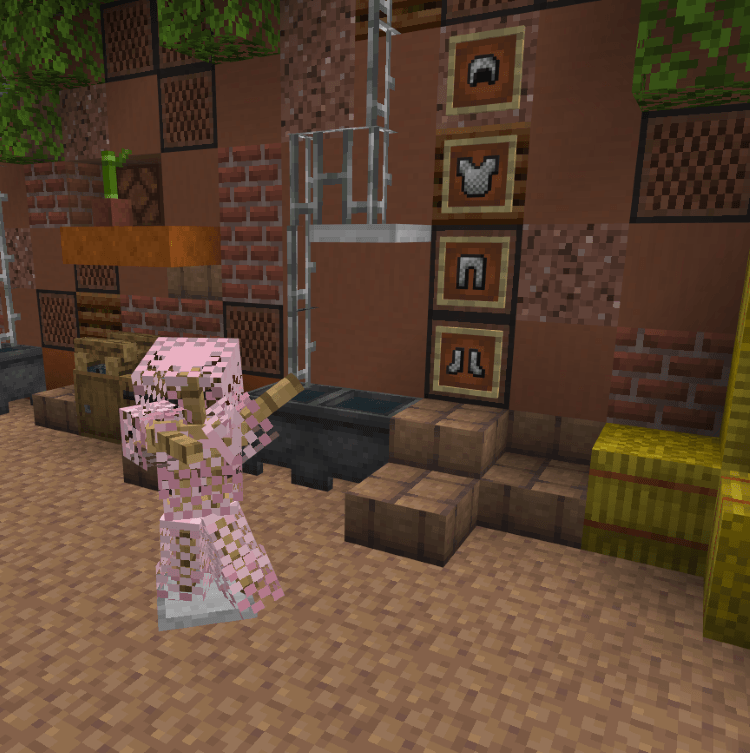
Gold armor
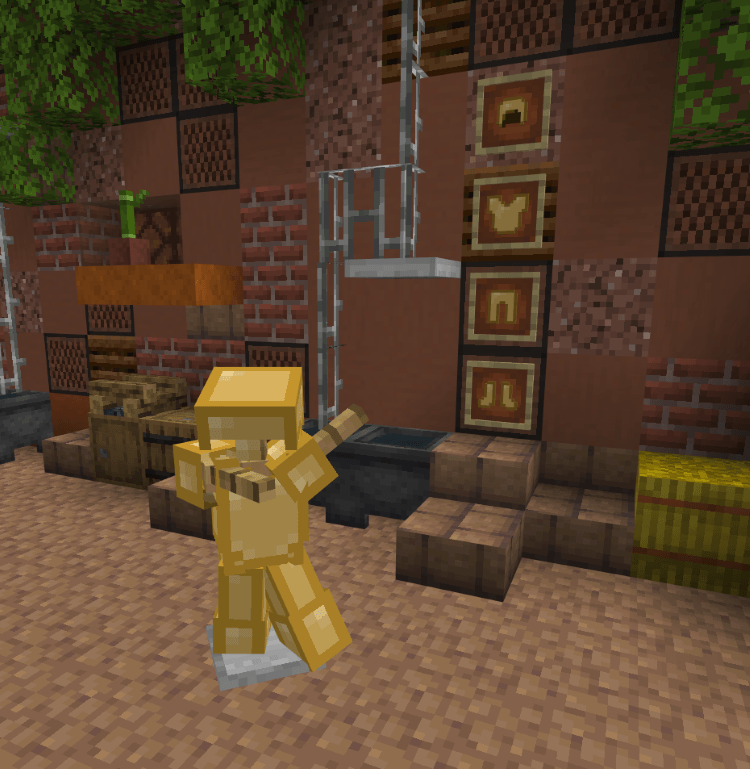
Iron armor [pre Update 1.1}
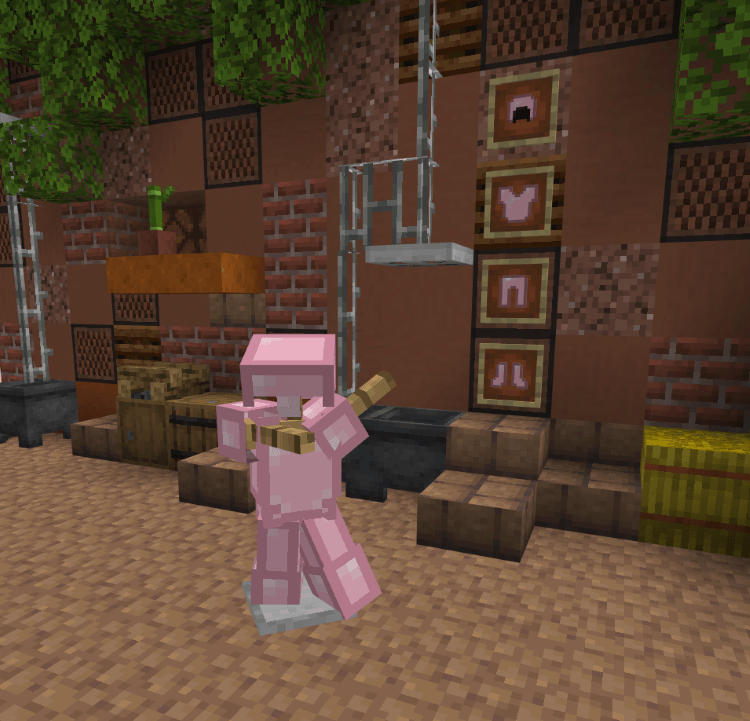
Iron armor [Update 1.1]
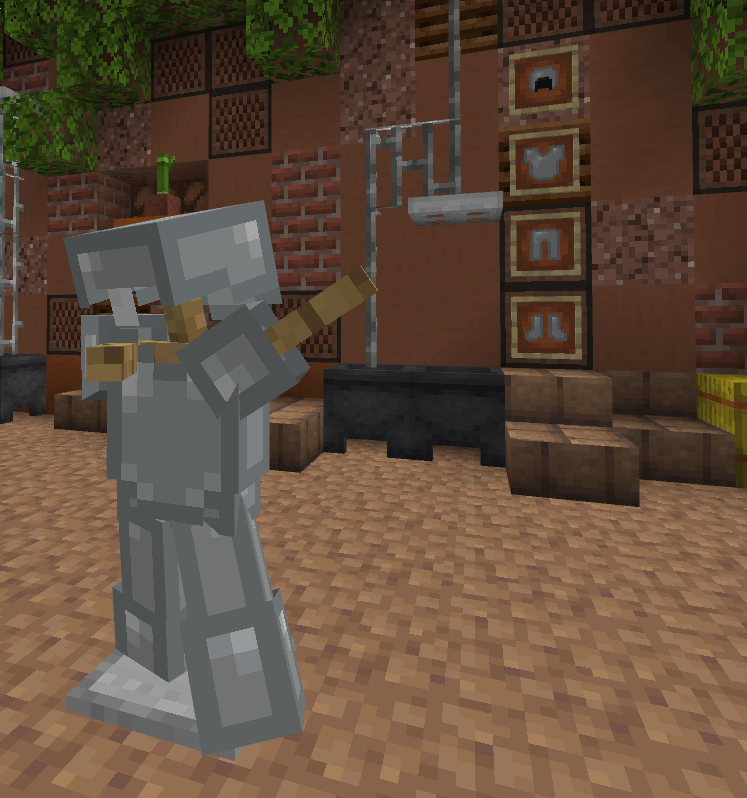
Diamond armor
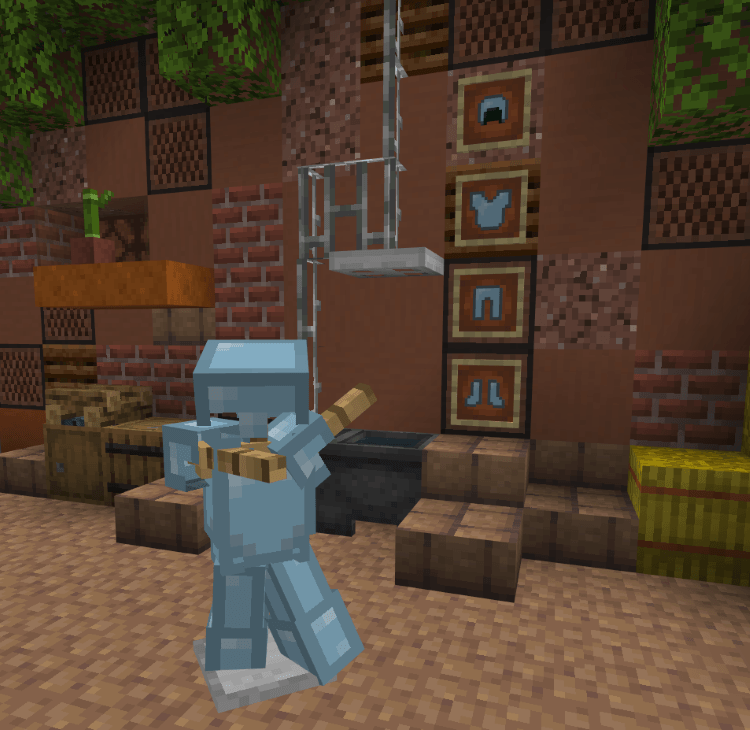
Netherite armor
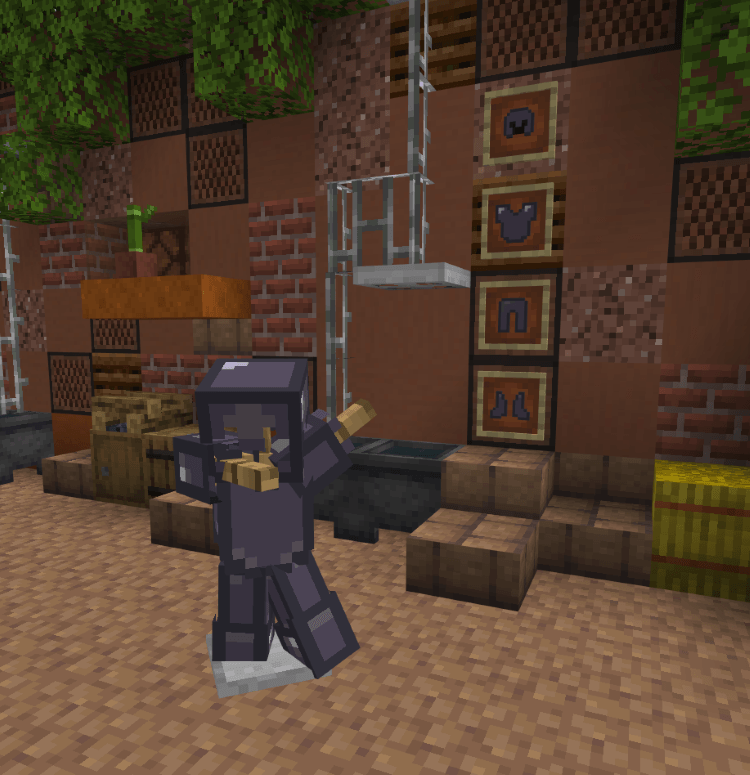
Copper armor
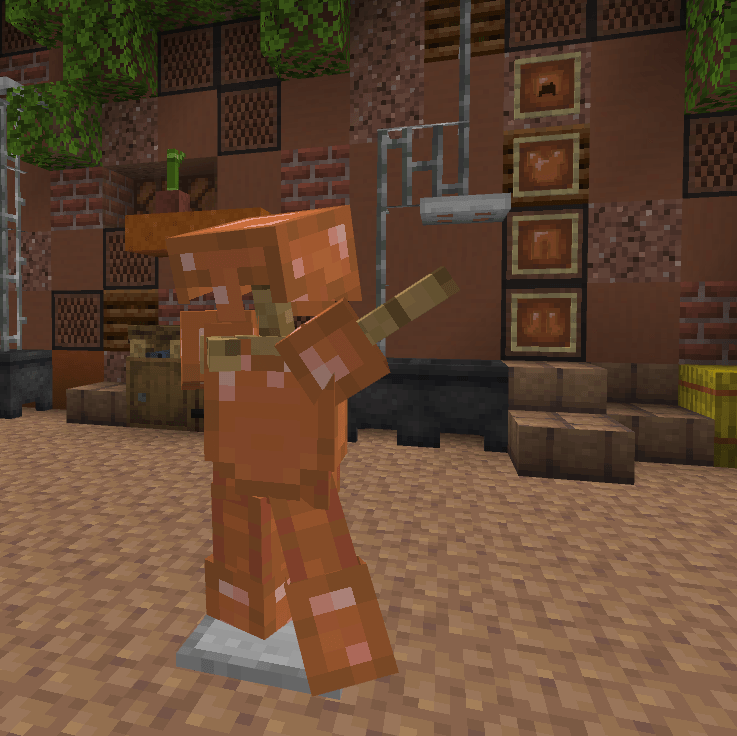
If you have any suggestions or ideas be sure to let me know!
Found a bug? Report it directly so I can take care!
Do not redistribute!
Made by @Kopnhagn, published by @Kopnhagn
Pastel Armor 설치 방법
Install Millida Launcher
The launcher is free: download it at millida.net/launcher and sign in with any nickname.
Click “Install” on this page
The launcher opens and installs the resource pack for Minecraft 1.21.131–1.21.132 automatically.
Launch the game
A profile with it appears in the launcher: click “Play”.
버전
의존성 포함
| Minecraft | 로더 | 파일 | 날짜 | 작업 |
|---|---|---|---|---|
| 1.21.131 | — | PastelArmor[Update 1.1].mcpack96 KB |
FAQ
Which Minecraft versions does Pastel Armor work on?
There are files for 1.21.132, 1.21.131. The newest is 1.21.132.
How do I download Pastel Armor?
With Millida Launcher: it installs Pastel Armor into a modpack by itself, for the right game version and loader. The launcher is free.
리뷰
Pastel Armor의 첫 평가를 남겨 보세요


